




20Gbps USB-C Extension Adapters: Signal Path Questions for
A 20Gbps USB-C extension adapter is often selected when an equipment builder wants to move a USB-C connection point to a more convenient location. USB-C cable RFQ guide covers the options that sit either side of this part. That can be useful for panels, test fixtures, desks, camera stations and compact devices. The risk is that each added connection changes the practical signal path, so the adapter should be specified together with the host, cable, device and enclosure. For 20Gbps USB-C extension orders, Eilinks Eletronics in China works from the drawing.
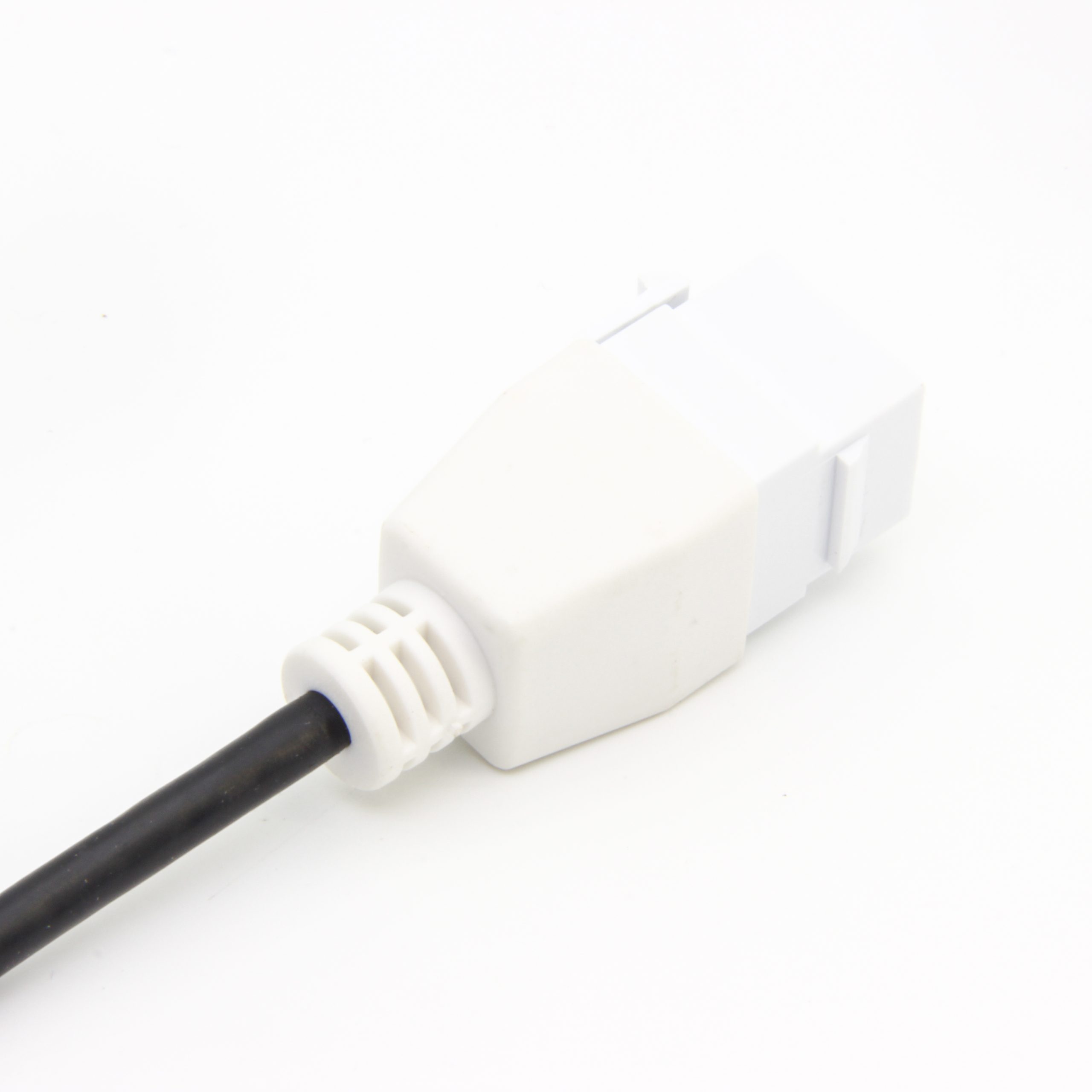
Map the full path first
Start by drawing the path from the host port to the final device. Include every cable, adapter, coupler, panel connector and right-angle section. A part such as a double-side 20G USB-C extension adapter should be reviewed as one part of that chain, not as an isolated connector. Where a run has to be repeatable, the 240W USB4 40Gbps cable is the working reference. Equipment builders tend to check the usb-c fiber optic cable guide before fixing this part of the spec.
Questions to settle before selection
When a keystone interface may fit better
If the connection point needs to sit in a wall plate, rack panel, desk module or equipment faceplate, a keystone-style product may be easier to integrate than a loose adapter. Dongguan Eilinks ships from China, and documents 20Gbps USB-C extension details on the order record.
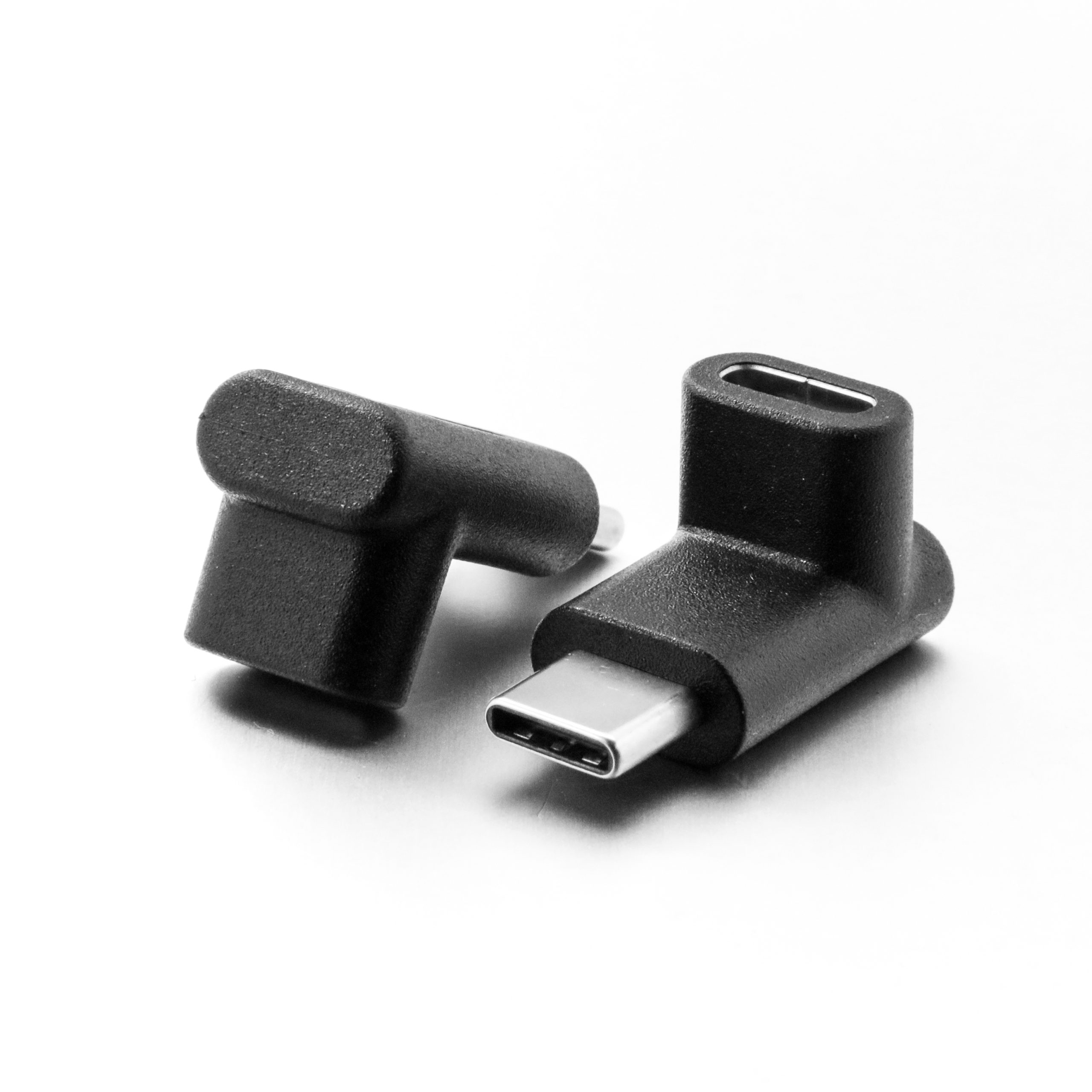
The 240W 20G Type-C USB-C female in-moulder keystone jack is an example of a fixed-interface option that buyers can compare with inline extension adapters.
Procurement mistakes to avoid
Before requesting a quotation
The detail behind this step is kept current in the usb-c signal integrity guide. Panel builders often start from USB-C adapters from a Chinese manufacturer when clearance is tight.
Send the supplier the target speed, power requirement, expected cable length, device list and a simple drawing of the installation. Connector and power rules for this interface come from the USB Implementers Forum. For projects that combine switching, extension and high-speed USB-C paths, compare the bi-directional USB-C switch and hub with extension-only options in the USB-C product catalog.
| Question | Why it matters | Useful RFQ detail |
|---|---|---|
| What data speed is required? | The complete chain must support the intended data rate. | Target speed, host model, device model and cable length. |
| Will the interface carry charging power? | Power requirements affect cable, connector and adapter selection. | Expected wattage, power direction and charger/device combination. |
| Is video output involved? | Display use can be more sensitive to cable length and connection quality. | Display resolution, refresh target and adapter order in the path. |
| Where will the adapter be mounted? | Panel, wall plate and enclosure layouts create different strain and access needs. | Drawing, photos, panel thickness and available clearance. |
| How often will users connect devices? | Frequent plugging may require different retention and service-access planning. | Use environment, connector exposure and replacement expectations. |
- List the connector genders.
- Name the host and device generation.
- Confirm the power level separately.
- Keep the sample note with the order.
Eilinks in China answers 20Gbps USB-C extension questions from the same inspection sheet that ships with the cable. Most projects ask the manufacturer directly once the connector pair is fixed.
| Item | Procurement mistakes to avoid |
|---|---|
| 1 | Specifying only “USB-C adapter” without listing required data, charging and video behavior. |
| 2 | Adding several extension points without checking the full signal path. |
| 3 | Ignoring connector orientation until the enclosure or panel design is already fixed. |
| 4 | Assuming a high headline rating removes the need to test the final host-device combination. |
| 5 | Leaving installation drawings out of the RFQ when panel mounting is required. |
- State the mating pair on the drawing.
- Confirm the exit direction of the plug.
- Quote the data rate at the ordered length.
- Ask for the jacket and overmould in writing.
