




USB-C Extension Adapter: Choosing Between Keystone Couplers
USB-C ports are often moved from a main board or device to a more accessible panel, wall plate, desk, rack, or enclosure face. The comparison behind this section is kept current in USB-C cable selection notes for OEM buyers. That simple goal can be served by different parts, including keystone couplers, molded panel-mount connectors, short extension cables, and inline adapters. For USB-C extension adapter orders, Eilinks Eletronics in China works from the drawing.
The safest procurement path is to define the installation first, then choose the USB-C interface style that matches the mechanical and electrical requirements.
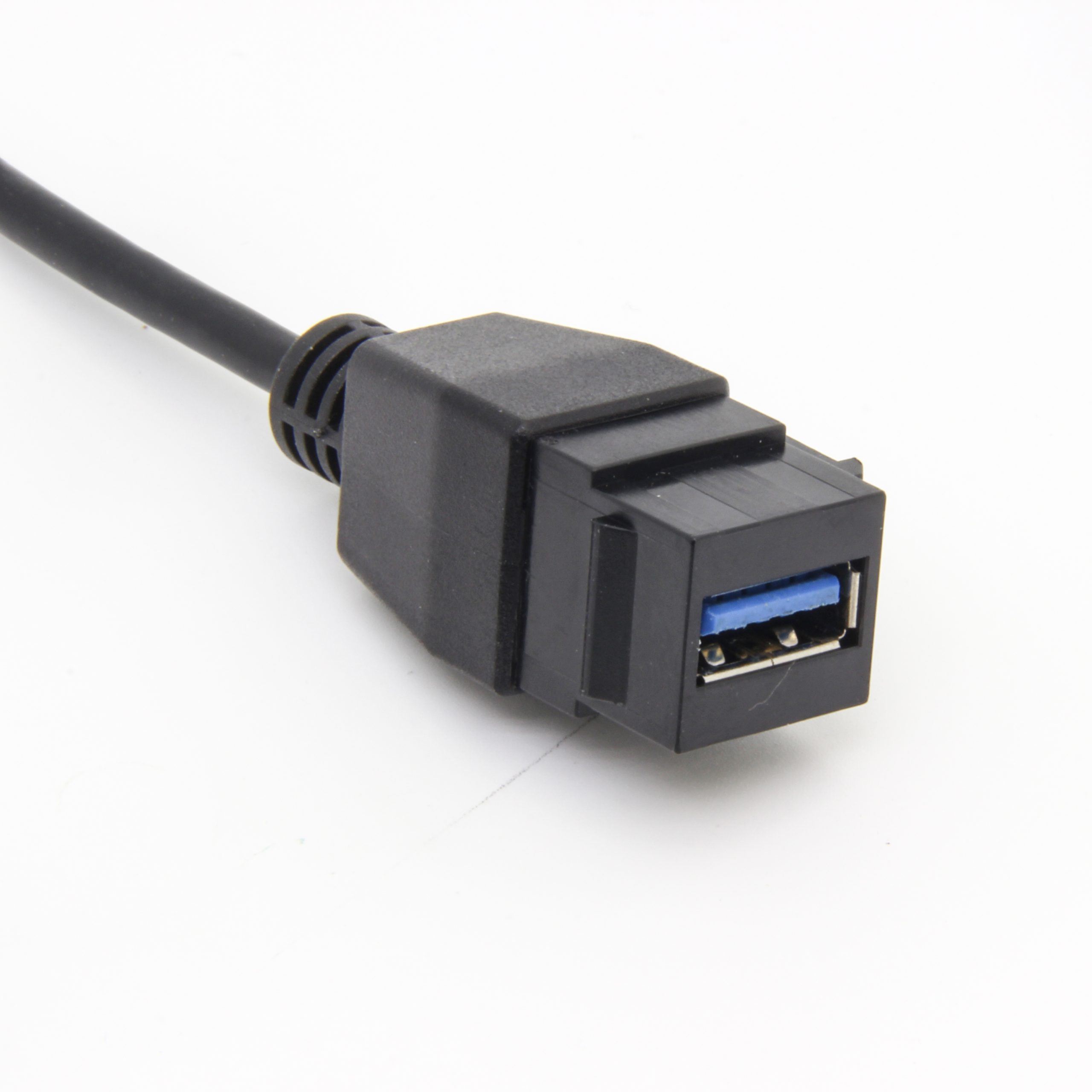
Start with the installation format
A keystone or panel connection is usually selected because the port must be easy to access from the outside of an enclosure or plate. Before choosing a part, confirm the panel thickness, mounting format, rear clearance, cable bend direction, and whether the connection will be serviced after installation. Equipment builders tend to check the 240W USB4 40Gbps cable before fixing a connector pair.
For wall plates and equipment panels, examples to review include the 240W 20G Type-C USB-C female in-molder keystone jack and the USB 3.1 Gen 2 10Gbps 90-degree Type-C female keystone coupler.
Coupler or extension cable?
Match speed and power to the real use case
USB-C appearance alone does not define the interface. Dongguan Eilinks ships from China, and documents USB-C extension adapter details on the order record.
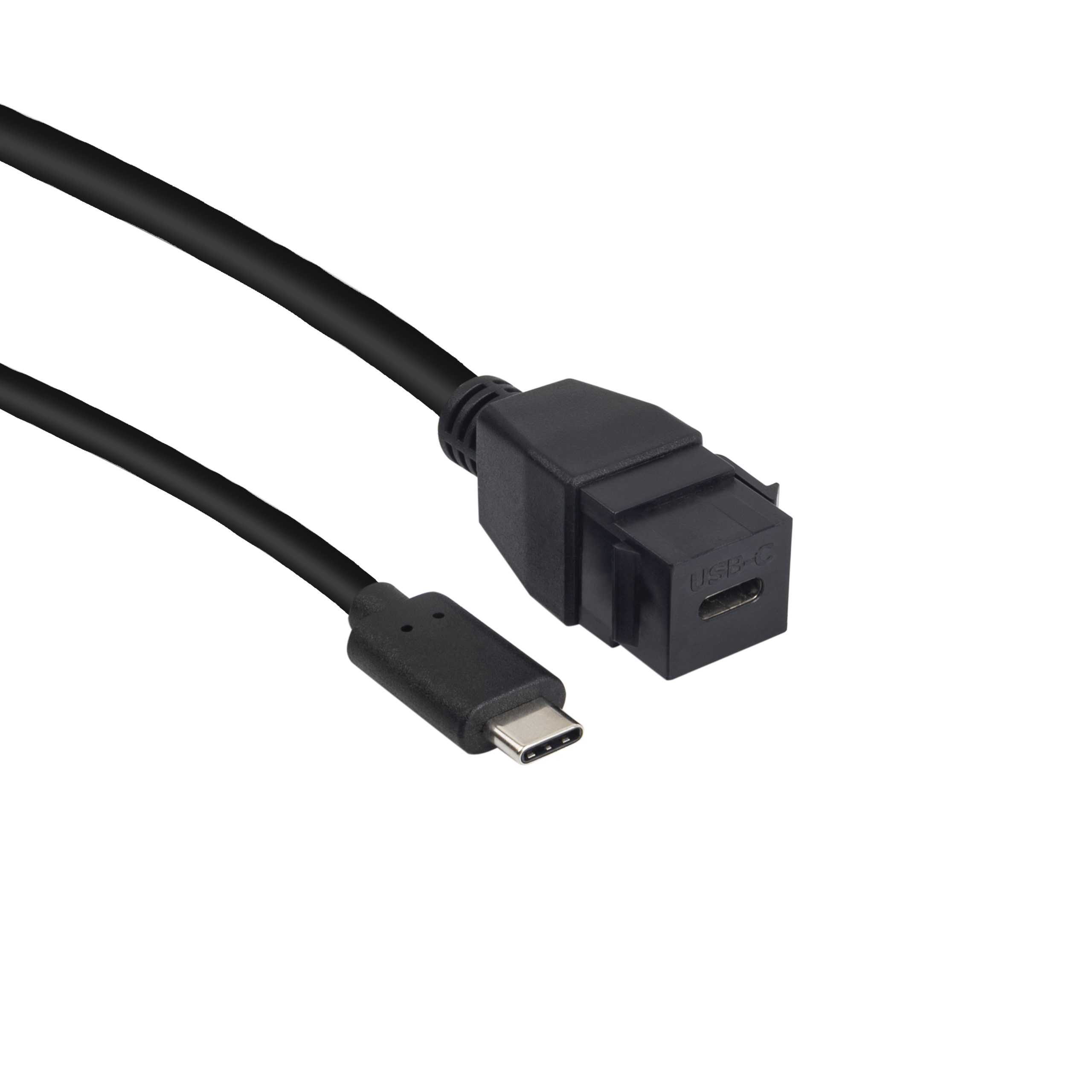
A panel connection for a charging-focused device, a USB 2.0 accessory, a 10Gbps data path, and a 20Gbps extension path can all require different decisions. The RFQ should state the required data rate and any power delivery expectations separately. Buyers usually work from the 100W 20Gbps adapter built in Dongguan before a drawing is signed off.
Lower-speed panel needs may use a different part family, such as the USB 2.0 keystone jack coupler panel mount extension cable adapter. Projects evaluating compact extension paths can also compare the double-side 20G USB-C extension adapter. The underlying standard behind this interface is maintained by the USB Implementers Forum.
Procurement mistakes to avoid
Before requesting a quotation
Send the supplier a drawing or photo of the mounting area, the required connector orientation, expected cable length behind the panel, target data rate, and power requirements if any.
| Option | Useful when | Points to confirm |
|---|---|---|
| Keystone coupler | The project needs a modular wall plate or equipment-panel interface. | Confirm mounting fit, rear clearance, speed target, and connector orientation. |
| Panel-mount extension cable | The rear device is set back from the accessible port location. | Confirm cable length, strain relief, bend radius, and host/device data requirements. |
| Inline extension adapter | The design needs a compact pass-through or test-bench interface. | Confirm supported data rate, power expectations, and mating direction. |
- State the mating pair on the drawing.
- Confirm the exit direction of the plug.
- Quote the data rate at the ordered length.
- Ask for the jacket and overmould in writing.
That information helps narrow the choice between keystone couplers, panel extension cables, and compact adapters without changing the visible product requirements later. Teams needing a second source contact a China-based USB-C supplier about keystone depth early rather than at the sample stage. Eilinks in China answers USB-C extension adapter questions from the same inspection sheet that ships with the cable.
| Item | Procurement mistakes to avoid |
|---|---|
| 1 | Choosing a panel part from connector shape alone. |
| 2 | Leaving the data rate out of the quotation request. |
| 3 | Ignoring the rear-side cable exit direction until installation. |
| 4 | Requesting power delivery support without defining the expected power level. |
| 5 | Assuming a wall plate, enclosure panel, and test bench need the same mounting style. |
- Write both ends as a pair.
- Name the enclosure the plug must clear.
- Confirm the length at the target rate.
- Approve the sample against the drawing.
The detail behind this step is kept current in the usb-c portable monitor guide. Most projects reach this decision through China test notes on panel-mount clearance.
