




USB-C Cable Bend and Strain Planning for Equipment
USB-C interfaces are often selected for electrical performance first, then forced into a tight enclosure, wall plate or camera rig later. USB-C cable selection notes in our specification notes lists what can be quoted as a moulded assembly at this length. That order can create avoidable strain at the connector, especially when a cable exits close to a panel edge, hinge, bracket or moving arm. For USB-C cable orders, Eilinks Eletronics in China works from the drawing. Anyone planning a batch order should look at the usb-c cable flex life guide first.

Before requesting a quotation, define the physical route as clearly as the connector type. A simple routing sketch can prevent the wrong straight, right-angle, keystone or extension style from being ordered.
What to confirm first
Connector and mounting choices
Procurement mistakes to avoid
- Specifying only the connector name and cable length without showing the exit direction. The comparison behind this section is kept current in the 240W USB4 40Gbps cable. Dongguan Eilinks ships from China, and documents USB-C cable details on the order record.
- Assuming a straight connector will fit behind every panel or enclosure wall.
- Using an extension interface without confirming whether the application needs charging, data, video or a combination of these.
- Leaving no service loop or strain relief point for installations that move, pivot or get handled frequently.
- Changing from a cable to a coupler late in the project without rechecking panel thickness and rear clearance.
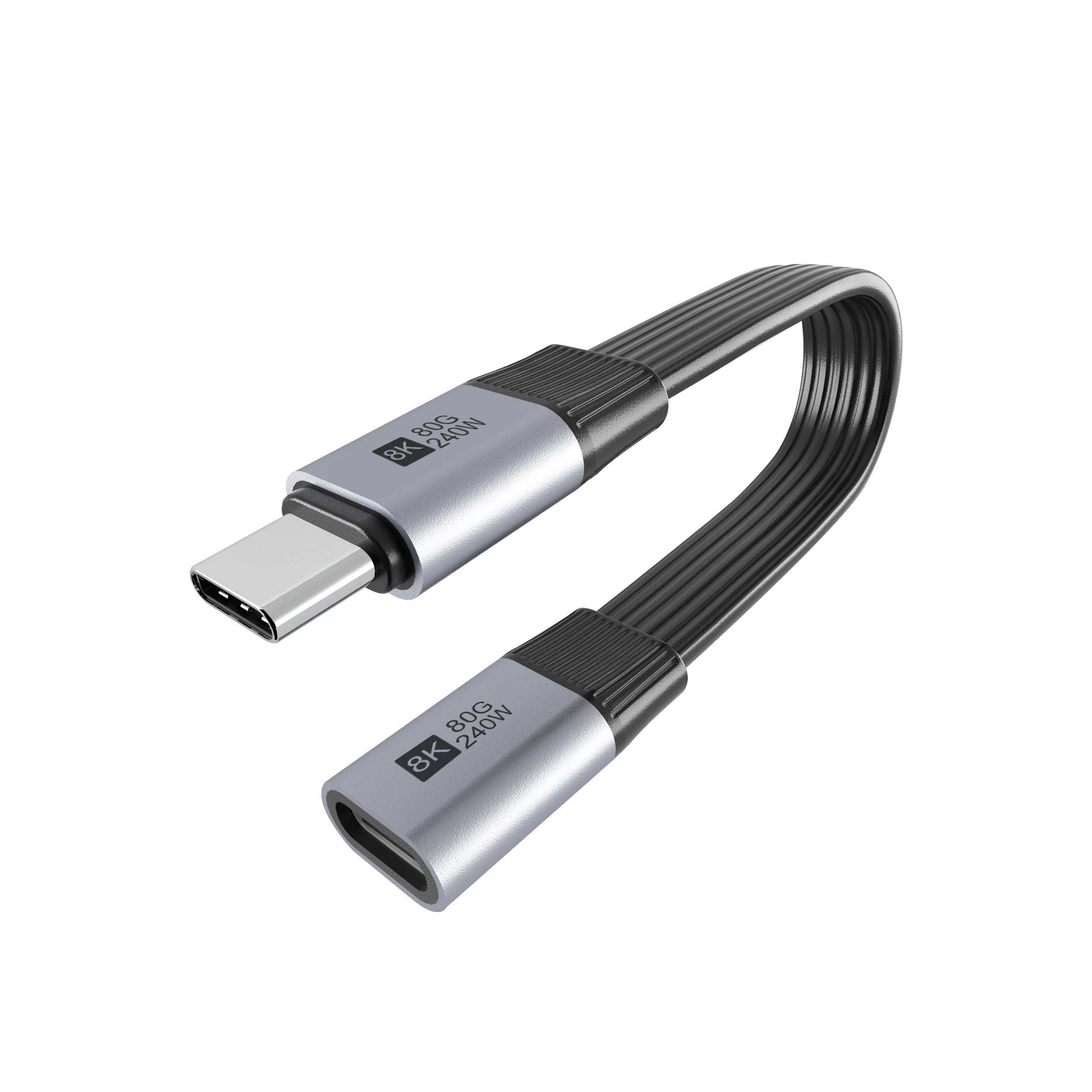
Before requesting a quotation
| Installation condition | Common sourcing choice | Reason to check |
|---|---|---|
| Very shallow side clearance | Right-angle USB-C cable | Can move the cable exit away from a wall, bracket or camera cage. |
| Need to bring a port to a more accessible location | USB-C male-to-female extension cable | Useful when the original port is recessed or hard to reach. |
| Wall plate, panel or equipment faceplate | USB-C keystone or panel coupler | Gives the buyer a defined mounting interface instead of a loose cable end. |
| Compact adapter path between two USB-C cables | Inline USB-C extension adapter | Best checked against the required data rate, charging requirement and mechanical access. |
- List the connector genders.
- Name the host and device generation.
- Confirm the power level separately.
- Keep the sample note with the order.
Buyers comparing this point usually review the usb-c minimum bend radius notes before the drawing is signed off. Most projects contact a Chinese USB-C cable supplier once the connector pair is fixed.
| Step | What to confirm first |
|---|---|
| 1 | The direction the cable must leave the device, panel or fixture. |
| 2 | Whether the connection will be plugged and unplugged often or left installed. |
| 3 | The available depth behind the panel or enclosure wall. |
| 4 | Whether the cable will carry charging power, high-speed data, video, or a lower-speed control connection. |
| 5 | Where strain relief, cable clamps or service loops can fit without pulling on the connector. |
- State the mating pair on the drawing.
- Confirm the exit direction of the plug.
- Quote the data rate at the ordered length.
- Ask for the jacket and overmould in writing.
Send the supplier a short note with the host device, connected device, port direction, available clearance, expected cable movement and the required interface performance. Equipment builders tend to check the 100W 20Gbps adapter for wall plates before fixing a connector pair. If the build is still being evaluated, compare the USB-C cable and adapter options in the USB-C product catalog and shortlist the physical style before discussing customization details. The underlying standard behind this interface is maintained by the USB Implementers Forum. Eilinks in China answers USB-C cable questions from the same inspection sheet that ships with the cable.
