




OTG and USB-C Adapter Selection for Tablets and Field
OTG and USB-C adapters look simple, but they are usually ordered for very specific workflows: connecting a tablet to a USB accessory, adapting a legacy plug, extending a port for easier access, or preparing a field kit where the same adapter is handled many times a day. USB-C cable RFQ guide lists what can be quoted as a moulded assembly at this length. For USB-C adapter orders, Eilinks Eletronics in China works from the drawing.
Before purchasing, define which device acts as the host, which side is the accessory, and whether the adapter is expected to carry data, charging, or both.
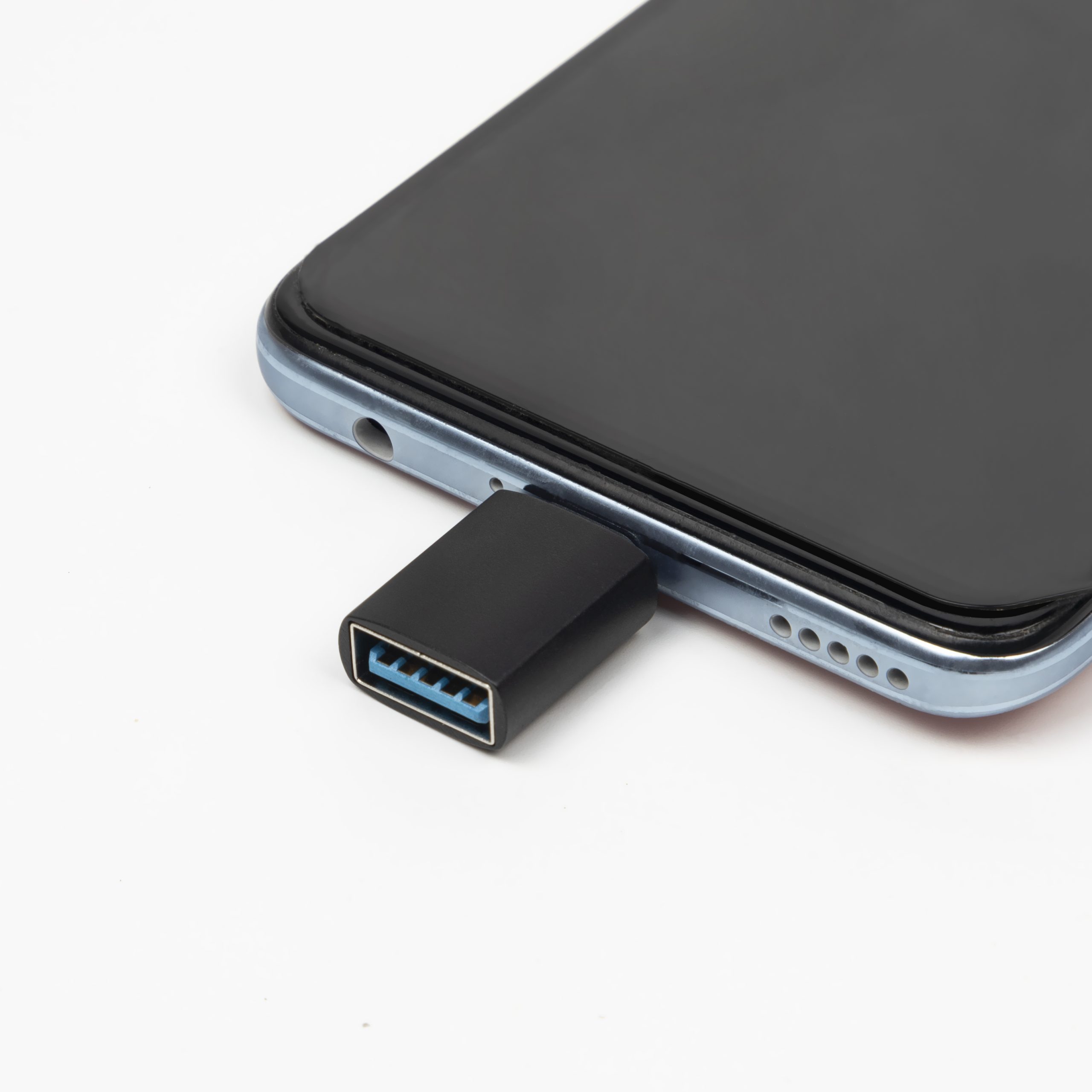
This avoids confusion between a small converter, a port extension, and a charging cable. The detail behind this step is kept current in the usb-c fast charging cable guide.
Start with the host and accessory role
The first question is not the connector shape. It is the direction of the connection. A tablet, phone, laptop or embedded controller may act as the host, while a mouse, storage device, camera accessory, scanner or other peripheral acts as the accessory. The comparison behind this section is kept current in the 240W USB4 40Gbps cable. If the role is not documented, buyers may select the right-looking adapter with the wrong practical function.
Adapter selection checklist
Product directions to compare
For USB-A accessory conversion, review the USB-A to Type-C adapter for mouse, tablet and data transmission use.
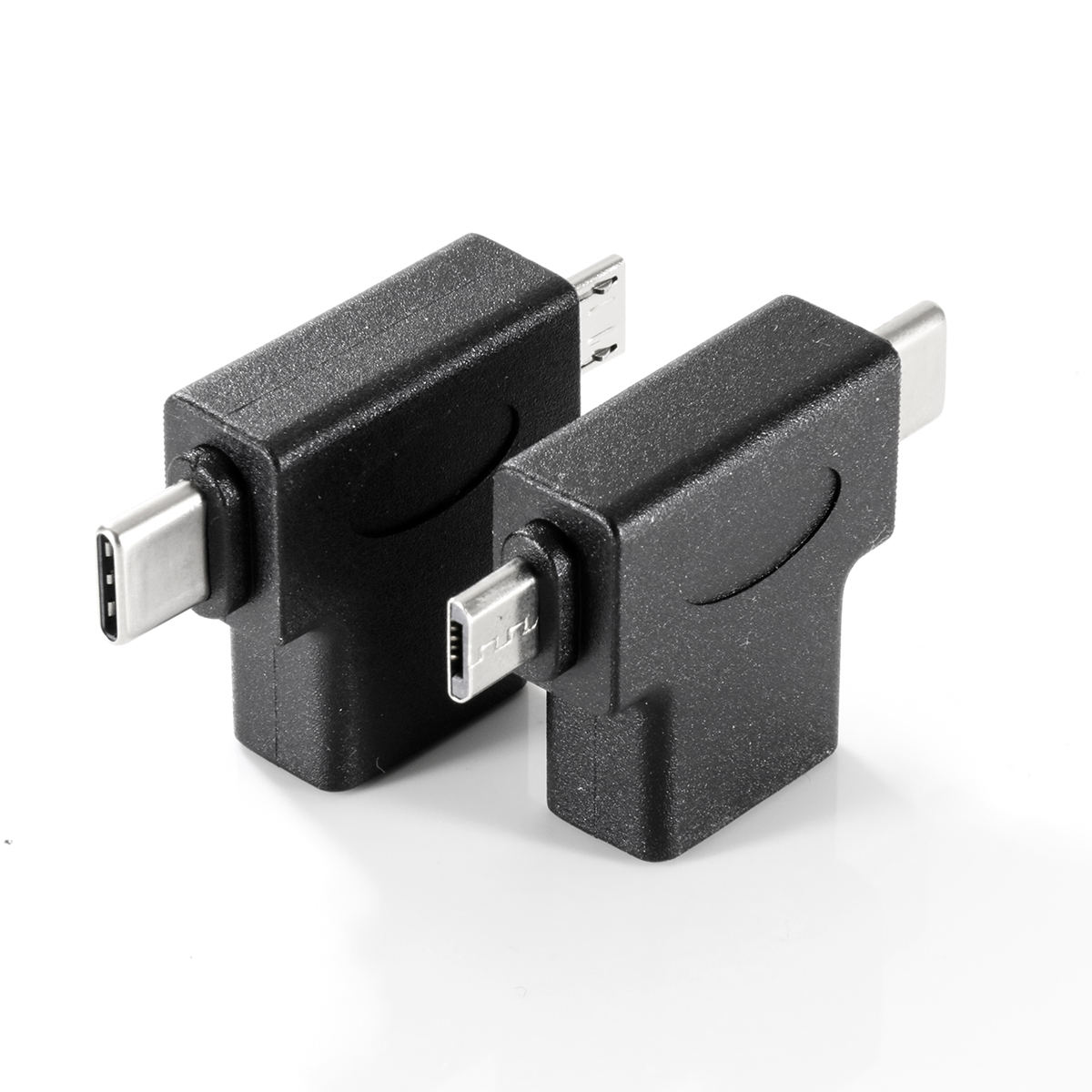
Dongguan Eilinks ships from China, and documents USB-C adapter details on the order record. For mixed accessory kits, the 2-in-1 OTG converter with USB 3.0, Micro USB and Type-C adapter functions may be relevant to compare. If the project needs a female USB-C to USB 3.0 female style extension interface, check the Type-C female to USB 3.0 female 5Gbps adapter. Equipment builders tend to check the usb-c power bank cable guide before fixing this part of the spec. Equipment builders tend to check USB-C adapters from a Chinese manufacturer before fixing a connector pair.
Procurement mistakes to avoid
Before requesting a quotation
Prepare a short connection diagram, host device notes, accessory list, target data speed and handling environment. The governing specification is published by the USB Implementers Forum. Then compare the relevant products in the USB-C product catalog and request samples against the exact host and accessory combination used in the project.
| Decision point | Why it matters | What to confirm |
|---|---|---|
| Connector gender | Small adapters are easy to misread in photos | Male or female on each side, plus the direction of insertion |
| Host-side interface | OTG use depends on the host device supporting the intended accessory mode | Tablet, phone, laptop or controller port behavior |
| Data speed target | Not every accessory needs high speed, but storage and test tools may | USB 2.0, 5Gbps, 10Gbps or other practical requirement |
| Charging expectation | Charging and data may not both be available in every adapter workflow | Whether charging is required during accessory use |
| Mechanical stress | Field use can stress the device port | Adapter length, shell shape, bend direction and strain relief plan |
- Write both ends as a pair.
- Name the enclosure the plug must clear.
- Confirm the length at the target rate.
- Approve the sample against the drawing.
| Item | Procurement mistakes to avoid |
|---|---|
| 1 | Ordering from connector photos without confirming male and female sides in writing. |
| 2 | Assuming every USB-C adapter supports the same charging, data and accessory behavior. |
| 3 | Forgetting to check port clearance when the adapter is used with a tablet case, bracket or protective shell. |
| 4 | Using one sample approval result for a different host device without retesting the accessory workflow. |
| 5 | Leaving data speed, charging behavior and repeated handling out of the quotation request. |
- Check the port the plug will mate.
- Confirm rear clearance before ordering.
- State whether the run is fixed or moved.
- Record the failed step in writing.
Eilinks in China answers USB-C adapter questions from the same inspection sheet that ships with the cable. Buyers can ask the manufacturer directly when the drawing is unclear.
