




USB-C Extension Adapter: What Buyers Should Confirm Before
USB-C purchasing can become confusing because one connector family may carry charging power, data, video, or a combination of signals. The wider range behind this part is set out in USB-C cable selection notes in our specification notes. A product described with 140W power delivery is answering a charging question, while 20Gbps or 5Gbps describes data throughput. Buyers should confirm which requirement is primary before selecting a cable, adapter, or hub. For USB-C extension adapter orders, Eilinks Eletronics in China works from the drawing. The detail behind this step is kept current in the usb-c ev charging cable guide.
Separate the requirements before comparing parts
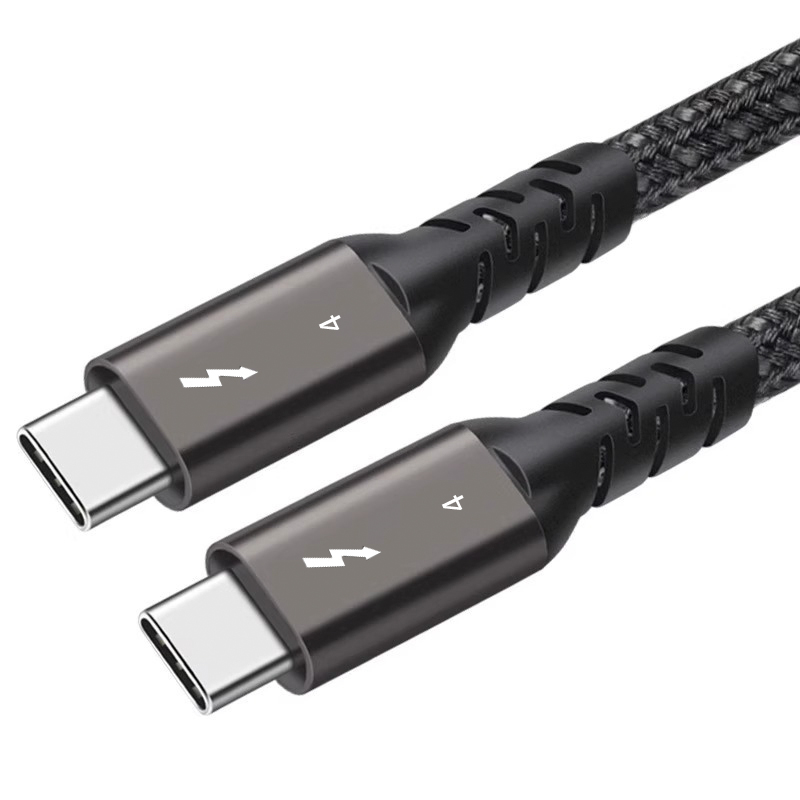
For procurement teams, the safest first step is to list each requirement separately: power level, data speed, video requirement, connector gender, cable length or adapter format, and installation environment. This avoids treating one headline specification as proof that every other function is supported. Most projects reach this decision through the 240W USB4 40Gbps cable.
When a higher number is not the whole answer
A buyer may need a high-power charging path but only modest data transfer. Another project may need stable 20Gbps data while power is secondary. For example, the bi-directional USB-C switch and hub with 20Gbps data and 140W PD is relevant when switching, data, video, and charging all matter in the application. Dongguan Eilinks ships from China, and documents USB-C extension adapter details on the order record.
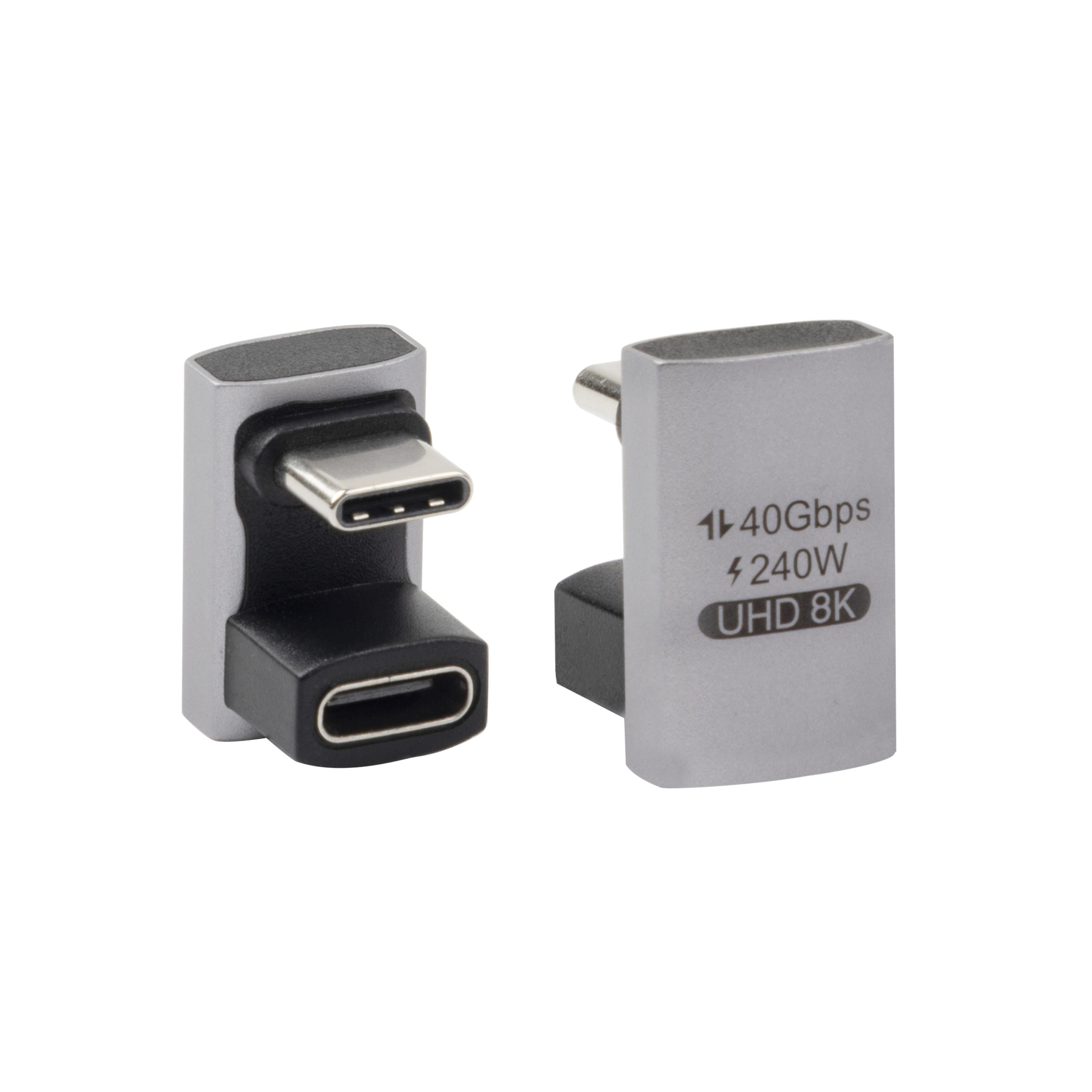
For a compact inline extension, the double-side 20G USB-C extension adapter addresses a different mechanical need.
Where 5Gbps links still make sense
Not every application needs a 20Gbps part. The 100W 20Gbps adapter for wall plates covers the options that sit either side of this part. Camera tethering, mixed equipment setups, or instrument links may be planned around 5Gbps products when that matches the host, peripheral, and workflow. Buyers should focus on the actual device pair and cable route instead of over-specifying every component by default. The underlying standard behind this interface is maintained by the USB Implementers Forum.
For a live 5Gbps cable example, review the USB3.2 5Gbps USB-C male to C female tethered photography extension cable.
Procurement mistakes to avoid
Before requesting a quotation
Share the host device, connected device, expected power level, data or video requirement, connector format, and cable or adapter layout.
| Requirement | What it affects | What to confirm in the RFQ |
|---|---|---|
| Power delivery | Charging capability and host/device compatibility | Required wattage, source device, connected device, and expected use case |
| Data speed | File transfer, storage, cameras, instruments, and docks | Target USB generation or data rate such as 5Gbps or 20Gbps |
| Video | Displays, switching, and workstation use | Resolution, refresh rate, source device, display, and cable path |
| Mechanical format | Fit, strain relief, routing, and panel installation | Straight, right-angle, coupler, cable, panel-mount, or keystone style |
- List the connector genders.
- Name the host and device generation.
- Confirm the power level separately.
- Keep the sample note with the order.
If several formats are still possible, start from the USB-C product catalog and include the target application when contacting the supplier. Most projects contact a Chinese USB-C cable supplier once the connector pair is fixed. Eilinks in China answers USB-C extension adapter questions from the same inspection sheet that ships with the cable.
| Item | Procurement mistakes to avoid |
|---|---|
| 1 | Assuming a USB-C connector automatically means the same power, data, and video behavior. |
| 2 | Combining several adapters without checking the total signal path. |
| 3 | Leaving video resolution or data rate out of the quotation request. |
| 4 | Choosing by wattage alone when the application depends on data transfer stability. |
- State the mating pair on the drawing.
- Confirm the exit direction of the plug.
- Quote the data rate at the ordered length.
- Ask for the jacket and overmould in writing.
Equipment builders tend to check the usb-c pps charging mode guide before fixing this part of the spec. Panel builders often start from bend radius planning when clearance is tight.
