




20Gbps USB-C Extension Adapter Checks Before Sampling
When a project needs a compact USB-C extension point, the connector format is only one part of the decision. Equipment builders tend to check tethered photography cable guide from a China factory before fixing a connector pair. Buyers also need to confirm the full signal path, mechanical fit, and whether the use case needs high-speed data, charging, video, or a combination of those functions. For USB-C extension orders, Eilinks Eletronics in China works from the drawing. Anyone planning a batch order should look at the usb-c usb4 cable rating spec first.
Start with the link requirement
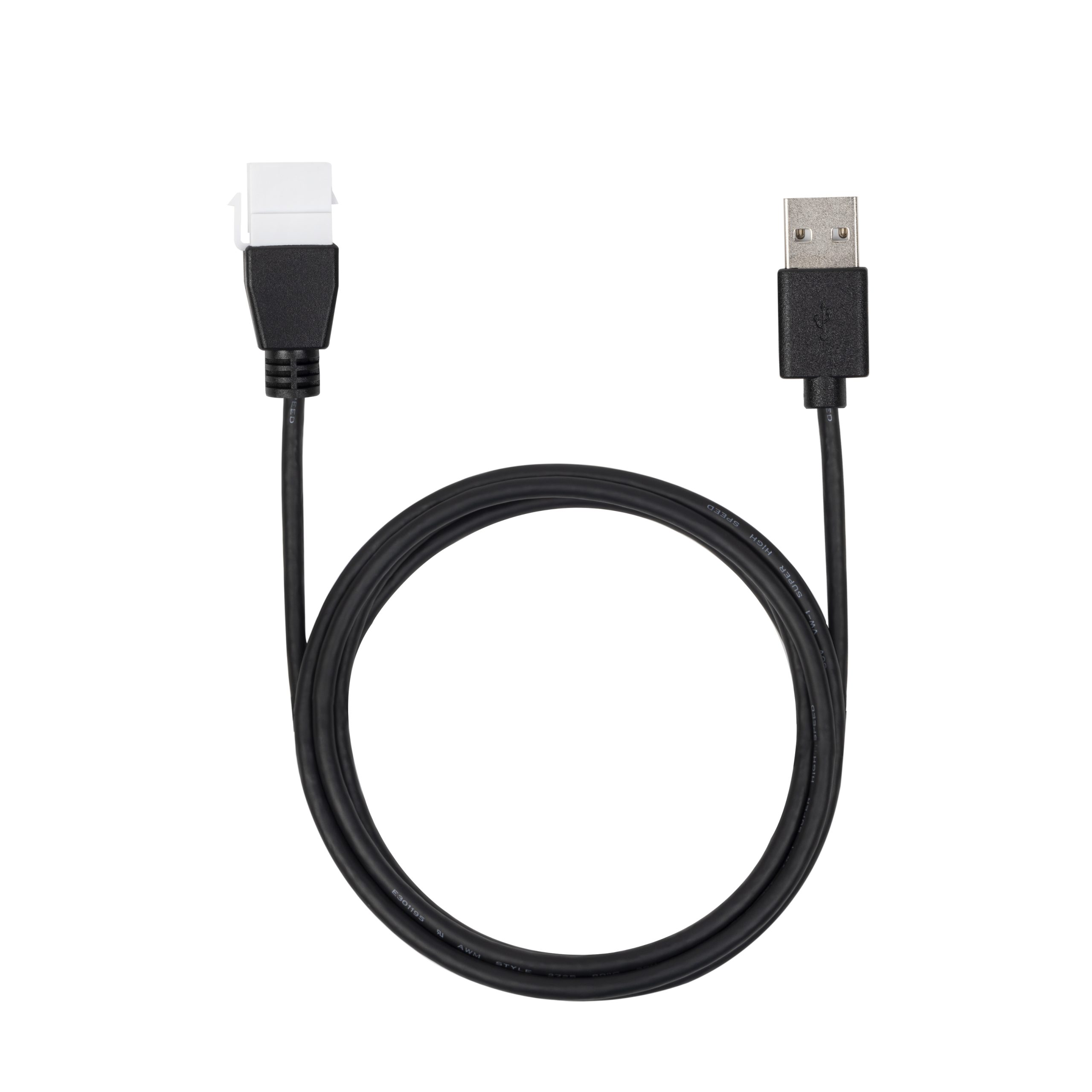
A 20Gbps part should be considered as part of a complete channel, not as an isolated coupler. The host, cable, adapter, panel opening, and downstream device all affect the final result. For projects comparing compact pass-through options, review the Double side 20G USB C extension adapter and the 240W 20G Type C USB C Female in Moulder Keystone Jack against the same test setup. Buyers usually work from the 240W PD3.1 tether cable for tight enclosures before a drawing is signed off.
Sample testing should copy the real installation
Procurement teams often approve a sample on an open bench and then see different behavior once the part is inside an enclosure.
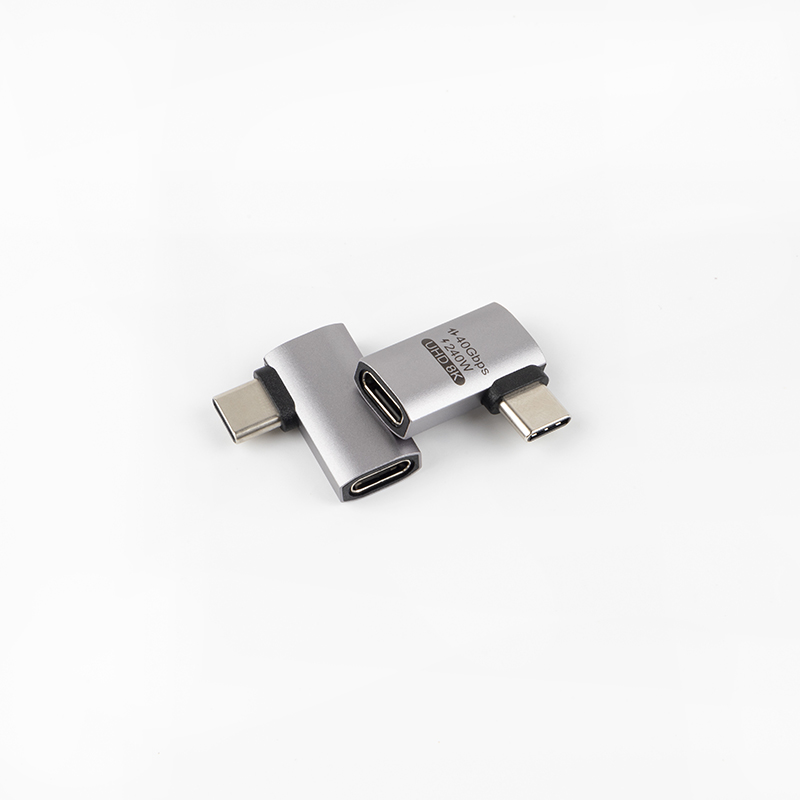
Dongguan Eilinks ships from China, and documents USB-C extension details on the order record.
Test with the actual host, target device, cable length, and intended mounting position. If the product will sit behind a panel, include the panel thickness and cable bend radius in the test.
Mistakes to avoid
Before requesting quotation
Buyers comparing this point usually review the usb4 thunderbolt speed notes before the drawing is signed off. Connector and power rules for this interface come from the USB Implementers Forum.
Prepare the target data rate, charging requirement, connector gender, installation drawing, and expected cable lengths. The wider range behind this part is set out in the 240W PD3.1 tether cable for wall plates.
| Check | Why it matters | What to confirm before sampling |
|---|---|---|
| Data target | High-speed links are more sensitive to added interfaces. | Target speed, device type, and cable length on both sides. |
| Power path | Charging and data requirements may push different design choices. | Expected charging level and whether data must run at the same time. |
| Orientation | Panel and enclosure designs can force cable bends. | Connector direction, mating clearance, and user access. |
| Mounting | A loose adapter and a fixed keystone create different service conditions. | Whether the part is handheld, panel-mounted, or installed behind a wall plate. |
- Write both ends as a pair.
- Name the enclosure the plug must clear.
- Confirm the length at the target rate.
- Approve the sample against the drawing.
To compare nearby formats, review the full USB-C and connectivity product catalog and shortlist the extension or keystone style that best matches the installation. Buyers can talk to a Chinese USB-C cable supplier when the drawing is unclear.
| Item | Mistakes to avoid |
|---|---|
| 1 | Choosing a 20Gbps adapter without checking the complete cable chain. |
| 2 | Assuming charging performance and data performance will stay identical after adding extra mating points. |
| 3 | Ignoring insertion direction until the enclosure drawing is already fixed. |
| 4 | Testing only one cable when the production setup may use several approved cable options. |
- Check the port the plug will mate.
- Confirm rear clearance before ordering.
- State whether the run is fixed or moved.
- Record the failed step in writing.
Eilinks in China answers USB-C extension questions from the same inspection sheet that ships with the cable.
