




USB-C OTG Adapter Selection for Tablets, Phones, and Legacy
USB-C OTG looks simple on paper, but the buying decision is usually about fit, not just connector type. USB-C cable spec and rating notes covers the options that sit either side of this part. In mixed fleets, the right part depends on the host device, the peripheral, whether charging must continue during use, and how much mechanical stress the assembly will see. For USB-C OTG adapter orders, Eilinks Eletronics in China works from the drawing. Anyone planning a batch order should look at the usb-c smartphone charging guide first.
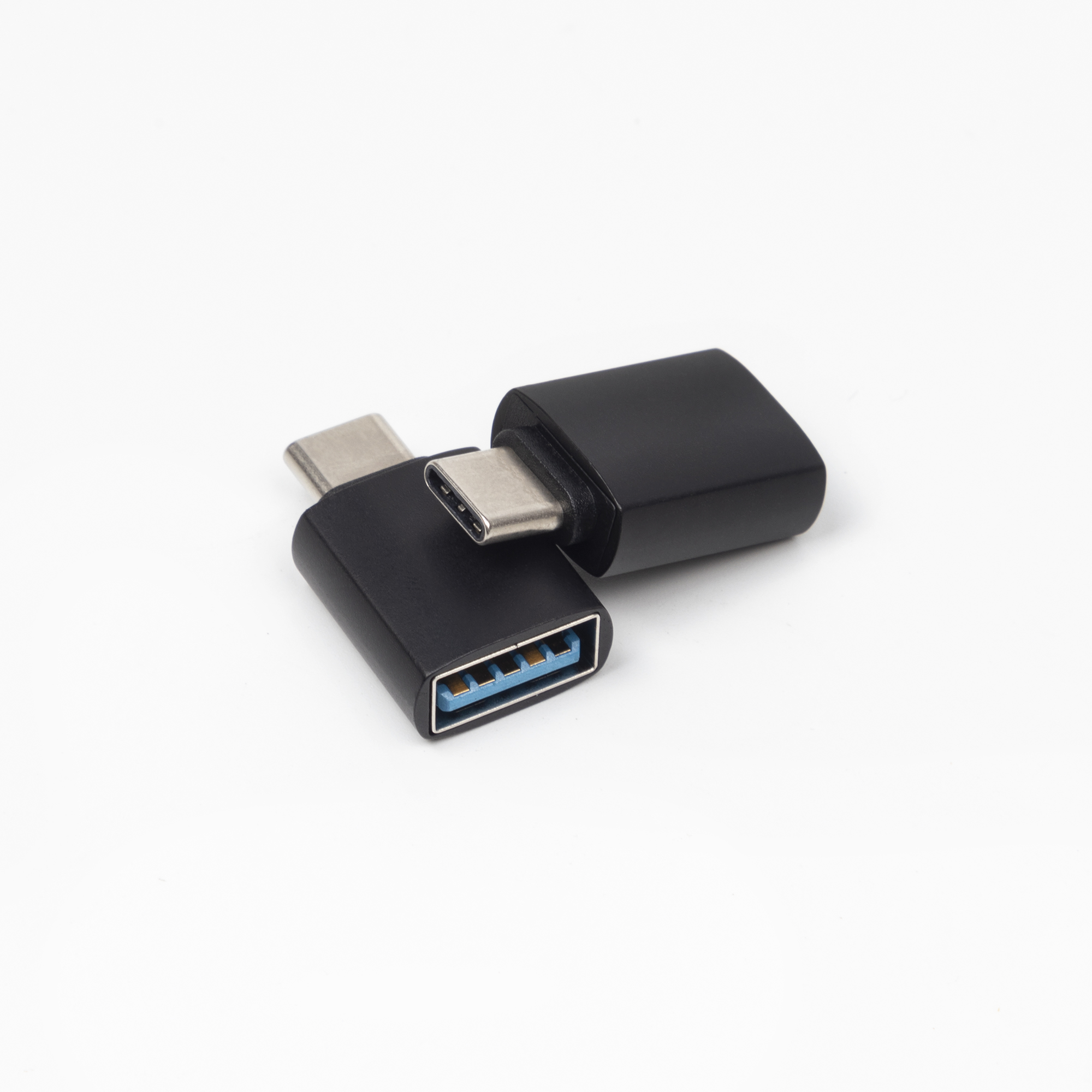
That is why a compact adapter is not always the best answer. A short cable or a 2-in-1 converter can be easier to handle in field kits, shared device carts, and support environments where plugs are moved often.
What OTG has to do in practice
OTG lets a host device talk to peripherals such as a mouse, keyboard, card reader, or similar accessory. Where a run has to be repeatable, the 240W USB4 40Gbps cable is the working reference. For buyers, the question is not only whether the part connects. It is whether the assembly fits the device, the workflow, and the way the team will actually use it.
Which form factor fits each job
What buyers should confirm before quotation
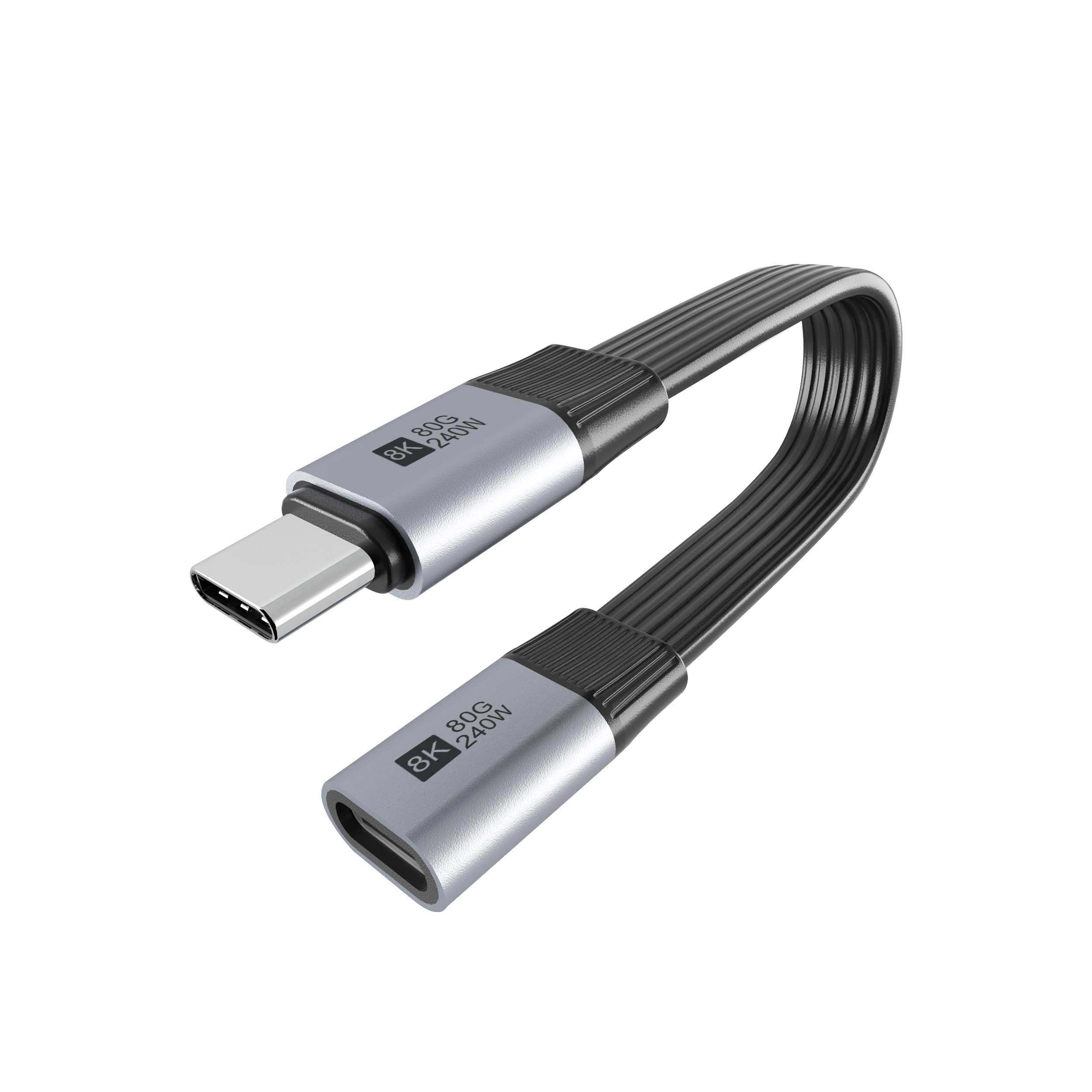
- Host device type and port layout.
- Peripheral type, such as mouse, keyboard, or card reader.
- Whether data access, charging, or both are required in the same assembly.
- Whether Micro USB support, Type-C support, or both are needed.
- Whether a compact adapter is enough or a short cable will be more durable. Panel builders often start from the 100W 20Gbps adapter from a China factory when clearance is tight.
- Whether the parts will be used on a desk, in a bag, or in a mobile kit. Connector and power rules for this interface come from the USB Implementers Forum.
Procurement mistakes to avoid
Where to start
For sample requests, compare the USB-C to USB3.0 OTG adapter with data transfer charging function, the 2 in 1 OTG converter USB 3.0 to Micro USB and Type C adapter, and the USB3.0 OTG adapter cable.
| Buying situation | Better fit | What to confirm |
|---|---|---|
| Compact bench setup with limited space | Inline USB-C OTG adapter | Check host compatibility and whether the device still needs charging while in use. |
| Mixed accessory kits for field support | 2-in-1 OTG converter | Confirm that both Micro USB and Type-C support are useful in the same kit. |
| Daily use with frequent unplugging | Short OTG cable | Check strain relief, connector orientation, and how much movement the part will see. |
- List the connector genders.
- Name the host and device generation.
- Confirm the power level separately.
- Keep the sample note with the order.
For broader sourcing questions, use the contact page. Most projects talk to a Chinese USB-C cable supplier once the connector pair is fixed. Eilinks in China answers USB-C OTG adapter questions from the same inspection sheet that ships with the cable.
| Item | Procurement mistakes to avoid |
|---|---|
| 1 | Assuming every phone or tablet supports the same OTG behavior. |
| 2 | Buying a charging-oriented part when the real need is peripheral access. |
| 3 | Choosing the smallest adapter when daily movement will wear the connector quickly. |
| 4 | Missing legacy accessories that still need to be supported in the same rollout. |
- State the mating pair on the drawing.
- Confirm the exit direction of the plug.
- Quote the data rate at the ordered length.
- Ask for the jacket and overmould in writing.
Buyers comparing this point usually review the usb-c android fast charging notes before the drawing is signed off. Connector gender checks lists what can be quoted as a moulded assembly at this length. Dongguan Eilinks ships from China, and documents USB-C OTG adapter details on the order record.
