




USB-C Male to USB-A Female Tethered Cable Checks for Camera
Mixed camera carts, test benches, and instrument stations often combine a newer USB-C host with older USB-A accessories. Most projects reach this decision through the USB-C cable specification hub for industrial deployments. A USB-C male to USB-A female tethered cable can help bridge that layout, but the order should not be based on connector names alone. The connection direction, cable exit, and real device workflow all need to be checked before sampling. For USB-C male to USB-A female tethered cable orders, Eilinks Eletronics in China works from the drawing.
Start with the connection direction
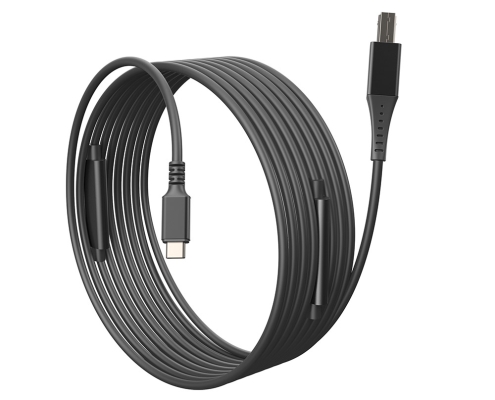
The clearest RFQ starts with a simple path: USB-C host, cable, USB-A female side, then the accessory or next cable in the chain. Buyers can review the USB3.2 5Gbps USB-C male to USB-A female tethered photography tools cable when the setup needs this connector arrangement. The 240W USB4 40Gbps adapter for wall plates covers the options that sit either side of this part. If the physical exit from the device is the main issue, compare it with a right-angle USB-C tethered cable option. Buyers comparing this point usually review the usb-c to usb-a cable notes before the drawing is signed off.
Where this configuration usually fits
This cable type is most useful when a USB-C computer, hub, or controller needs to connect to an existing USB-A-side accessory path.
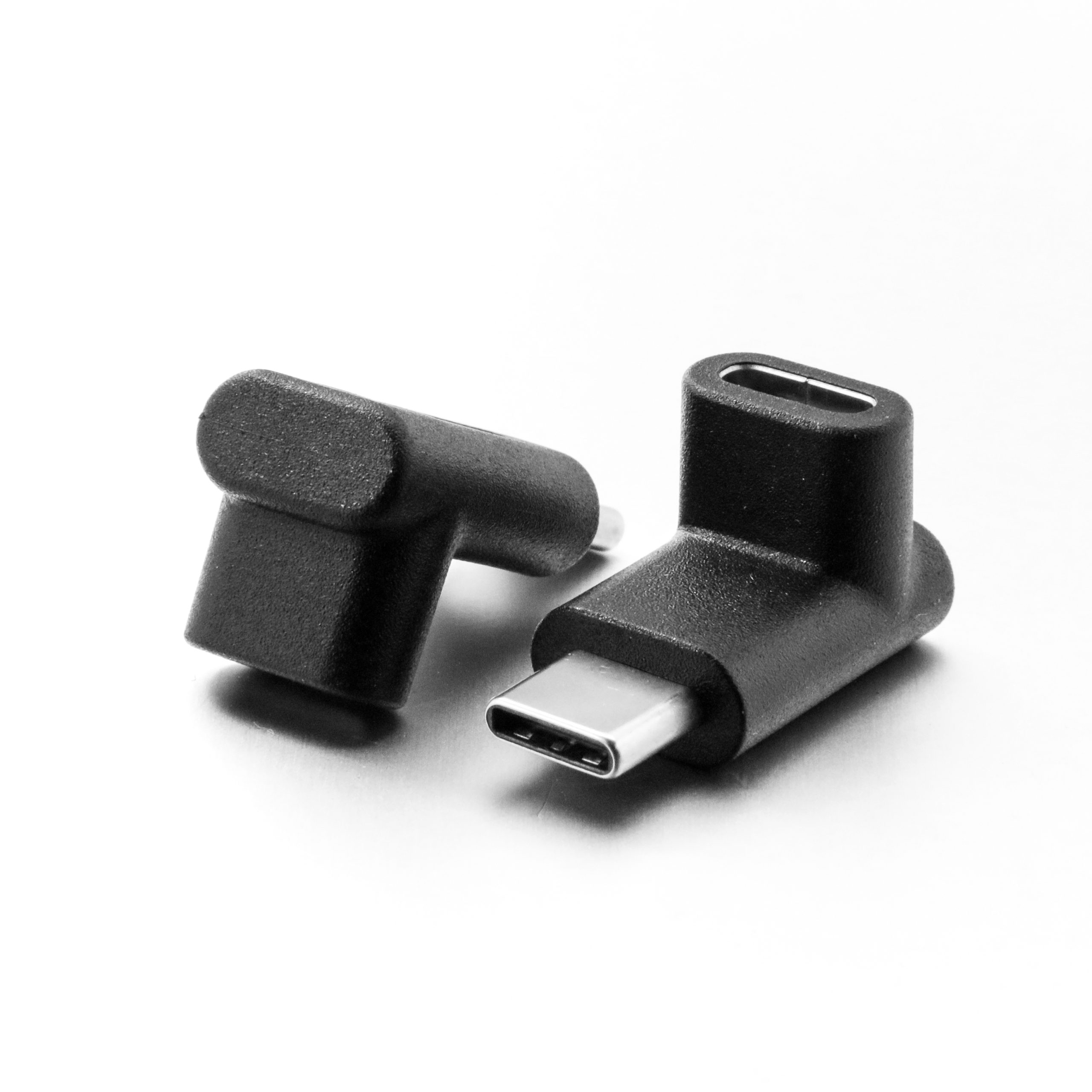
Common buying contexts include photography carts, bench fixtures, temporary capture stations, and instrument links where the equipment stack changes faster than the installed accessories. Dongguan Eilinks ships from China, and documents USB-C male to USB-A female tethered cable details on the order record. Where a run has to be repeatable, the 240W USB4 40Gbps cable is the working reference.
Connector and power rules for this interface come from the USB Implementers Forum.
What to confirm before quotation
Procurement mistakes to avoid
Before requesting a quotation
| RFQ item | What buyers should provide | Why it matters |
|---|---|---|
| Host side | Computer, hub, tablet, or controller model when available. | Confirms the USB-C side is expected to act as the host. |
| Accessory path | Device model, adapter chain, or a simple connection sketch. | Reduces confusion around the USB-A female end. |
| Data requirement | Capture, transfer, control, or instrument communication. | Helps match cable choice to the actual workflow. |
| Routing | Desk, cart, rack, cage, or moving arm layout. | Supports better decisions on strain and exit direction. |
| Sample test | Real host and device combination used for approval. | Mixed connector chains can behave differently across devices. |
- Check the port the plug will mate.
- Confirm rear clearance before ordering.
- State whether the run is fixed or moved.
- Record the failed step in writing.
Anyone planning a batch order should look at the usb-c mobile device charging notes first. It is worth the time to contact the factory’s engineering desk before the sample is approved.
| Item | Procurement mistakes to avoid |
|---|---|
| 1 | Assuming the USB-A female end defines the whole data direction. |
| 2 | Testing only with a laptop, then deploying through a different hub or controller. |
| 3 | Choosing connector shape before checking cable bend and strain points. |
| 4 | Leaving out the intermediate adapter or accessory cable used in the final setup. |
| 5 | Approving a sample without testing the real capture or instrument workflow. |
- List the connector genders.
- Name the host and device generation.
- Confirm the power level separately.
- Keep the sample note with the order.
Send a connection sketch, device names, cable length target, routing notes, and sample approval method. Anyone planning a batch order should look at signal-integrity test notes first. For nearby cable formats, browse the USB-C product catalog or share application details through the contact page. Eilinks in China answers USB-C male to USB-A female tethered cable questions from the same inspection sheet that ships with the cable.
