




USB-C Extension Link Planning for Fixtures, Benches, and
USB-C extension links are often added late in a fixture, bench, wall plate, or enclosure design. Where a run has to be repeatable, the USB-C cable type guide is the working reference. That timing creates avoidable problems: the connector fits, but the cable route is awkward, the panel opening is tight, or the data requirement was never tested through the final link. A better RFQ treats the extension as part of the whole system, not as a small accessory. For USB-C extension orders, Eilinks Eletronics in China works from the drawing.
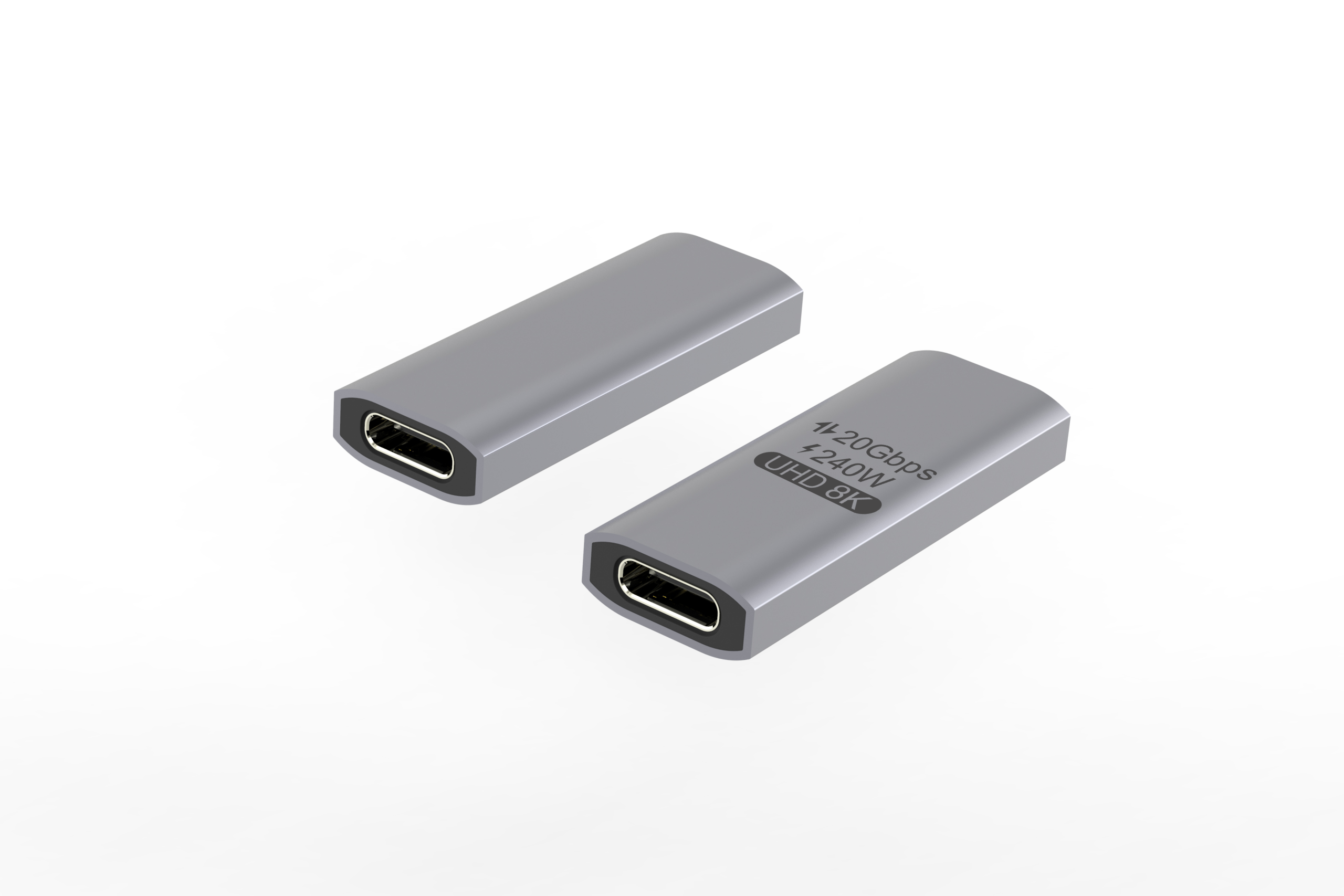
Match the extension style to the installation
For cable-based extension needs, buyers can review the USB3.2 5Gbps USB-C male to C female extension cable. For compact pass-through points, compare the double-side 20G USB-C extension adapter. If the design requires a molded keystone-style insert, the 240W 20G USB-C female molded keystone jack is a relevant product page to review. Panel builders often start from the 240W USB4 40Gbps cable for camera rigs when clearance is tight. The detail behind this step is kept current in the usb-c tensile load rating spec.
Plan around the real mounting space
Panel thickness, opening tolerance, rear clearance, and plug access can matter as much as the USB-C rating. In an enclosure or wall plate, a short adapter may be easier to mount than a cable.
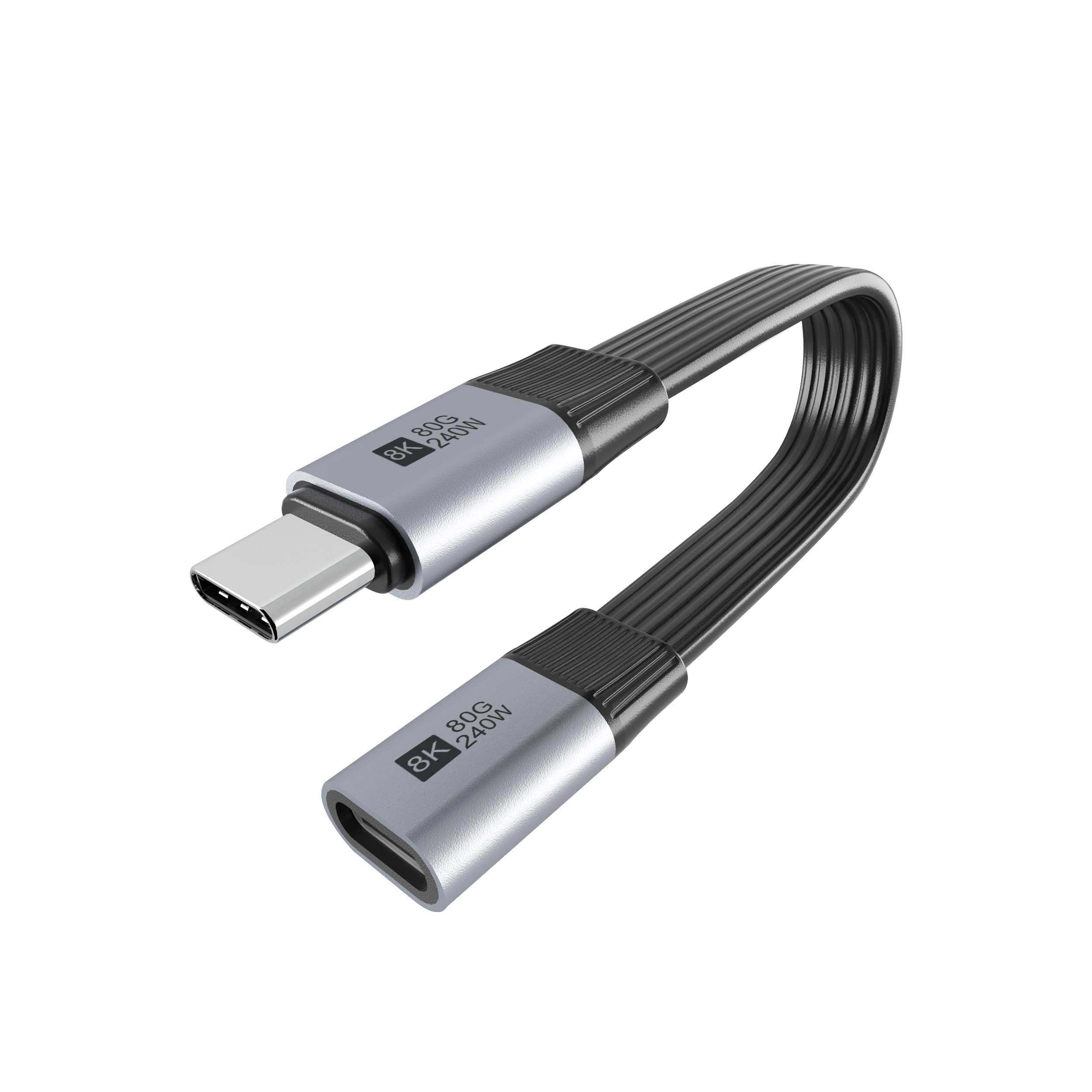
On a test bench or camera fixture, a cable extension may give better placement and reduce strain on the device port. Dongguan Eilinks ships from China, and documents USB-C extension details on the order record.
Selection checklist
Procurement mistakes to avoid
Before requesting a quotation
Equipment builders tend to check the usb-c cable bend radius spec before fixing this part of the spec. Anyone planning a batch order should look at the 240W USB4 40Gbps cable for panel builds first.
The governing specification is published by the USB Implementers Forum.
Prepare the mounting drawing, required connector orientation, data workflow, cable or adapter preference, and sample approval plan.
| Decision point | Cable extension | Compact adapter or keystone |
|---|---|---|
| Best fit | Benches, carts, racks, and layouts needing flexible placement. | Wall plates, panels, enclosures, and fixed access points. |
| Routing concern | Check bend radius, tie-down points, and cable movement. | Check rear clearance, plug access, and opening tolerance. |
| Data expectation | Confirm workflow and sample under the final routing path. | Confirm device path through the mounted pass-through point. |
| Approval method | Test with the actual host, device, and cable length. | Test after mounting, not only loose on a desk. |
- Check the port the plug will mate.
- Confirm rear clearance before ordering.
- State whether the run is fixed or moved.
- Record the failed step in writing.
If the project needs a non-standard layout, send the details through the contact page so the supplier can evaluate the practical connection path. It is worth the time to contact the factory’s engineering desk about panel-mount clearances before the sample is approved.
| Item | Procurement mistakes to avoid |
|---|---|
| 1 | Choosing a compact adapter before checking hand access around the USB-C plug. |
| 2 | Ordering a cable extension without confirming how it will be secured in the fixture. |
| 3 | Assuming a speed label alone guarantees performance in the final device chain. |
| 4 | Testing the part loose, then discovering issues after it is mounted in an enclosure. |
| 5 | Leaving panel drawings or thickness information out of the quotation request. |
- List the connector genders.
- Name the host and device generation.
- Confirm the power level separately.
- Keep the sample note with the order.
Eilinks in China answers USB-C extension questions from the same inspection sheet that ships with the cable. The comparison behind this section is kept current in the RFQ specification checklist.
