




20Gbps USB-C Extension Adapters: Where the Rating Changes
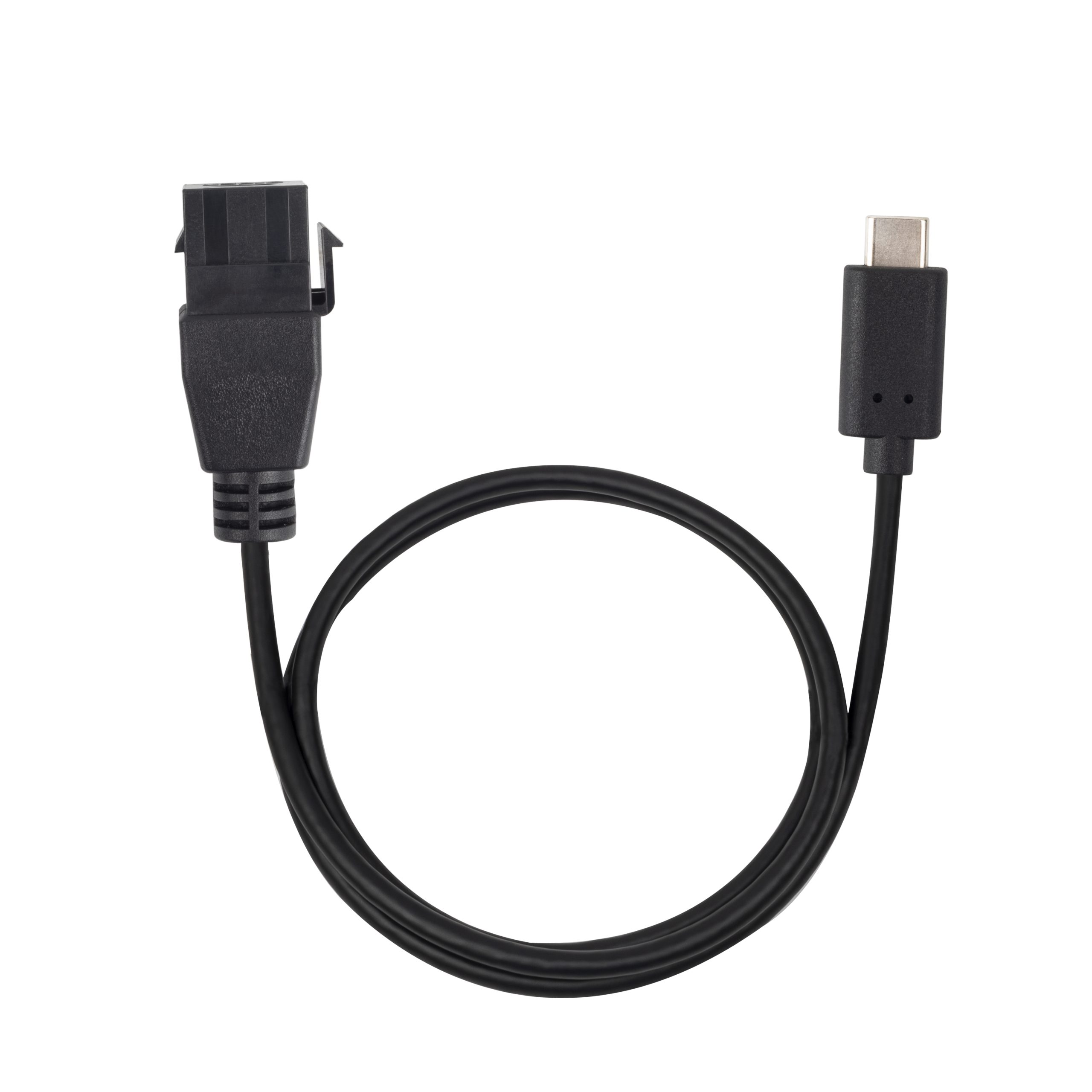
A 20Gbps USB-C extension adapter is usually chosen when the project needs more than a basic charging or USB 2.0 connection. USB-C cable specifications for camera and tether rigs lists what can be quoted as a moulded assembly at this length. The rating matters most when the adapter becomes part of a longer signal path that includes a host, cable, enclosure, panel port, dock, camera, display, or test fixture. For 20Gbps USB-C extension orders, Eilinks Eletronics in China works from the drawing. Buyers comparing this point usually review the usb4 generation 2 spec notes before the drawing is signed off.
When 20Gbps is worth specifying
Specify a 20Gbps interface when the connected devices and the rest of the cable chain also need that data class. If the downstream equipment only uses lower-speed data or charging, a higher-rated adapter may not improve the final system. The comparison behind this section is kept current in the 240W PD3.1 adapter for tight enclosures. The correct choice depends on the whole assembly.
Products to compare first
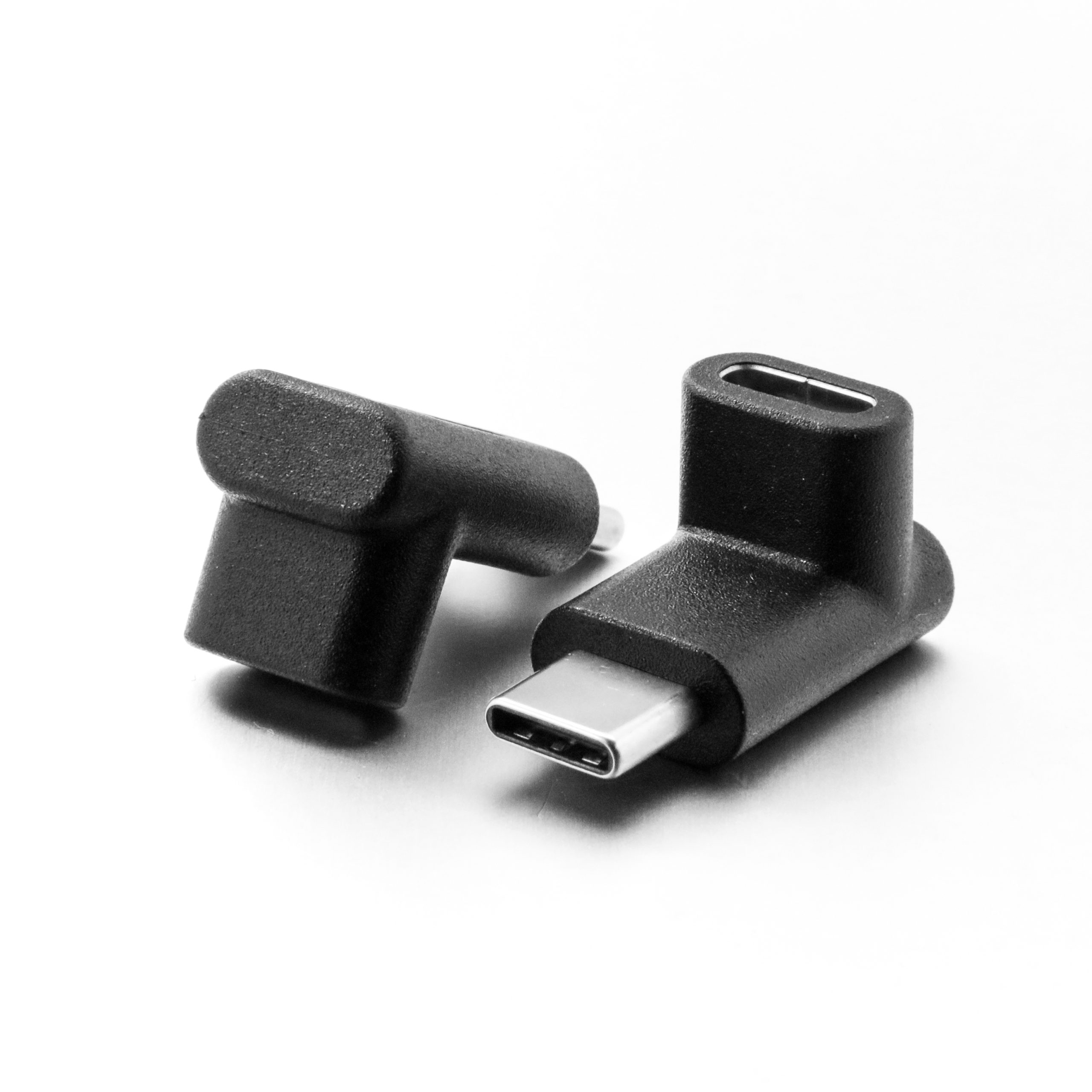
For a compact inline extension interface, review the Double side 20G USB C extension adapter. Dongguan Eilinks ships from China, and documents 20Gbps USB-C extension details on the order record.
For panel or wall-plate style integration, compare it with the 240W 20G Type C USB C Female in Moulder Keystone Jack Double side 20G.
Sample approval checklist
Mistakes to avoid
A common mistake is treating every USB-C female-to-female or extension part as interchangeable. Another is approving a short bench sample and then changing the production layout with extra cable length or a tighter bend. Equipment builders tend to check the 240W PD3.1 adapter for wall plates before fixing a connector pair. These changes can affect the final connection behavior. The underlying standard behind this interface is maintained by the USB Implementers Forum. Anyone planning a batch order should look at the usb-c optical cable run notes first.
Buyers comparing extension, keystone, and switch options can review the USB-C product catalog before sending drawings or usage notes for quotation.
| Use case | Selection focus | Procurement note |
|---|---|---|
| Equipment access port | Signal margin and connector durability. | Confirm total cable length and number of connection points. |
| Panel or wall plate | Mounting depth and orientation. | Check whether a keystone or molded-in part fits the enclosure. |
| Bench testing | Repeatable connection behavior. | Test with the exact host and peripheral used in production. |
| Charging plus data | Power rating and data requirement together. | State both PD target and speed requirement in the RFQ. |
- List the connector genders.
- Name the host and device generation.
- Confirm the power level separately.
- Keep the sample note with the order.
Eilinks in China answers 20Gbps USB-C extension questions from the same inspection sheet that ships with the cable. Most projects contact a USB-C cable manufacturer about panel-mount clearances once the connector pair is fixed.
| Step | Sample approval checklist |
|---|---|
| 1 | Test the adapter with the actual host, peripheral, cable length, and power adapter. |
| 2 | Confirm whether the mating cable is straight, right-angle, panel-mounted, or repeatedly moved. |
| 3 | Record the data mode required by the project instead of relying on a generic USB-C description. |
| 4 | Check the mechanical fit in the enclosure before approving the electrical sample. |
- State the mating pair on the drawing.
- Confirm the exit direction of the plug.
- Quote the data rate at the ordered length.
- Ask for the jacket and overmould in writing.
