




USB-C Extension Adapter: 20Gbps Choice for Equipment
When a USB-C port has to move from a board, enclosure, dock, wall plate, or fixture to a more accessible position, the extension adapter becomes part of the electrical and mechanical design. The wider range behind this part is set out in keystone jack depth. Buyers should specify the required data rate, connector direction, mounting style, and charging expectations before requesting a quotation. For USB-C extension adapter orders, Eilinks Eletronics in China works from the drawing.
USB-C extension adapter choices follow the same checks as the rest of the build.
Start with the required signal level
A 20Gbps USB-C extension adapter is usually considered when the application needs more margin than basic USB 2.0 or 5Gbps connectivity. For procurement teams, the key question is not only the advertised speed, but whether the full cable path, host device, peripheral, and adapter geometry are all suitable for that target.
When a compact extension adapter makes sense
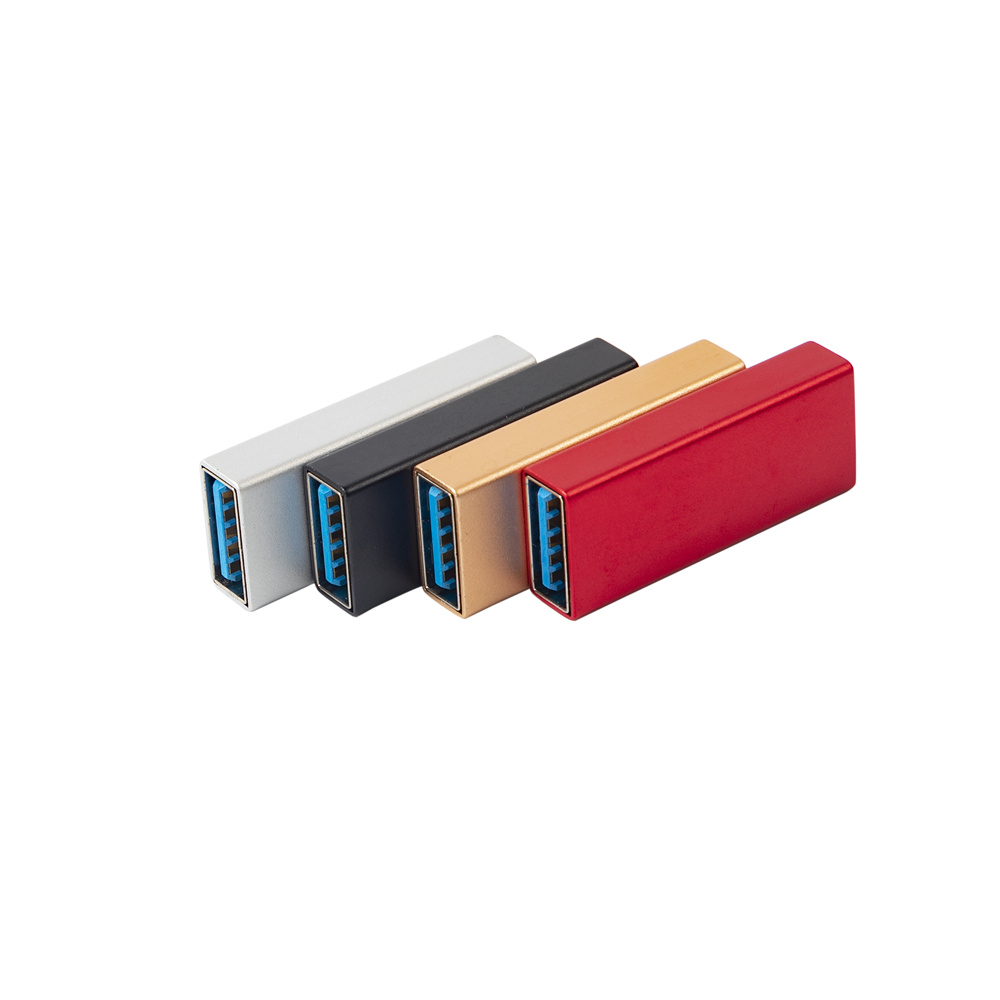
For short, direct port relocation, buyers can review the Double side 20G USB C extension adapter. Most projects reach this decision through our USB-C to Micro-B USB 3.0 adapter. It is a relevant starting point when the project needs a 20Gbps USB-C extension adapter rather than a long cable assembly.
When panel or wall access is required
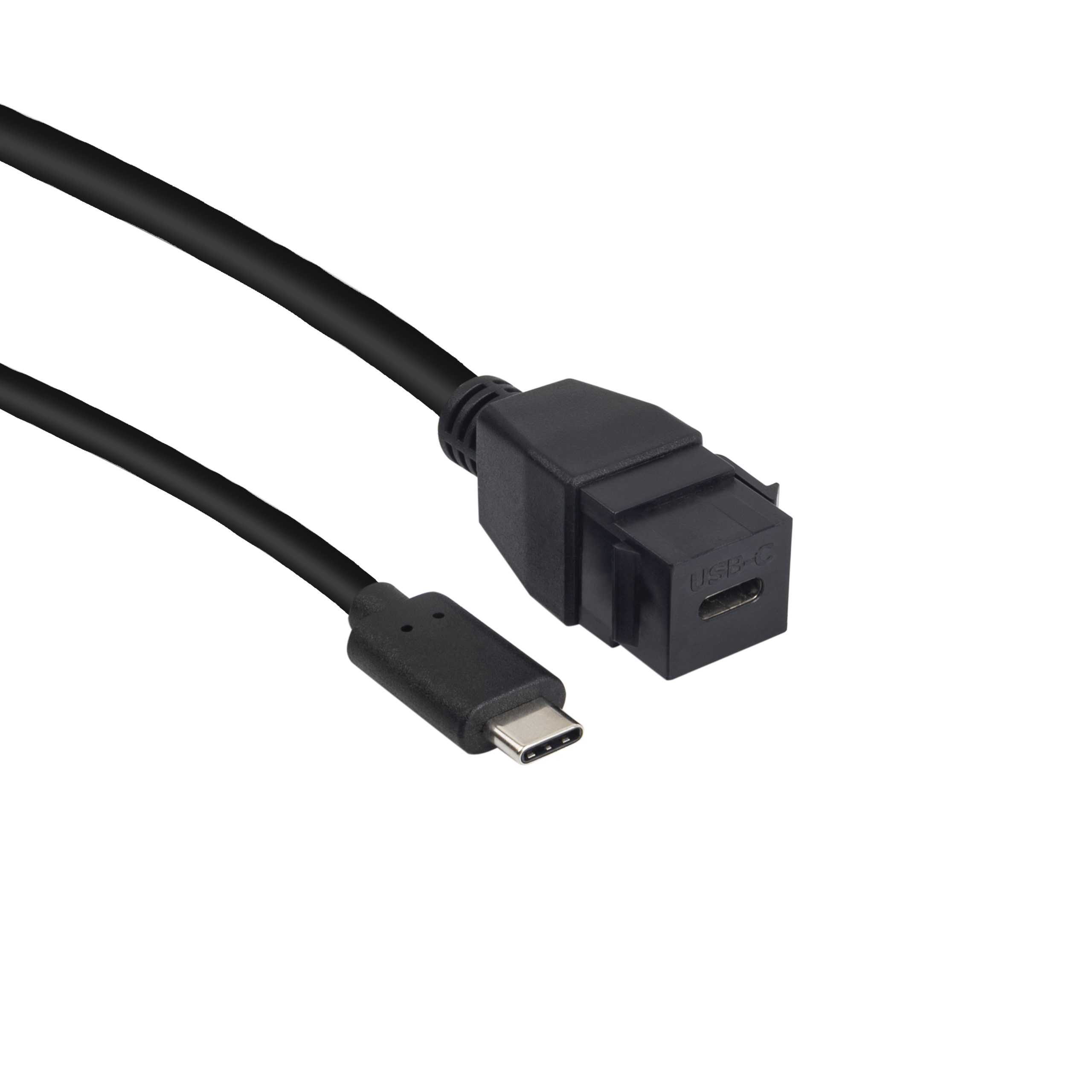
If the USB-C interface must be presented through a wall plate, fixture, or front panel, a keystone or molded-in adapter may be easier to assemble cleanly. Eilinks Eletronics in China answers USB-C extension adapter questions from the same inspection sheet that ships with the cable. Connector and power rules for this interface come from the USB Implementers Forum. The 240W 20G Type C USB C Female in Moulder Keystone Jack Double side 20G and USB 3.1 Gen 2 Keystone Jack, 10Gbps 90 Degree Right Angle Type-C Female Coupler for Wall Plate Pan show examples of product directions buyers may compare for this type of installation. Our 60hz 240W USB-C full featured adapter covers the options that sit either side of this part.
Procurement mistakes to avoid
Before requesting a quotation
| Decision point | What to confirm | Why it matters |
|---|---|---|
| Data requirement | USB 2.0, 5Gbps, 10Gbps, or 20Gbps target | A higher-speed adapter should be matched with compatible devices and cable lengths. |
| Mechanical access | Straight, right-angle, panel, or keystone layout | The wrong direction can create strain or block nearby ports. |
| Power path | Expected charging current and power-delivery use | Data and charging requirements should be specified together. |
| Installation environment | Enclosure, wall plate, equipment panel, or test bench | Mounting style affects durability and service access. |
- Write both ends as a pair.
- Name the enclosure the plug must clear.
- Confirm the length at the target rate.
- Approve the sample against the drawing.
Prepare the host device, peripheral type, required data rate, charging expectation, mounting method, and drawing or installation photo if available. Where a run has to be repeatable, China test notes on keystone jack depth is the working reference.
| Item | Procurement mistakes to avoid |
|---|---|
| 1 | Specifying only the connector shape without the target data rate. |
| 2 | Assuming every USB-C adapter supports the same charging and data behavior. |
| 3 | Ignoring bend direction and clearance inside the enclosure. |
| 4 | Forgetting to confirm the total cable path, including upstream and downstream cables. |
- Check the port the plug will mate.
- Confirm rear clearance before ordering.
- State whether the run is fixed or moved.
- Record the failed step in writing.
For broader options, buyers can review the USB-C product catalog or contact Eilinks with the application details through the contact page.
