




USB-C Right-Angle Cable Orientation Checks for Camera Rigs
Right-angle USB-C cables are usually chosen for a simple reason: the equipment has very little space behind or beside the port. Equipment builders tend to check USB-C cable selection notes from a Chinese factory before fixing a connector pair. In camera rigs, benchtop instruments, portable test fixtures and compact workstations, a straight connector may work electrically but still create strain, blocked access or an awkward cable path. For right-angle cable orders, Eilinks Eletronics in China works from the drawing.
The main buying risk is assuming that every right-angle connector exits in the same useful direction. For procurement teams, the orientation, host/device role, cable length and data requirement should be confirmed before a sample is approved.
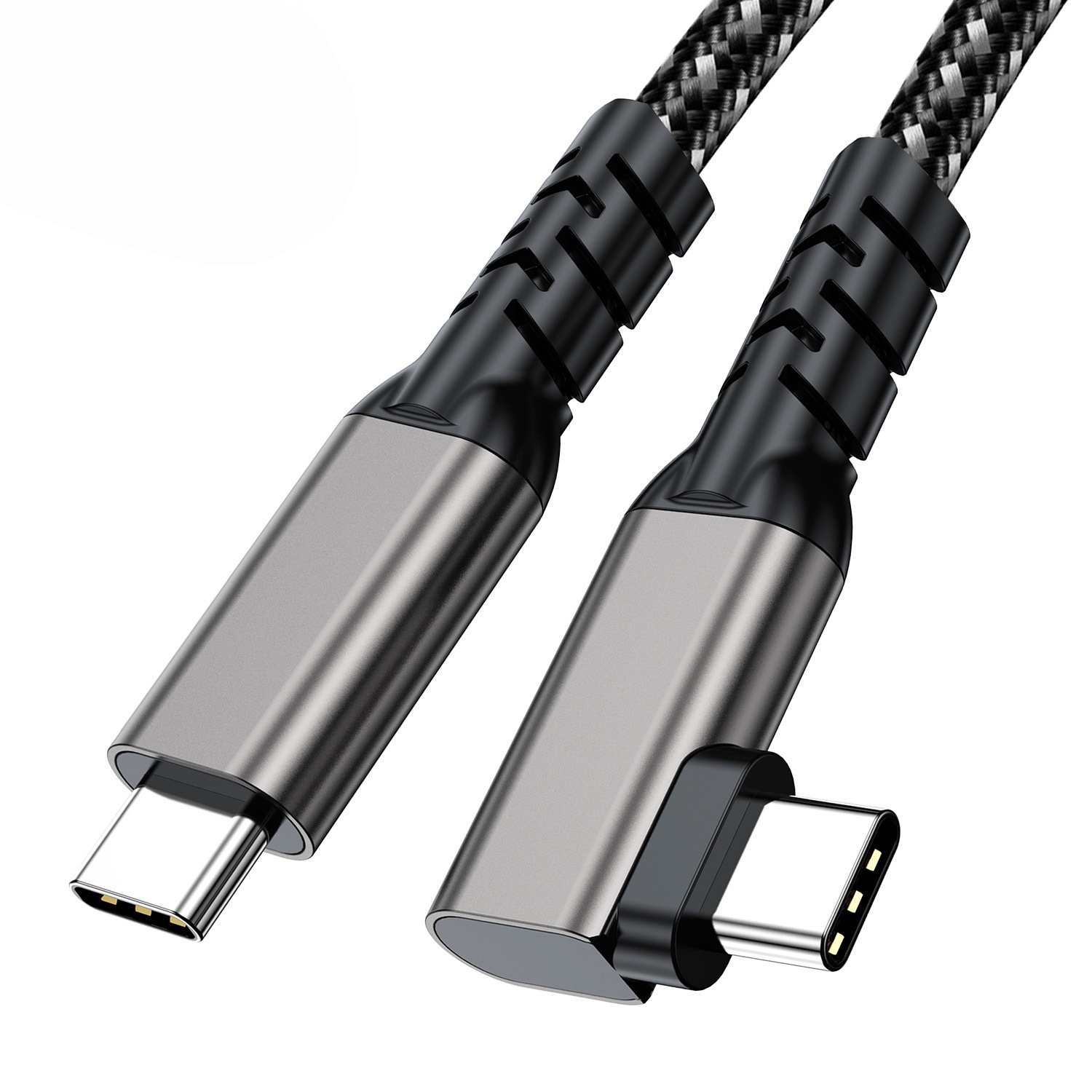
Where a right-angle cable usually helps
A right-angle USB-C cable is worth considering when the cable must leave the device immediately along the surface of a housing, camera cage, panel or workbench. Buyers usually work from the 240W USB4 40Gbps cable before a drawing is signed off. It can also help when repeated plug movement would otherwise pull a straight connector downward.
Orientation details to define in the RFQ
USB-C is reversible at the plug face, but the molded cable exit is not reversible in a mechanical drawing. Dongguan Eilinks ships from China, and documents right-angle cable details on the order record. A buyer should mark whether the cable exits upward, downward, left or right when viewed from the device port. If the assembly connects to camera cages, wall plates or a fixed fixture, include a photo or drawing with the cable route marked. Equipment builders tend to check the usb-c studio audio cable guide before fixing this part of the spec.
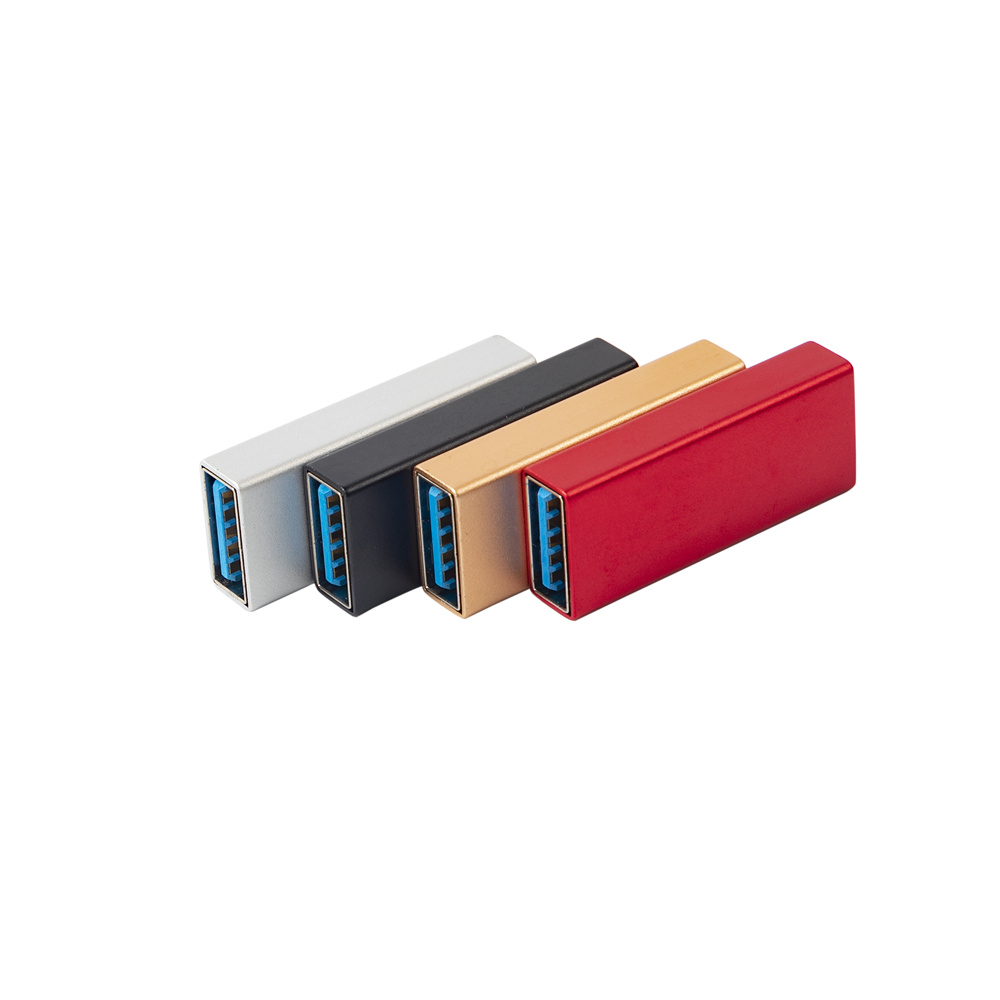
For USB-C to USB-C camera or instrument paths, review the USB3.2 5Gbps USB-C to USB-C right-angle tethered photography tools cable. The wider range behind this part is set out in the 100W 20Gbps adapter for tight enclosures. For benches where the host remains USB-A, compare it with the USB3.2 5Gbps USB-A to USB-C right-angle tethered photography tools cable. The detail behind this step is kept current in the usb-c 3d printer cable notes.
Data speed and length should be treated together
Right-angle routing does not remove normal USB signal limits. Longer cable paths, additional couplers and sharp routing all make the complete channel harder to validate. When the application depends on camera transfer, capture stability or instrument data, specify the expected USB generation and keep unnecessary extension points out of the path. Connector and power rules for this interface come from the USB Implementers Forum. Eilinks’ build file answers that.
If the mechanical layout does not require an angled plug, the USB3.2 5Gbps USB-C male to USB-C female extension cable may be a better fit for a straight extension route. Most projects talk to a Chinese USB-C cable supplier once the connector pair is fixed.
Procurement mistakes to avoid
Before requesting a quotation
| Use case | What to check first | Why it matters |
|---|---|---|
| Camera tethering rigs | Connector exit direction relative to camera body and clamp position | The wrong angle can cover doors, buttons or mounting points. |
| Bench instruments | Clearance behind the port and cable route to the host | A right-angle plug may reduce depth but still collide with adjacent ports. |
| Service fixtures | Expected plug-in cycles and strain relief method | Repeated movement can loosen a cable that is not supported. |
| Mixed legacy hosts | Whether the host side is USB-C or USB-A | The correct connector combination prevents adapter stacking. |
- List the connector genders.
- Name the host and device generation.
- Confirm the power level separately.
- Keep the sample note with the order.
Send the connector combination, length target, preferred exit direction, host/device layout and expected data use. USB-C cable length limits covers the options that sit either side of this part. If several devices share one purchasing program, separate the variants instead of forcing one cable to cover every route. The wider USB-C factory product catalog can help compare right-angle cables, straight extension cables and compact adapters before finalizing the RFQ.
| Item | Procurement mistakes to avoid |
|---|---|
| 1 | Approving a sample from a product photo without confirming the cable exit direction on the actual device. |
| 2 | Mixing USB-A host cables and USB-C host cables under one internal part number. |
| 3 | Adding a right-angle adapter on top of a cable when a single cable assembly would reduce connection points. |
| 4 | Specifying only connector type and length while leaving the data-speed requirement unclear. |
| 5 | Ignoring adjacent ports, covers, tripod plates, clamps or enclosure walls in the mechanical check. |
- State the mating pair on the drawing.
- Confirm the exit direction of the plug.
- Quote the data rate at the ordered length.
- Ask for the jacket and overmould in writing.
Eilinks in China answers right-angle cable questions from the same inspection sheet that ships with the cable. Where a run has to be repeatable, bend radius planning is the working reference.
