




USB-C Extension Adapter Fit Checks for Enclosed Devices
USB-C extension interfaces are often selected late in an enclosure project, after the panel, bracket or workstation body has already been designed. Most projects reach this decision through USB-C cable selection notes for industrial deployments. That can create avoidable fit problems. Buyers should confirm the mechanical space, cable route and expected data or charging role before choosing a compact adapter or cable assembly. For USB-C extension adapter orders, Eilinks Eletronics in China works from the drawing. Buyers comparing this point usually review the usb-c iot device cable guide before the drawing is signed off.
Match the extension style to the enclosure
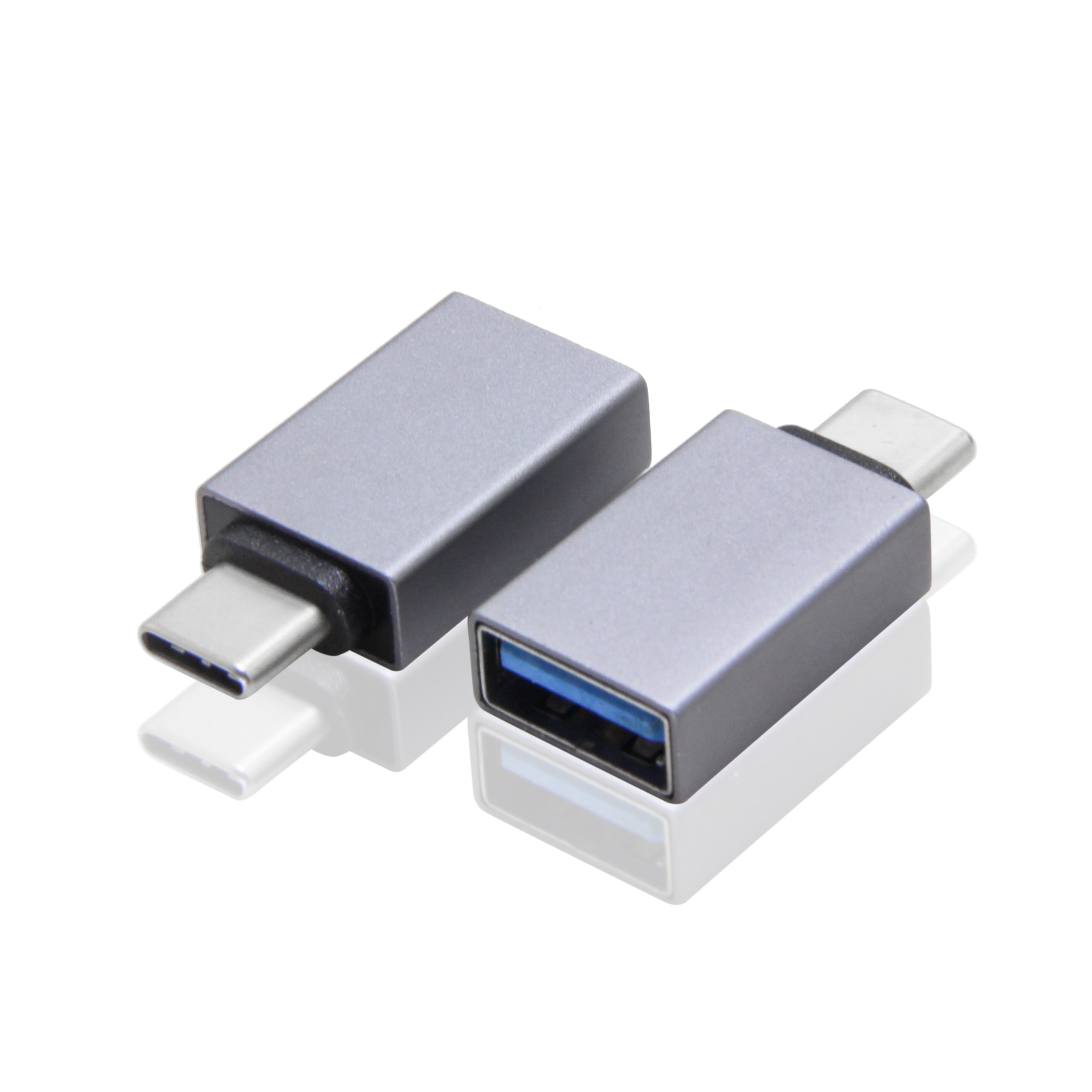
A compact double-side 20G USB-C extension adapter can suit short interface paths where the connector is close to the device board or panel opening. A cable-based extension may be easier when the panel and internal device port are not aligned. The 240W USB4 40Gbps cable covers the options that sit either side of this part.
Check signal path before drawings are frozen
For shared workstation or display paths, buyers should document whether the port carries data, video, power delivery or a combination of these functions. Products such as a bi-directional USB-C switch and hub show why the full route matters: the connected host, display, power source and cable path all influence the specification. Dongguan Eilinks ships from China, and documents USB-C extension adapter details on the order record.
Fit checklist for project engineers
When a cable extension is the better choice
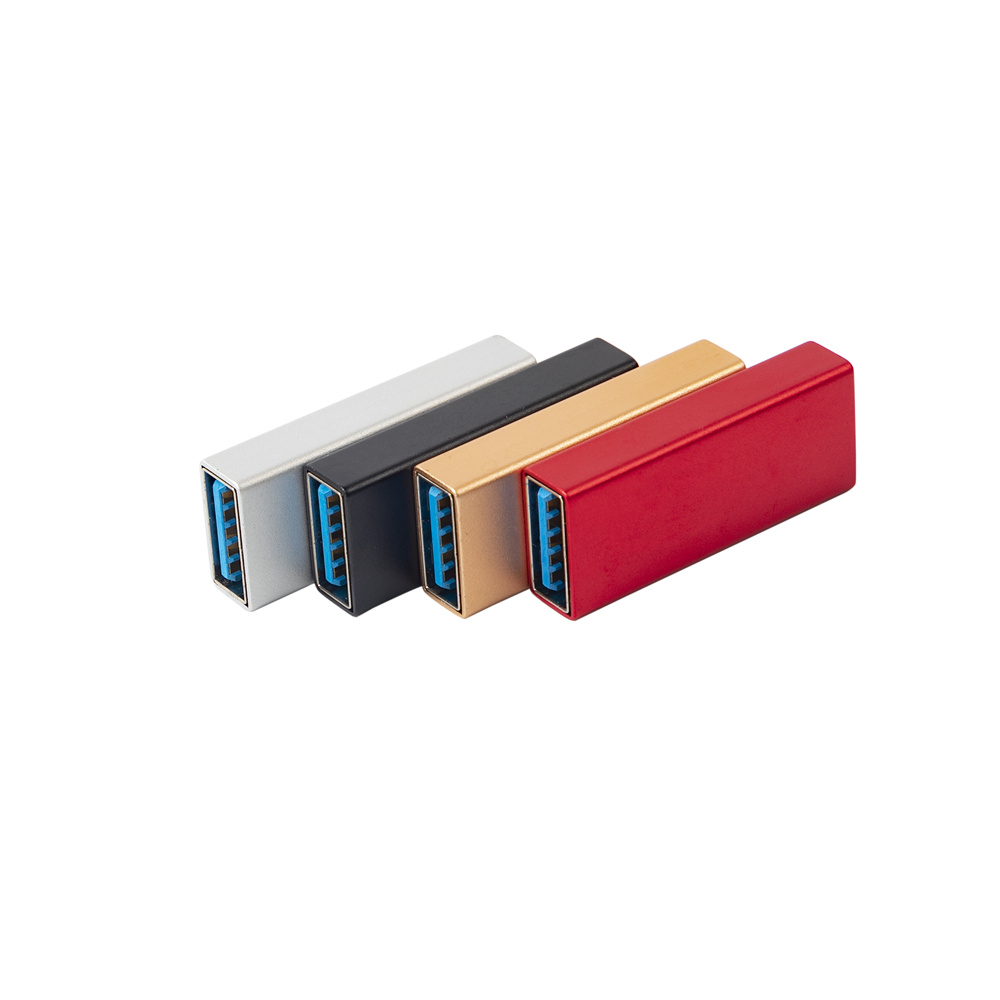
If the enclosure has limited alignment tolerance, a USB-C male to USB-C female extension cable may give the installer more freedom than a rigid adapter. Where a run has to be repeatable, the 100W 20Gbps adapter for OEM orders is the working reference. This can matter in kiosks, workstations, camera carts and equipment panels where the external port position is fixed by the housing.
Procurement mistakes to avoid
Do not approve an extension interface from a product photo alone. Avoid changing the enclosure thickness, connector opening or internal route after sample approval without repeating a fit check. The underlying standard behind this interface is maintained by the USB Implementers Forum. It is also risky to specify only the connector type while omitting data speed, charging role and installed cable path. Anyone planning a batch order should look at the usb-c wearable device cable guide first.
Before requesting a quotation
Send drawings or photos that show the mounting area, panel thickness, internal route and connected device port.
| Build condition | Adapter-style interface | Cable assembly interface |
|---|---|---|
| Very short distance between ports | Can reduce loose cable inside the enclosure. | May add unnecessary routing length. |
| Panel opening is offset from the device port | Needs careful alignment checks. | Often easier to route around brackets or boards. |
| Frequent service access | Check whether removal is convenient. | Can offer more placement flexibility. |
| Known high-speed data path | Keep the total signal path as short and stable as practical. | Confirm length and device compatibility during sample testing. |
- State the mating pair on the drawing.
- Confirm the exit direction of the plug.
- Quote the data rate at the ordered length.
- Ask for the jacket and overmould in writing.
If the interface style is still open, compare compact adapters and cable assemblies in the USB-C product catalog before finalizing the RFQ. Teams needing a second source contact a China-based USB-C supplier about panel-mount clearances early rather than at the sample stage.
| Step | Fit checklist for project engineers |
|---|---|
| 1 | Measure available depth behind the USB-C opening, including connector insertion space. |
| 2 | Confirm whether the user-facing connector needs straight-in access or angled access. |
| 3 | Keep the internal route away from sharp edges and moving parts. |
| 4 | Record whether the interface is for data, charging, video or a combined use. |
| 5 | Test the sample inside the enclosure, not only as a loose bench connection. |
- Write both ends as a pair.
- Name the enclosure the plug must clear.
- Confirm the length at the target rate.
- Approve the sample against the drawing.
Eilinks in China answers USB-C extension adapter questions from the same inspection sheet that ships with the cable. Anyone planning a batch order should look at China test notes on power and data ratings first.
