




USB-C Adapter Direction Checks for Camera and Test-Bench
Many USB-C adapter and cable assembly mistakes come from direction, not from the connector name itself. USB-C cable specifications lists what can be quoted as a moulded assembly at this length. A request that says “USB-C to USB-A” may still be unclear unless the buyer identifies which end connects to the host, which end connects to the accessory, and whether the cable needs a straight or right-angle exit. For USB-C adapter orders, Eilinks Eletronics in China works from the drawing. Anyone planning a batch order should look at the usb-c device compatibility guide first.
For camera kits, instruments, workstations, and production test benches, direction checks should happen before the quotation stage.
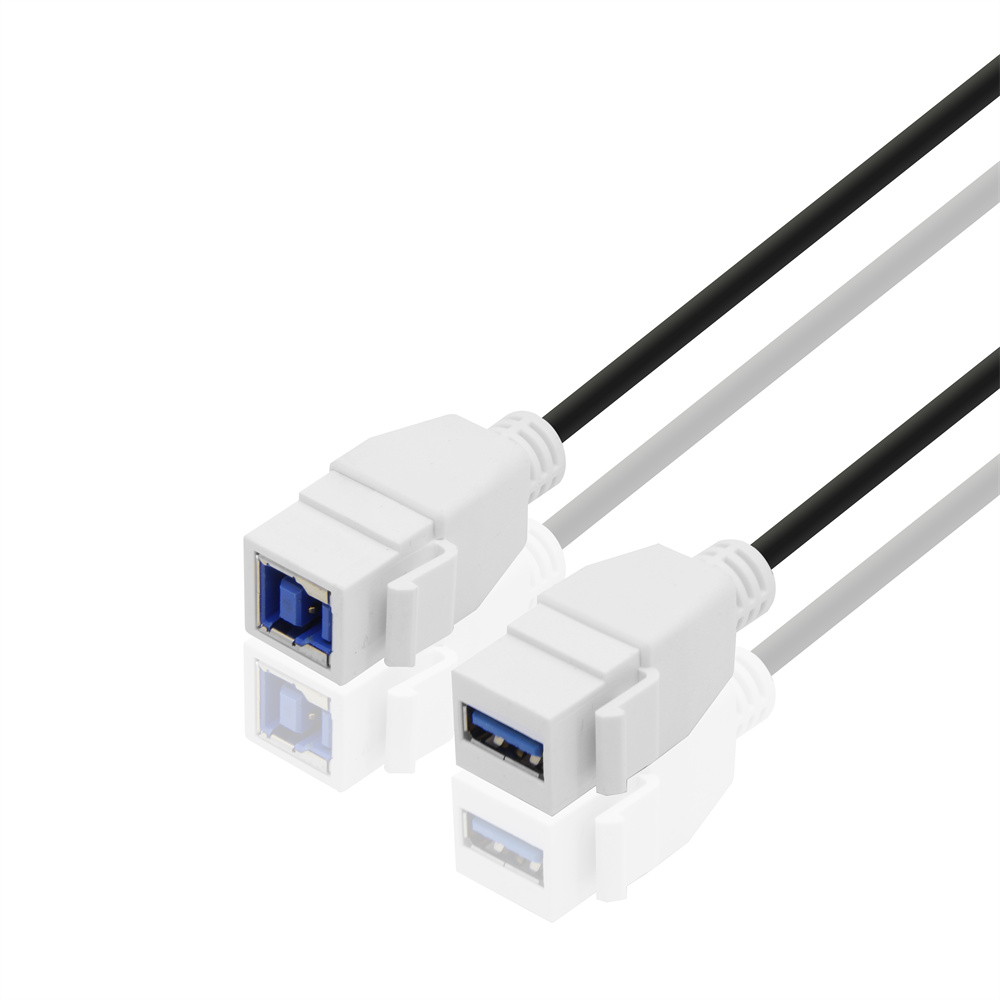
They reduce sample revisions and help suppliers match the adapter or cable assembly to the real installation.
Separate Host Side From Accessory Side
Start by naming the host device and the connected accessory. The comparison behind this section is kept current in the 240W PD3.1 adapter built in Dongguan. A USB-A host that needs a USB-C female output is a different purchasing request from a USB-C host connecting to a USB-A accessory. The connector names may sound similar, but the cable direction and usage are not the same.
For USB-A host equipment, review the USB3.2 5Gbps USB-A to C female photography tools cable. For USB-C host workflows connecting to USB-A accessories, compare the USB3.2 5Gbps C male to USB-A female tethered photography tools cable. If cable exit direction matters near a camera body, cart, or bench fixture, the USB-A to C right-angle tethered photography tools cable gives another orientation to evaluate. Dongguan Eilinks ships from China, and documents USB-C adapter details on the order record.
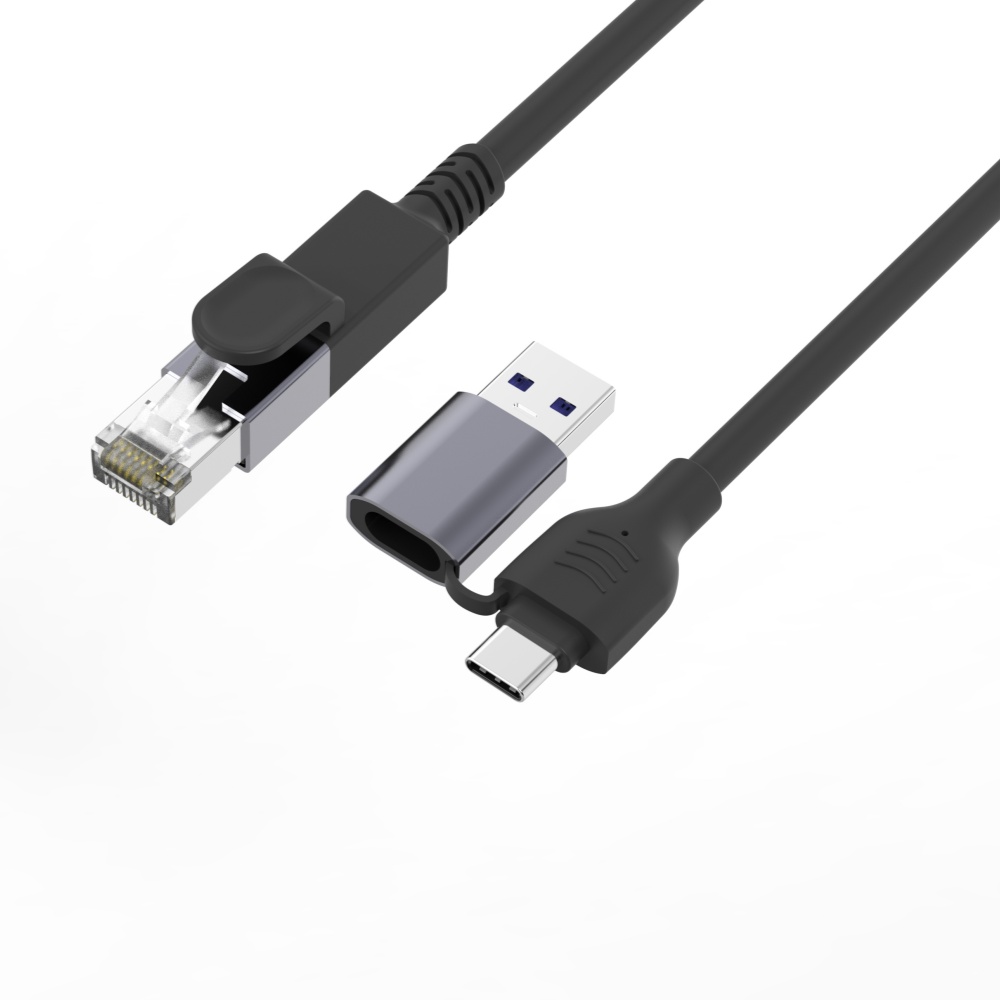
Buyers comparing this point usually review the usb-c iphone charging cable guide before the drawing is signed off. Equipment builders tend to check the 240W PD3.1 adapter for OEM orders before fixing a connector pair.
Direction Details That Should Be In The RFQ
When A Right-Angle Cable Is Worth Checking
A right-angle cable can help when the cable must exit along a camera body, instrument panel, rack edge, or workstation wall. It can also create a problem if the angle points toward a blocked side. Eilinks’ build file answers that. Buyers should not approve a right-angle part without checking the installed orientation from the user position, not only from the product photo. The underlying standard behind this interface is maintained by the USB Implementers Forum.
For repeat orders, add a simple diagram or marked photo showing the expected cable exit direction. This is especially useful when the same product may be viewed from the front, rear, or side by different teams.
Procurement Mistakes To Avoid
Before Requesting A Quotation
Send the host model or port type, accessory device, expected direction, speed requirement, and any space restrictions. Buyers can contact a USB-C cable manufacturer when the drawing is unclear.
| RFQ Item | Example Question | Why It Helps |
|---|---|---|
| Host connector | Is the host USB-A, USB-C, or another connector type? | It prevents ordering the correct shape in the wrong direction. |
| Accessory connector | What device, camera, hub, reader, or instrument connects at the other end? | It clarifies the mating requirement and expected data path. |
| Cable exit | Should the cable leave straight, left, right, up, or down in the installed position? | It avoids interference with handles, housings, tripods, brackets, or adjacent ports. |
| Use pattern | Is the cable fixed in a bench, moved with a camera, or plugged in repeatedly by operators? | It helps decide whether a compact adapter, right-angle cable, or longer tethered cable is more practical. |
- Write both ends as a pair.
- Name the enclosure the plug must clear.
- Confirm the length at the target rate.
- Approve the sample against the drawing.
If the exact path is still undecided, compare related cable and adapter options in the USB-C product catalog before narrowing the RFQ to a specific assembly. The wider range behind this part is set out in incoming-inspection notes on right-angle vs straight connectors.
| Item | Procurement Mistakes To Avoid |
|---|---|
| 1 | Do not use “USB-C adapter” as the full specification. Add host side, accessory side, connector gender, and target device. |
| 2 | Do not assume every USB-C shaped part supports the same data, charging, or video requirement. |
| 3 | Do not approve a right-angle sample before checking clearance after all nearby cables are plugged in. |
| 4 | Do not mix camera-kit needs with fixed test-bench needs unless both workflows have been tested. |
- Check the port the plug will mate.
- Confirm rear clearance before ordering.
- State whether the run is fixed or moved.
- Record the failed step in writing.
Eilinks in China answers USB-C adapter questions from the same inspection sheet that ships with the cable. Most projects reach this decision through incoming-inspection notes on sample approval checks.
