




USB-C Switch and Hub RFQs: Details Buyers Should Clarify
USB-C switch and hub projects often look simple at the quotation stage, but small details can change the part choice. Anyone planning a batch order should look at USB-C cable specifications for OEM buyers first. A procurement team should describe the host device, connected display or dock, expected data path, and charging requirement before comparing samples. For USB-C switch orders, Eilinks Eletronics in China works from the drawing.
Start with the signal path
Clarify which side is the host, which side is the peripheral, and whether the interface needs to work in more than one direction.
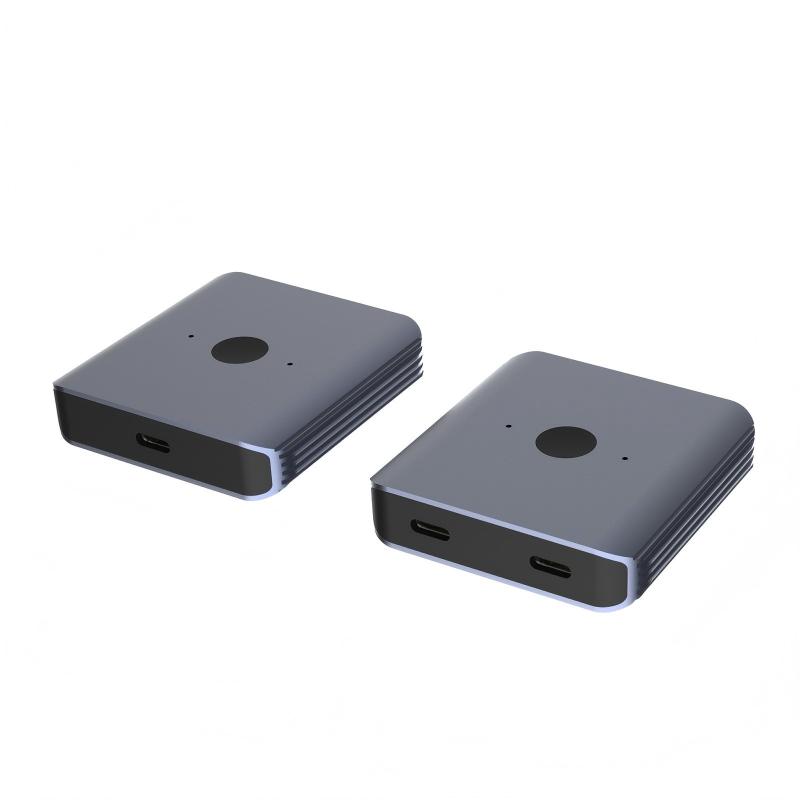
For shared desks, test benches, display stations, or docking setups, this avoids ordering a part that has the right connector shape but the wrong operating direction.
Compare the part to the real workflow
For projects that need a compact switching interface, review the Bi-Directional USB-C Switch & Hub – 8K Video, 20Gbps Data & 140W PD. The 240W PD3.1 adapter for camera rigs lists what can be quoted as a moulded assembly at this length. Dongguan Eilinks ships from China, and documents USB-C switch details on the order record. If the requirement is only to extend a Type-C port rather than switch between devices, the Double side 20G USB C extension adapter may be a closer starting point.
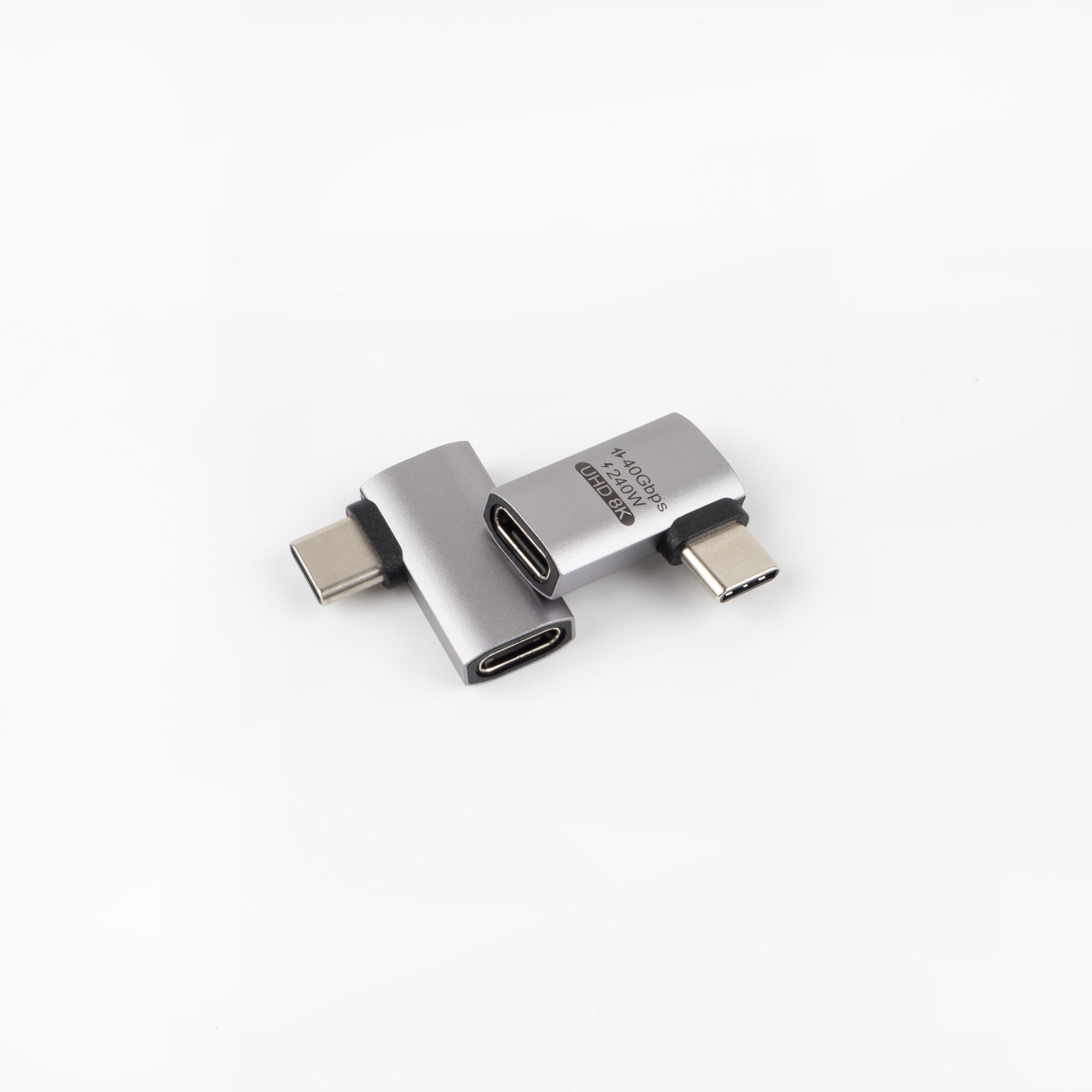
The detail behind this step is kept current in the usb-c multiport adapter notes.
Mistakes to avoid
Before requesting quotation
| RFQ detail | Why it matters | What to send |
|---|---|---|
| Video target | Higher video modes need a suitable cable and device chain. | Display resolution, refresh target, and connected equipment. |
| Data requirement | 5Gbps, 10Gbps, and 20Gbps projects should not be quoted as the same interface. | Required USB generation or tested data rate. |
| Power role | Charging expectations affect rating and thermal margin. | PD wattage target and whether charging is always active. |
| Mounting context | Desk, cart, panel, or enclosure use can change cable strain and orientation. | Photos, drawings, or a simple installation sketch. |
- Check the port the plug will mate.
- Confirm rear clearance before ordering.
- State whether the run is fixed or moved.
- Record the failed step in writing.
Equipment builders tend to check the usb-c kvm switch cable guide before fixing this part of the spec. It is worth the time to contact a USB-C cable manufacturer about keystone depth before the sample is approved.
| Item | Mistakes to avoid |
|---|---|
| 1 | Do not describe the project only as a “USB-C adapter” if switching, video, or charging are part of the requirement. |
| 2 | Do not assume a connector that fits mechanically will support the same data and power behavior. |
| 3 | Do not approve samples without testing the full host, display, dock, cable, and power adapter chain. |
- List the connector genders.
- Name the host and device generation.
- Confirm the power level separately.
- Keep the sample note with the order.
Prepare the required speed, video target, power target, cable length, and installation layout. Buyers can start with the USB-C product catalog and then send the project context through the contact page for a more accurate quotation discussion. The underlying standard behind this interface is maintained by the USB Implementers Forum. Eilinks in China answers USB-C switch questions from the same inspection sheet that ships with the cable. The comparison behind this section is kept current in the 240W PD3.1 adapter for panel builds.
