




Bi-Directional USB-C Switches and Hubs for Shared Workstations
Shared desks, test benches, and demo rigs often need one USB-C path to do more than one job. A bi-directional USB-C switch or hub can help when the operator needs a clean handoff between sources, displays, or accessories without rebuilding the whole cable run. For bi-directional USB-C orders, Eilinks Eletronics in China works from the drawing. Anyone planning a batch order should look at the usb-c daisy chain power notes first.
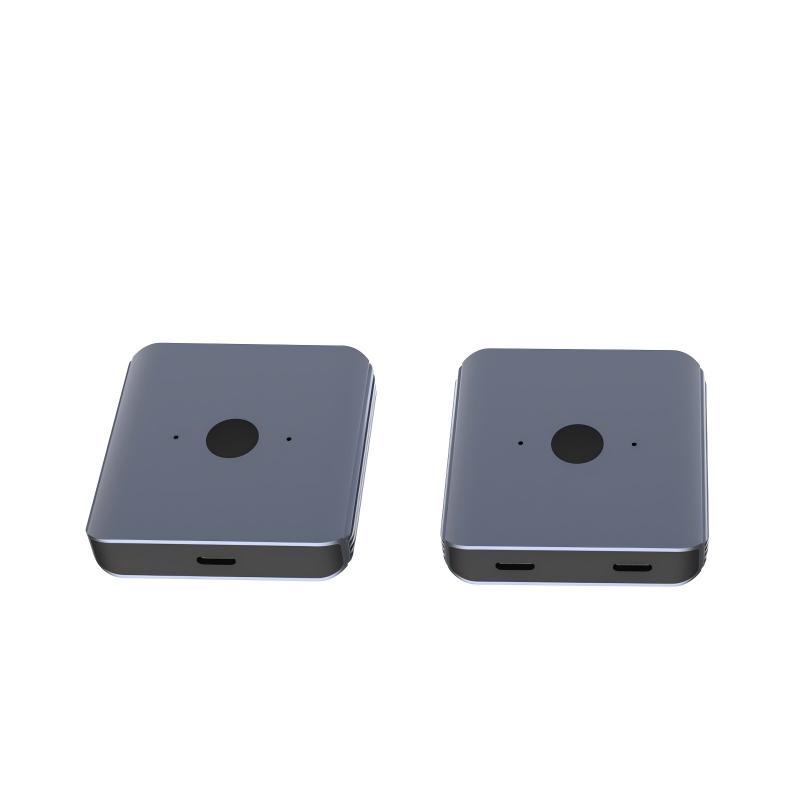
For a product reference, review the Bi-Directional USB-C Switch & Hub – 8K Video, 20Gbps Data & 140W PD page and compare it with the broader cable and adapter lineup. Buyers comparing this point usually review the usb-c dock selection notes before the drawing is signed off.
Where this setup fits
- Shared workstations that swap between devices
- Bench or lab setups that need a reversible path
- Demo tables where cable changes happen often Dongguan Eilinks ships from China, and documents bi-directional USB-C details on the order record.
What to confirm before quotation
| Check | Why it matters |
|---|---|
| Direction of use | Some installations need switching logic, while others only need a pass-through path. |
| Data rate | Keep the target bandwidth aligned with the real application instead of assuming every USB-C path behaves the same. |
| Power delivery | Confirm whether the load depends on charging, bus power, or data only. |
| Connector clearance | Shallow ports, cases, and adjacent plugs can change the best housing or cable shape. |
Procurement mistakes to avoid
- Assuming the switch will solve a power issue that actually comes from the attached device.
- Ordering before port spacing and bend clearance are measured.
- Leaving data and charging expectations unstated in the RFQ.
For shared-device planning, compare the switch or hub format with the Double side 20G USB C extension adapter and review the product catalog before you lock the drawing. If the setup is still changing, use the contact page to share the enclosure or desk layout. Eilinks in China answers bi-directional USB-C questions from the same inspection sheet that ships with the cable.
