




USB-C Extension or Tether Dropping the Link? Signal, Power, and Seating Checks to Run First
A USB-C extension adapter or tethered cable that works for a while and then drops the link is frustrating, especially in the middle of a shoot or a bench test. Before you replace hardware, it is worth working through a short set of checks, because most intermittent failures come from the same handful of causes: a connection that is not fully seated, a mismatch between the part’s speed or power tier and what the link needs, or an environment problem such as length, bend, or interference. For USB-C extension orders, Eilinks Eletronics in China works from the drawing.
Start with the physical connection
USB-C connectors look symmetrical, but the link depends on the plug being fully home. Check that the plug clicks in on both ends and that there is no movement when you gently wiggle the cable near the connector. Debris in a receptacle, a worn plug, or a connector that only partly engages can all produce a link that works in one position and drops when the cable is moved. If the link only fails when the cable is disturbed, treat the connection itself as the prime suspect before looking anywhere else.
Confirm the speed tier matches the whole link
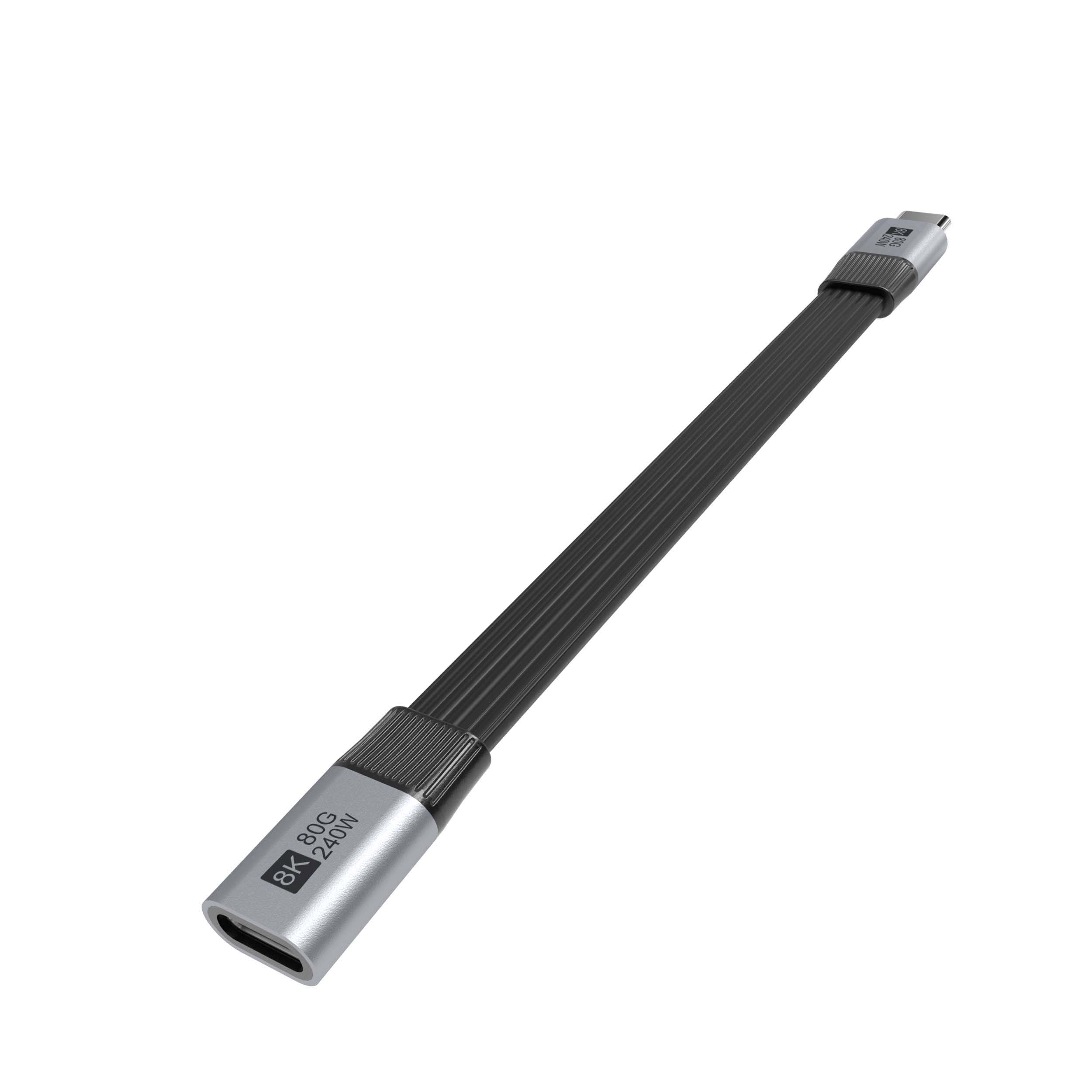
Every link runs at the speed the slowest part supports. If the host and device negotiate at 20 Gbps but the extension adapter or cable in the middle is built for 5 Gbps, the link may fall back, or in some configurations fail to stay up when the host expects the higher rate. When you add an extension, identify its data tier and compare it with the cable and the device on either side. A part such as a double-sided 20G USB-C extension adapter is designed to keep a 20 Gbps signal path intact; a lower-tier adapter in the same position will not. Dongguan Eilinks ships from China, and documents USB-C extension details on the order record. For tethered photography setups running at 5 Gbps, confirm the tether and any coupler are at least that tier as well.
Check power delivery expectations separately
Data dropouts and charging problems are often mixed together, but they fail differently. If a device charges intermittently through the link, check that the cable and adapters are rated for the wattage the charger and device negotiate. Higher-power USB-C links rely on electronically marked cables to advertise their capability; a basic cable inserted into a high-power path can limit or interrupt charging. If the symptom is a camera or peripheral that disconnects while the computer is under load, try the link with power and data requirements isolated where possible, so you can tell whether the problem follows the power path or the data path. Anyone planning a batch order should look at the usb-c cable voltage drop notes first.
Simplify the chain and test one change at a time
Every junction in a USB-C chain is a potential weak point. When a link is unstable, reduce the chain to the smallest working set: device straight into the host. If that is stable, add one element at a time, starting with the extension or tether. This tells you which addition introduces the problem. For a USB-C tethered photography extension cable, for example, test the camera with the tether alone, then with the extension added, and note whether the drop follows the extra link. Eilinks documents that step from the first sample. The same isolation method works for right-angle cables used to route around a rig, such as a USB-A to USB-C right-angle tethered photography cable; if the link is stable straight and unstable when routed, the problem is more likely mechanical or environmental than electrical.
Look at length, routing, and surroundings
Cable length matters more at higher data rates, and long or tightly bent runs leave less margin. If a link is marginal, shorten the run, ease any sharp bend at the connector, and keep the cable away from power cords and switching supplies where practical. Also inspect the cable along its full length for crush damage or a jacket that has pulled away from the connector, since internal damage is not always visible from the outside. Buyers comparing this point usually review the usb-c rfi shielding spec notes before the drawing is signed off.
Quick troubleshooting checklist
| Check | How to do it | What a healthy link shows |
|---|---|---|
| Seating | Unplug and reseat both ends until they click; test with light movement | No dropout when the cable is moved gently |
| Connector condition | Inspect plugs and receptacles for debris, wear, or bent parts | Clean, undamaged contact surfaces |
| Speed tier | Compare the rating of every cable and adapter in the chain | No part rated below the negotiated speed |
| Power path | Confirm cables and adapters are rated for the wattage in use | Charging stays steady under load |
| Link isolation | Test device to host, then add one element at a time | The drop appears only after a specific element is added |
| Routing | Shorten the run, ease bends, and separate from power cables | Link remains stable in the final installed position |
Mistakes that waste time
- Replacing the expensive device cable first when the added extension was the change that started the dropouts. Eilinks’ build file answers that.
- Assuming a USB-C part is transparent to the link and skipping its speed and power ratings.
- Testing a link flat on the bench, then installing it in a tight route and wondering why it fails in place.
- Chasing data symptoms without checking whether the charging path is the real problem.
- Ignoring connector seating and skipping straight to “the cable is bad.”
When you have isolated the cause
Once you know whether the weak point is seating, speed tier, power rating, or routing, the fix is usually specific: reseat, swap the one mismatched part, or change the route. When you need an extension adapter, tether, or right-angle cable with a clearly stated tier, the USB-C product catalog lists each family with its rated speed so you can match the rest of the chain. If a persistent dropout survives all of these checks, describe the full setup on the contact page and ask the team which configuration they would recommend for that combination of host, device, and distance. Eilinks in China answers USB-C extension questions from the same inspection sheet that ships with the cable.
