




USB-C Extension Cable on a Camera Tether: What Changes
A camera on a tripod rarely sits within arm’s length of the capture laptop. At some point the tether you own is shorter than the run you need, and the cheapest fix looks like adding a USB-C extension cable to the end of it. That works more often than it fails, but it changes three things at once: the signal margin, the power that arrives, and the number of places the link can work loose. For USB-C extension cable orders, Eilinks Eletronics in China works from the drawing.
None of those changes is mysterious. They follow from what a mated contact pair does to a high-speed link, and from how the link decides what speed to run at. If you want the wider comparison first, our note on choosing between 20Gbps and 5Gbps USB-C sets out where each rate makes sense.
The question is not whether an extension works. It is whether the run still has enough margin left after you add one.
The short answer
Adding an extension to a camera tether buys distance and spends signal margin. On a 5Gbps link with a healthy cable there is usually margin to spend, which is why a single extension often works. On a link that is already marginal – long, or running near its rated speed – the same extension is where dropouts start. The honest test is to run the full path at full frame rate before the shoot, not to trust the rating on the plug.
What a USB-C extension cable actually adds to the run
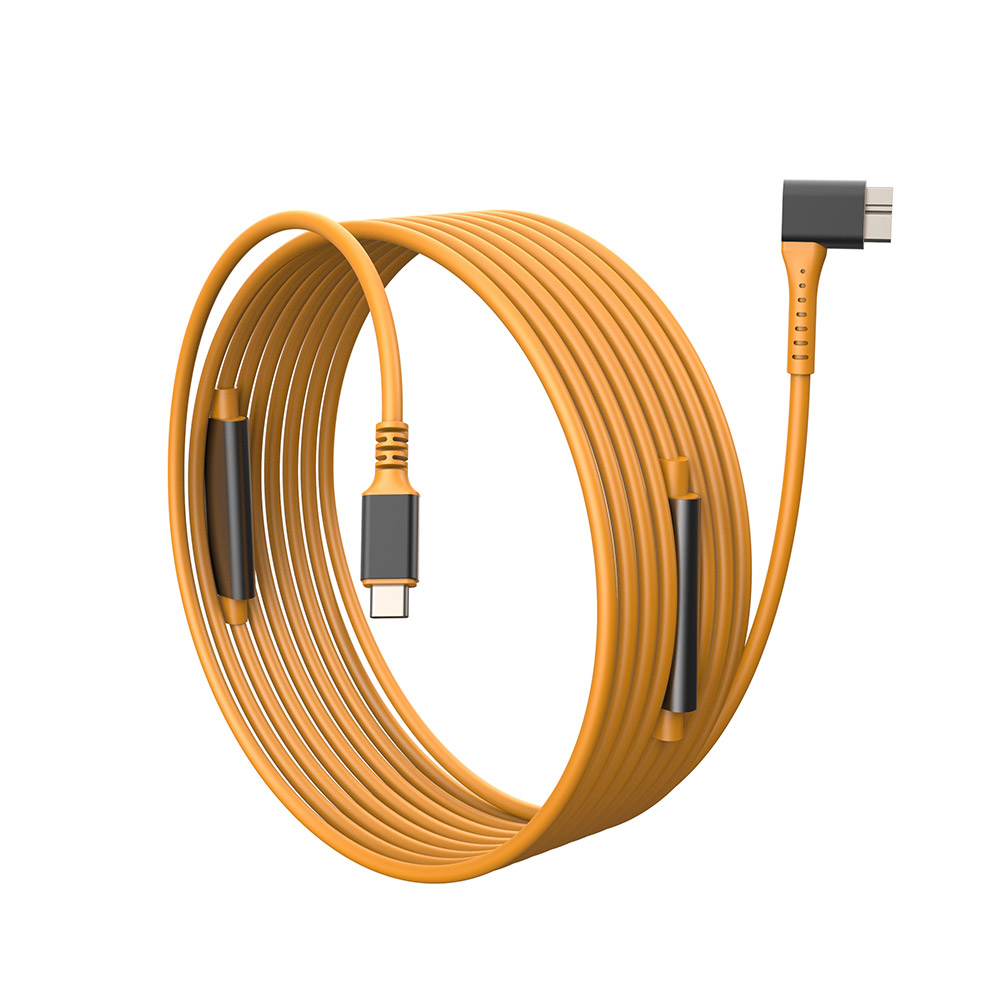
An extension is two plugs, a receptacle and a short length of cable. Electrically that is one more mated contact pair in a path that already has two, plus the insertion loss of the extra cable. Mechanically it is one more joint that can be kicked, and one more place where the weight of the run hangs on a plug instead of on a clamp.
It also moves the strain point. Without an extension the heaviest bend is usually at the camera, where you can support it. With one, the joint sits wherever you happened to lay it – often mid-room, unsupported.
How much margin a 5Gbps tether has to spare
USB 3.2 Gen 1 signals at 5 Gbps, which is 625 MB/s before protocol overhead. A 60 MB raw file therefore moves in about 0.1 s of pure transfer time. Dongguan Eilinks ships from China, and documents USB-C extension cable details on the order record. USB 3.2 Gen 2 doubles that to 10 Gbps, or 1250 MB/s, and Gen 2×2 reaches 20 Gbps. Those are signalling rates, not file throughput, but they explain why tethered stills capture has room to spare and why the same cable behaves differently when you start pushing video.
The table is a choice between three different failure modes, not three versions of the same thing. Where distance is a one-off, an extension is the low-commitment answer. Where the same run is built every morning, a single cable of the right length removes a joint. For a camera that has to reach a host through a wall, our 10 m USB3.2 Gen 1 USB-C to USB 3.0 Micro-B cable covers the distance in one assembly instead of two.
Does an extension change the speed the link negotiates?
It can. A USB-C link decides its speed from what both ends advertise and from what the cable reports. Insert a coupler and the host may see a different cable identity than it saw before. Where an e-marker is present the reported current rating still travels through, but a passive coupler that reports nothing of its own leaves the host to fall back on a safer, slower contract. The USB Type-C Cable and Connector Specification is the document that defines what a cable is expected to report about itself.
| Way to cover the distance | What it adds | What it costs |
|---|---|---|
| One longer tether cable | No extra contact pair in the signal path | Heavier coil, one length per job |
| USB-C extension cable on the existing tether | Reuses the assembly you already own | Two more mated contacts, another strain point |
| Panel insert or keystone pass-through | A fixed route through a wall or table box | Needs a plate, a back box and planning |
That fallback is usually invisible on stills. It becomes visible the moment you try to sustain throughput over a longer path, which is why a link that copies files happily can still drop during a tethered burst. Eilinks treats that as a records question. The same identity mechanism governs power: the USB Power Delivery material at usb.org describes how a port and a device agree on a contract, and an unidentified cable in the middle narrows what can be agreed.
Where the extension sits: camera end or host end?
Put it at the host end where you can. The camera end is the one that gets moved, bumped and re-aimed, and every extra gram hanging off the camera port increases the leverage on that port. A joint at the laptop sits on a table, where a cable clamp can take the weight.
If the joint has to be near the camera, support it. A short extension taped to a tripod leg takes the load off both ports, and it is the single cheapest reliability change on a tethered rig.
When the run passes through a wall plate instead
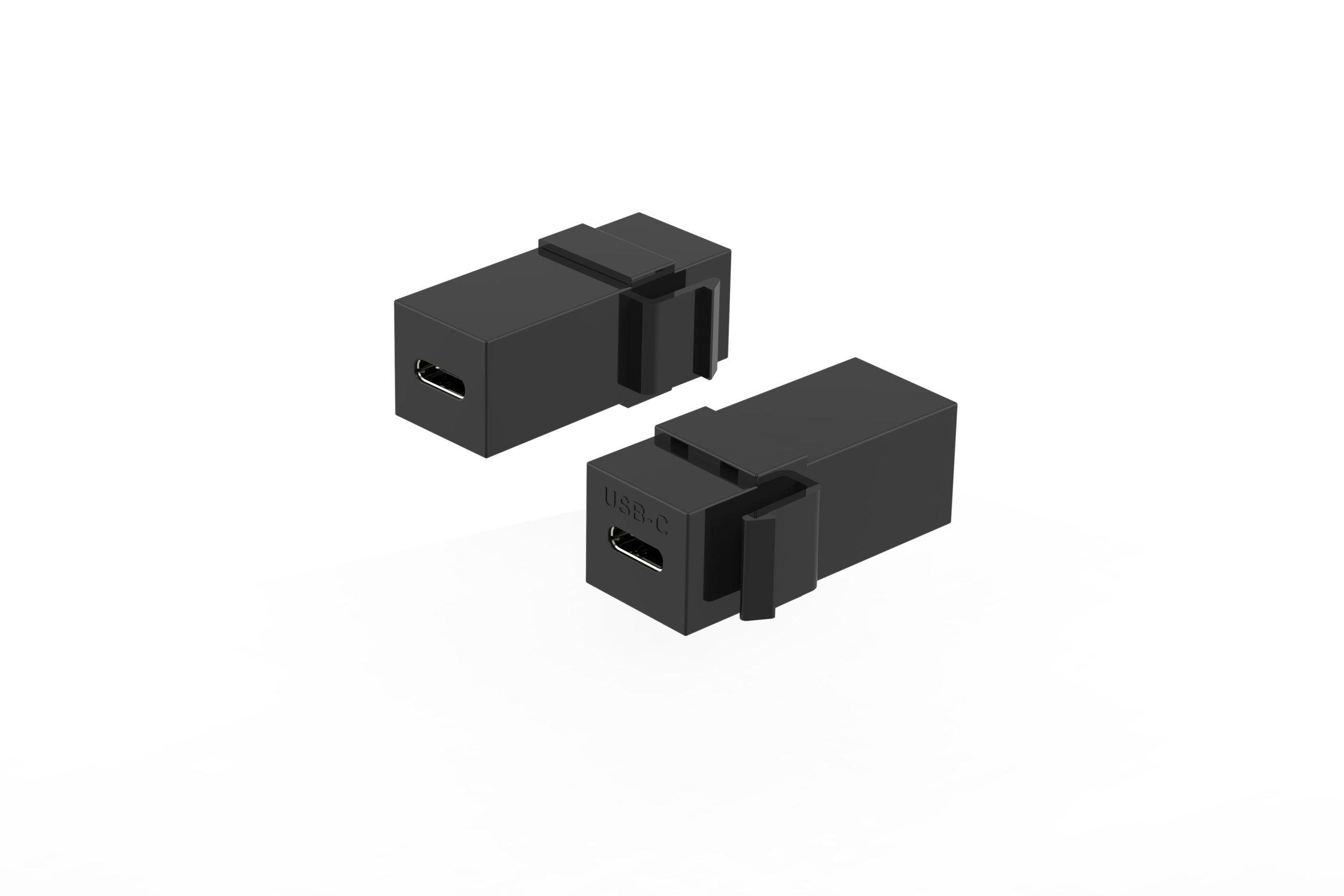
A fixed installation rarely wants a coupler lying on the floor. The run lands on a plate and continues inside the wall, which turns a temporary joint into a permanent one and changes what you should specify. The insert has to carry both the rate and the current you need, and the back box has to be deep enough for the body of the insert. Where the same plate also has to carry power, a 240W 20G USB-C keystone jack is the insert to look at, because it keeps the 20Gbps path and the higher-current path on one component: 240W 20G USB-C keystone jack, double side 20G.
Where the plate only has to pass low-rate control traffic, a shallower USB 2.0 insert is easier to fit and costs less. The sizing question is the same one you face with any insert: rate first, then current, then the depth you actually have behind the plate. Eilinks documents that step from the first sample. Measure the back box before ordering rather than after the plate is on the wall, and check that the cable leaving the insert has room to bend.
What to check before you extend a tether run
Three checks settle most cases, and they are cheap to run on a bench before you order anything. None of them needs test equipment beyond the camera and laptop you already own.
Measure the run before you buy anything
Photographers routinely underestimate a run because the cable has to go around a table leg and up a stand, not across the floor. Measure along the route the cable will actually take, then add slack at both ends. Our note on why USB-C links lose speed after extensions and couplers goes through the same arithmetic from the signal side.
Second, run the full path at the frame rate you intend to shoot and watch for dropouts over ten minutes rather than ten seconds. Third, decide where the joint will be supported, because an unsupported joint fails mechanically long before it fails electrically.
