




VR Link Cable: Throughput Checks for Headset Rigs
A VR link cable is the lead that keeps a headset fed from a PC, and the two numbers that decide whether a session holds are the bus rate and the length of the run. Most enquiries start as a question about distance, and a China VR link cable supplier is asked about it before the port on the PC is even confirmed. Eilinks Eletronics builds these leads for gaming rigs, training rooms and demonstration booths where the host sits on a desk.
The headset side is only half the story. The PC end sets the bus: a USB 3.2 Gen 1 port carries 5 Gbps, and a USB 2.0 port carries 480 Mbps, and the same lead plugged into each gives a very different session.
Two rates answer the same question, and the wider picture is set out in our notes on the connector families behind the 480 Mbps and 5 Gbps labels. A headset that streams compressed frames needs the higher one, while a headset that only charges and syncs overnight does not.
A VR link cable for headset rigs is bought on two figures, and the first decision is the bus rate the PC port offers. The length of the run settles the rest.
What does a VR link cable carry to the headset?
Inside the lead are the differential pairs for data, a power path, and the shielding that keeps the two from disturbing each other. The host enumerates the headset over USB, then streams frames across the bus while feeding the headset a share of the current.
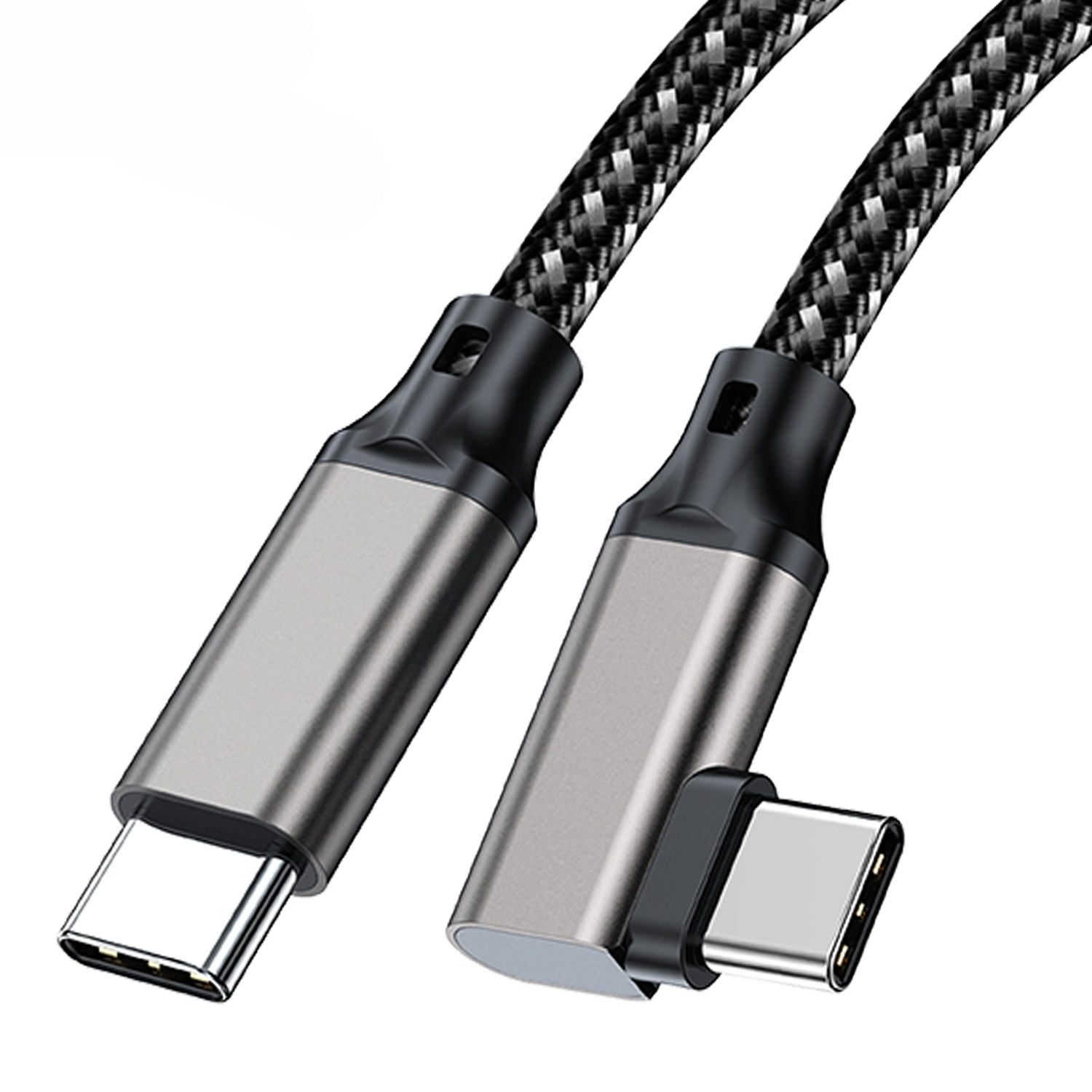
The 5 Gbps figure is the raw lane rate. With 8b/10b encoding the payload lands near 4 Gbps, about 500 MB/s, and a compressed stream at a few tens of megabits a second sits well inside that budget. The USB 2.0 fallback is 480 Mbps, near 60 MB/s, which is enough for a preview and short of what a session needs.
Choosing a VR link cable or wireless streaming setup usually comes down to latency rather than bandwidth, and the wired lead wins where the room is fixed. Where the rig moves around, the cable becomes something to trip over and streaming is the better answer.
Where the PC sits under a desk and the play area is two metres away, a Chinese-made VR link cable at 16 ft is the part most rigs end up with. Eilinks quotes the length first, because the run decides whether the link holds its rate at all.
Where a VR link cable fits and where it does not
The natural fits are fixed play areas, training rooms and demonstration booths where the PC stays put. A headset that only charges overnight is served by a shorter and cheaper lead, and a handheld viewer does not need the bus at all.
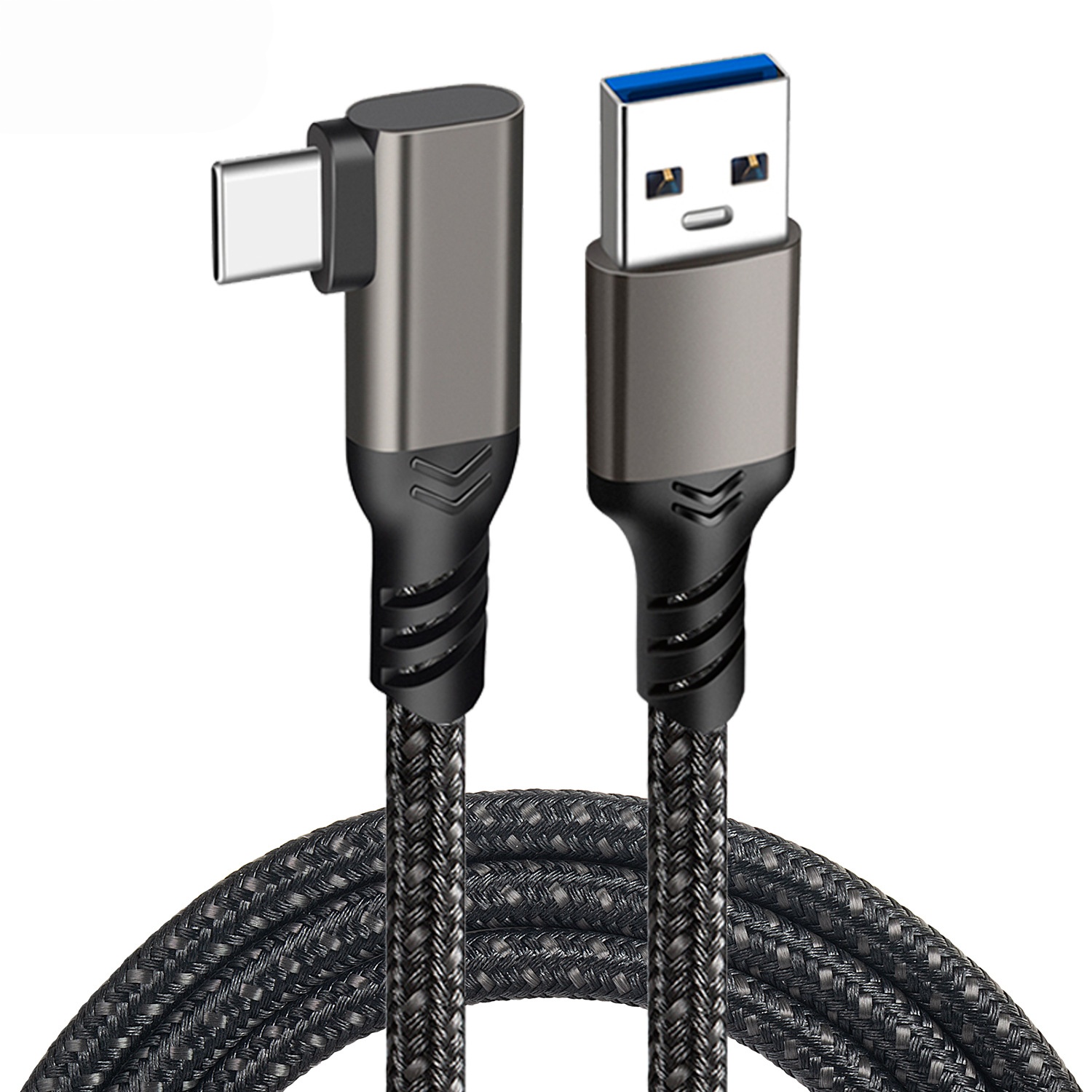
The poor fits are the long runs. The USB 2.0 specification sets a 5 m cable limit, and 5 Gbps passive runs are usually held to about 3 m in practice, so a 16 ft lead — 4.88 m — sits past what a plain assembly is expected to hold.
Where the run has to cross that distance, the listing should state the conductor size and whether a booster is built in, and the 5 m USB-A to USB-C VR lead on our product page is the one to read alongside it. Eilinks usually asks for the measured run and the port type before quoting, since those two decide whether the session holds.
How much current can the headset draw?
Power is the second constraint. A USB 3.2 bus-powered port allows six unit loads of 150 mA, so 900 mA, about 4.5 W at 5 V, while a USB 2.0 port allows five unit loads of 100 mA, so 500 mA. A headset that draws more than the port allows needs a powered hub in the path.
The plug counts tell the two buses apart: a full-featured USB-C plug carries 24 contacts, a USB 3.0 Type-A plug carries nine, and a USB 2.0 plug carries four. Counting the contacts is the quickest way to tell which bus a lead was built for.
Current on the power path is separate from the data pairs, which is why a lead can hold its rate while the headset battery still falls. Our notes on planning a longer run across a bench or an enclosure cover the routing half of the same problem.
What to confirm before ordering
Six items decide whether a VR link cable survives its first month in a rig. The first three are physical; the last three are the ones that come back as a support ticket rather than as a part.
| Check | What to confirm | Failure mode if missed |
|---|---|---|
| Measured run | Distance from PC to play area | Link retrains at the lower rate |
| Port bus | 5 Gbps or 480 Mbps socket | Headset falls back to a preview |
| Plug gender | Which end the headset expects | Adapter hangs off the headset |
| Current budget | Draw against the 900 mA port | Battery falls during a session |
| Jacket and bend | Floor routing and foot traffic | Lead fails at the strain relief |
| Document set | Which party holds the file | Shipment held at the border |
A drawing that names the measured run, the bus rate and the port type closes five of those six before a sample is requested. Eilinks reads the same six off every enquiry, and a one-line request tends to come back as another question.
Documents and conformity requirements for export orders
Documentation is where an otherwise sound purchase stalls. CE marking requirements for VR link cable sit with the finished product placed on the market, so the importer carries the file rather than the component maker. USB-IF certification requirements for VR link cable apply where the logo or the certified name is used on the pack.
| Document | Who holds it | When it is needed |
|---|---|---|
| Technical file | The party placing the product on the market | Before the first shipment |
| Declaration | The importer or the authorised representative | With each market entry |
| Test record | The manufacturer that ran the assembly | On request from the buyer |
| Sample approval | Both sides, signed against the drawing | Before bulk release |
- Measure the run on the floor, not from the plan
- Pin the bus rate the PC port actually offers
- Record which party holds the technical file
- Approve a sample with the real headset
The bus rates and the 5 m limit behind those figures are published on the USB 3.2 specification landing page at usb.org, and that is the reference a drawing should point at when the box says 5 Gbps and the room measures four metres.
Who decides what on a headset lead order
Confusion here costs more than the part does. The facilities team measures the play area, the IT team owns the PC image, and the sourcing team owns the drawing, and our note on where a passive 5 Gbps run stops holding its rate is the comparison most of them start from.
A VR link cable manufacturer can only quote what those three have written down, which is why the first reply is usually a question about the measured run rather than a number. A tracking drop in a VR link cable traces back to the run or to the current more often than to the headset itself.
Dongguan Eilinks works from the drawing rather than from a listing, and a VR link cable factory in China will ask about the play area before asking about the quantity.
- Facilities measures the run and photographs the port
- IT confirms the port bus and the PC image
- Sourcing pins the length and rate to the drawing
- Both sides sign off the sample with the real headset
A VR link cable factory in China is judged on the same answers, and the useful test is whether the reply describes the part or repeats the listing.
Questions buyers ask
Will a 16 ft lead hold 5 Gbps?
Only if the listing says so. The USB 2.0 specification sets a 5 m limit and 5 Gbps passive runs are usually held to about 3 m, so a 16 ft lead is 4.88 m and needs the conductor size or a booster stated on the page.
Why does the headset fall back to a slow preview?
The link retrained at a rate it could hold, which is a length problem rather than a headset problem. The other common cause is a 480 Mbps port on the PC, which caps the session before the run does.
Does the lead need a powered hub?
Where the headset draws more than the port allows, yes. A USB 3.2 port allows 900 mA and a USB 2.0 port allows 500 mA, so a headset that needs more than either has to take the difference from a hub.
What belongs on the drawing for a repeat order?
The measured run, the bus rate of the PC port, the plug genders, the current the headset draws, and which party holds the technical file. Those five decide whether the second batch matches the first sample.
Where the checks lead
A 5Gbps or 480Mbps cable choice changes how far the run can reach, and the port on the PC decides which of the two the rig is actually using. A VR link cable for headset rigs is bought on the measured run first, because distance decides the rate.
Send the measured run, the port type and the headset draw to the Eilinks VR link cable desk and the lead can be matched to the room.
