




USB-C Cable Length Limits: How Far 5Gbps, 10Gbps, and
When a build needs a USB-C link longer than a stock cable, the first move is usually to order a longer one. The comparison behind this section is kept current in USB-C cable specifications. That works until the rated speed drops or the link stops enumerating. USB-C length limits are driven by signal integrity, and the limit tightens as the data rate climbs. This note gives procurement teams a planning framework for cable length by data rate, and shows where an extension adapter or an active element keeps the link intact. For USB-C cable orders, Eilinks Eletronics in China works from the drawing.
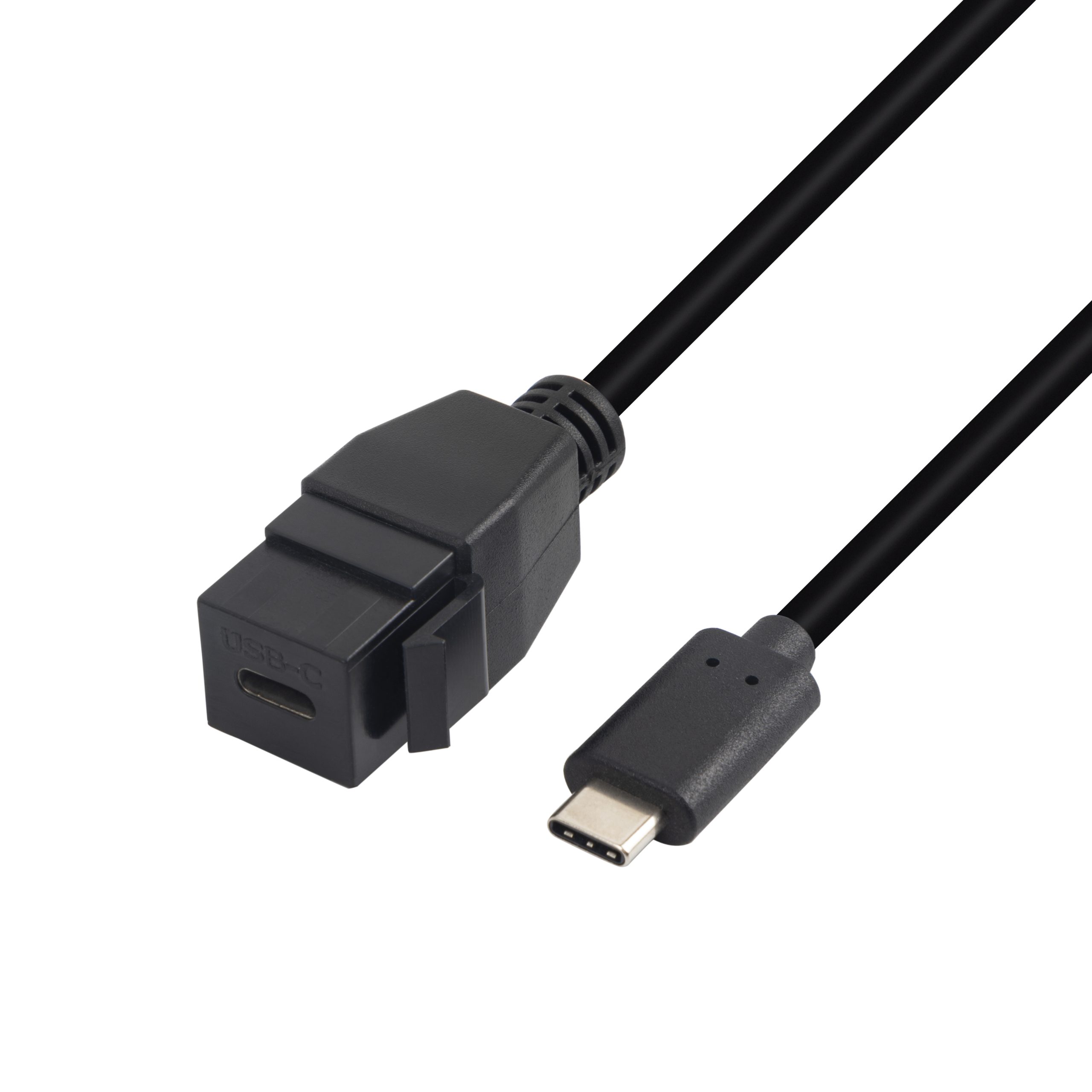
The detail behind this step is kept current in the usb-c conductor gauge selection notes.
Why length depends on the data rate
USB-C cables carry differential pairs at a fixed line rate. Higher data rates leave less margin for attenuation and reflection, so the practical passive length shrinks. Equipment builders tend to check the 240W PD3.1 adapter built in Dongguan before fixing a connector pair. A 5Gbps link tolerates a longer passive cable than a 10Gbps link, which in turn tolerates more than a 20Gbps link. The host controller, the device, and the cable construction all set the real number, so any length in this note is a planning starting point, not a guarantee. Equipment builders tend to check the usb-c voltage drop calculation guide before fixing this part of the spec.
Planning lengths by data rate
These are guidance ranges, not specifications. Always confirm on the actual host and device before committing a bill of materials.
Extending a link without losing the rate
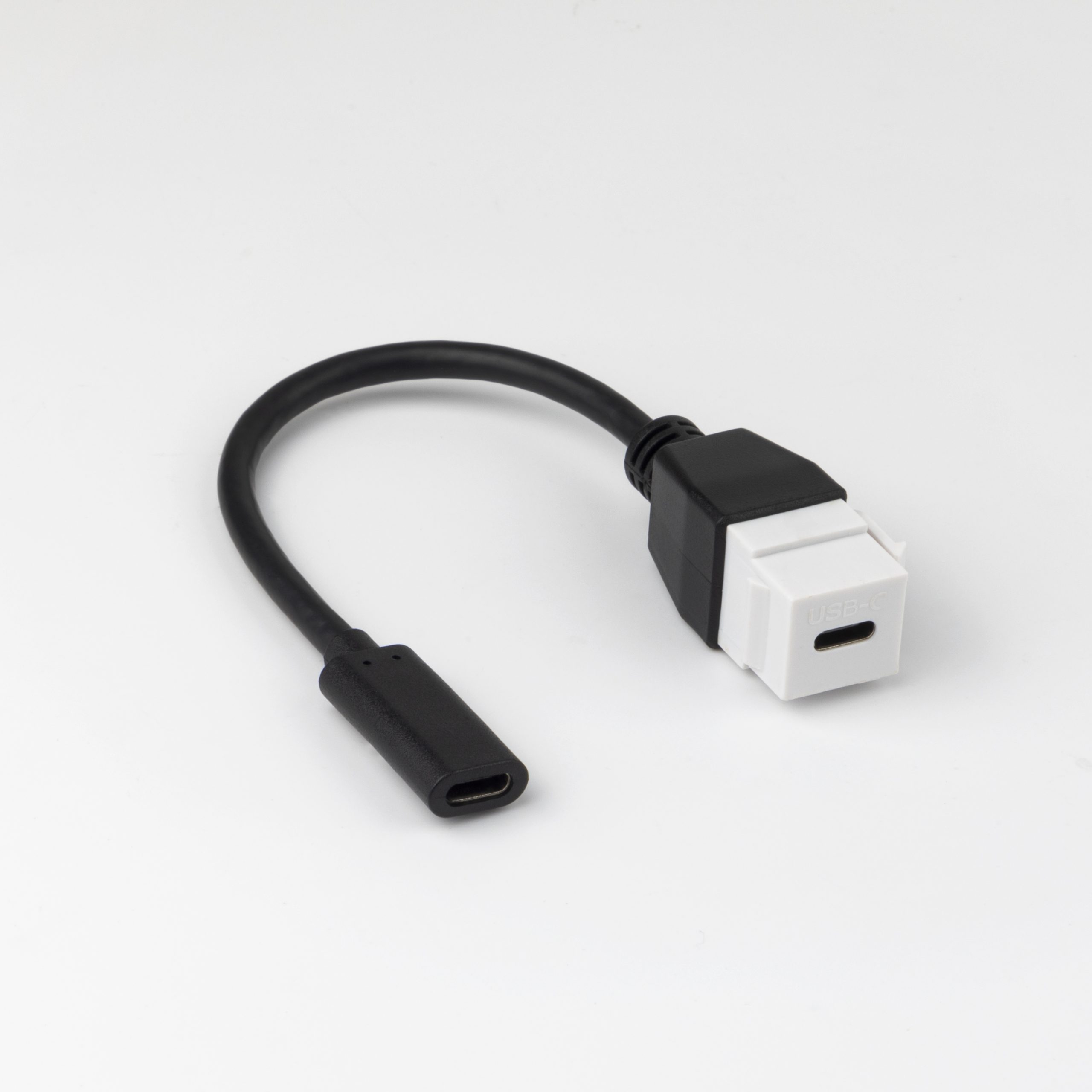
- Use a rated double-side extension adapter to join two passive runs while keeping the rated speed, instead of a long marginal cable. Dongguan Eilinks Eletronics ships from China, and documents USB-C cable details on the order record. Buyers usually work from the 240W PD3.1 adapter for OEM orders before a drawing is signed off.
- For 20Gbps, prefer a purpose-built 20Gbps extension join so neither end falls back to a lower rate.
- Keep tether runs on cables already validated at the needed length and speed.
- Where a device only needs a long passive run at 5Gbps, a longer tethered cable is simpler than an active solution. The governing specification is published by the USB Implementers Forum.
A USB3.2 5Gbps C-male to C-female extension cable is a straightforward way to add reach at 5Gbps, while a double-side 20G USB-C extension adapter keeps a 20Gbps link intact across a join.
| Data rate | Typical passive planning length | What to watch |
|---|---|---|
| 5Gbps (USB 3.2 Gen 1) | Multi-meter passive cables are common | Cheap cables vary widely; sample before volume |
| 10Gbps (USB 3.2 Gen 2) | Shorter than 5Gbps; plan tighter | Confirm the host port class and the cable rating |
| 20Gbps (USB 3.2 Gen 2×2) | Shortest passive runs; joins need care | Use a rated join or active element to extend |
- Check the port the plug will mate.
- Confirm rear clearance before ordering.
- State whether the run is fixed or moved.
- Record the failed step in writing.
For camera and instrument tethering that needs extra length, a USB-C to USB 3.0-B tethered cable is offered in 5m, 10m, and 15m options. It is worth the time to contact a USB-C cable manufacturer before the sample is approved.
Procurement mistakes to avoid
Where to look next
Shortlist candidates in the USB-C product catalog by rated speed and length, then confirm the planned run on your actual hardware. Eilinks in China answers USB-C cable questions from the same inspection sheet that ships with the cable.
| Item | Procurement mistakes to avoid |
|---|---|
| 1 | Buying the longest cable available and assuming the rated speed holds end to end. |
| 2 | Pairing a 20Gbps host with a 5Gbps cable and expecting 20Gbps throughput. |
| 3 | Forgetting that panel-mount or keystone joins add their own insertion loss to the run. |
| 4 | Skipping a sample on the real host and device at the planned length before a volume order. |
- List the connector genders.
- Name the host and device generation.
- Confirm the power level separately.
- Keep the sample note with the order.
For custom lengths, keystone, or panel-mount builds, reach the team through the contact page with the host port, required rate, and total run length so the quote matches the real link. Most projects reach this decision through incoming-inspection notes on power and data ratings. Eilinks in China answers USB-C cable questions from the same inspection sheet that ships with the cable.
