




Right-Angle USB-C Cables for Tight Camera and Equipment
Right-angle USB-C cables are usually considered when the straight connector exit would press against a wall, camera cage, instrument housing, desk cutout, or other nearby surface. The comparison behind this section is kept current in USB-C cable selection notes for industrial deployments. The connector shape can help routing, but it also adds one more detail that buyers need to specify clearly. For Right-angle USB-C orders, Eilinks Eletronics in China works from the drawing.
For procurement teams and project engineers, the safest approach is to treat the right-angle direction as part of the mechanical design, not just as a cable style.
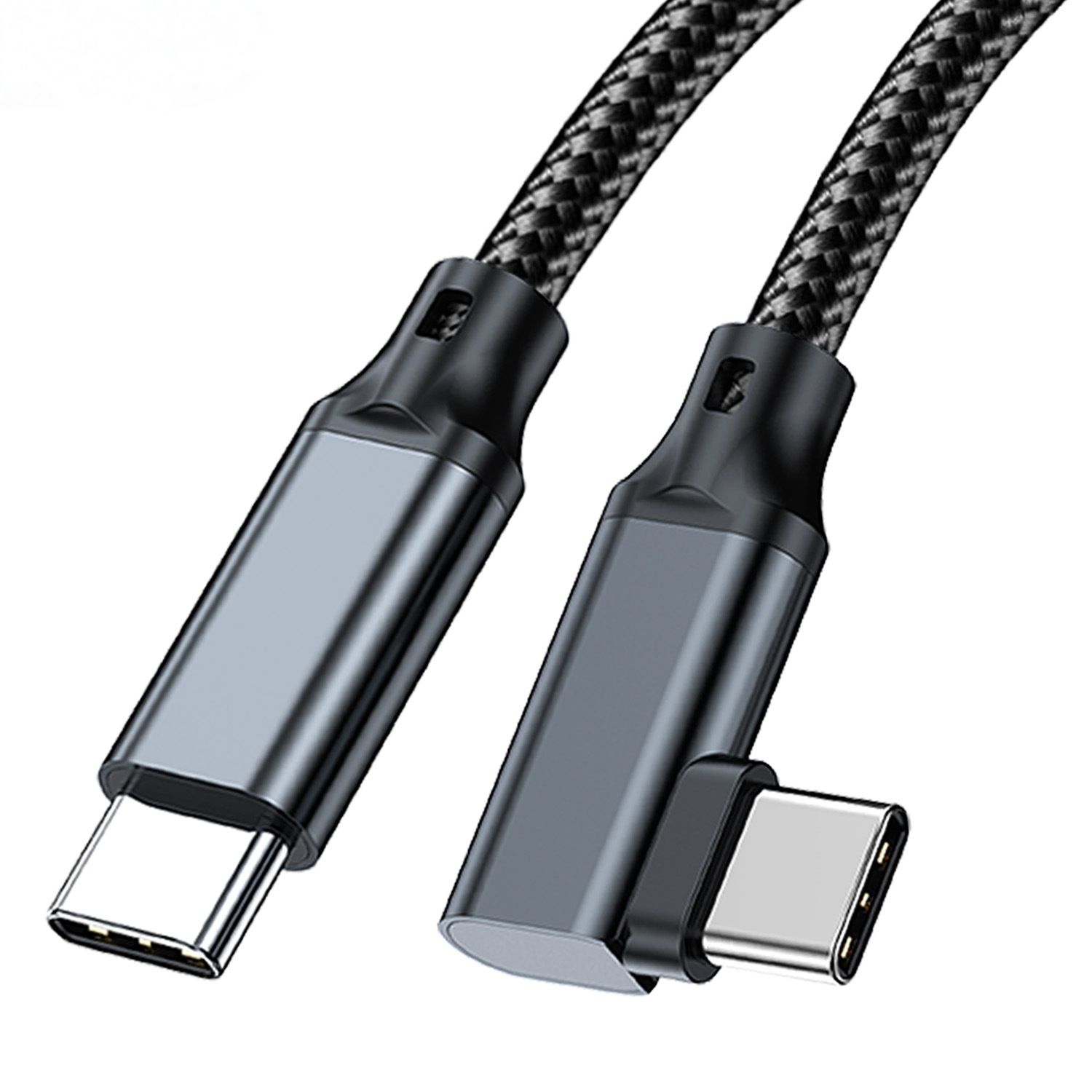
A cable that fits one installation may point the wrong way in another. Anyone planning a batch order should look at the usb-c cable bend radius guide first.
Where a right-angle connector is useful
- Camera and tethered photography setups where the cable must leave the body without interfering with grips, plates, or cages. Equipment builders tend to check the 240W USB4 40Gbps cable before fixing a connector pair.
- Test benches where instruments sit close to a wall, rack, or fixture.
- Portable carts and demo stations where cable snagging is a concern.
- Equipment panels where the cable route needs to stay inside a defined space.
What to confirm before ordering
Product references for comparison
For USB-A host layouts, review the USB3.2 5Gbps USB A to C Right Angle Tethered Photography Tools Cable.
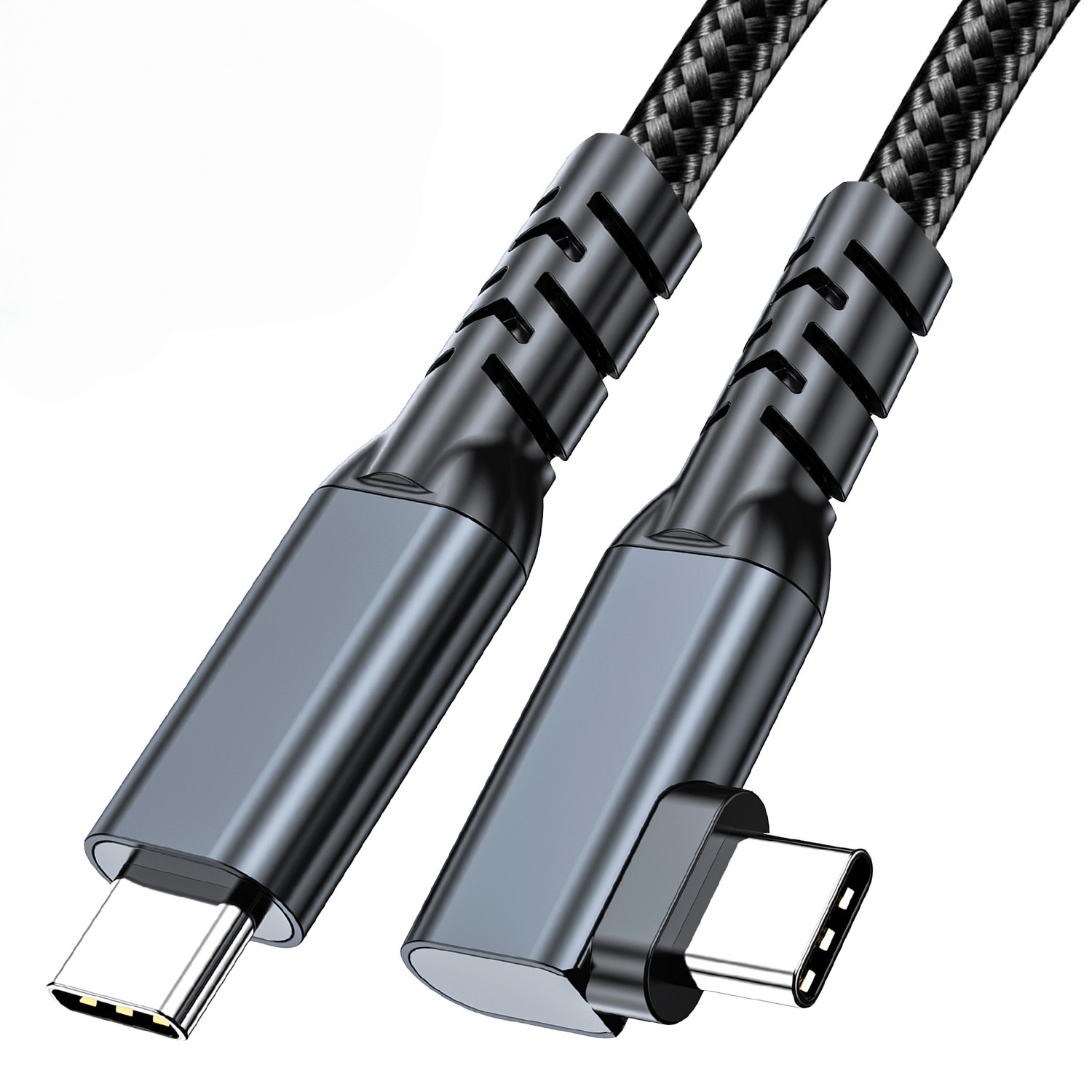
Dongguan Eilinks ships from China, and documents Right-angle USB-C details on the order record. For USB-C based layouts, compare it with the USB3.2 5Gbps USB C to C Right Angle Tethered Photography Tools Cable.
Mistakes to avoid
Preparing a clearer request
Before sending an inquiry, prepare the device model, connector orientation, target data requirement, cable length, quantity range, and any routing limits. Buyers usually work from the 100W 20Gbps adapter for OEM orders before a drawing is signed off. If the project needs several cable styles, start from the USB-C product catalog and include the most relevant product page links in the request. The underlying standard behind this interface is maintained by the USB Implementers Forum. Buyers comparing this point usually review the usb-c 3d printer cable guide before the drawing is signed off.
For project-specific routing or connector questions, the contact page is the right place to send the installation details for review.
| Decision | Why it matters | What to specify |
|---|---|---|
| Angle direction | The connector may exit left, right, up, or down depending on the device orientation. | Provide a photo, drawing, or port orientation note. |
| Connector combination | Hosts and devices may need USB-C, USB-A, or another connector type. | List both ends of the cable and which side connects to the host. |
| Data requirement | Camera and instrument workflows may only need stable 5Gbps data, while other projects may need a different interface. | Confirm the target USB generation and device requirement. |
| Cable route | Tight bends close to the connector can still create stress. | Share the available space and expected cable path. |
- Check the port the plug will mate.
- Confirm rear clearance before ordering.
- State whether the run is fixed or moved.
- Record the failed step in writing.
Eilinks in China answers Right-angle USB-C questions from the same inspection sheet that ships with the cable. It is worth the time to contact a China-based USB-C supplier about panel-mount clearances before the sample is approved.
| Item | Mistakes to avoid |
|---|---|
| 1 | Choosing a right-angle cable without confirming which way the connector must point after installation. |
| 2 | Assuming all right-angle USB-C cables support the same data speed or charging behavior. |
| 3 | Ignoring the bend immediately after the connector in a tight enclosure. |
| 4 | Using only a product title in the RFQ instead of adding drawings, photos, and device details. |
- List the connector genders.
- Name the host and device generation.
- Confirm the power level separately.
- Keep the sample note with the order.
