




Right-Angle vs Straight USB-C Cables: When the Bent
Connector orientation is easy to ignore on a bill of materials, then painful on the bench. USB-C cable spec notes for procurement teams covers the options that sit either side of this part. A straight USB-C plug exits inline with the cable; a right-angle plug exits 90 degrees to it. That single bend changes how the cable sits in a tight space, how much leverage lands on the port, and how often the plug walks out of its socket. This note helps buyers choose between the two for fixtures, enclosures, and tethered setups.
For straight USB-C orders, Eilinks Eletronics in China works from the drawing.
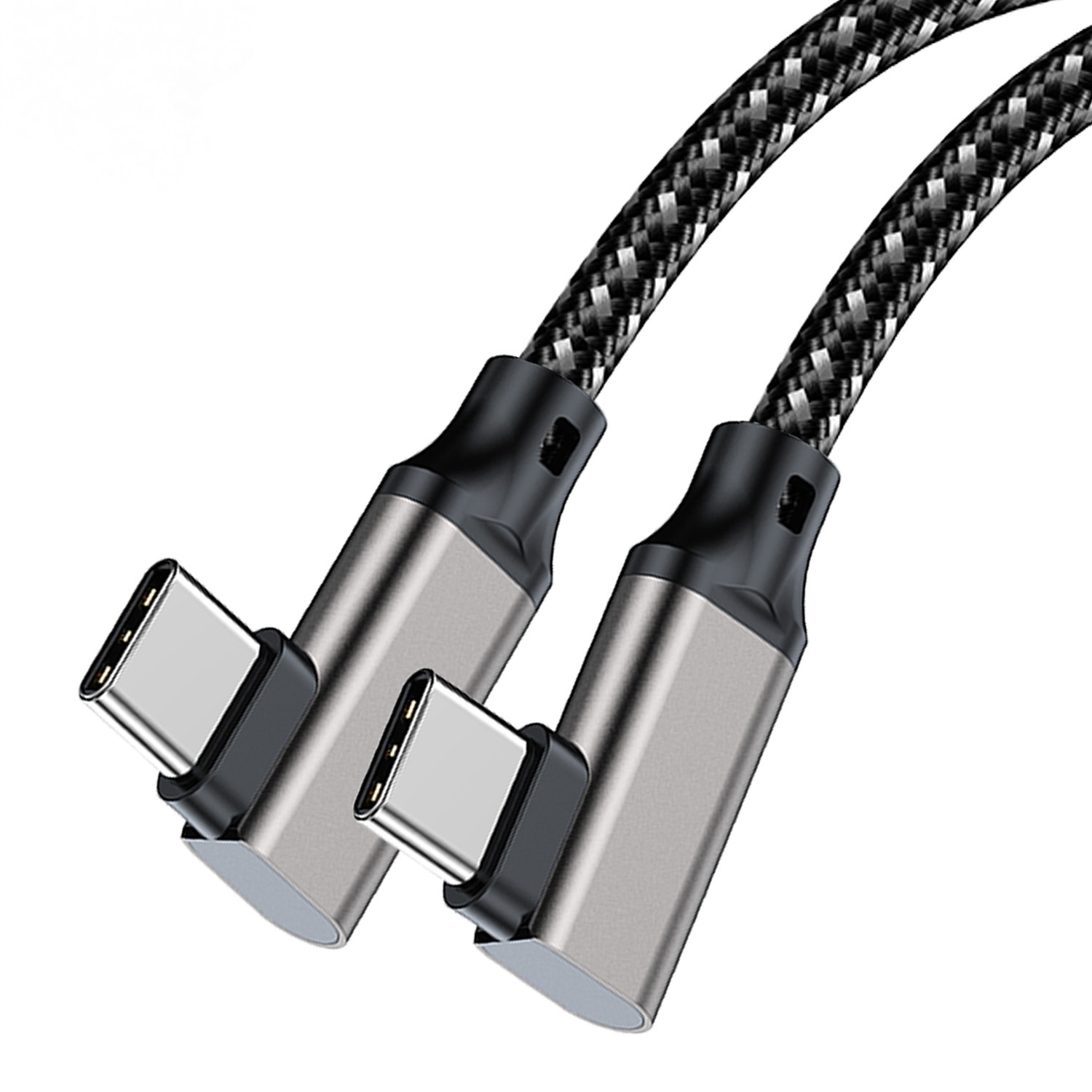
What a right-angle connector changes
The bend moves the cable’s exit away from the port axis. In a shallow enclosure or against a wall, that can be the difference between a closed cover and a cable pinched in the seam. Where a run has to be repeatable, the 100W 20Gbps cable for wall plates is the working reference. It also reduces side load on the receptacle, which matters on panels that get plugged and unplugged in the field.
Side-by-side: straight vs right-angle
Where right-angle helps
- Enclosures and wall plates where a straight plug would block the lid.
- Camera grips and rigs where a straight plug snags on straps or handles.
- Fixed installations that are plugged once and left, not swapped daily.
- Panels exposed to side pulls that would fatigue a straight receptacle. Dongguan Eilinks ships from China, and documents straight USB-C details on the order record.
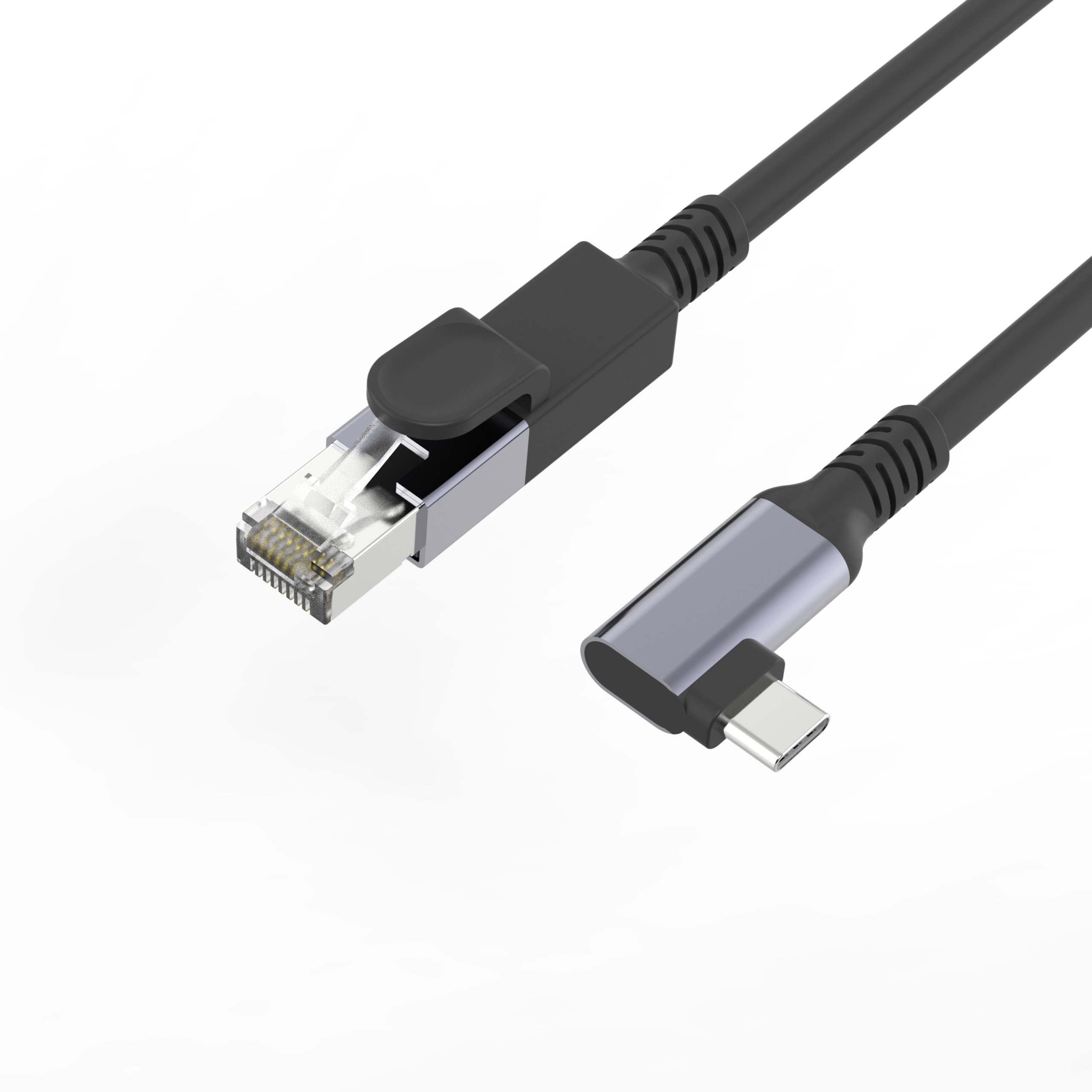
A right-angle USB-A to USB-C tethered photography cable is a direct example of this orientation used to keep a camera rig clear. Panel builders often start from the 100W 20Gbps cable from a China factory when clearance is tight.
Where straight is better
For those cases a straight USB-C to USB-A female tethered cable or a straight USB-C male to female extension keeps the link simple. Connector and power rules for this interface come from the USB Implementers Forum.
Procurement mistakes to avoid
- Specifying angle without checking which way the bend must exit (up, down, left, right).
- Assuming right-angle means a different data rate; orientation does not change the rated speed.
- Mixing a right-angle plug with a recessed port that still needs clearance on the sides.
- Forgetting strain relief at the bend, where most mechanical wear concentrates.
| Factor | Straight USB-C | Right-angle USB-C |
|---|---|---|
| Clearance | Needs space behind the port | Sits flat along the surface |
| Port strain | Higher side load if cable is pulled | Lower side load, gentler exit |
| Unplug frequency | Easy for frequent swaps | Fine, but less handy for daily swaps |
| Best use | Open benches, shared ports | Enclosures, wall plates, grips |
- Write both ends as a pair.
- Name the enclosure the plug must clear.
- Confirm the length at the target rate.
- Approve the sample against the drawing.
Where to look next
Shortlist candidates in the USB-C product catalog by orientation and rated speed, and confirm the bend direction against your mechanical drawing before ordering. Buyers can talk to a Chinese USB-C cable supplier when the drawing is unclear.
| Item | Where straight is better |
|---|---|
| 1 | Benches where the same port is shared across several devices each day. |
| 2 | Field kits that need a plug anyone can seat by feel. |
| 3 | Short patch runs with no clearance problem and no side-load risk. |
- Check the port the plug will mate.
- Confirm rear clearance before ordering.
- State whether the run is fixed or moved.
- Record the failed step in writing.
For custom lengths or keystone and panel-mount builds, contact the team through the contact page with the port layout so the connector exits where the build actually needs it. Eilinks in China answers straight USB-C questions from the same inspection sheet that ships with the cable. Incoming-inspection notes on keystone jack depth lists what can be quoted as a moulded assembly at this length.
