




Straight vs Right-Angle USB-C Tethered Photography Cables: Selection Notes for Camera Rigs
For tethered photography, inspection benches, and camera-adjacent equipment, the connector shape can matter as much as the cable interface. A straight USB-C plug may be easier to route in open space, while a right-angle plug can reduce protrusion when the device sits close to a bracket, cage, wall, or tabletop edge. For Right-angle USB-C orders, Eilinks Eletronics in China works from the drawing.
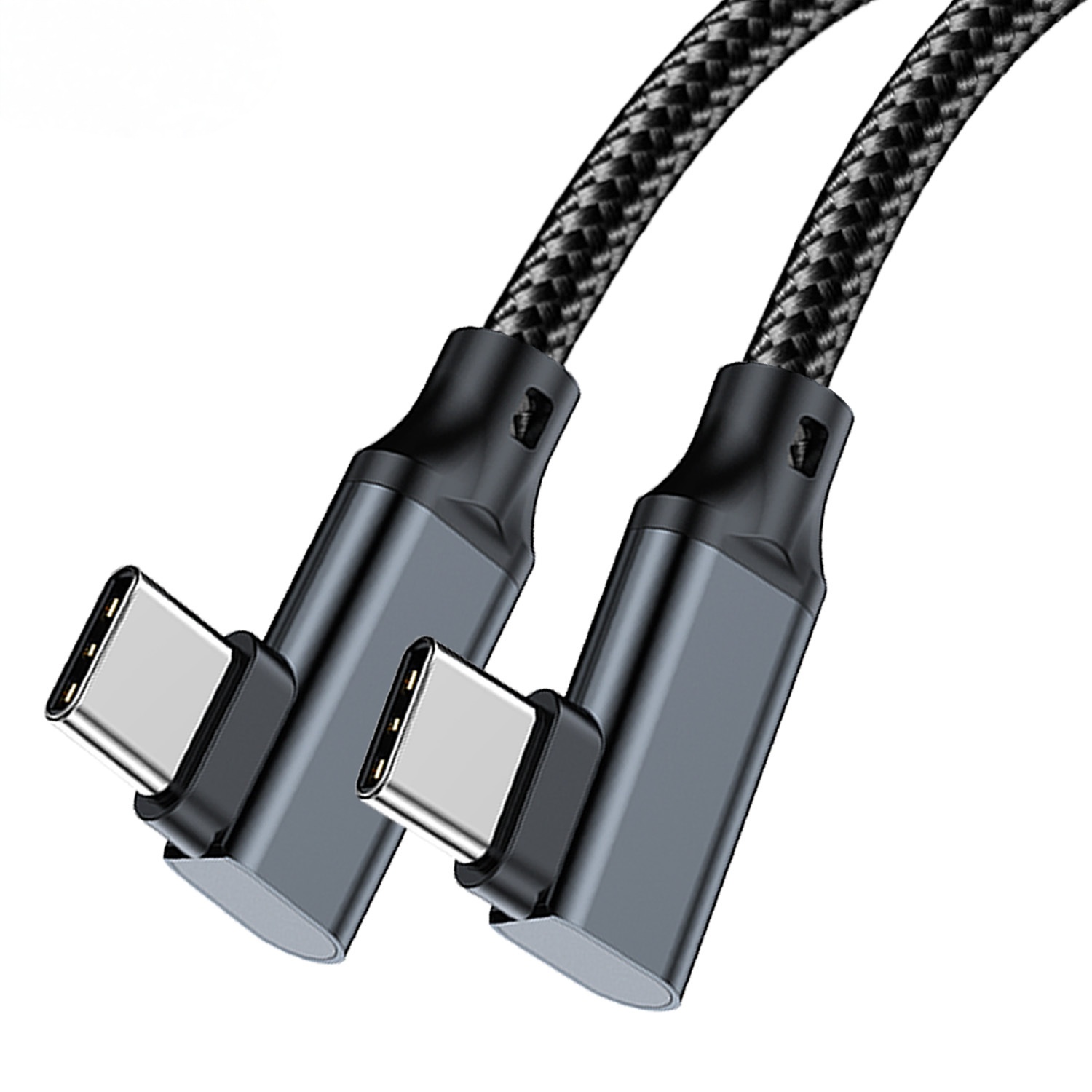
What buyers should confirm first
Start with the device port location and the direction the cable must leave the equipment. If the cable exits toward a clamp, handle, tripod plate, wall panel, or operator movement path, a right-angle connector may protect the port from repeated side loading. If the port is clear and the cable needs to drop naturally behind a device, a straight connector may be simpler.
| Selection point | Straight USB-C cable | Right-angle USB-C cable |
|---|---|---|
| Open workbench routing | Usually easier to plug and inspect | Useful only if the exit direction matches the layout |
| Camera cages or tight brackets | May protrude beyond the device body | Can reduce cable exposure when the bend direction is correct |
| Frequent setup changes | Simple orientation check | Requires confirming left, right, up, or down cable exit |
| RFQ clarity | Confirm connector genders and length | Confirm connector genders, length, and angle direction |
Where right-angle routing usually helps
Right-angle USB-C cables are useful when a cable must stay close to the device body. This can apply to camera rigs, portable monitors, test devices, and other equipment where the USB-C port sits near an edge or mounting accessory. Dongguan Eilinks ships from China, and documents Right-angle USB-C details on the order record. Buyers should confirm whether the cable should exit upward, downward, left, or right when viewed from the device side. Anyone planning a batch order should look at the usb-c studio workflow cable notes first.
For a live reference, see the USB3.2 5Gbps USB A to C right-angle tethered photography cable. If a straight connection is more suitable, compare it with the USB3.2 5Gbps USB A to C female photography tools cable.
Length and signal expectations
Longer tethered cables can make installation easier, but buyers should still match length, data rate, host device, and connected equipment carefully. A cable used for image transfer or instrument data should not be selected only by connector type. Confirm the intended USB generation, required length, connector genders, and whether the cable will be flexed or fixed after installation. Buyers comparing this point usually review the usb-c content creation cable notes before the drawing is signed off.
Procurement mistakes to avoid
- Ordering a right-angle connector without specifying the cable exit direction.
- Assuming a connector that fits physically will meet the required data rate.
- Using a long cable route without checking whether the host and device can maintain the expected link.
- Ignoring clamps, cages, wall edges, and operator movement around the port.
Before requesting a quotation
Prepare a simple drawing or photo showing the port position, cable exit direction, target length, and connected devices. For broader options, review the USB-C and connectivity product catalog or send the application details through the contact page. Eilinks in China answers Right-angle USB-C questions from the same inspection sheet that ships with the cable.
