
Thunderbolt 4 USB-C Cable: TB4 or USB4 Ports
Buyers asking for a Thunderbolt 4 USB-C cable often receive a part that runs at USB4 speed without carrying the Thunderbolt mark, and the gap only shows when a second 4K display refuses to wake. Thunderbolt 4 keeps the 40 Gbps ceiling of Thunderbolt 3 and raises the floor instead: a certified assembly has to pass USB4 compliance, drive two 4K displays at 60 Hz or one 8K panel, tunnel PCIe at a minimum of 32 Gbps, and carry at least 100 W of charging to the host. Eilinks, a Dongguan supplier, builds Thunderbolt 4 USB-C cable assemblies and puts the link rate, the power role and the certification grade on the drawing, so a buyer can compare two parts on paper instead of on a product photo. The conductor gauge behind that link is set by the length rather than by the logo, and a note on wire gauge for 40 Gbps assemblies explains why a 0.5 m part and a 2 m part are different builds. This guide covers the Thunderbolt 4 USB-C cable requirements, how the part differs from a plain USB4 cable, the length limits at 40 Gbps, the evidence a certification claim needs, and the fields an RFQ has to fix before a China Thunderbolt 4 USB-C cable factory can quote. A buyer sourcing a Thunderbolt 4 USB-C cable should settle the display load and the power role before the sample is approved.
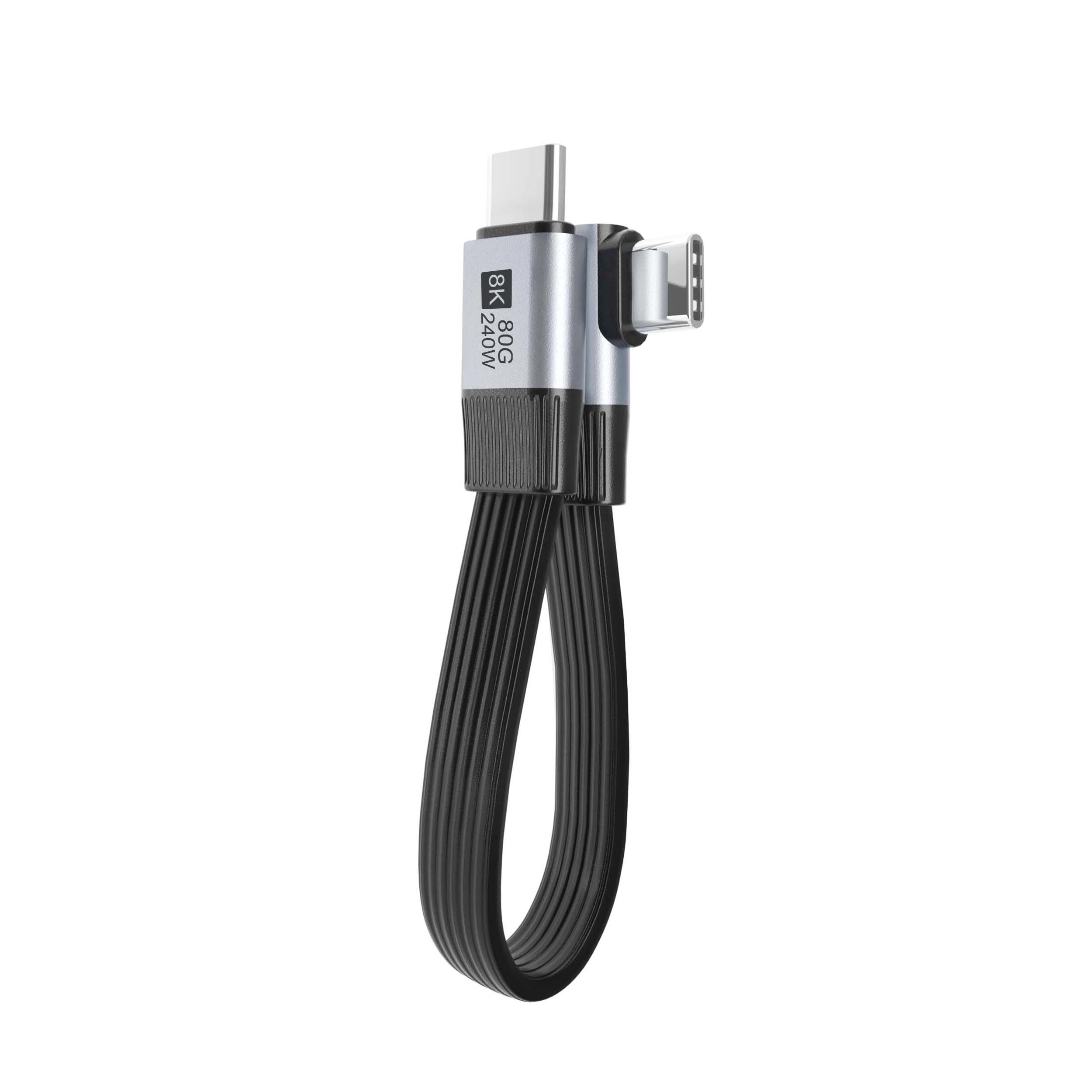
Thunderbolt 4 USB-C cable requirements: what the spec fixes
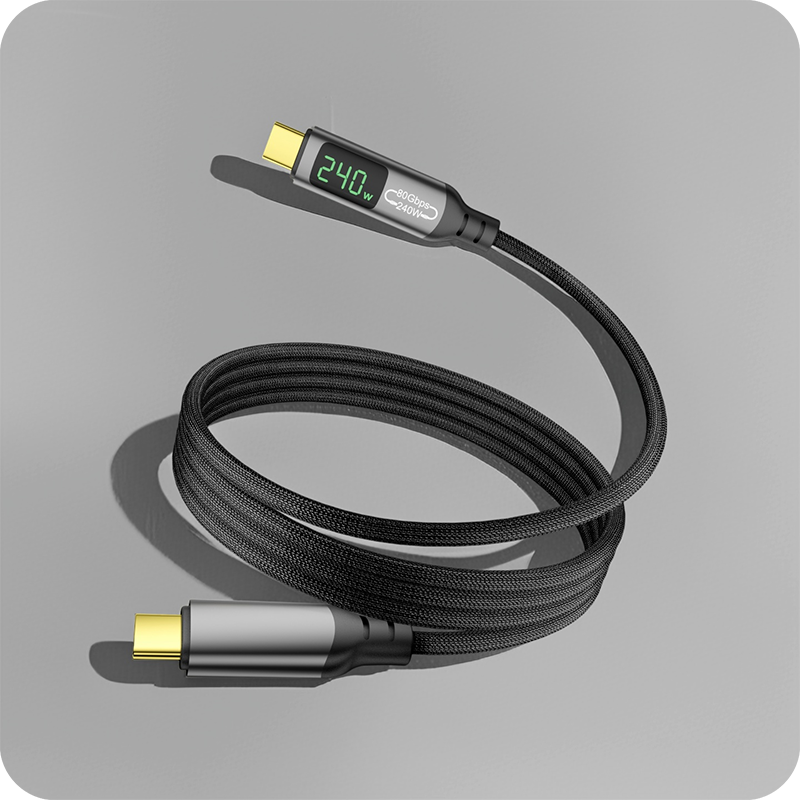
Four requirements carry the Thunderbolt 4 USB-C cable name. USB4 compliance comes first, because Thunderbolt 4 is built on the USB4 architecture and an assembly that fails the USB4 electrical test cannot be certified above it. Two 4K displays at 60 Hz, or a single 8K panel, set the video floor, and that is the requirement buyers notice first when a dock drives one screen and leaves the second dark. A PCIe tunnel of at least 32 Gbps covers external storage and capture cards, which is why an SSD on a certified assembly behaves like an internal drive. Charging has a floor as well: 100 W to the host, reported by an e-marker the device reads at plug-in. A 40 Gbps USB4 full feature cable shows how those four requirements land on a single part number, and Eilinks keeps the same four fields on every Thunderbolt 4 USB-C cable drawing it issues.
Thunderbolt 4 USB-C cable vs USB4: same port, different floor
A Thunderbolt 4 USB-C cable vs USB4 comparison starts with a fact that surprises buyers: the connector is the same and the top rate is the same 40 Gbps. What changes is the minimum. USB4 lets a device implement one display stream, a shallower PCIe tunnel or 60 W charging; Thunderbolt 4 does not, so a certified part clears the higher floor by definition. That is why a USB4 cable can be honest and still fall short of a Thunderbolt 4 dock, and why a Thunderbolt 4 cable runs on a USB4 port without losing anything. The USB4 and Thunderbolt specification sets both test suites, and a supplier reading them can tell a buyer which grade a given build reaches. Eilinks Eletronics marks the grade on the sample so the comparison stays physical.
Thunderbolt 4 USB-C cable length and the 40 Gbps ceiling
Length decides whether a Thunderbolt 4 USB-C cable holds 40 Gbps in the buyer’s hand. A passive assembly reaches about 0.8 m at the full rate, and past that the insertion loss and the skew between pairs eat the margin, so a longer run needs an active cable with a retimer inside the plug. The rating is set at a stated length, and a quotation that names 40 Gbps without naming the length is quoting a number rather than a part. Buyers routing a cable through a wall or a tray should fix the length first and then choose passive or active, not the other way round. A USB4 extension cable for an external GPU dock shows how an active build is specified when the run has to leave the desk, and Dongguan Eilinks builds both passive and active parts from the same drawing template.
| Field on the drawing | What a buyer has to confirm |
|---|---|
| Grade | Thunderbolt 4, USB4 or a plain USB-C data part, named in full. |
| Length at that grade | 40 Gbps holds near 0.8 m passive; longer runs need a retimer. |
| Display load | Two 4K panels at 60 Hz, or one 8K panel, and the port that drives it. |
| Power role | 100 W to the host as a floor, with the e-marker rating stated. |
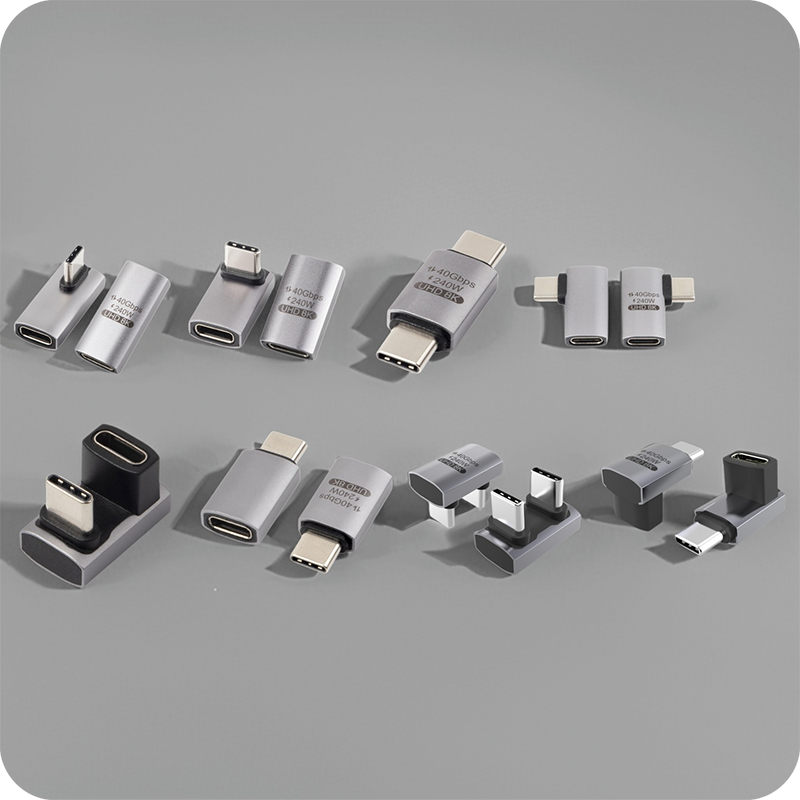
| Connector direction | Straight or right-angle, male or female, and the clearance behind the port. |
Fig 2. The five fields that decide whether a quotation and a sample describe the same part.
Thunderbolt 4 USB-C cable certification and test evidence
Certification is the part of a Thunderbolt 4 USB-C cable order a photo cannot show, so it has to be asked for in writing. The Thunderbolt mark is issued against a tested assembly, and the test covers signal integrity at the rated length, the display streams and the power path together. A buyer should ask for the certificate reference, the tested length and the test date, then keep those three fields on the purchase order so a later batch is checked against the same part. Sampling catches the drift a certificate does not: a set of incoming checks for a 20 Gbps extension adapter shows what a receiving inspection looks like when it is written down. The tested length sits on the inspection sheet, so both sides compare like with like.
Thunderbolt 4 USB-C cable markings and what the label has to say
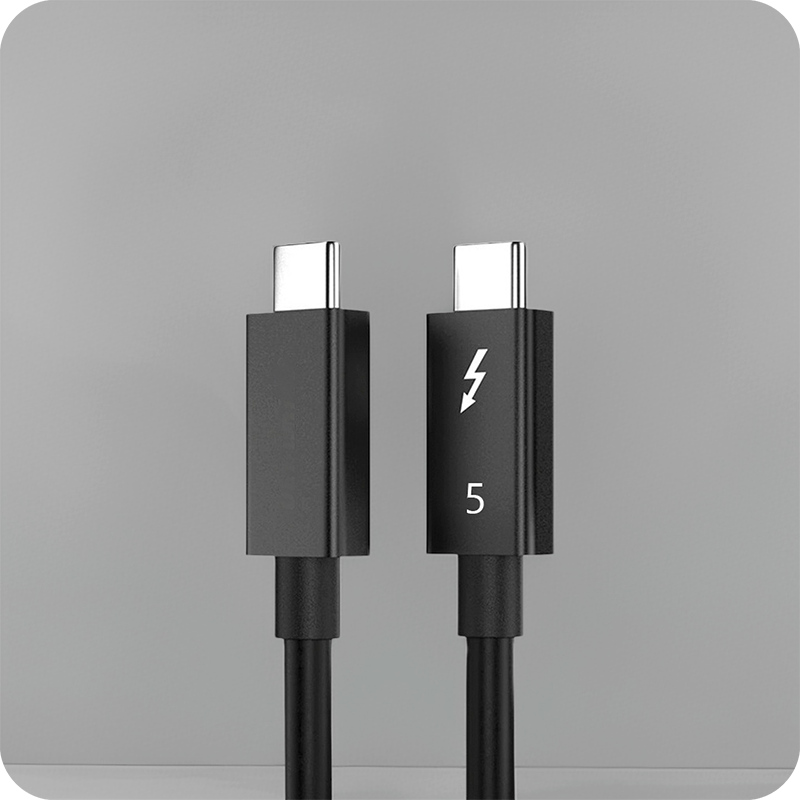
The Thunderbolt 4 USB-C cable markings set is short, and each mark answers a question a buyer would otherwise ask by email. The Thunderbolt logo and the numeral give the grade; a 40 Gbps figure gives the data rate; a 100 W or 240 W figure gives the power ceiling; the USB-IF trident gives the USB generation. An assembly with no mark is not automatically bad, but a buyer then has to test it, and that cost lands on the receiving dock. A note on reading USB-C power and speed marks covers the combinations that confuse buyers most, including a 240 W cable that carries only 20 Gbps of data. A China Thunderbolt 4 USB-C cable supplier should be able to print the mark to the drawing, and Eilinks prints it on request.
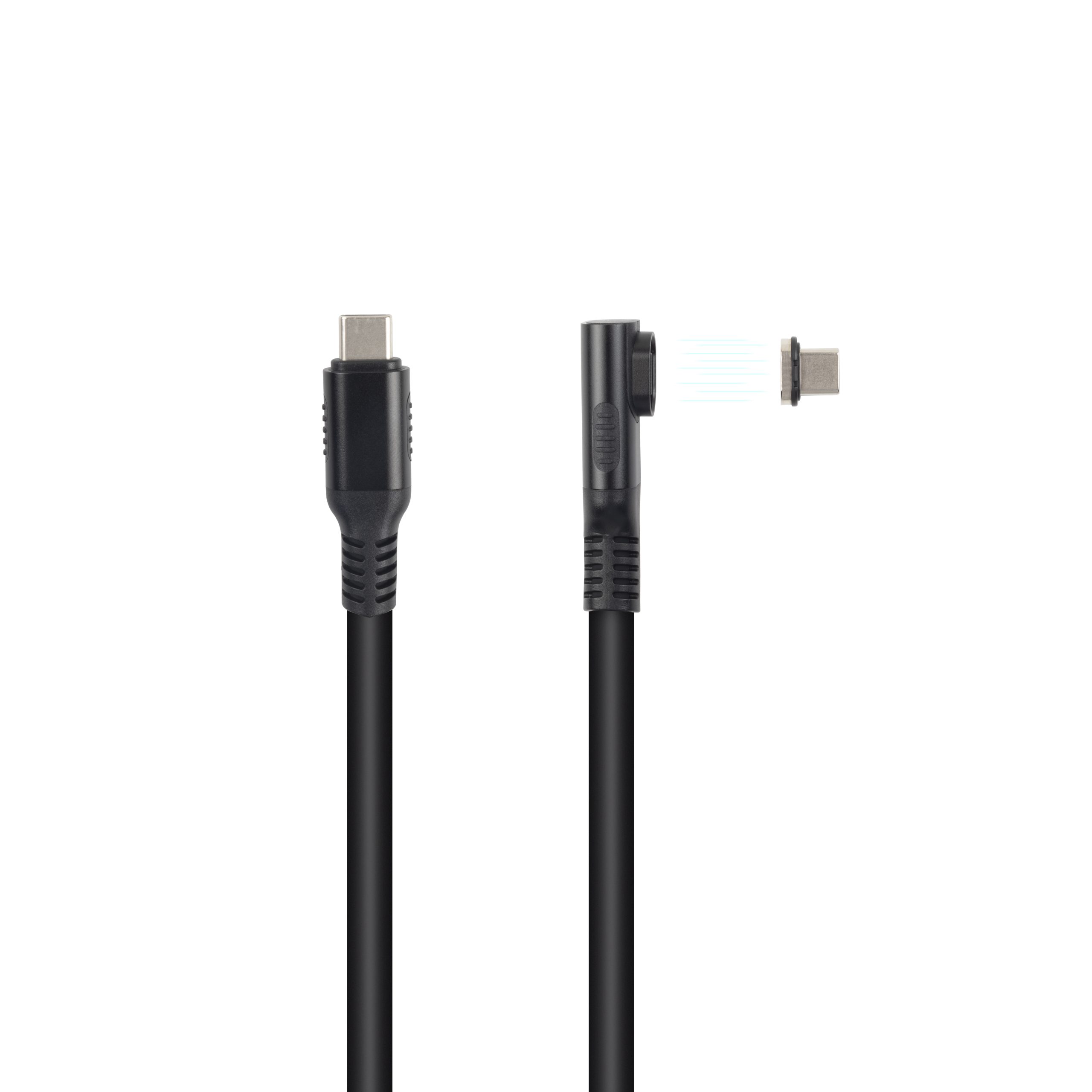
Thunderbolt 4 USB-C cable questions buyers ask
Does a Thunderbolt 4 USB-C cable work on a plain USB-C port? It carries USB data and power, but the 40 Gbps link and the second display need a Thunderbolt host at both ends. Is a Thunderbolt 4 cable the same as a USB4 cable? The connector and the top rate match, but Thunderbolt 4 sets a higher minimum, so a certified part clears requirements a USB4 part may skip. Does length change the grade? Yes, 40 Gbps is rated at a stated length, and a longer passive run drops the rate unless the cable is active. Can one cable charge a laptop and drive two screens? A certified assembly carries 100 W and two 4K streams at once, which is the case Thunderbolt 4 was written for. Buyers can brief a China Thunderbolt 4 USB-C cable manufacturer on the device chain, and Eilinks in China answers these Thunderbolt 4 USB-C cable questions from the same inspection sheet that ships with each order.

2 Comments
[…] item is suitable or whether an OEM/ODM version is a better fit. Equipment builders tend to check Thunderbolt 4 USB-C cable before fixing a connector […]
[…] Eilinks specifies the latch on the panel side, because the plug body is the part that moves. The cross-standard dock notes cover the same retention question for a dock that stays in one […]