
3D Printing USB-C Cable: Data, Heat and Drag Chains
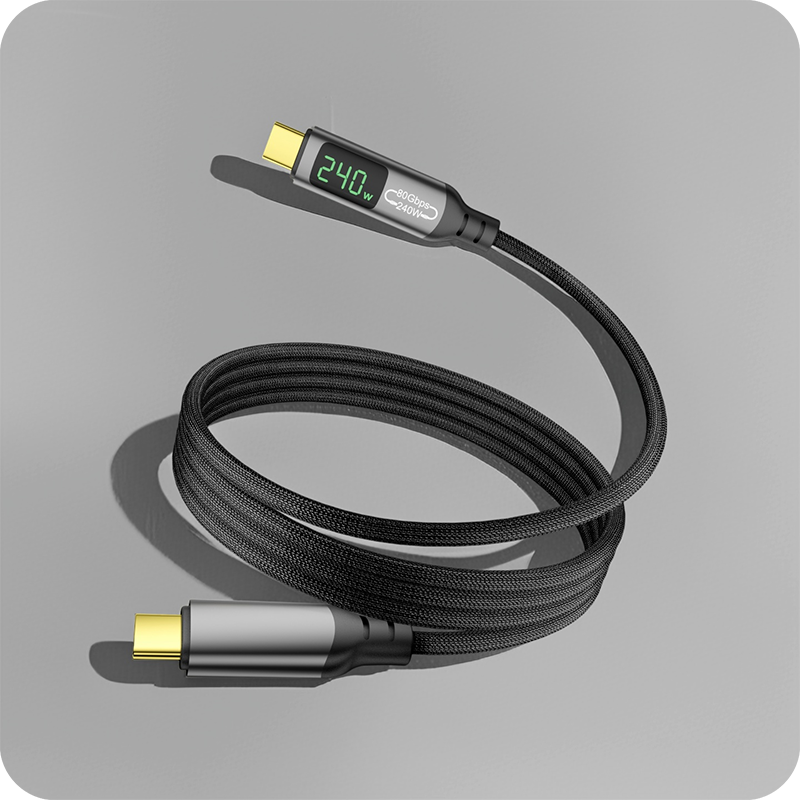
A 3D printing USB-C cable joins a controller board to a host, and the job is smaller than the marketing suggests: a few hundred megabits at most, plus a modest power feed to a toolhead or a single-board computer. What the cable has to survive is the other axis: a chamber at 55 °C, a drag chain cycling a few hundred thousand times a year, and a stepper driver switching 24 V a few centimetres away. Even a board driving four steppers and a bed heater moves well under 100 Mbps of real traffic, so a USB 3.x assembly buys nothing except a stiffer cable that behaves worse in a chain. A PVC jacket rated 80 °C has 20 to 30 °C of headroom in that condition, which is enough on paper and thin in practice once the cable is bundled with the heater wiring. Beyond 5 m the signal needs an active cable or a hub, and a hub inside an enclosure is one more part to fail at 55 °C. A 3D printing USB-C cable specified at 480 Mbps with a proper strain relief will outlast one specified at 10 Gbps with a short moulded collar. Buyers can send the device list, the run length and the drawing for a 3D Printing USB-C Cable quote.
The numbers separate once they are named. A printer mainboard link runs at USB 2.0 High Speed, which is 480 Mbps, and that is already more than a motion planner consumes. What the cable has to survive is the other axis: a chamber at 55 °C, a drag chain cycling a few hundred thousand times a year, and a stepper driver switching 24 V a few centimetres away. How a data rating and a power rating are set separately covers the pairing, and a 3D printing USB-C cable from a Chinese supplier is only comparable when the flex life is quoted beside the speed.
How much data a 3D printing USB-C cable has to carry
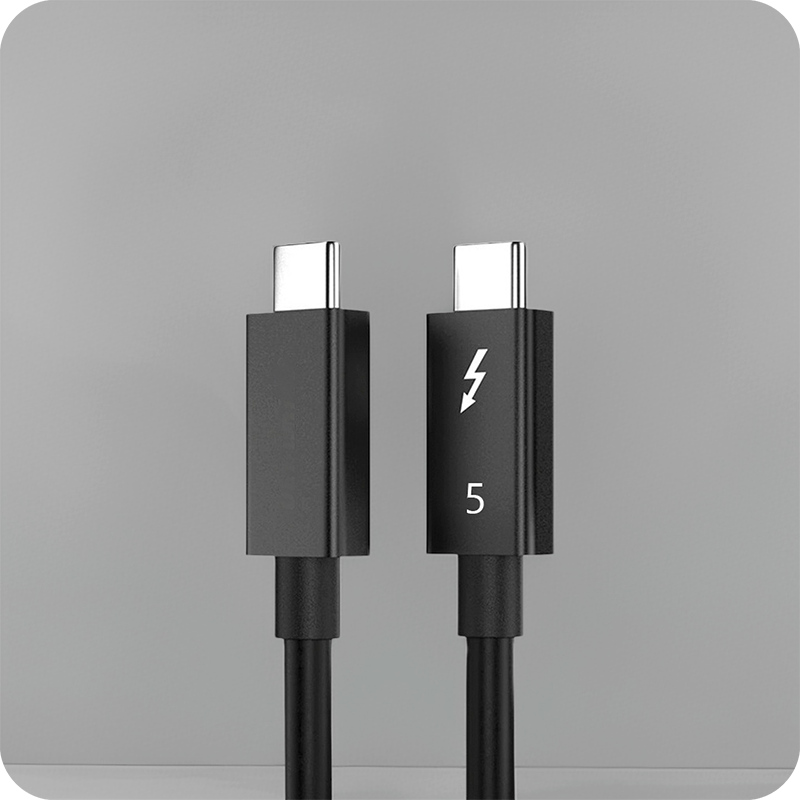
A Klipper or Marlin board talks to its host over a serial link that a USB 2.0 High Speed channel carries without effort. Even a board driving four steppers and a bed heater moves well under 100 Mbps of real traffic, so a USB 3.x assembly buys nothing except a stiffer cable that behaves worse in a chain. A 3D printing USB-C cable specified at 480 Mbps with a proper strain relief will outlast one specified at 10 Gbps with a short moulded collar. Speed is the cheapest thing to over-specify and the least useful.
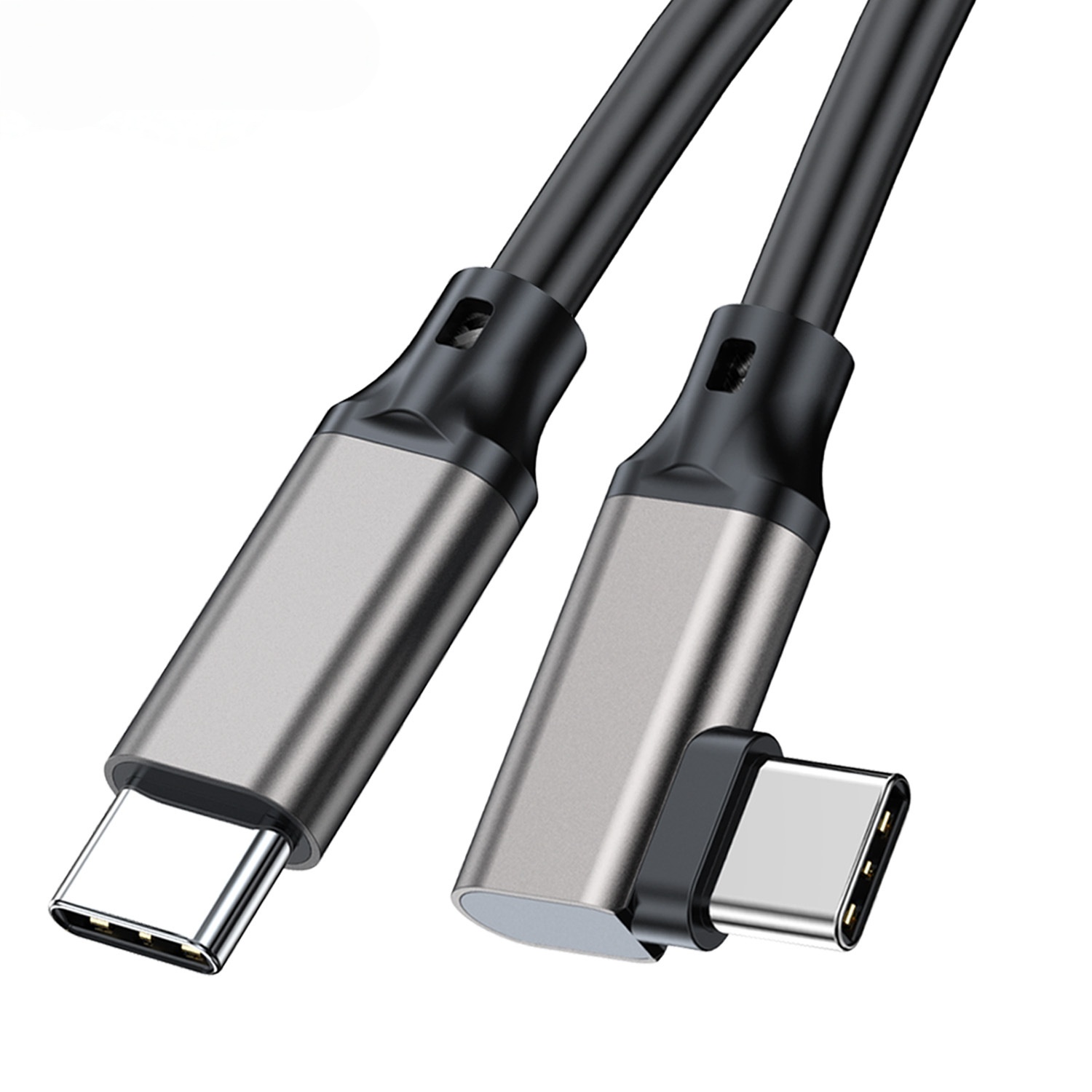
Why a heated chamber changes the cable choice
An enclosed printer running ABS or ASA holds 50 to 60 °C for hours, and a chamber built for high-temperature filament sits higher still. A PVC jacket rated 80 °C has 20 to 30 °C of headroom in that condition, which is enough on paper and thin in practice once the cable is bundled with the heater wiring. TPE holds its flexibility higher and does not stiffen the way plasticised PVC does. A 3D printing USB-C cable that runs through the chamber wall rather than along the frame sees the worst of it, because the wall is where the gradient is steepest. The chamber, not the desk, is the design case.
Which part of a 3D printing USB-C cable fails in a drag chain
The collar, almost every time. A drag chain bends the cable through a fixed radius several hundred thousand times, and the jacket survives long after the overmould has started to part from the plug body. A braided cover improves abrasion resistance and changes nothing about that joint. The number that predicts life is the chain radius against the radius the assembly was built for, and the second number is rarely on a datasheet. Bend radius in a moving run is where that calculation starts. A 3D printing USB-C cable built by a Chinese supplier for chain duty usually carries a higher strand count and a longer collar, and both are visible in a cross-section. Eilinks asks for the chain radius before quoting a flex build. A chain that imposes a radius tighter than the build allows will break a good cable in a season, and no jacket compound compensates for it. Measure the radius before choosing the compound.
| Duty | What it demands | What fails if it is missed |
|---|---|---|
| Static, on a frame | Any USB 2.0 assembly, 2 m or less | Nothing, if the collar is not loaded |
| Occasional handling | TPE jacket, 6× outer diameter bend radius | Jacket crazing at the collar |
| Drag chain, continuous | High strand count, 10× radius, long collar | Open circuit inside the overmould |
| Inside a heated chamber | Compound rated above the chamber peak | Jacket stiffens, then cracks |
- Name the duty, not the printer model.
- Give the chain radius and the cycle count.
- State the chamber peak, not the room.
- Quote the flex life with the speed grade.
Why does a printer link not need USB 3?
Because nothing in the chain can use the bandwidth. A motion controller sends short commands and receives position feedback, so the payload is measured in kilobytes per second and the latency matters more than the throughput. USB 3 adds a second differential pair and more conductors, which makes the cable stiffer at the same outside diameter. A 3D printing USB-C cable built around the thinner stack survives a tight chain radius that a 10 Gbps build resists. The gauge behind a 5 A toolhead feed is the other half of the decision, since power and data share one jacket. The published USB 3.2 speed grades are the reference for what each grade costs in conductors. Buy the stack the machine can use, not the one on the poster.
How long can a 3D printing USB-C cable run?
Longer than most people expect for USB 2.0 and shorter than they hope for anything faster. A passive USB 2.0 link is reliable to about 5 m, and a printer sitting beside its host rarely needs more than 2 m. Beyond 5 m the signal needs an active cable or a hub, and a hub inside an enclosure is one more part to fail at 55 °C. A 3D printing USB-C cable ordered at 3 m should be tested at 3 m rather than assumed to behave like the 1 m sample. Eilinks tests at the length that ships. Length is a test condition, not a footnote. Ask for the test length in writing, since a 5 m reel is not a 1 m sample.
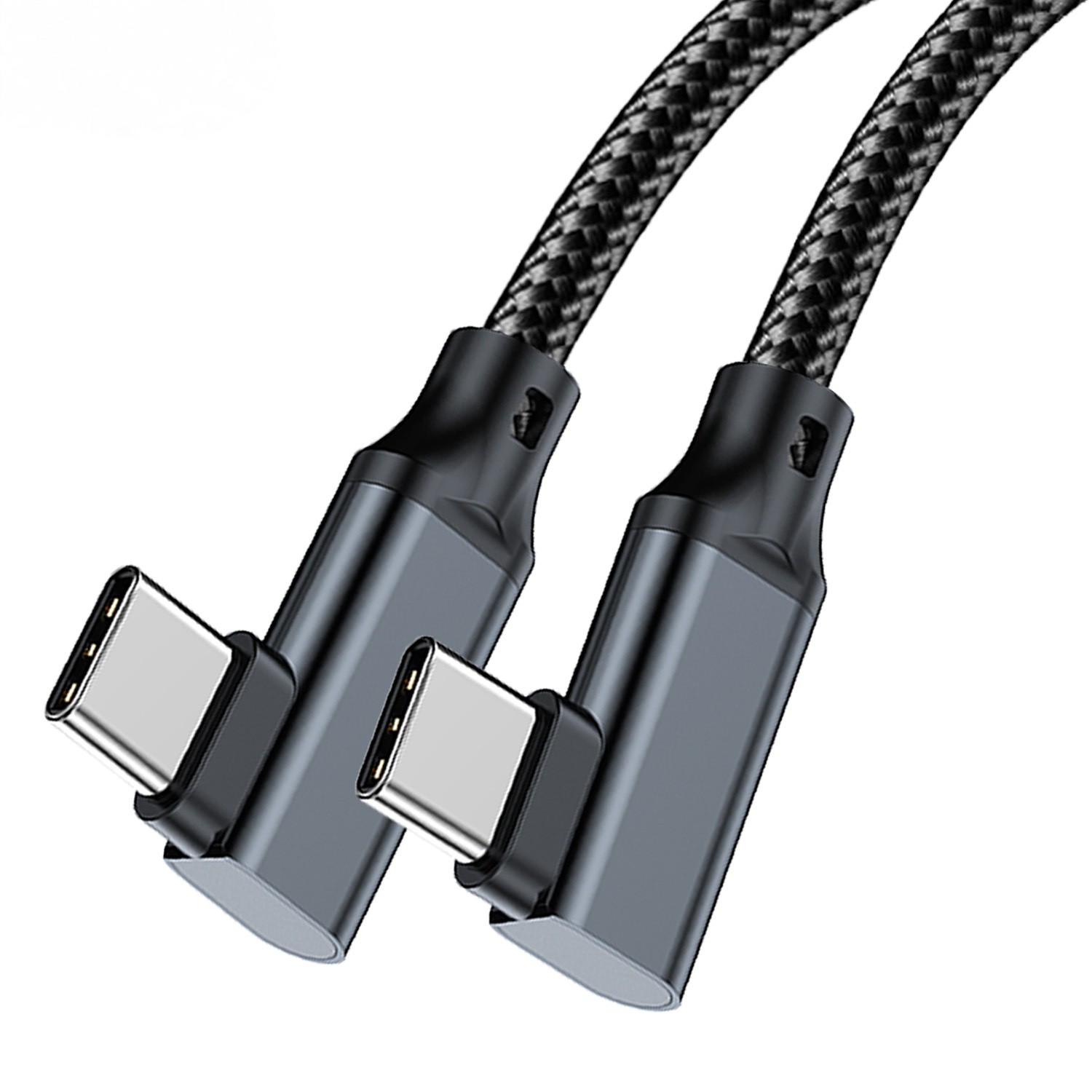
What to write on a 3D printing USB-C cable drawing
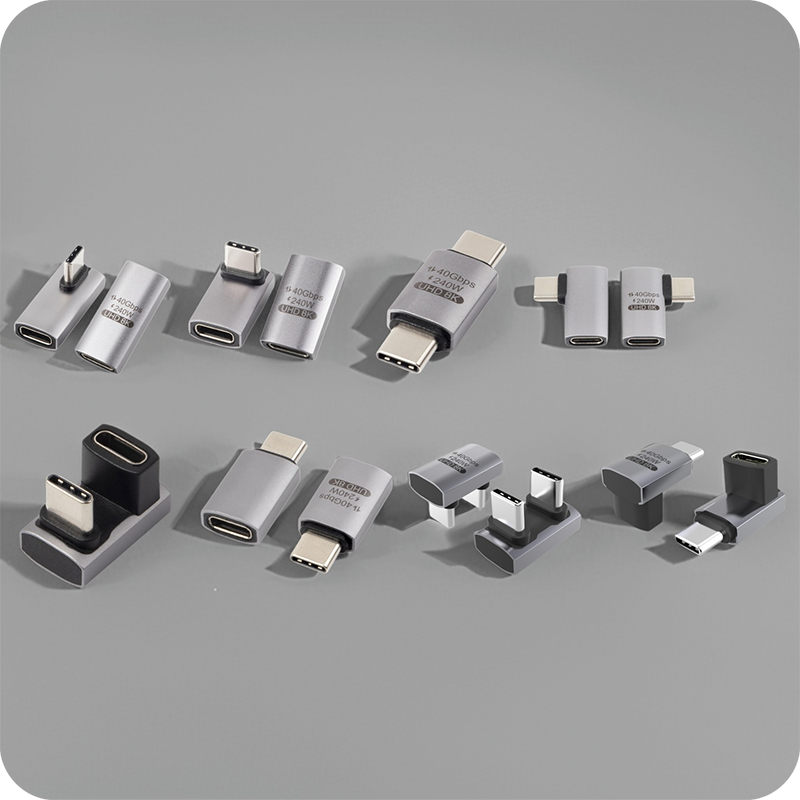
Five lines. The speed grade, because 480 Mbps is the honest figure for a controller link. The chamber temperature, because it decides the compound. The chain radius and the cycle count, because those two decide the collar. The current the toolhead needs, because it sets the conductor gauge. The plug orientation, because a right-angle body clears a moving gantry that a straight one fouls. Braided and TPE jacket options from a Chinese supplier are quoted against exactly those five. A sixth line is worth adding when the cable passes through a wall: the hole diameter, because a tight grommet loads the jacket at one point. Eilinks Eletronics puts the chamber and the chain radius on the same line as the speed.
How to test a sample before a bulk order
Put it on the machine rather than on a bench. Run a print that exercises the full travel, then run twenty more, and watch the link for dropped packets rather than for a visible fault. Measure the jacket temperature at the chamber wall after an hour. Flex the collar by hand through the chain radius and look for the overmould lifting from the plug body. A sample approval record that carries those three results is worth more than a compliance sheet, because none of them appears on one. Repeat the flex test on three samples, since a single sample proves nothing about a lot. Eilinks keeps the chain test with the sample.
Where a 3D printing USB-C cable still fails in service
It fails at the collar after a season of printing, and the symptom is a machine that disconnects mid-print rather than one that stops. It fails at the chamber wall, where a PVC jacket stiffens and then cracks at the sharpest bend. It fails when a replacement is bought on speed alone and arrives stiffer than the cable it replaced. A 3D printing USB-C cable is a mechanical part as much as an electrical one, and cable runs on a machine frame are where that shows up first. A spare cable kept on the shelf is the cheapest test there is: fit it to the same chain, run the same print, and compare the packet loss over an hour. If the new one fails where the old one held, the fault is in the specification rather than in the machine. A second sample confirms it. Eilinks Eletronics quotes the flex life before the speed grade for that reason.
| Symptom on the machine | What happened | Check that confirms it |
|---|---|---|
| Disconnects mid-print | Conductor broken inside the overmould | Flex the collar with the link live |
| Fails only after an hour | Jacket temperature at the chamber wall | Measure the jacket, not the air |
| New cable is stiffer | A USB 3 stack bought for a USB 2 link | Compare outside diameter and lay |
| Works on the bench, not in the chain | Chain radius below the build radius | Measure the radius the chain imposes |
- Test with the link live, not with a meter.
- Measure the jacket at the chamber wall.
- Compare diameter before replacing a cable.
- Record the chain radius on the drawing.
Questions buyers ask about a 3D printing USB-C cable
Is USB 3 worth it for a printer?
No. A motion controller uses a fraction of a USB 2.0 High Speed channel, and the extra pair makes the cable stiffer. The money is better spent on a higher strand count and a longer collar.
Does a braided jacket last longer in a chain?
It resists abrasion, which is not what fails. The overmould parts from the plug body long before the jacket wears through, so a braid on a short collar buys appearance rather than life.
Can a 3D printing USB-C cable carry the toolhead power?
It can carry a modest feed, and the limit is the conductor rather than the connector. A 5 A build needs the gauge to match, and the voltage drop over a moving run is the figure to check.
What chamber temperature should go on the drawing?
The highest sustained air temperature inside the enclosure, measured at the wall where the cable passes through. A printer that holds 60 °C for a six-hour print is a 60 °C design case, not a 25 °C one.
A 3D printing USB-C cable from a Chinese supplier is comparable only when the flex life, the chamber peak and the ordered length travel with the speed grade. Ask for those four plus a chain test on the sample, and keep the result with the drawing. Eilinks keeps the chain radius beside the part number.

1 Comment
[…] the desired connector direction, the charging or data expectation, and any installation limits. 3D printing USB-C cable manufacturer for printer enclosures lists what can be quoted as a moulded assembly at this […]