
Gaming Console USB-C Cable: PS5, Xbox, Switch
A gaming console USB-C cable from a Chinese supplier does one of two jobs, and the label rarely says which. On a PS5 or an Xbox Series X it charges a controller and carries a headset, which needs about 15 W and a USB 2.0 data pair. On a Switch 2 dock it carries the whole console supply, which needs 60 W of negotiated power and a data path that stays up for hours. Eilinks builds both kinds in Dongguan, and the shielding and ESD notes for a fixed run cover the case where a cable sits behind a TV rather than across a desk. The numbers that separate a working cable from a returned one are small. A charge-only cable has no data pair at all, so a headset dongle stays silent. A 28 AWG power pair drops about 0.6 V per metre at 3 A, which turns a 15 W charge into a 12 W charge. A braided jacket that is too stiff transfers the bend into the strain relief, and that is where the conductor breaks first. This guide covers the charge rate, the data pair, the dock handshake and the inspection that catches a bad lot.
What a gaming console USB-C cable actually does

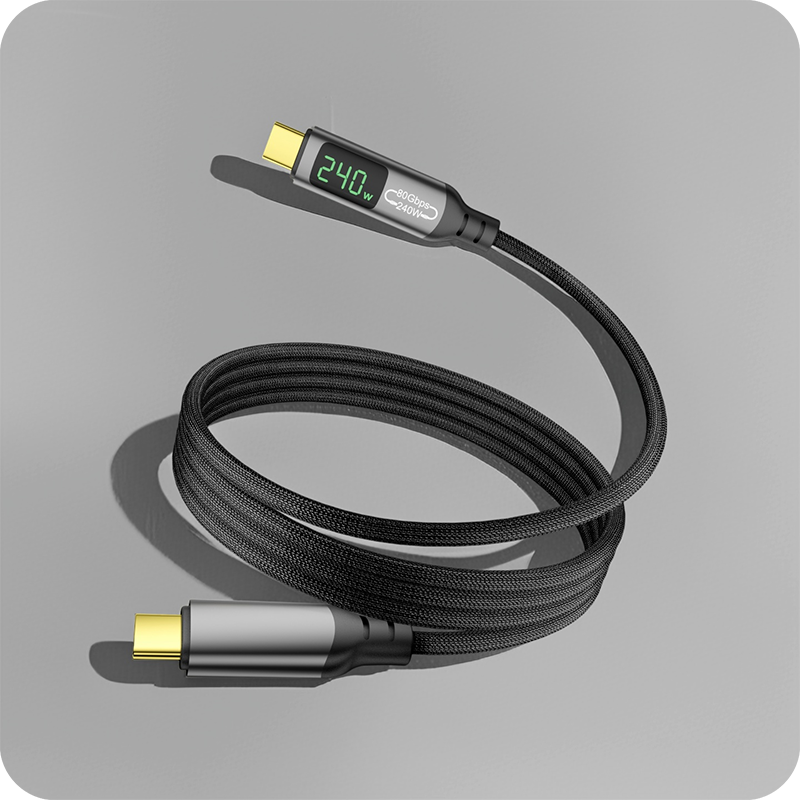
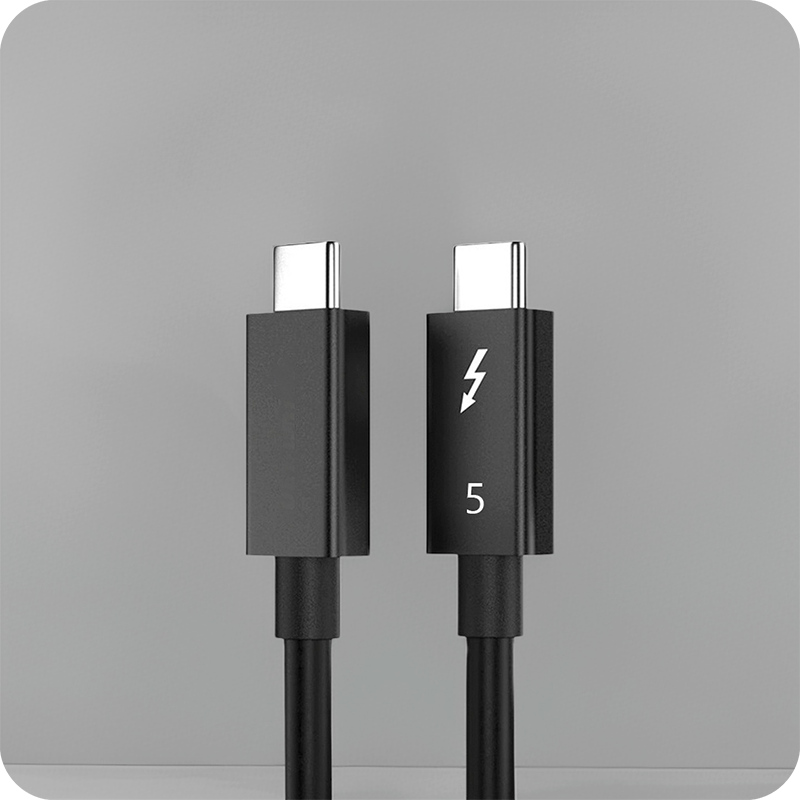
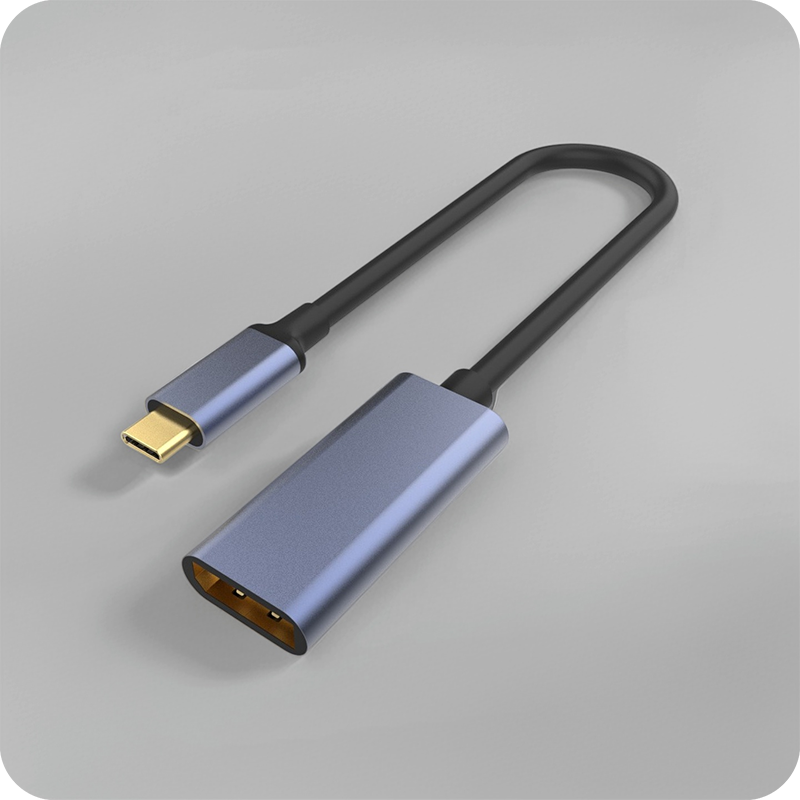
Where a photograph stands in for a drawing, the current, the pair count and the jacket still travel with the part on the lot sheet.
The three jobs are charging, audio and data, and each one fails in a different way. Charging fails as a slow charge that the owner notices only after an hour of play. Audio fails as silence, because a headset dongle needs the data pair and a charge-only cable does not have one. Data fails as a controller that works wired on one cable and not on another, which is usually a cable with the pair present but the shield floating. None of the three shows up in a photograph of the product, which is why the drawing has to carry the pair count and the current rating.
The console side sets the ceiling. A PS5 front port supplies 5 V at up to 1.5 A for a controller, which is 7.5 W and enough to charge a DualSense in about two hours. An Xbox Series X controller with a play-and-charge pack draws a similar figure. A Switch 2 dock is the exception: it negotiates 20 V at 3 A, so the cable between the dock and the supply has to be a 3 A build with the conductors to match. Eilinks Eletronics rates each assembly for the highest job it will see rather than for the cheapest one it can pass.
Charge rate on a PS5 controller and what limits it
The charge rate is limited by the source first and the cable second. A console port is a 5 V source at 1.5 A, so no cable will make it deliver more. What a cable can do is waste part of that in the conductors: a 24 AWG pair drops about 0.25 V per metre at 3 A, and a 28 AWG pair about 0.6 V. At 1.5 A the loss halves, which is why a thin controller cable still works on a console and fails on a 3 A charger. A gaming console USB-C cable built at a Chinese factory for a 1.5 A load is not the same part as one built for a dock.
The e-marker is the second limit, and it is invisible. A cable rated for 3 A needs no e-marker, and the source assumes 3 A when it finds none. A 5 A build carries an e-marker that declares the current, and a source that reads 5 A will offer the higher step. On a console that step is never reached, but the same cable is often used to charge a laptop, and that is where the e-marker decides whether the laptop charges at 60 W or at 15 W. The USB Implementers Forum specification sets those steps, and the console is the easy case. Eilinks quotes the drop at the contract current rather than at the peak, because a controller load and a dock load are different parts.
Xbox Series X controller over USB-C
The Xbox port is a data port as much as a charging port, because a wired controller sends input at a steady rate and a wireless one sends it over a radio that a full room of devices can crowd. Wired play is the reason a cable with a damaged data pair shows up as a controller that connects for a second and then drops. The port also carries a headset adapter, so headset audio over a console USB-C port runs on the same pair, and a cable that passes input but not audio has a marginal pair rather than a missing one.
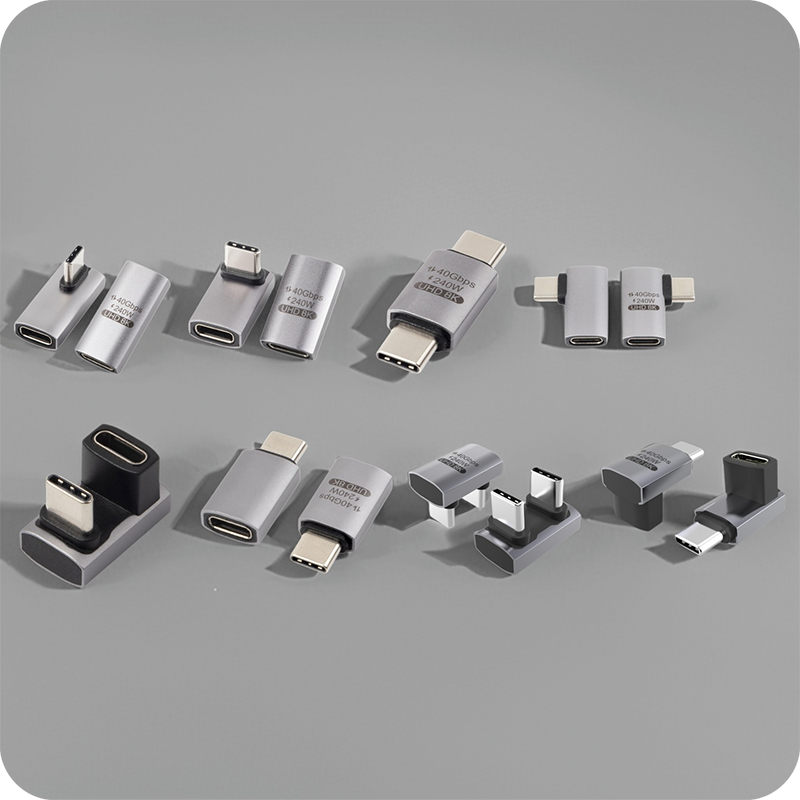
Length matters here in a way it does not for charging. A USB 2.0 full-speed link is specified to 5 m, and a 3 m cable on a living-room floor is well inside that. What fails at length is the shield, because an unshielded pair running beside a TV power lead picks up the switching noise of the panel and the console reports a dropped packet rather than a bad cable. The 40Gbps right-angle adapter solves the mechanical half of that problem on a wall-mounted set, and the pair count solves the electrical half. Dongguan Eilinks moulds both plug styles to the same pair count, so the mechanical choice does not change the electrical one.
Switch 2 dock and the power handshake
A dock is a power sink with a display output, and the handshake is what makes it work. The console asks for 20 V, the supply offers it, and the dock passes the negotiated contract through to the console while it also drives the HDMI output. A cable that is not rated for 3 A breaks that chain: the supply falls back to 5 V, the console charges slowly, and the dock may refuse to output video at all. A 60 W supply with a 3 A cable is the combination the dock expects, and a 100 W supply with the same cable is fine because the console takes what it asks for. Eilinks rates the dock assembly at 3 A on the power pair and keeps the data pair on its own foil.
The second requirement is that the data pair stays up while the power pair is loaded. On a dock the two run in one jacket for hours at 3 A, and a jacket that softens at 60 °C lets the pairs move, which shows up as a display that blanks once an evening rather than as a failure. The USB-C to Micro-B adapter is a reminder that the same handshake logic runs on older hardware, where the current is lower and the pair count is the same.
Incoming inspection for a console cable lot
Five checks cover a consumer lot that will be sold in a retail box. Continuity on all four power and ground contacts comes first, because a cable that omits a ground still charges and still runs warm. The data pair follows, tested with an enumeration rather than with a lamp. A current soak at the rated figure for an hour proves the conductor and the connector together. A flex test at the strain relief for 10,000 cycles proves the braid and the moulding, and it is the check that catches the braided jacket flex life on a controller cable before a customer does.
The fifth check is the one buyers skip: a length and weight audit against the drawing, because a lot that comes in 10 percent short on copper is a lot that will fail the soak on a warm day. An aerospace cable specification is written the same way, with the same three figures, which is why the aerospace cable notes are a useful cross-check on a consumer drawing. Eilinks Eletronics keeps the soak record with the lot number, so a retail return can be traced to the run it came from.
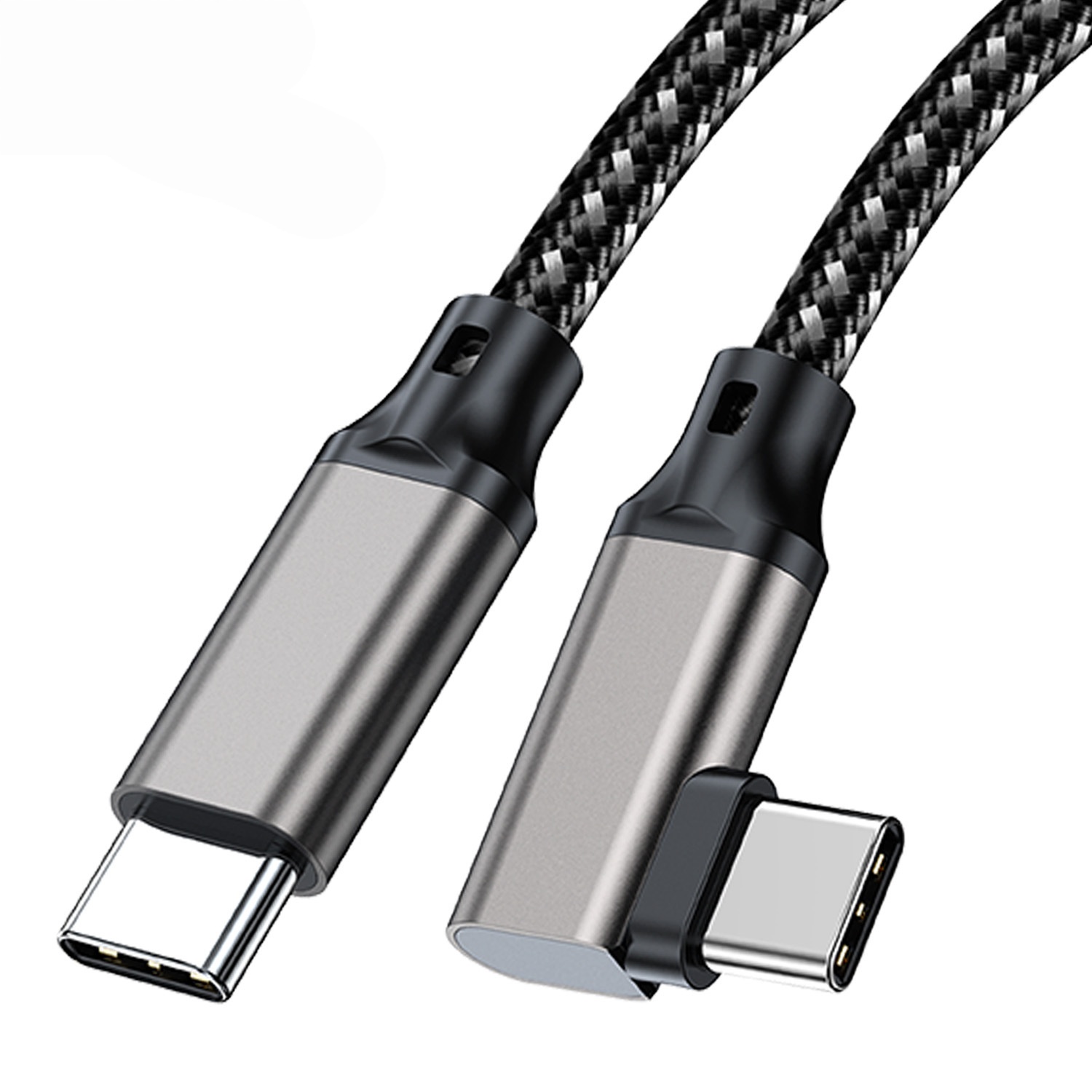
Where a photograph stands in for a drawing, the five checks still travel with the part, so a second supplier can quote the same build without a sample round.
Questions buyers ask about a gaming console USB-C cable
Does a phone cable work on a console controller? For charging, usually. For a headset dongle or a wired controller, only if the data pair is present, and a charge-only cable is sold without one. The EMI shielding notes explain why a cable with a pair but no shield still drops packets beside a TV.
Why does the dock refuse to output video? Usually the supply rather than the cable. A 45 W supply with a 3 A cable negotiates 20 V at 2.25 A, and a dock that expects 60 W may decline. A 60 W supply with the same cable works.
Is a braided jacket better? It resists abrasion and it looks better in a box. It is also stiffer, so the bend moves to the strain relief, and that is where the failure starts. A braid over a flexible inner jacket is the combination that survives a controller that is coiled into a drawer every night.
What should the purchase order state? The current, the pair count, the length, the jacket and the shield. With those five written down, a gaming console USB-C cable from a China factory can be compared against a second source line by line, and Eilinks will arrange a word with a Chinese supplier about the batch that settles the dock rating before tooling starts.

1 Comment
[…] Will the cable be moved often, fixed inside equipment, or exposed to public handling? Most projects reach this decision through gaming console USB-C cable manufacturer for living-room rigs. […]