
Retail USB-C Cable: POS Counter Installations
A POS USB-C cable specified for a retail counter is an installation decision before it is an electrical one, and buyers who treat it as a generic consumer lead pay for that shortcut in counter downtime. A counter differs from a desk in three ways: the cable is routed through furniture, it is handled by dozens of staff per shift, and it cannot be replaced without opening a panel or unclipping a grommet. Eilinks Eletronics quotes every counter brief from three documents — a dimensioned drawing, a pre-production sample and the rating sheet behind the printed figures — because a POS USB-C cable from a factory that quotes on drawings stops being a commodity part. The same pack backs our USB-C cable drawing notes for OEM quotation packs. The ratings that matter are public: a standard 3 A cable tops out at 60 W, an e-marked 5 A cable at 100 W, and an EPR part at 240 W (48 V × 5 A). The sections below explain how to brief a supplier, which ratings to confirm first, and what to include when you request a quotation.
What a POS USB-C cable must survive at the counter
Counter hardware gets flexed, pulled and re-plugged in ways a desk cable is not. Staff unplug the till to swap devices, cleaners snag the run under the counter, and the grommet edge works against the jacket every shift. The USB-IF Type-C connector specification rates the plug-receptacle interface for 10,000 mating cycles, and a counter install burns that budget faster than a personal desk ever will. That is why connector shell construction and the overmould behind it decide service life more than conductor gauge does.
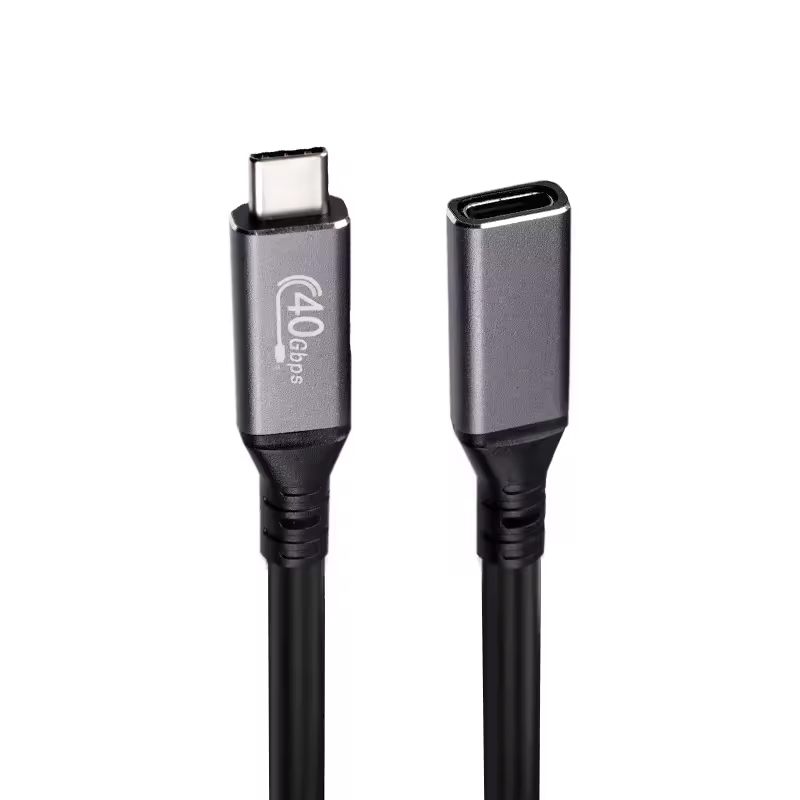
Construction is therefore a drawing field, not a catalogue claim. A POS USB-C cable manufacturer that quotes from a drawing states the bend radius, jacket hardness and strain-relief length as checkable numbers. Eilinks treats those fields as order-critical: we check the stated bend radius against the grommet position you mark on the counter plan, because a jacket that is too stiff levers the plug out of a recessed port.
Which connector orientation fits a checkout counter?
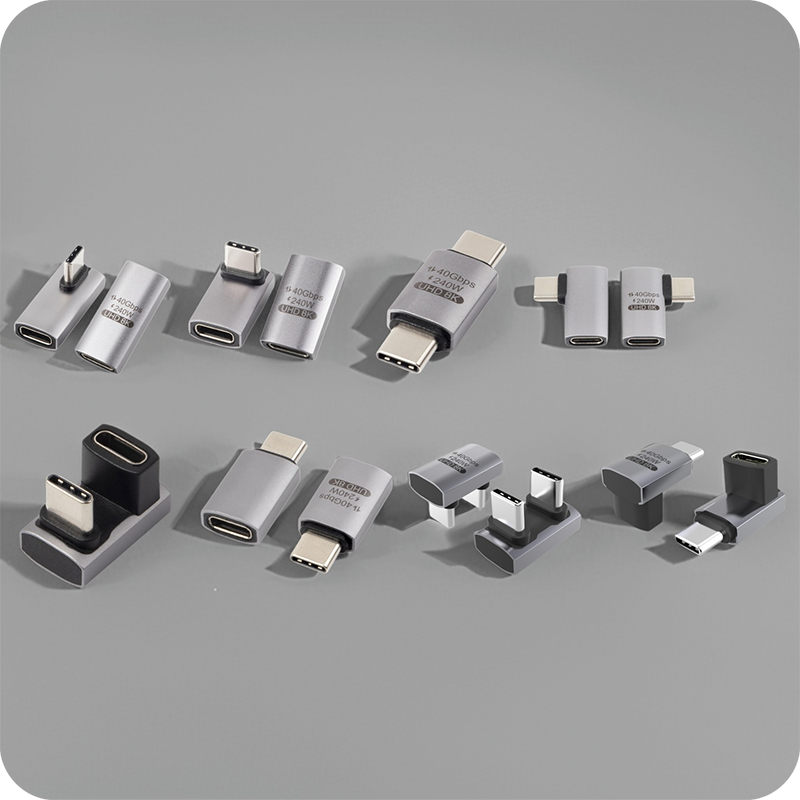
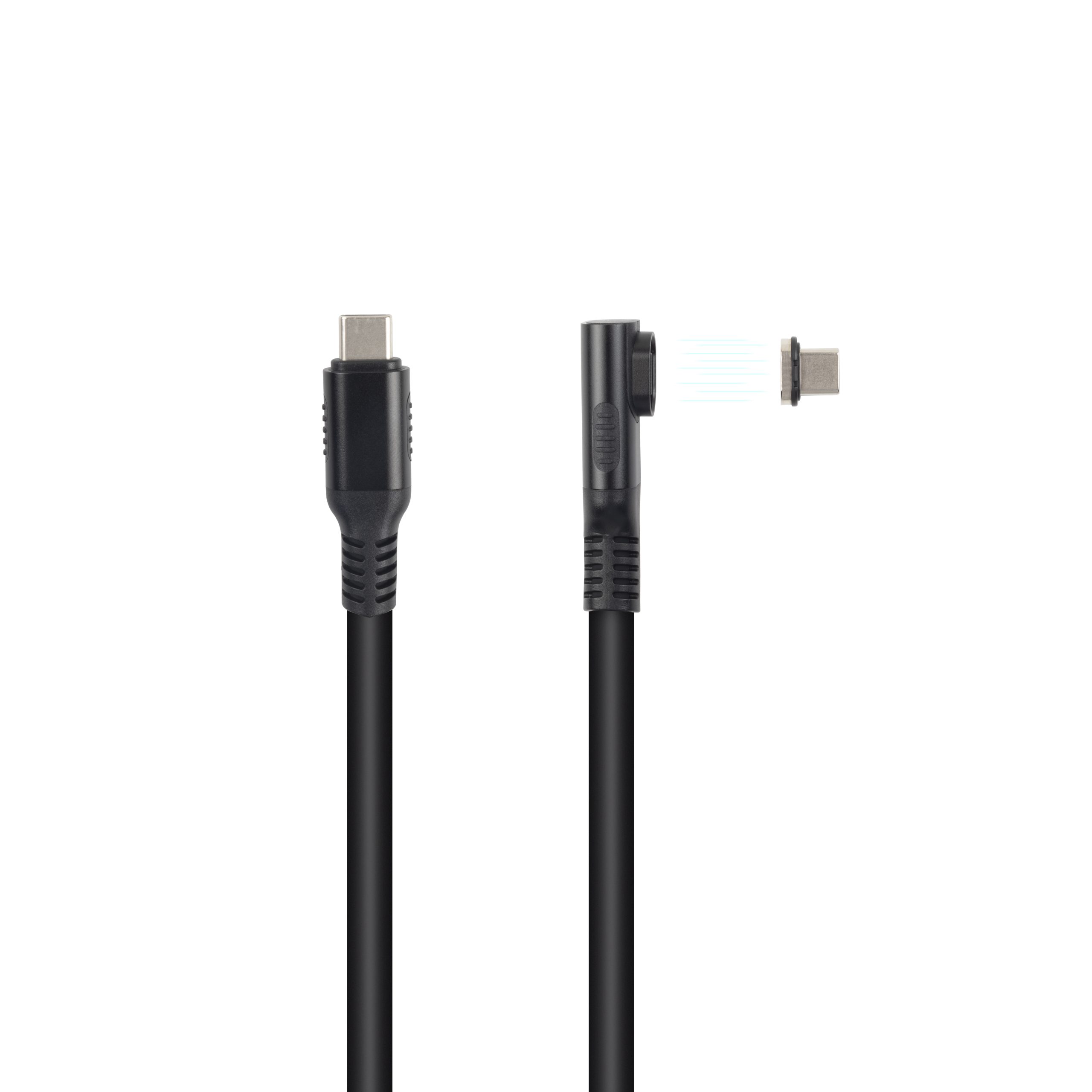
Orientation decides whether the plug survives the counter, not whether it looks tidy. A straight plug behind a wall-mounted display points into the bracket; a right-angle body exits along the panel and keeps the shell inside the recess. Under a till drawer the reverse can be true, so measure the depth you have before fixing the angle. The right-angle USB-C cable orientation checks written for camera rigs apply in the same way: the rig geometry, not the spec sheet, picks the body.
Where the port is fixed into the counter panel itself, exit direction matters less than how the cable is held. A panel pass-through without relief turns every tug from the front into a pull on the joints behind a POS USB-C cable port. Ask for a sample seated in the actual recess, because a plug that clears a flat panel can still foul a bezel.
Power ratings: why 240 W is not the counter default
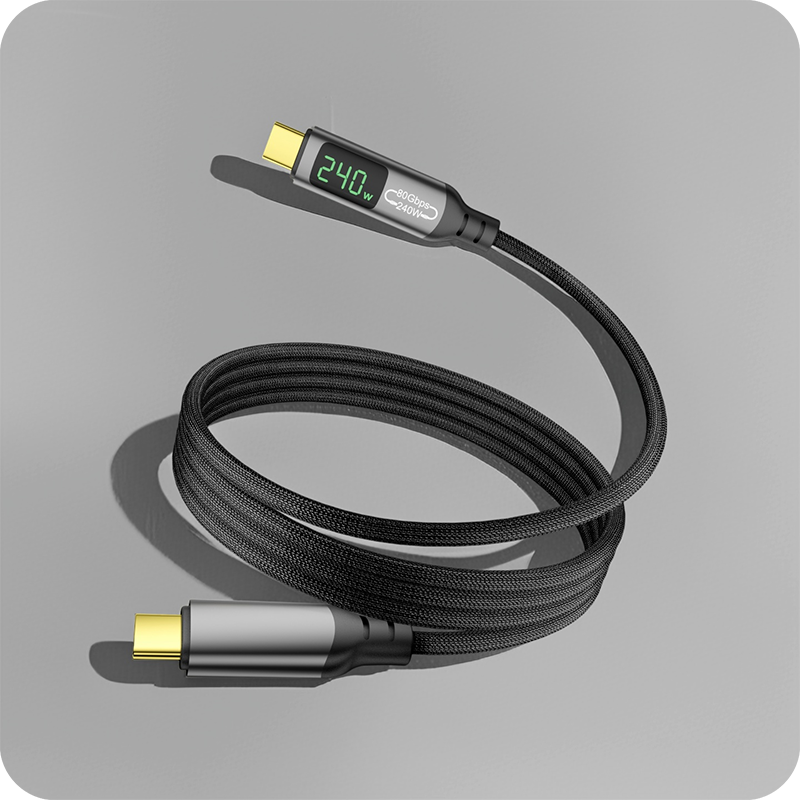
USB Power Delivery caps a standard 3 A cable at 60 W and an e-marked 5 A cable at 100 W; the EPR extension tops out at 240 W (48 V × 5 A). A receipt printer, scanner or till draws far less than any of those ceilings, so the question is which device on the run negotiates the highest power class. Any supplier quoting a POS USB-C cable for a counter should name the amperage class, not just a wattage figure, because the 3 A and 5 A parts are built differently. The USB Implementers Forum publishes the fixed power levels; matching them is a paperwork check, not a guess.
| Cable class at the counter | Power ceiling (USB-IF) | Data rate (USB-IF) | Typical counter role |
|---|---|---|---|
| USB 2.0, 3 A, no e-marker | 60 W (20 V, 3 A) | 480 Mbps | Receipt printer, scanner, till peripheral |
| USB 3.2 Gen 2, 5 A, e-marked | 100 W (20 V, 5 A) | 10 Gbps | Terminal to customer display, shared dock |
| USB4 with EPR, 5 A, e-marked | 240 W (48 V, 5 A) | 40 Gbps | Single-cable dock with high-power headroom |
Ratings above are the published USB-IF ceilings for each class; the figures describe what the construction is built for, not what a specific device draws. To pair the power class with the data class on one order line, the notes on USB-C power delivery and data speed selection show how the two columns move separately — a high-power part is not automatically a high-rate part. Eilinks prints both classes on the same drawing line so a purchasing team cannot order one without the other.
Data rate or power: what does the terminal actually need?
Receipt printers and scanners move kilobytes per receipt, and USB 2.0 signaling at 480 Mbps handles that with margin to spare. A run that also feeds a customer display or a shared dock needs USB 3.2 Gen 2 at 10 Gbps, and the construction changes with it for any POS USB-C cable serving a screen — high-rate pairs demand tighter twisted-pair geometry and shorter passive runs. As a public cabling limit, 10 Gbps passive signaling holds to about 1 m; longer counter runs either drop the rate or move to an active design. If you are weighing 10 Gbps against slower signaling for a display run, the trade-offs sit in our 20 Gbps versus 5 Gbps USB-C data rate choice comparison.
Eilinks quotes the data class against the slowest device on the run, because upgrading one link to 10 Gbps construction while the printer end stays USB 2.0 adds cost without adding capability at that device.
Routing, strain relief and replacement in counter furniture
Counter furniture is the hardest part of the install. Route the run through a grommet, leave a service loop under the counter so the till can be pulled out for service, and label both ends — a POS USB-C cable swapped with the wrong part is a support call you wrote yourself. Counter-face ports follow the same logic as USB-C keystone jack panel planning for wall plates: the recess depth and the plate thickness decide which jack body fits.
Wear concentrates at the plug, so plan the swap before the failure rather than after it. A till that is replugged several times a shift consumes the interface budget quickly, and the replacement interval should be written into the store manual instead of guessed at. The USB-C mating cycles rating limits behind the 10,000-cycle figure turn that budget into a planned interval. On our Dongguan line, counter assemblies are built with the strain-relief length stated on the drawing, and Eilinks ships each end labelled so a store technician replaces the right part. Keep a spare of each class in the back office; the part that fails is usually the one at the busiest till.
Frequently asked questions
Does every POS USB-C cable need an e-marker chip?
No — an e-marker is required when the run carries 5 A, which is the 100 W and 240 W classes. A 3 A part feeding a printer or scanner does not carry one, and adding it raises cost without changing the electrical result for that device.
What length should I quote for a counter installation?
Measure the routed path, not the straight-line distance, and add the service loop you want under the counter. High-rate signaling shortens the passive limit — about 1 m at 10 Gbps — while USB 2.0 runs tolerate the longer routes typical under a counter.
Can one cable feed the printer and the customer display?
It can when both the power class and the data class of the run clear the higher-need device, and a hub sits at the counter face. When the classes diverge, split the runs; a single cable forced to serve both ends usually fails at the cheaper class.
Why do counter installs fail at the plug rather than the wire?
Flexing and pulling concentrate mechanical stress at the exit of the shell, where conductor fatigue and joint cracking start. Strain-relief length, overmould hardness and the seating angle do more for counter service life than conductor gauge ever will.
What belongs in a quotation request for this part?
State the route length, connector orientation at both ends, power class, data rate, jacket type and the annual volumes. Ask the supplier to reply with the drawing, the sample plan and the rating sheet so the quote can be checked line by line.
Where to send your POS USB-C cable requirements
Three items decide whether a counter build quotes cleanly: the route length with its service loop, the connector orientation at each end, and the highest power class any device on the run negotiates. Send those with the target data rate and the jacket type, and ask for the drawing, the sample plan and the rating sheet in the same reply. A serious POS USB-C cable supplier will answer all three documents before quoting a figure. Eilinks Eletronics reviews every counter brief on our drawing first and replies with the fields that are missing, so the sample matches the install. Submit your requirement pack through the RFQ page and compare replies on documents, not on descriptions.

2 Comments
[…] Eilinks in China answers USB-C female cable questions from the same inspection sheet that ships with the cable. Most projects reach this decision through retail USB-C cable manufacturer for POS counters. […]
[…] good supplier conversation should be specific. Buyers usually work from retail USB-C cable before a drawing is signed off. Share the device model if possible, the required length, the […]