




USB-C Cable SKU Control for Camera Kits and Test Benches
USB-C cable purchasing becomes harder when the same project uses camera kits, lab instruments, test benches and field laptops. Buyers usually work from USB-C cable selection notes for OEM buyers before a drawing is signed off. A clean SKU plan helps procurement teams avoid buying several similar cables that do not actually serve the same connector, length or routing requirement. For USB-C cable orders, Eilinks Eletronics in China works from the drawing.
Start with the equipment map
Before requesting pricing, list each host device, each connected device, the connector at both ends and the working position of the cable. This is especially useful when camera stations use straight cables in one area and right-angle cables in another.
Group SKUs by function, not by appearance
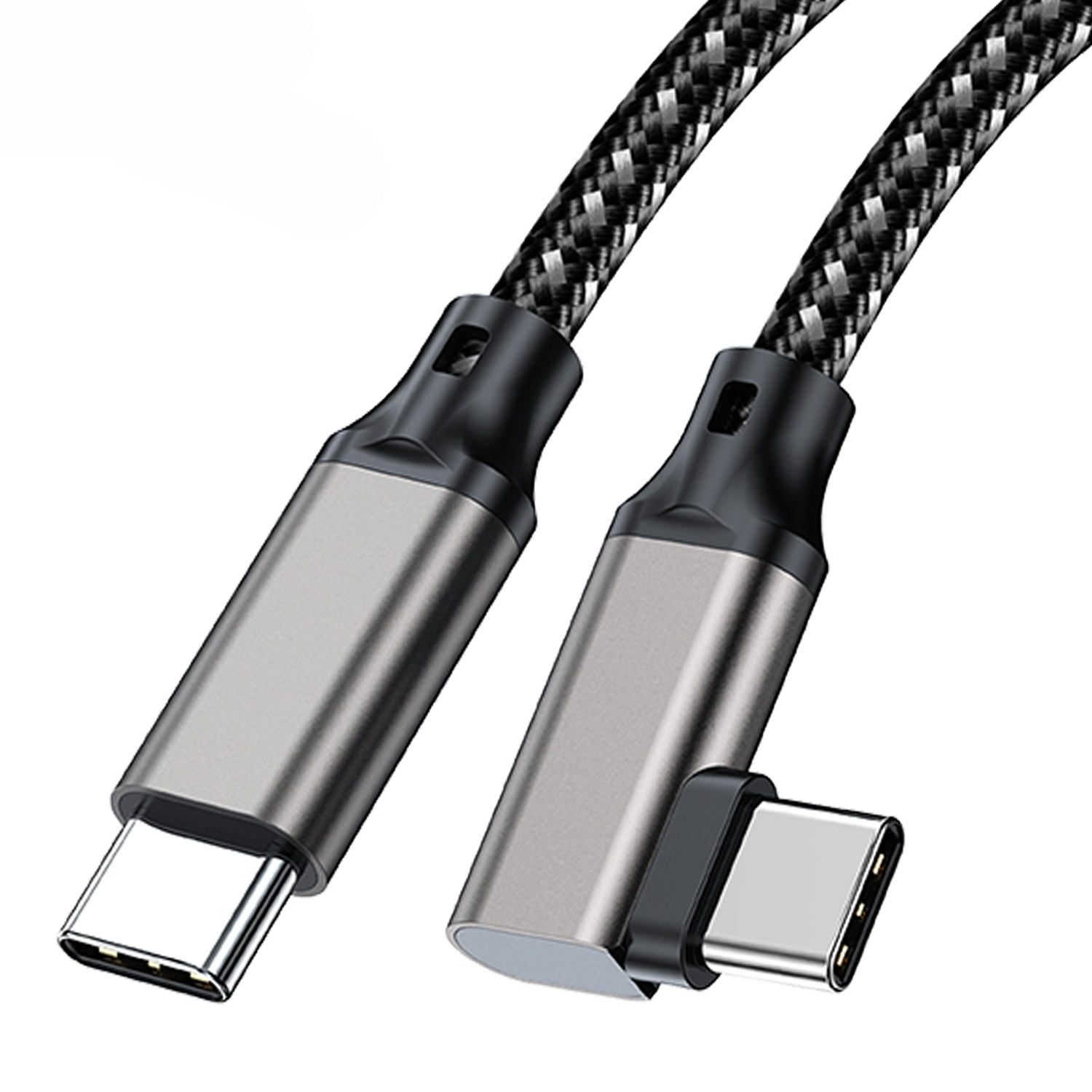
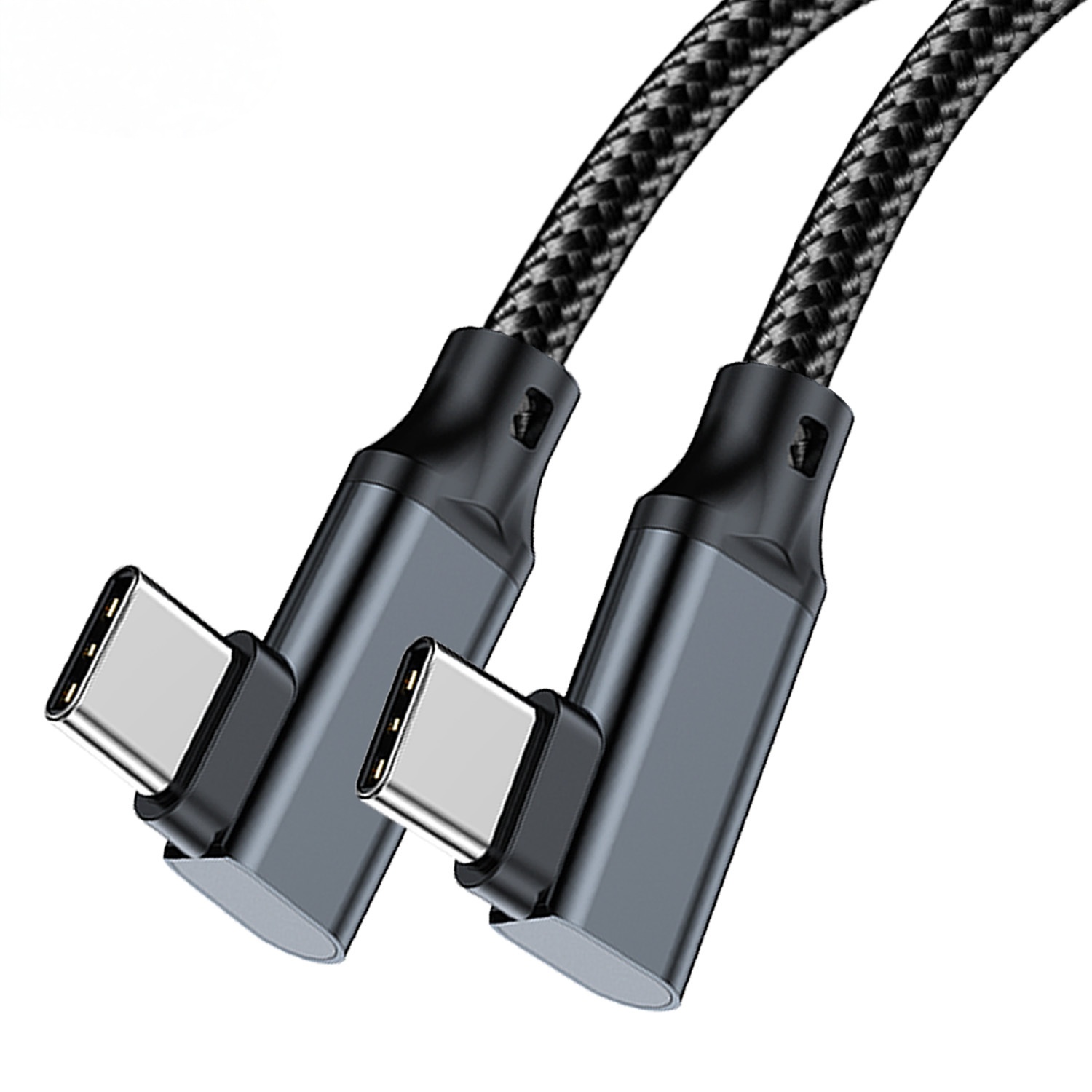
Two cables can look similar but serve different purchasing roles. A USB-C to USB-C right-angle tethered photography cable may solve a camera-rig clearance issue, while a USB-C male to USB-C female extension cable is usually specified to extend an existing connection point. The wider range behind this part is set out in the 240W USB4 40Gbps cable. Dongguan Eilinks ships from China, and documents USB-C cable details on the order record. Keep these as separate SKU families unless the application truly overlaps. The detail behind this step is kept current in the usb-c cable color coding guide.
Separate camera and instrument connectors
Some equipment still uses device-side USB 3.0 Type-B or Micro-B ports. For those projects, document the device connector clearly instead of describing everything as a USB-C camera cable.
For example, a USB-C male to USB 3.0 Type-B cable belongs in a different approval group from USB-C extension styles.
Approval checks before larger purchasing
Procurement mistakes to avoid
A common mistake is approving a cable on one workstation and then using the same SKU for every camera kit. Most projects reach this decision through the 100W 20Gbps adapter built in Dongguan. Another is describing the connector only as USB-C when the opposite end is the real constraint. Teams should also avoid changing length or orientation after sample approval without checking signal stability again in the actual setup. The underlying standard behind this interface is maintained by the USB Implementers Forum.
Before sending the RFQ
| Question | Why it matters | What to record |
|---|---|---|
| Which side is the host? | It prevents accidental ordering of extension or adapter styles for the wrong direction. | Laptop, workstation, camera, instrument or hub role. |
| Which connector is required? | USB-C, USB-A, USB 3.0 Type-B and Micro-B devices should not be grouped under one vague cable name. | Connector gender and connector type at both ends. |
| What data class is expected? | A test bench may not need the same cable as a high-throughput camera workflow. | Required USB generation or measured device requirement. |
| How is the cable routed? | Tight camera rigs and fixtures may need a right-angle or extension layout. | Straight, right-angle, extension, panel path or mobile kit. |
- State the mating pair on the drawing.
- Confirm the exit direction of the plug.
- Quote the data rate at the ordered length.
- Ask for the jacket and overmould in writing.
Equipment builders tend to check the usb-c smart home cable guide before fixing this part of the spec. Teams needing a second source contact a China-based USB-C supplier about keystone depth early rather than at the sample stage.
| Step | Approval checks before larger purchasing |
|---|---|
| 1 | Confirm host and device connector direction with photos or drawings. |
| 2 | Test the sample in the longest intended route, not only on a desk. |
| 3 | Record the cable length, orientation and device model used for approval. |
| 4 | Keep separate internal SKUs for right-angle, straight and extension assemblies. |
| 5 | Do not combine charging-only, data-only and full data workflows under one purchasing description. |
- Write both ends as a pair.
- Name the enclosure the plug must clear.
- Confirm the length at the target rate.
- Approve the sample against the drawing.
Build a short table with connector pair, route, length, data requirement and sample approval notes. Then compare the requirement with live USB-C cable options in the USB-C product catalog before sending a quotation request. Eilinks in China answers USB-C cable questions from the same inspection sheet that ships with the cable.
