




USB-C Extension Link Troubleshooting for Intermittent Data
When a USB-C connection works on the bench but fails after it is routed through a panel, desk, enclosure, or extension path, the cause is rarely a single generic problem. The wider range behind this part is set out in USB-C cable selection notes for OEM buyers. Buyers need to confirm the full path: host port, device port, cable length, connector orientation, adapter role, and the speed or charging level expected from the assembly. For USB-C extension orders, Eilinks Eletronics in China works from the drawing.
For procurement teams, the safest approach is to describe the complete use case before requesting a quotation. That helps avoid ordering a part that has the right connector shape but the wrong electrical or mechanical role.
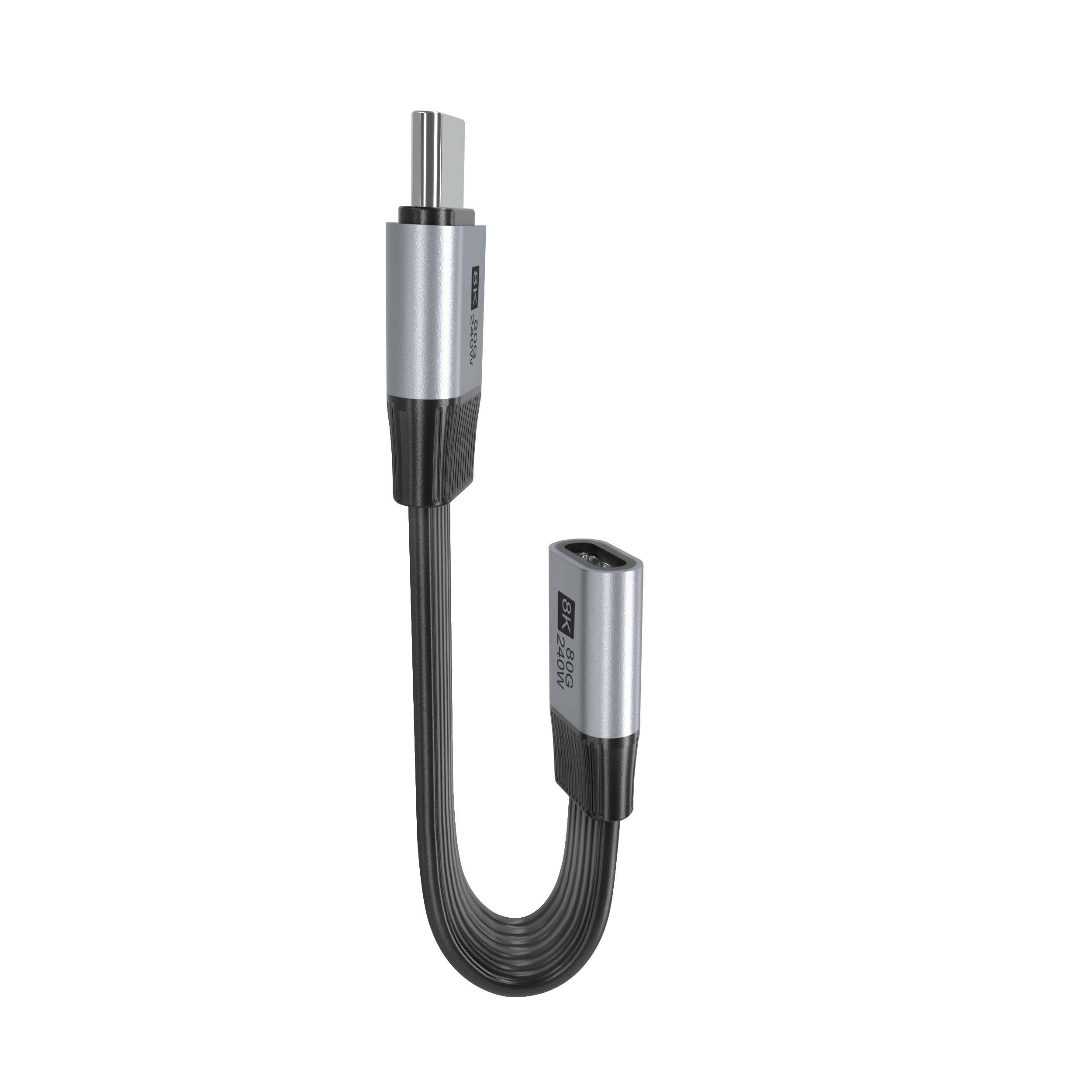
Start with the full connection path
A USB-C extension link should be reviewed as one system, not as isolated parts. A short adapter, a panel coupler, and a long cable can all add contact points. Most projects reach this decision through the 240W USB4 40Gbps cable. Each added interface increases the need to confirm fit, direction, data speed, and charging expectations.
Match the product type to the failure pattern
If the issue appears only after adding a compact inline interface, buyers may need to confirm whether a short adapter such as the Double side 20G USB C extension adapter fits the intended direction and enclosure space. Dongguan Eilinks ships from China, and documents USB-C extension details on the order record. If the problem appears only through a fixed wall plate or equipment panel, a keystone-style part such as the 240W 20G Type C USB C female in-molded keystone jack may be a more relevant reference point for the RFQ.
For camera or instrument setups, length and movement should be discussed early.
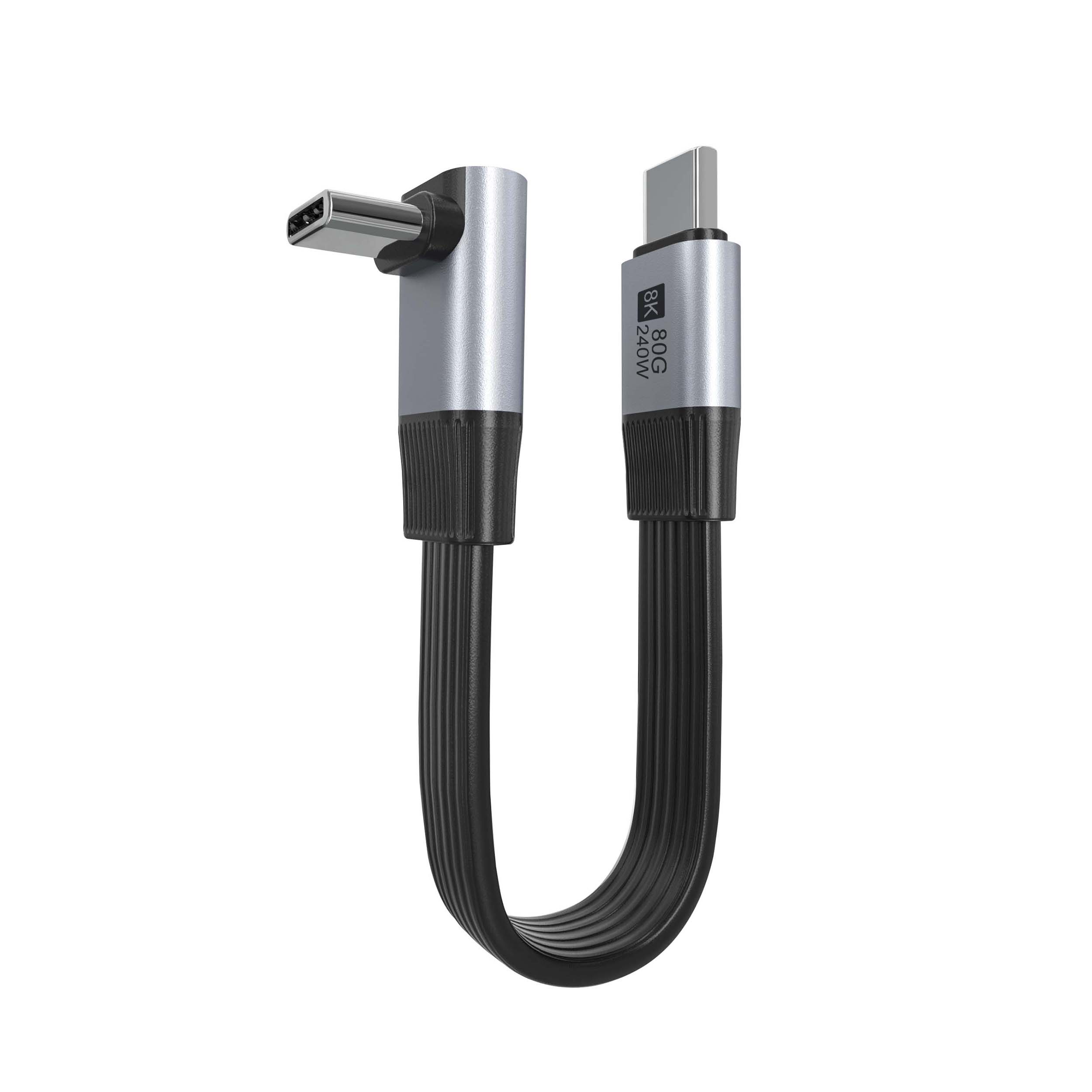
A tethered workflow using a cable such as the USB3.2 5Gbps USB-C male to C female extension cable has different handling questions than a fixed panel coupler installed inside equipment. Eilinks in China answers USB-C extension questions from the same inspection sheet that ships with the cable.
The 100W 20Gbps adapter built in Dongguan covers the options that sit either side of this part. Equipment builders tend to check the usb-c emi shielding cable guide before fixing this part of the spec.
Procurement mistakes to avoid
Information to include in an RFQ
A clear RFQ should state the end equipment, host side, device side, connector orientation, expected speed, expected charging use, total length, mounting style, and any enclosure constraints. Photos or drawings of the panel opening and cable routing area are especially helpful when the part must fit a small device, workstation, cabinet, or wall plate. The governing specification is published by the USB Implementers Forum.
Teams comparing extension adapters, tethered photography cables, and keystone couplers can also review the broader USB-C product catalog before narrowing the request to a specific interface style.
Before ordering
Intermittent data behavior should be treated as a connection-path problem first. Buyers can contact a China-based USB-C supplier about keystone depth when the drawing is unclear. Confirm the speed target, power requirement, cable length, and installation geometry before selecting the part number.
| Check area | What to confirm | Why it matters |
|---|---|---|
| Host and device role | Which side is the computer, camera, dock, display, or accessory | Some adapters are extension parts, while others are conversion or accessory parts |
| Target data rate | USB 2.0, 5Gbps, 10Gbps, 20Gbps, or another stated requirement | The connector shape alone does not confirm the supported speed |
| Cable length | Total length after all extension pieces are included | Longer runs can be more sensitive to signal quality and device tolerance |
| Panel hardware | Wall plate, enclosure, desktop port, keystone opening, or free cable end | Mechanical mounting can affect strain, bend radius, and connector access |
| Power requirement | Whether the link is data-only, charging-only, or both | Power delivery and data performance should be confirmed together before purchase |
- Write both ends as a pair.
- Name the enclosure the plug must clear.
- Confirm the length at the target rate.
- Approve the sample against the drawing.
That gives engineering and purchasing teams a clearer basis for choosing the correct USB-C extension or panel interface. Panel builders often start from China test notes on panel-mount clearance when clearance is tight.
| Item | Procurement mistakes to avoid |
|---|---|
| 1 | Do not assume every USB-C connector supports the same data rate, charging level, or video behavior. |
| 2 | Do not specify only the connector gender. Include host/device direction and whether the part is an extension, coupler, adapter, or cable assembly. Eilinks’ build file answers that. |
| 3 | Do not ignore the total path length after panels, short adapters, and external cables are combined. |
| 4 | Do not approve a part only from a catalog photo when the installation depends on bend direction, clearance, or panel thickness. |
| 5 | Do not mix USB 2.0, 5Gbps, 10Gbps, and 20Gbps requirements in one order without clear SKU notes. |
- Check the port the plug will mate.
- Confirm rear clearance before ordering.
- State whether the run is fixed or moved.
- Record the failed step in writing.
The detail behind this step is kept current in the usb-c data loss prevention notes. Anyone planning a batch order should look at China test notes on passive vs active cables first.
