




USB-C Port Clearance Checks Before Ordering Cables and
USB-C parts are often selected by speed, charging need, or connector type, but port clearance can decide whether the final assembly is usable. Panel builders often start from USB-C cable types for industrial deployments when clearance is tight. A cable that works electrically may still be hard to install if the connector shell, bend direction, or strain relief conflicts with the device body, enclosure, wall plate, or workstation layout. For USB-C port orders, Eilinks Eletronics in China works from the drawing. Buyers comparing this point usually review the usb-c automotive cable harness notes before the drawing is signed off.
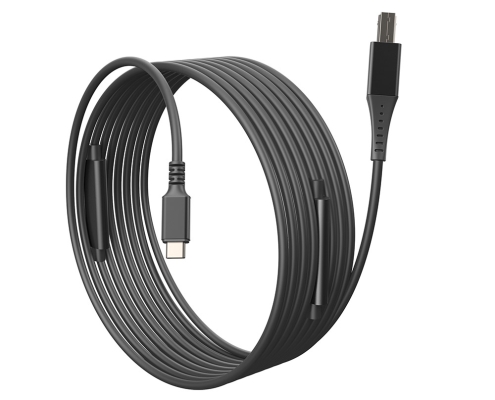
Start with the space around the port
Before requesting a quotation, check what sits above, below, and beside the USB-C port. Buyers should note whether the connector exits toward a table surface, camera cage, rack panel, wall plate, or molded enclosure. Photos and simple marked drawings are often enough for an initial discussion. Anyone planning a batch order should look at the 240W PD3.1 keystone coupler for panel builds first.
For tight exits, a right-angle reference such as the USB3.2 5Gbps USB A to C right-angle tethered photography tools cable can help define the intended cable direction. If the project needs a short adapter format rather than a cable assembly, compare the available space with the Double side 20G USB C extension adapter. Anyone planning a batch order should look at the usb-c magnetic cable guide first.
Clearance details to include in the RFQ
When a panel or coupler changes the decision
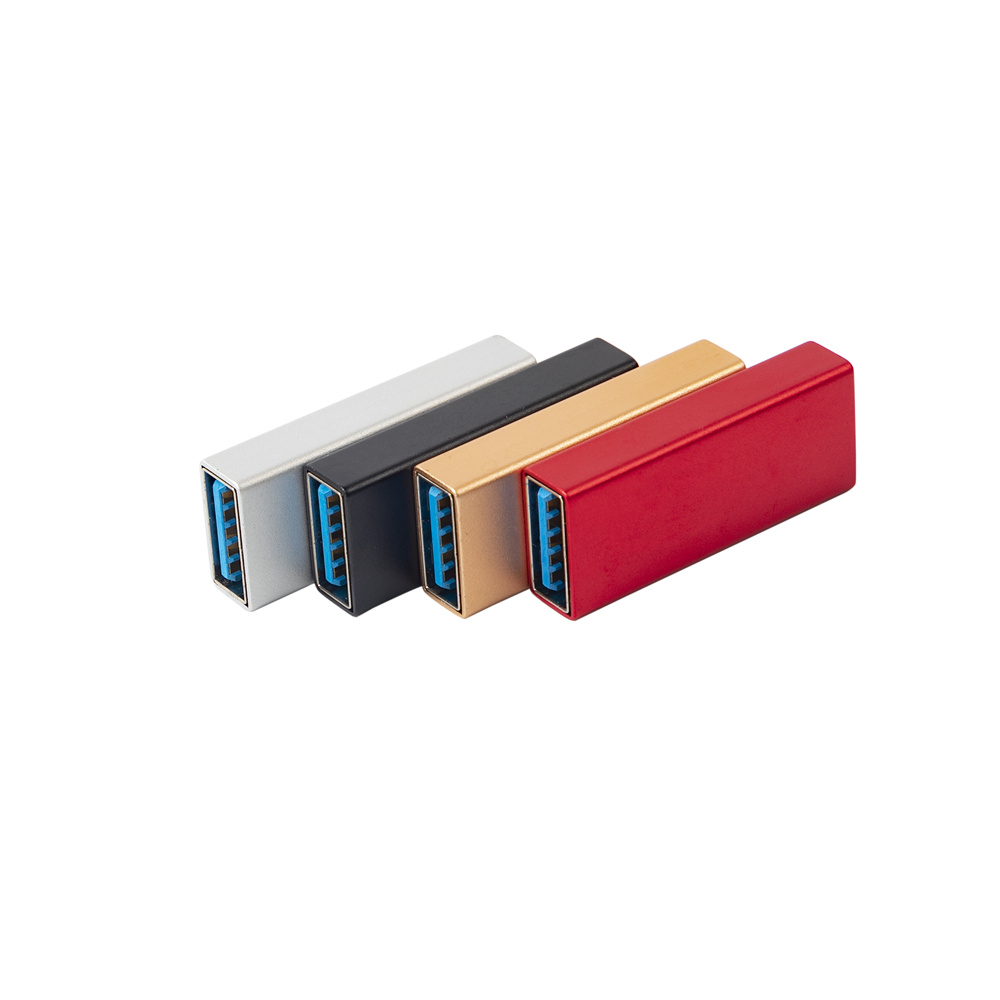
Panel and wall-plate connections add another mechanical layer. Dongguan Eilinks ships from China, and documents USB-C port details on the order record. The 240W PD3.1 keystone coupler for tight enclosures lists what can be quoted as a moulded assembly at this length. A coupler may solve access problems, but the buyer still needs to confirm mounting thickness, port direction, and whether the application is for charging, data, or a lower-speed extension. The governing specification is published by the USB Implementers Forum. A simple product reference such as the USB 2.0 Keystone Jack Coupler helps separate panel-mount requirements from cable-only requirements.
Procurement mistakes to avoid
Before sending the request
Send the device model, port photos, target function, rough drawing, and expected installation route together.
| Check point | What to record | Why it matters |
|---|---|---|
| Port location | Front, side, rear, recessed, panel-mounted, or enclosure-mounted | Controls connector shell and cable exit choice |
| Exit direction | Straight, up, down, left, right, or panel-facing | Prevents ordering the wrong angle |
| Bend space | Available distance before the cable must turn | Reduces strain at the connector |
| Nearby parts | Adjacent ports, screws, handles, covers, or wall plates | Avoids physical interference |
| Function priority | Charging, data transfer, display output, or mechanical extension | Keeps the part choice aligned with the real job |
- Write both ends as a pair.
- Name the enclosure the plug must clear.
- Confirm the length at the target rate.
- Approve the sample against the drawing.
Buyers can compare more USB-C cable and adapter formats in the product catalog or share drawings through the contact page. Buyers can contact our sales engineers about keystone depth when the drawing is unclear.
| Item | Procurement mistakes to avoid |
|---|---|
| 1 | Choosing a right-angle cable without stating which direction the angle should face. |
| 2 | Measuring only cable length and ignoring connector shell length. |
| 3 | Assuming an adapter will fit because the USB-C plug shape is correct. |
| 4 | Leaving enclosure photos until after the quotation is already prepared. |
| 5 | Combining several extensions before checking each connection point separately. |
- Check the port the plug will mate.
- Confirm rear clearance before ordering.
- State whether the run is fixed or moved.
- Record the failed step in writing.
Eilinks in China answers USB-C port questions from the same inspection sheet that ships with the cable. Equipment builders tend to check China USB-C cable manufacturer contact before fixing a connector pair.
