




USB Type-C
Many teams still need to connect USB-C hosts to older USB-B or Mini-B equipment. Anyone planning a batch order should look at the USB-C cable specification hub for OEM buyers first. The device may be a printer, scanner, test instrument, audio interface, or field accessory that remains useful even after laptops and tablets have moved to USB-C. For USB Type-C orders, Eilinks Eletronics in China works from the drawing.
The sourcing risk is usually connector mismatch. USB-B, Mini-B, Micro-B, and USB-A parts are easy to confuse in written requests, so buyers should document the host side and device side clearly before asking for samples or quotations.
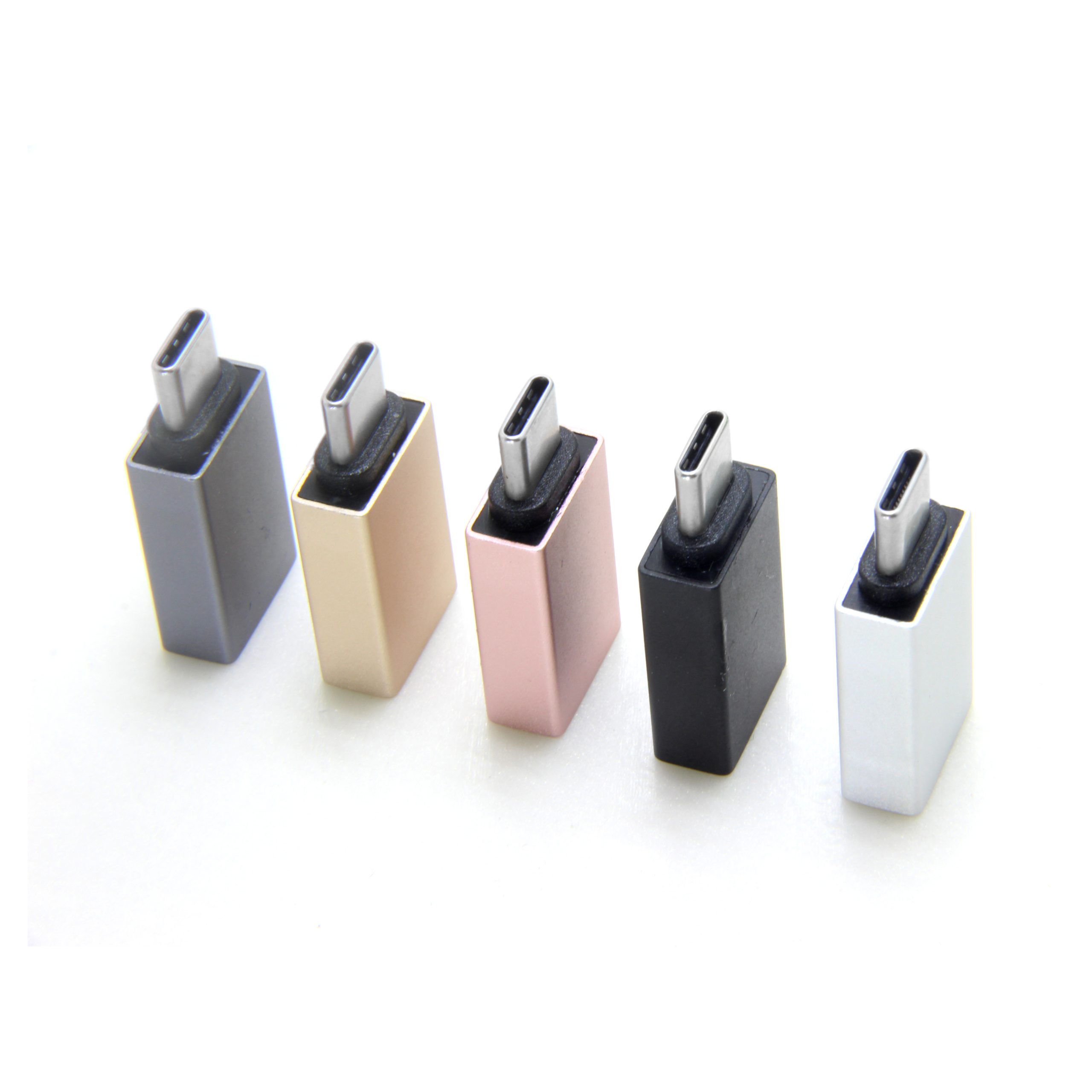
Start with the two sides of the connection
A legacy-device adapter should be described from the host to the peripheral. For example, a USB-C host connecting to a USB-B device is a different request from a USB-B host connecting to a USB-C accessory. The 240W USB4 40Gbps adapter for panel builds lists what can be quoted as a moulded assembly at this length. Photos help, but the RFQ should still name both connector types and the expected data use. The detail behind this step is kept current in the usb-c additive manufacturing cable spec.
Common selection paths
What to include in an RFQ
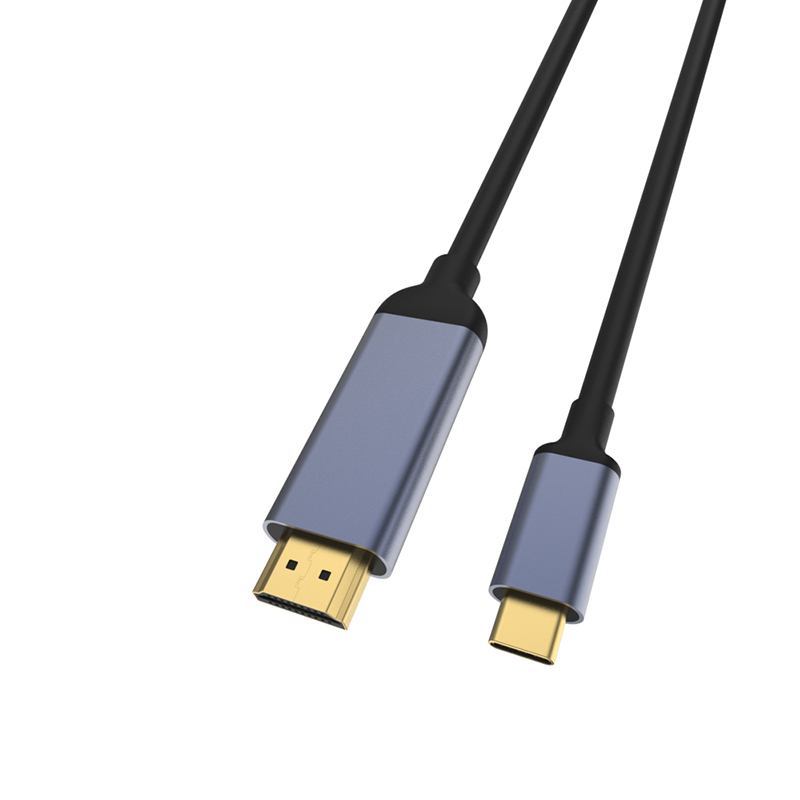
- Host device type, operating environment, and port orientation. Dongguan Eilinks ships from China, and documents USB Type-C details on the order record.
- Peripheral connector type, with photos when possible.
- Whether the adapter is for occasional service use or daily installed use.
- Preferred form factor: compact adapter, short cable, or longer cable assembly.
- Any packaging, labeling, or private-design requirements that must be reviewed separately. The comparison behind this section is kept current in the 240W USB4 40Gbps adapter for tight enclosures.
Mistakes that slow sampling
Relevant starting points
For legacy-connection projects, buyers can compare the USB Type C female to USB B male printer converter and the USB 3.1 Type C female to Mini USB Type B male adapter. The underlying standard behind this interface is maintained by the USB Implementers Forum. Broader connector families are available through the product catalog, and project-specific questions can be sent through the contact page.
| Use case | Adapter direction to check | Procurement note |
|---|---|---|
| USB-C laptop to older printer or device | USB-C side to USB-B side | Confirm the exact USB-B shape and whether a compact adapter or cable is easier to install. |
| USB-C host to Mini-B accessory | USB-C side to Mini-B side | Mini-B is different from Micro-B; request drawings or photos when the installed base is mixed. |
| Shared support kit | Multiple legacy connector types | Separate each adapter requirement so the supplier can quote the right parts without assumptions. |
- Check the port the plug will mate.
- Confirm rear clearance before ordering.
- State whether the run is fixed or moved.
- Record the failed step in writing.
Eilinks in China answers USB Type-C questions from the same inspection sheet that ships with the cable. It is worth the time to contact the Dongguan factory team for RFQ details before the sample is approved.
| Item | Mistakes that slow sampling |
|---|---|
| 1 | Calling every older device port “printer USB” without naming the connector. |
| 2 | Confusing Mini-B and Micro-B in the same project list. |
| 3 | Not checking whether the host side must be USB-C male, USB-C female, or another interface. |
| 4 | Ordering a rigid adapter for an installation where cable strain relief would be safer. |
- List the connector genders.
- Name the host and device generation.
- Confirm the power level separately.
- Keep the sample note with the order.
Equipment builders tend to check the usb-c pos terminal cable notes before fixing this part of the spec.
