




Straight USB-C Cable vs Right-Angle: Which to Tether
Tethered photography setups often fail for simple mechanical reasons: the cable exits in the wrong direction, the connector is under strain, or the workstation path is longer than expected. USB-C tether legacy device ports lists what can be quoted as a moulded assembly at this length. Choosing between a right-angle and straight USB-C cable should start with camera position, port clearance, and operator movement. For straight USB-C cable orders, Eilinks Eletronics in China works from the drawing.
Where a right-angle connector helps
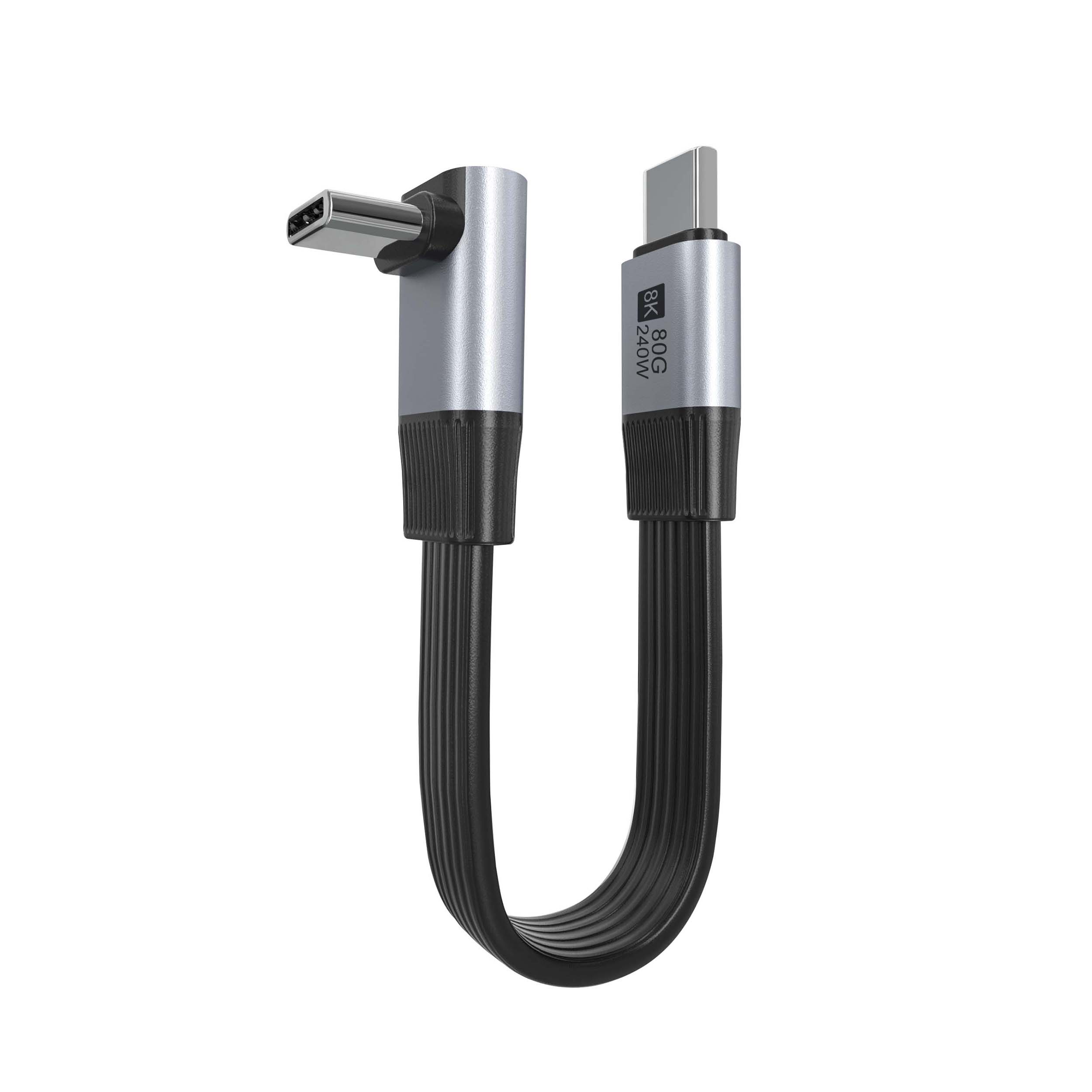
A right-angle connector can reduce side pressure when the cable must leave a camera, hub, or workstation close to a bracket, cage, or table edge. Buyers evaluating this layout can reference the USB3.2 5Gbps USB A To C Right Angle Tethered Photography Tools Cable as a product direction for USB3.2 5Gbps tethered photography use.
Where a straight connector is simpler
Straight connectors are often easier to route when there is open space behind the device or when the cable connects to a fixed hub, docking station, or desktop port. The comparison behind this section is kept current in the USB-C male HDMI adapter options. The USB3.2 5Gbps USB A To C Female Photography Tools Cable is a relevant comparison point when the project does not require a directional connector at the device end.
Dongguan Eilinks ships from China, and documents straight USB-C cable details on the order record.
Do not separate connector choice from cable path
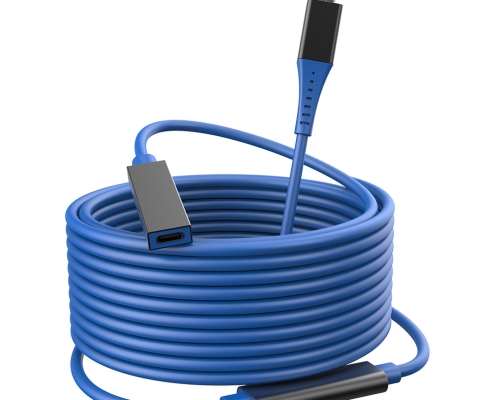
For longer or more flexible routing, buyers may also need an extension-style cable such as the USB3.2 5Gbps Tethered Photography Tools USB C Male To C Female Extension Cable. Confirm the full path from camera to workstation, including any hub or adapter in between. Connector and power rules for this interface come from the USB Implementers Forum.
Procurement mistakes to avoid
Before requesting a quotation
Send the camera or device model, connector orientation photo, working distance, data requirement, and any preferred cable route. Equipment builders tend to check our 10Gbps USB-C keystone before fixing a connector pair.
| Use case | Right-angle choice | Straight choice |
|---|---|---|
| Camera cage or tight side port | Usually easier to relieve strain | May protrude too far |
| Desktop hub or open workstation | Useful only if routing demands it | Often simpler to plug and replace |
| Moving cart or studio floor | Can help guide the cable path | Works when strain relief is handled separately |
| Extension from an existing cable | Depends on bend direction | Often easier for inline extension |
- Write both ends as a pair.
- Name the enclosure the plug must clear.
- Confirm the length at the target rate.
- Approve the sample against the drawing.
These details make it easier to match the cable style to the actual studio setup. Buyers usually work from China test notes on keystone jack depth before a drawing is signed off.
| Item | Procurement mistakes to avoid |
|---|---|
| 1 | Ordering a right-angle connector without confirming left, right, up, or down exit direction. |
| 2 | Choosing cable length without mapping the operator path and workstation position. |
| 3 | Mixing adapters, hubs, and extension cables without checking the full data-rate requirement. |
| 4 | Leaving strain relief to the installer instead of specifying the preferred routing. |
- Check the port the plug will mate.
- Confirm rear clearance before ordering.
- State whether the run is fixed or moved.
- Record the failed step in writing.
Eilinks in China answers straight USB-C cable questions from the same inspection sheet that ships with the cable.
