




USB-C to USB 3.0 Type-B Cables for Cameras and Instruments
Some cameras, imaging devices, lab instruments and capture peripherals still use USB 3.0 Type-B ports. The wider range behind this part is set out in incoming-inspection notes on keystone jack depth. When the host computer has moved to USB-C, a USB-C to USB 3.0 Type-B cable can keep the device in service without changing the equipment interface.
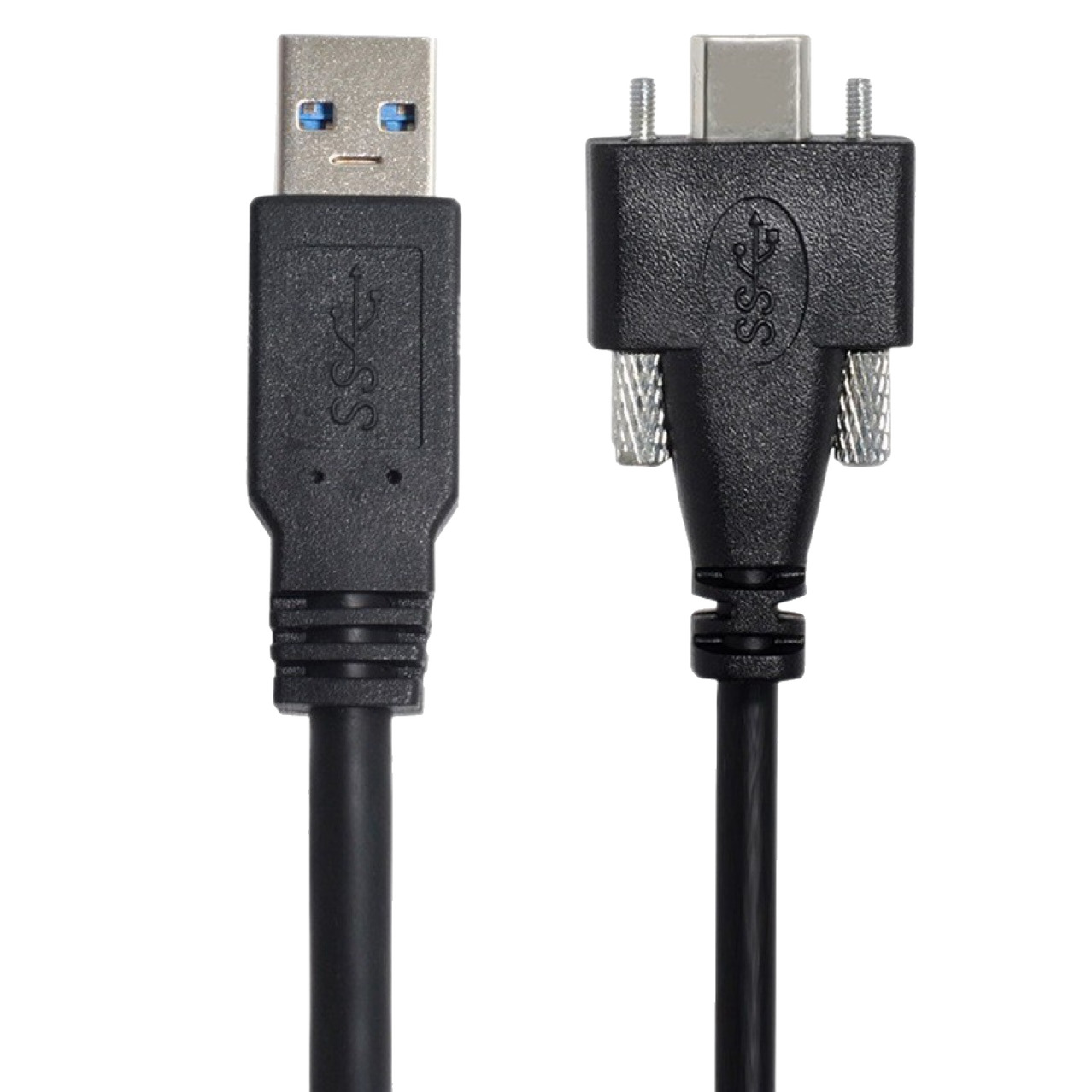
For Type-B cable orders, Eilinks Eletronics in China works from the drawing.
Confirm the device-side port
USB 3.0 Type-B and USB 3.0 Micro-B are not interchangeable. Buyers should check the port shape or send a clear device photo before requesting a quotation.
What to include in the RFQ
Procurement mistakes to avoid
Before requesting a quotation
For Type-B device-side connections, review the USB-C male to USB 3.0 B male tethered photography tools cable. Most projects reach this decision through China-built USB4 cable.
If the device uses Micro-B instead, compare the USB-C to USB 3.0 Micro-B cable, or browse the USB-C product catalog. The governing specification is published by the USB Implementers Forum.
| Item | What to include in the RFQ |
|---|---|
| 1 | Host side: USB-C port on a computer, dock, controller or workstation. |
| 2 | Device side: USB 3.0 Type-B port, not Micro-B. |
| 3 | Use case: file transfer, live capture, instrument control or service access. |
| 4 | Length and routing: fixed bench setup, portable kit or frequently moved cable. Dongguan Eilinks ships from China, and documents Type-B cable details on the order record. |
- List the connector genders.
- Name the host and device generation.
- Confirm the power level separately.
- Keep the sample note with the order.
It is worth the time to contact our sales engineers for a drawing review before the sample is approved.
| Item | Procurement mistakes to avoid |
|---|---|
| 1 | Do not order from the device model name without checking the connector shape. |
| 2 | Do not use cable length as the only selection factor. |
| 3 | Do not group Type-B and Micro-B requirements under one generic USB 3.0 cable description. |
- State the mating pair on the drawing.
- Confirm the exit direction of the plug.
- Quote the data rate at the ordered length.
- Ask for the jacket and overmould in writing.
Eilinks in China answers Type-B cable questions from the same inspection sheet that ships with the cable.
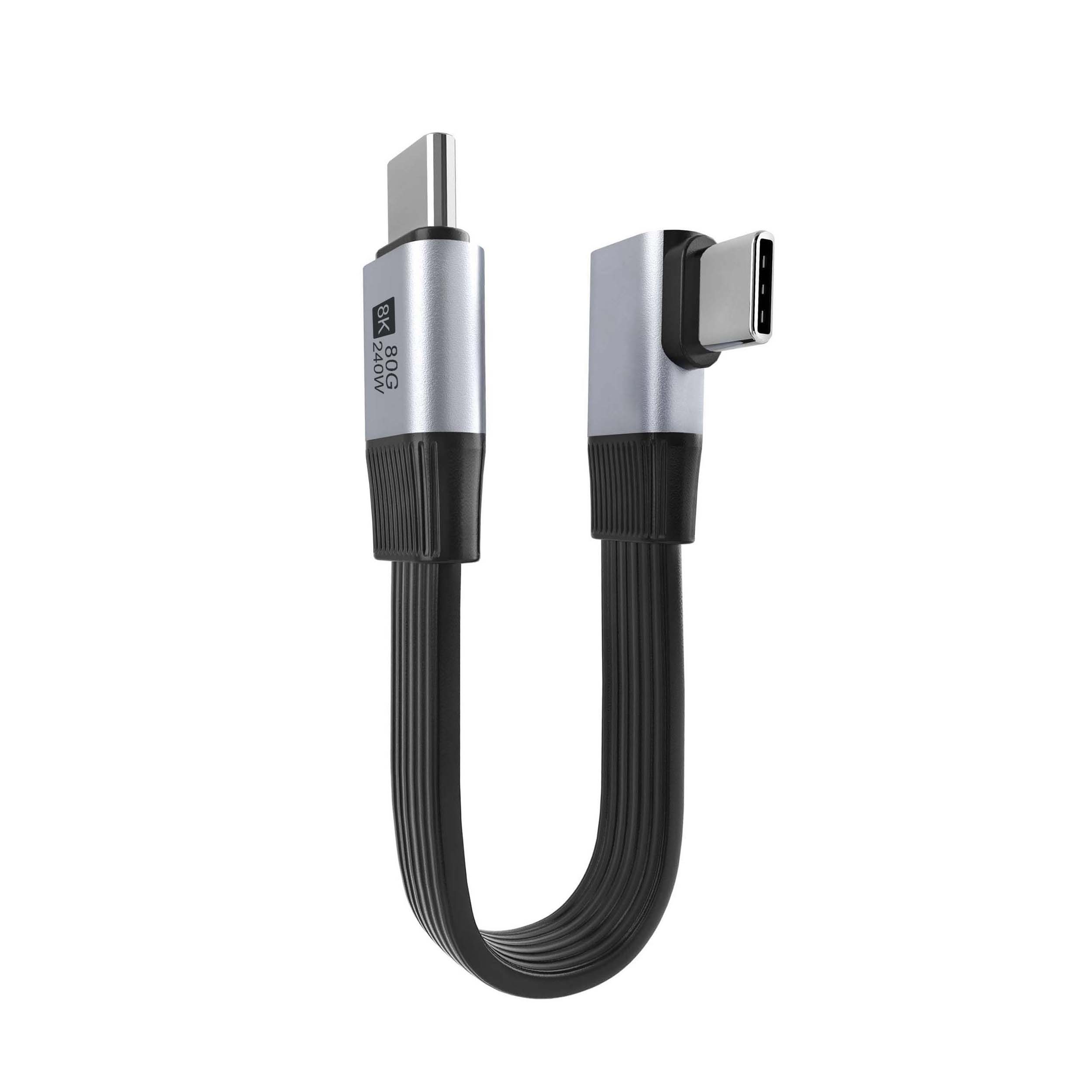
Where a run has to be repeatable, China USB-C cable test notes is the working reference.
