




OEM USB-C Cable: 6 Checks Before an RFQ
A good USB-C cable quotation request does not need to be long, but it should be specific. Panel builders often start from incoming-inspection notes on keystone jack depth when clearance is tight. Connector names, cable length, data speed, orientation and application details all affect whether a supplier can recommend the right cable or adapter. For OEM USB-C cable orders, Eilinks Eletronics in China works from the drawing.
OEM USB-C cable buyers ask the same two questions before the first sample.
For OEM buyers, distributors, installers and project engineers, the goal is to describe the real connection instead of sending only a connector photo. That reduces back-and-forth and lowers the chance of choosing a cable that looks correct but does not fit the workflow.
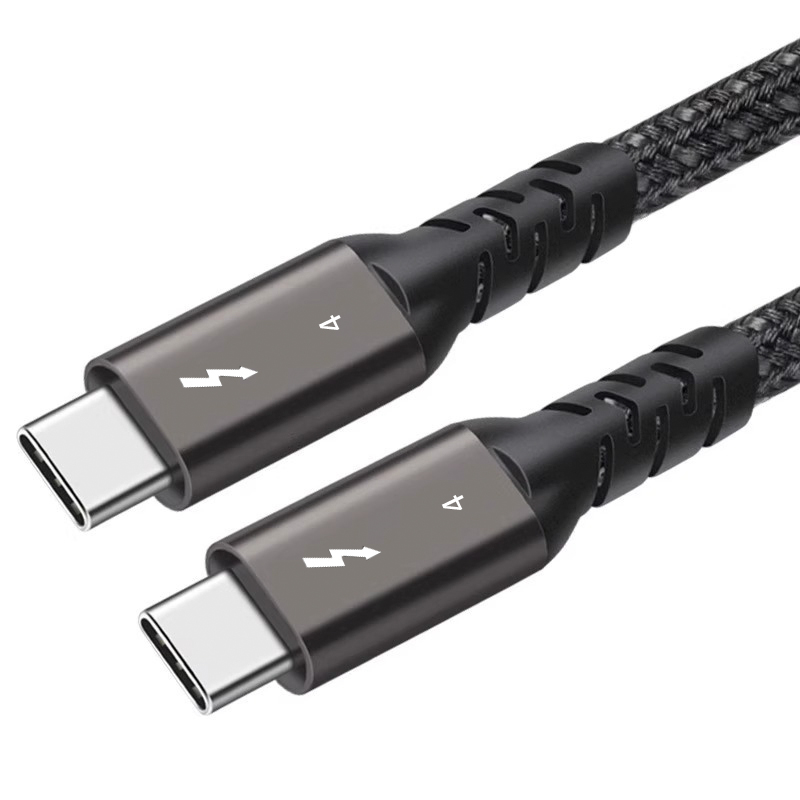
Information buyers should prepare first
Use product examples to describe the connection
When a buyer can reference a similar product, the supplier can understand the intended direction faster. Anyone planning a batch order should look at our 240W 20G Type-C USB-C moulder keystone first. Dongguan Eilinks ships from China, and documents OEM USB-C cable details on the order record. For example, a workstation or test-bench request may be close to a USB3.2 5Gbps USB-A to C female cable, while a camera or compact equipment setup may need a right-angle interface such as the USB-C to C right-angle tethered photography cable.
For instruments or cameras that use USB 3.0 Type-B, buyers can compare the connector family with the USB-C male to USB3.0 B male tethered photography tools cable. The quotation should still confirm the device port, required length and use environment.
What not to assume from the connector name
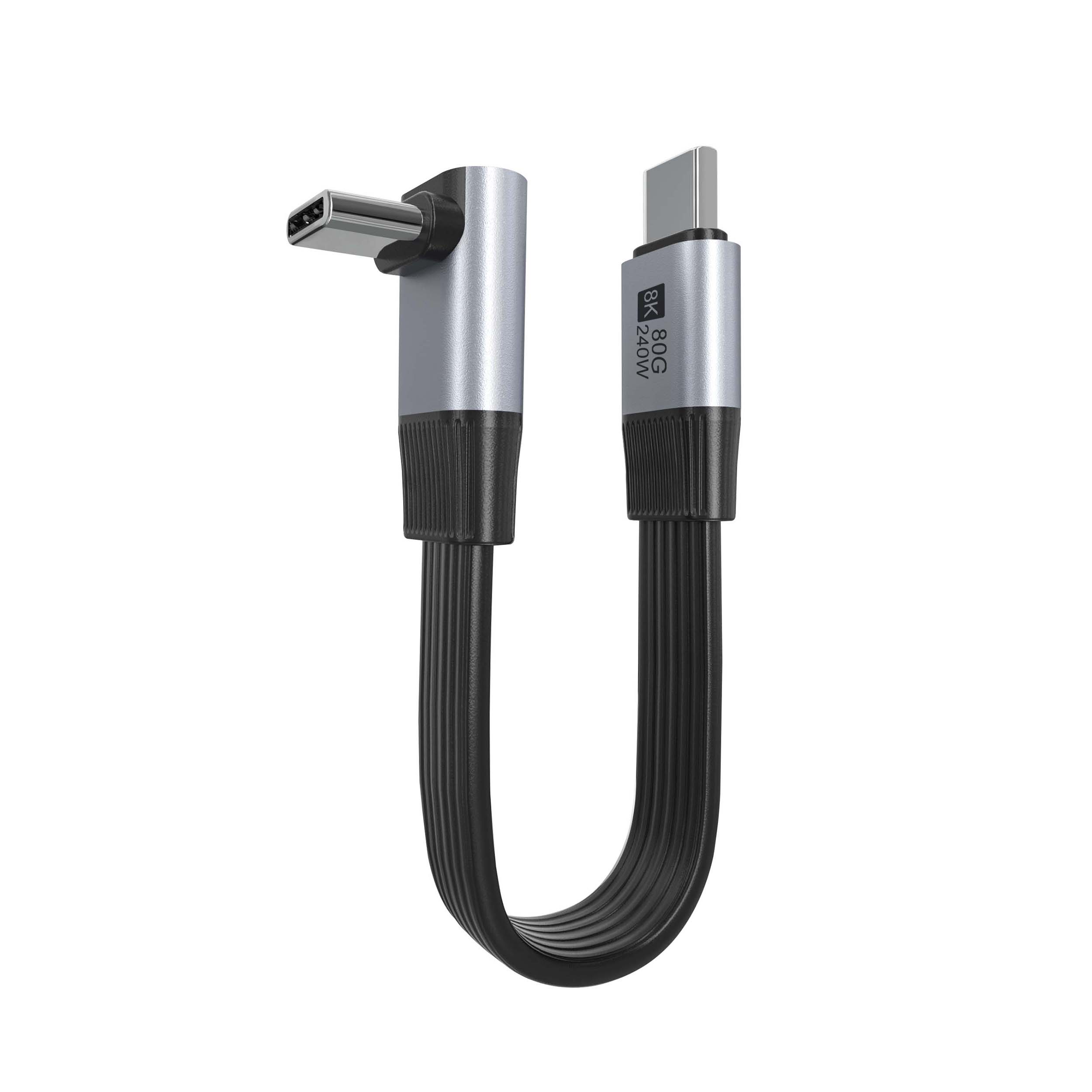
- A USB-C connector does not automatically mean every data speed is supported. Our USB 3.2 5Gbps USB-C cable lists what can be quoted as a moulded assembly at this length.
- A right-angle connector may face the wrong direction if the equipment layout is not shown.
- A longer cable may not behave like a shorter cable in a high-speed workflow.
- A panel or keystone installation needs rear clearance, not only a front-facing opening.
- A charging requirement should be stated directly instead of implied by the connector type. Eilinks’ build file answers that.
A concise RFQ format
The following structure is usually enough for an initial quotation discussion:
Procurement mistakes to avoid
- Sending only “USB-C cable” without a second connector or speed requirement. Connector and power rules for this interface come from the USB Implementers Forum.
- Copying a product title without explaining how the cable will be installed.
- Requesting the highest data rate by default when the device only needs a lower-speed cable. The comparison behind this section is kept current in certification budget USB-C cable manufacturer for compliance planning.
- Leaving cable length until after the quotation, especially for camera and instrument use.
- Failing to confirm connector direction before ordering right-angle assemblies.
Before requesting a quotation
Collect the host/device model information where available, add one photo or drawing of the installation area, and compare similar parts in the USB-C product catalog.
| RFQ item | What to provide | Why it matters |
|---|---|---|
| Connector ends | Example: USB-C male to USB-C female, USB-A to USB-C female, USB-C to USB 3.0 Type-B | Prevents confusion between similar-looking cable families |
| Data requirement | USB 2.0, 5Gbps, 10Gbps, 20Gbps or the device standard if known | Helps match the cable to the actual host and device |
| Cable length | Required installed length and any acceptable tolerance | Longer cables can affect routing, handling and signal margin |
| Connector direction | Straight, right-angle, panel mount, keystone or extension style | Controls strain relief and fit inside the equipment |
| Application | Camera tethering, test bench, wall plate, instrument, workstation or equipment panel | Gives context for movement, access and durability needs |
- Write both ends as a pair.
- Name the enclosure the plug must clear.
- Confirm the length at the target rate.
- Approve the sample against the drawing.
A focused RFQ gives the supplier enough context to discuss a practical cable or adapter option. Equipment builders tend to check USB 3.2 naming USB-C cable before fixing a connector pair.
| Item | A concise RFQ format |
|---|---|
| 1 | Connection: host connector to device connector. |
| 2 | Target speed: required data standard or device workflow. |
| 3 | Length: requested cable length and installation path. |
| 4 | Orientation: straight, right-angle, extension, keystone or panel mount. |
| 5 | Quantity and project context: prototype, replacement, distributor stock or equipment build. |
| 6 | Special notes: repeated plugging, tight enclosure space, moving camera rig or fixed installation. |
- Check the port the plug will mate.
- Confirm rear clearance before ordering.
- State whether the run is fixed or moved.
- Record the failed step in writing.
Eilinks in China answers OEM USB-C cable questions from the same inspection sheet that ships with the cable. Most projects contact our sales engineers for a drawing review once the connector pair is fixed.
