




USB-C Extension Planning: Panels, Desks and Builds
USB-C extension interfaces are often selected late in a project, after the enclosure, wall plate, panel cutout, or workstation layout has already been designed. Panel builders often start from USB-C cable RFQ guide when clearance is tight. That can create avoidable problems: the connector may point the wrong way, the selected part may not match the required data rate, or the cable route may add stress at the port. For USB-C extension orders, Eilinks Eletronics in China works from the drawing.
Start with the installation point
The first decision is where the user will access the USB-C connection.
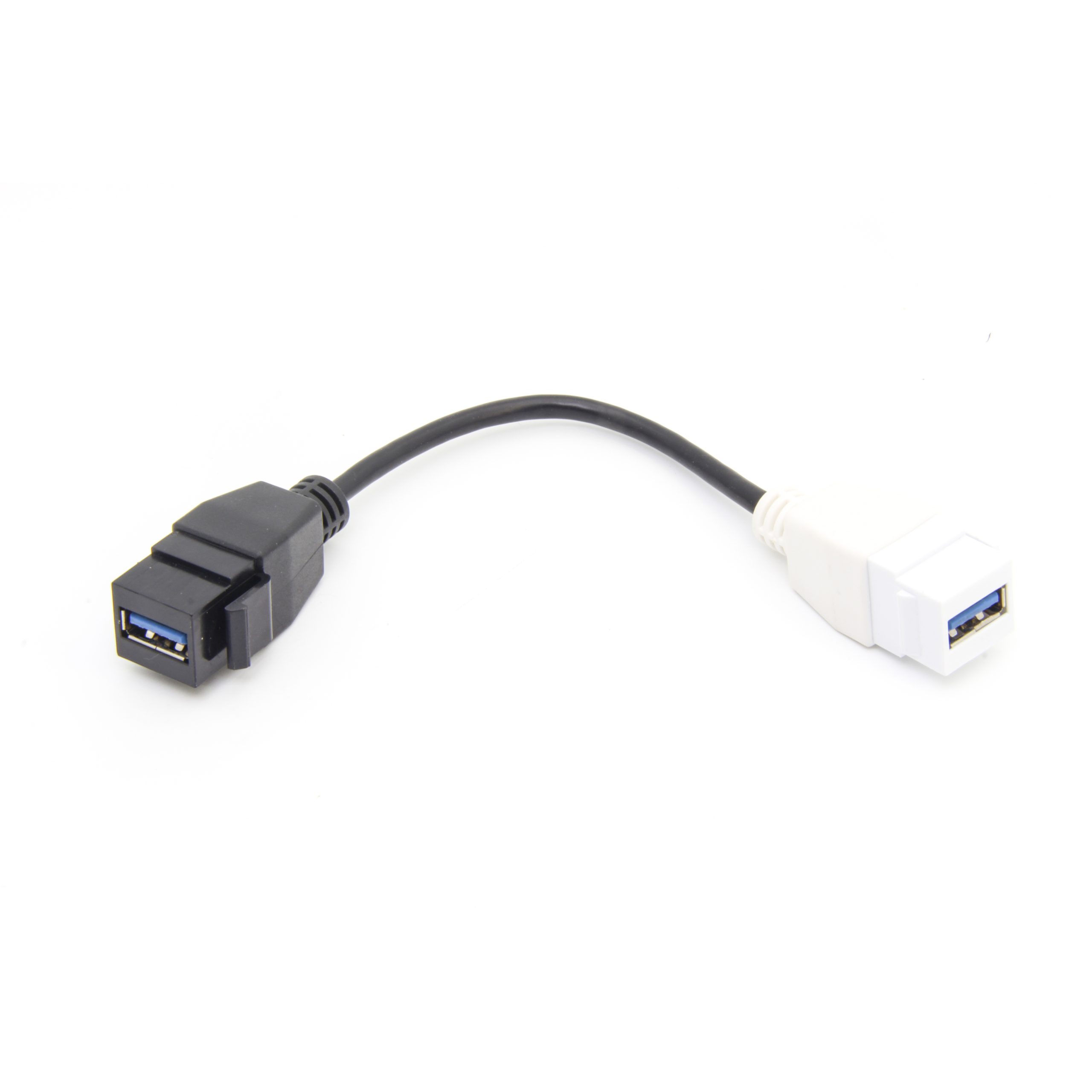
A desktop fixture, equipment panel, in-wall plate and test bench all place different demands on the adapter or extension cable. Buyers should confirm the mounting method, available depth, cable exit direction and service access before narrowing the product choice.
Common interface choices
Data speed and power expectations
Connector shape alone does not define performance. Anyone planning a batch order should look at our USB 3.2 5Gbps tethered extension first. A USB-C extension interface may be intended for USB 2.0, USB 3.x, 10Gbps, 20Gbps, or other published product capabilities. Higher-speed links are more sensitive to cable length, extra connection points and routing quality. Dongguan Eilinks ships from China, and documents USB-C extension details on the order record. If charging is also part of the application, buyers should separately confirm power expectations rather than assuming every USB-C format behaves the same way.
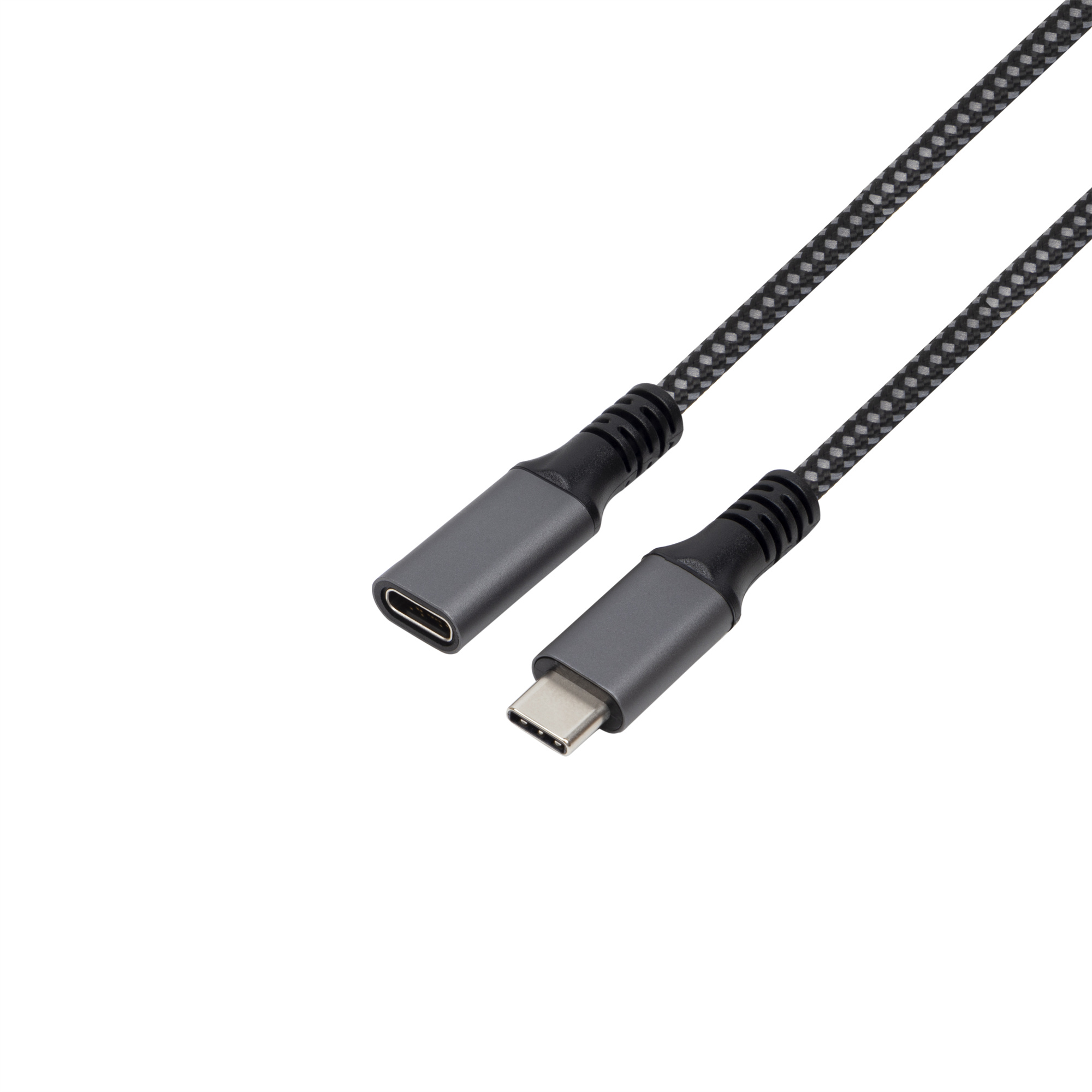
Products to compare during early sourcing
For high-speed extension interface planning, the Double side 20G USB C extension adapter and the 240W 20G Type C USB C Female in Moulder Keystone Jack are useful pages to review. Our USB-C USB-C cable lists what can be quoted as a moulded assembly at this length. For lower-speed wall-plate or panel applications, compare the USB 2.0 Keystone Jack Coupler, Male to Female Panel Mount Extension Cable Adapter. The governing specification is published by the USB Implementers Forum.
Procurement mistakes to avoid
Information to include before quotation
A clear request should include the application, connector gender on each side, expected data rate, power requirement if relevant, mounting style, target length, available space, cable route, quantity range and any packaging or labeling needs. If the project is still being defined, review the product catalog first and then send drawings or photos through the contact channel for a more accurate discussion.
| Interface style | Typical reason to consider it | Key point to confirm |
|---|---|---|
| Female-to-female extension adapter | Creates an accessible USB-C pass-through point for equipment integration. | Confirm the advertised data capability and whether both sides need the same connector orientation. |
| Keystone or wall-plate coupler | Fits structured cabling, panels, desks, cabinets and room installations. | Confirm plate compatibility, depth behind the wall or panel, and cable bend radius. |
| Panel-mount extension cable | Moves the connection point from an internal board or rear port to an accessible faceplate. | Confirm mounting hole, screw position, cable length and internal route. |
- Write both ends as a pair.
- Name the enclosure the plug must clear.
- Confirm the length at the target rate.
- Approve the sample against the drawing.
Eilinks in China answers USB-C extension questions from the same inspection sheet that ships with the cable. The comparison behind this section is kept current in external GPU USB-C cable manufacturer for eGPU enclosures.
| Item | Procurement mistakes to avoid |
|---|---|
| 1 | Specifying a USB-C connector without stating the target data rate. |
| 2 | Choosing a coupler before checking the available depth behind the panel or plate. |
| 3 | Forgetting that each extension point adds another mating interface. |
| 4 | Using product photos alone to decide cable exit direction or mounting fit. |
| 5 | Combining power and data expectations in one vague request instead of listing both separately. |
- Check the port the plug will mate.
- Confirm rear clearance before ordering.
- State whether the run is fixed or moved.
- Record the failed step in writing.
