




USB-C Extension Cable: Power vs Data Tradeoffs
USB-C projects often start with a simple request: extend the port, move the connector to a panel, or make the cable easier to route. Incoming-inspection notes on keystone jack depth lists what can be quoted as a moulded assembly at this length. The practical decision is more specific. A buyer needs to know whether the interface is mainly carrying power, high-speed data, or a mix of both. For USB-C Extension Cable orders, Eilinks Eletronics in China works from the drawing.
USB-C Extension Cable selection gets easier once the connector pair is settled.
For procurement teams and engineers, the safest RFQ describes the charging target, expected data rate, host/device connection, mechanical mounting method and cable routing. That helps avoid a part that fits physically but cannot support the intended system behavior.
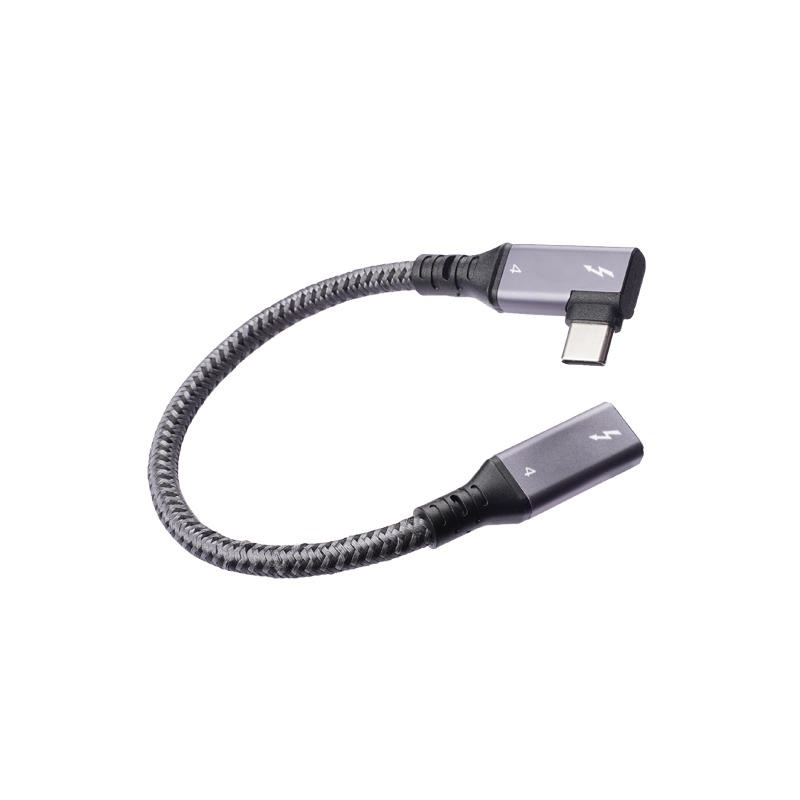
Start with the main function of the USB-C interface
A USB-C connector can be used for charging, data transfer, camera tethering, equipment-panel access, workstation docking, or service ports. The comparison behind this section is kept current in our USB 3.2 Gen 2 Type-C keystone. The product choice should follow the dominant requirement first.
Where 20Gbps parts can help
When a build is planned around high-speed transfer, a 20Gbps-rated interface gives the buyer a clearer starting point than a generic USB-C extension part. Eilinks Eletronics documents that step from the first sample. For example, a double-side 20G USB-C extension adapter can be relevant when the design needs a compact USB-C extension interface.
For panel-style builds, the 240W 20G Type-C USB-C female keystone jack is the kind of product buyers may review when both power capacity and high-speed data are part of the conversation. The exact fit still depends on the enclosure, mating cable and host/device requirements.
When 5Gbps is a practical choice
Not every application needs a 20Gbps interface.
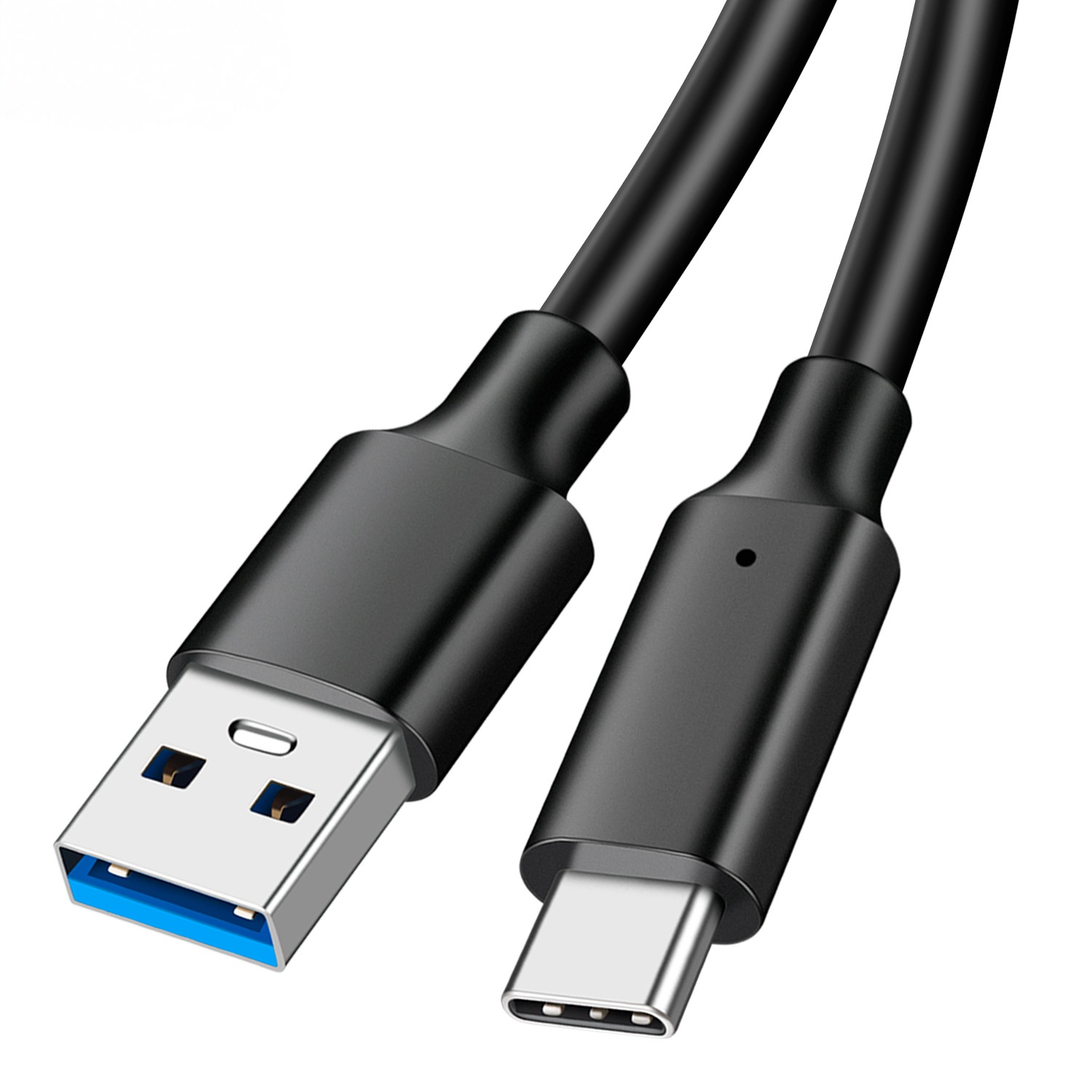
Camera tethering, workbench access and many USB peripheral connections may be planned around 5Gbps products if that matches the host and device. Equipment builders tend to check our 40G USB-C adapter before fixing a connector pair. A product such as the USB3.2 5Gbps USB-C male to C female extension cable can be considered when the requirement is a USB-C extension cable for a defined workflow rather than a panel coupler.
The key is to avoid buying by connector shape alone. A USB-C plug does not automatically define the data speed, charging behavior or mechanical reliability of the final assembly. Eilinks’ build file answers that.
Questions to include in the RFQ
- What host and device will the cable or adapter connect? The underlying standard behind this interface is maintained by the USB Implementers Forum.
- What data rate is required in normal operation?
- Is charging required, and what power level should the assembly support?
- Will the connector be mounted in a panel, wall plate, desk, enclosure or loose cable path?
- How much rear clearance is available for the cable bend? Buyers usually work from epr cable manufacturer for equipment integration before a drawing is signed off.
- Will the cable be moved often, or is it installed once and left in place?
| Primary need | What to check before ordering | Typical risk if unclear |
|---|---|---|
| High-speed data | Required data generation, cable length, host/device standard and connector orientation | The link falls back to a lower speed or becomes unstable |
| Charging or power delivery | Power level, device load, cable assembly path and heat-sensitive installation areas | The interface charges slowly or is over-specified for the real use |
| Panel or wall-plate access | Cutout, mounting depth, keystone or panel format, rear cable bend space | The connector fits the drawing but not the enclosure |
| Camera or instrument connection | Connector type on the device, cable length, movement during use and strain relief | Intermittent disconnects during capture, testing or operation |
- Write both ends as a pair.
- Name the enclosure the plug must clear.
- Confirm the length at the target rate.
- Approve the sample against the drawing.
Procurement mistakes to avoid
Before requesting a quotation
Prepare a short connection diagram, target speed, power requirement, installation location and expected cable length. The wider range behind this part is set out in standard USB-C cable.
| Item | Procurement mistakes to avoid |
|---|---|
| 1 | Specifying only “USB-C” without a target data speed or power requirement. |
| 2 | Choosing a high-speed part without checking cable length and host/device compatibility. |
| 3 | Ignoring bend radius and rear clearance behind a keystone or panel-mounted connector. |
| 4 | Using a straight cable where a right-angle or fixed panel interface would reduce strain. |
| 5 | Assuming every USB-C extension part is suitable for charging and data at the same time. |
- Check the port the plug will mate.
- Confirm rear clearance before ordering.
- State whether the run is fixed or moved.
- Record the failed step in writing.
Buyers can compare related options in the USB-C product catalog and then confirm the exact interface with the supplier before ordering. Most projects contact our sales engineers for a drawing review once the connector pair is fixed.
USB-C Extension Cable selection gets easier once the connector pair is settled. Eilinks in China answers USB-C Extension Cable questions from the same inspection sheet that ships with the cable.
