




USB-C Connector: What to Specify
When a USB-C connector moves from a loose cable to a panel, wall plate, test fixture, or equipment enclosure, the selection question changes. The comparison behind this section is kept current in USB-C cable selection notes from a China factory. Buyers are no longer choosing only a connector shape; they are defining the signal path that users will plug into every day. For USB-C connector orders, Eilinks Eletronics in China works from the drawing. Anyone planning a batch order should look at the usb-c speed comparison guide first.
A USB 2.0 panel interface may be enough for configuration, charging accessories, or low-speed control data. A USB 3.x interface is usually the better fit when cameras, storage, instruments, or high-speed peripherals need stable transfer performance.
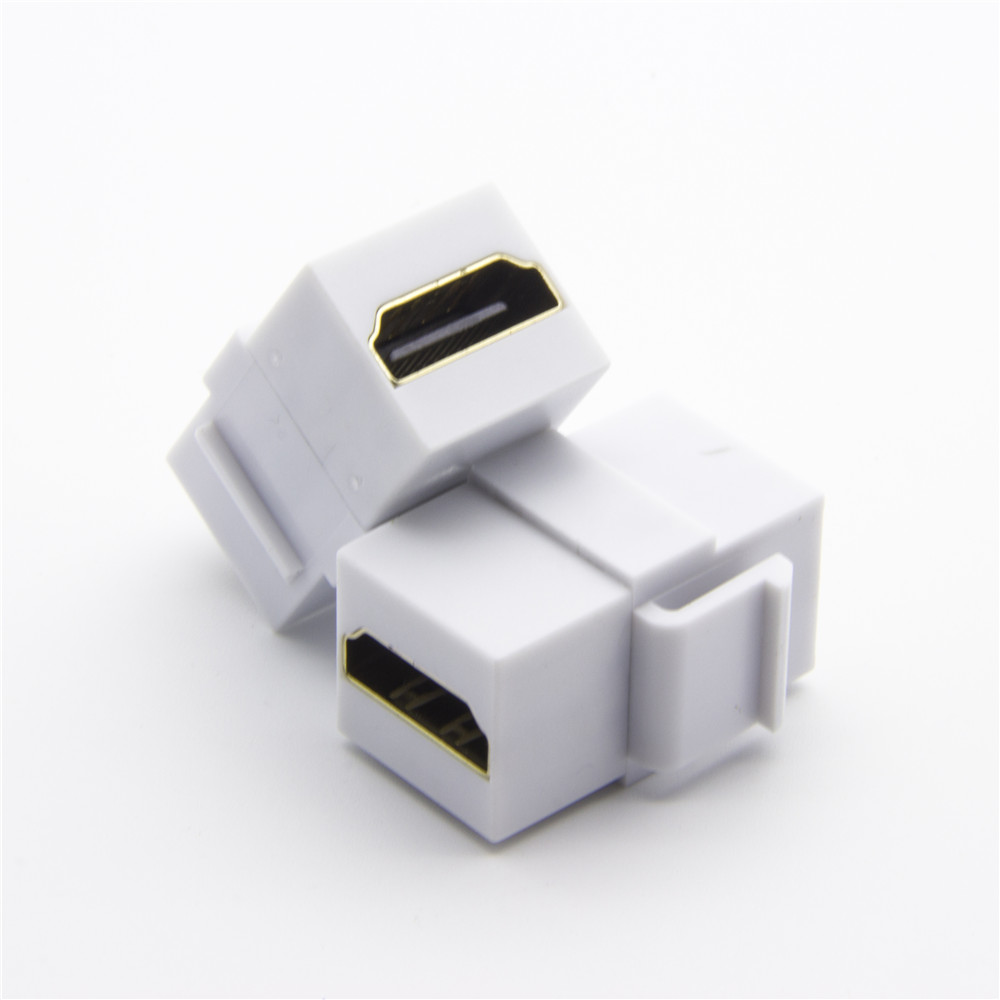
The safest RFQ states the expected data rate, power role, panel thickness, mating direction, and mechanical mounting style. Equipment builders tend to check the 240W USB4 40Gbps cable before fixing a connector pair.
Start with the job of the port
Before comparing parts, define what the port must do in the finished assembly. A service port on an industrial cabinet has different needs from a camera tethering station or a desk-integrated USB-C outlet. Dongguan Eilinks ships from China, and documents USB-C connector details on the order record.
Compare USB 2.0, 10Gbps, and 20Gbps choices carefully
USB 2.0 interfaces can be practical where the port is mainly for maintenance access or basic peripheral connection. They can reduce over-specification when no high-speed device will be used. For example, a USB 2.0 keystone jack coupler panel-mount extension adapter belongs in the discussion when the application does not need USB 3.x throughput.
For higher-speed data paths, buyers should look at the full assembly rather than the connector alone.
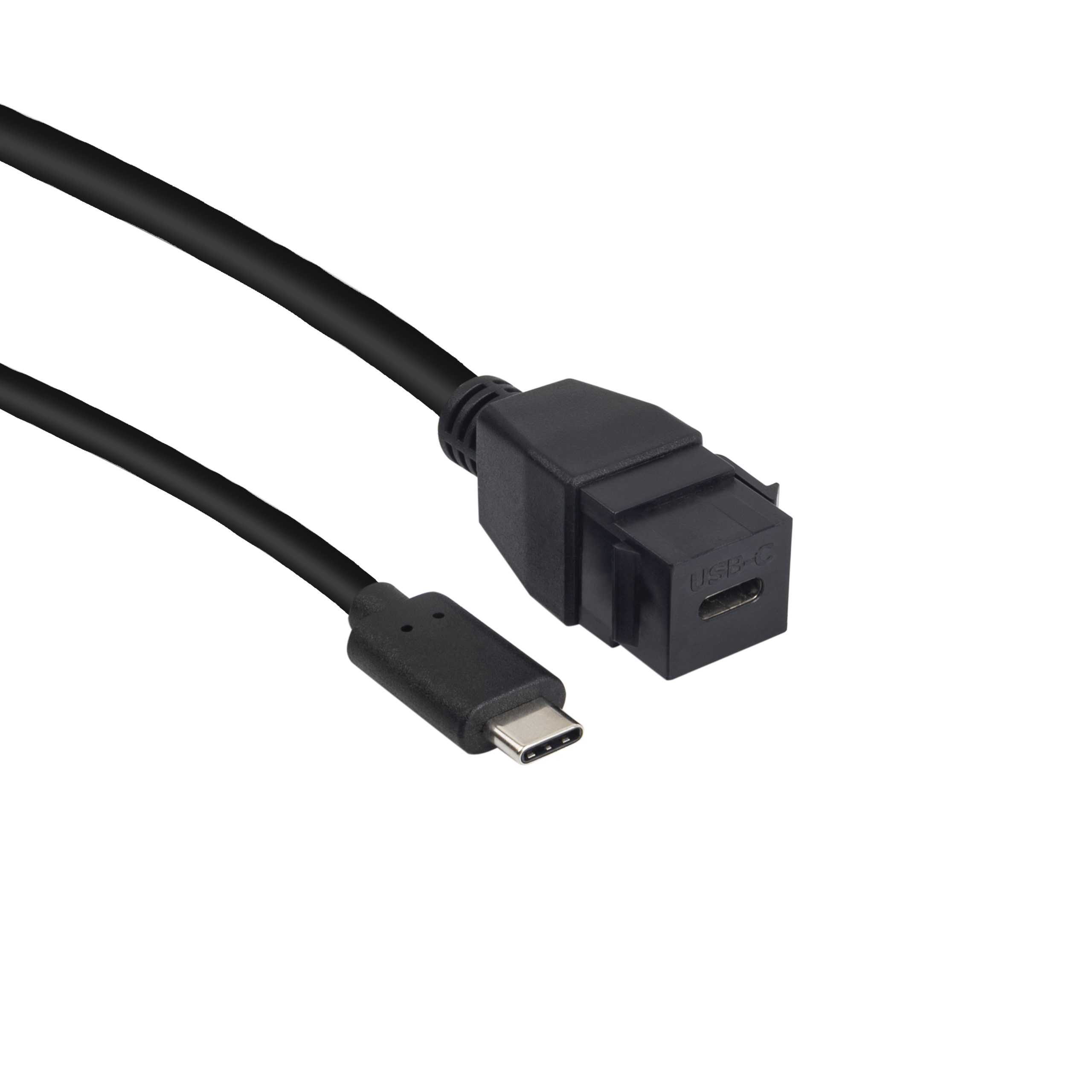
A USB 3.1 Gen 2 10Gbps right-angle Type-C female keystone coupler may suit wall plate or panel layouts where rear clearance is limited. Buyers usually work from the 100W 20Gbps adapter for panel builds before a drawing is signed off. A 20G Type-C female keystone jack can be considered when the project specification calls for a higher-rated USB-C keystone interface. Always confirm the current product page and quotation details before locking the design. Eilinks’ build file answers that.
Mechanical details often decide the final part
- Rear clearance: right-angle designs can help when the cable path cannot run straight behind the panel. Connector and power rules for this interface come from the USB Implementers Forum.
- Panel format: confirm whether the design uses a keystone wall plate, a custom cutout, or a fixture plate.
- Cable strain: panel ports need enough support so repeated plugging does not load the internal cable.
- Service access: choose an orientation that technicians can reach without twisting the cable sharply.
Procurement mistakes to avoid
What to include in the RFQ
| Use case | Typical selection direction | What to confirm |
|---|---|---|
| Firmware updates, configuration, keyboard or control accessories | USB 2.0 may be acceptable | Connector orientation, cable length, mounting fit, and whether charging is needed |
| Camera, capture, storage, or measurement data | USB 3.x is usually preferred | Required transfer rate, host/device compatibility, total extension length, and shielding expectations |
| Compact panel or wall plate installation | Keystone or panel-mount style parts can simplify installation | Opening size, wall plate format, rear clearance, and strain relief |
| Charging plus data through one port | Match the product rating to the application requirement | Power delivery role, cable assembly rating, thermal environment, and test plan |
- State the mating pair on the drawing.
- Confirm the exit direction of the plug.
- Quote the data rate at the ordered length.
- Ask for the jacket and overmould in writing.
For a faster quotation, send the target USB speed, expected devices, panel or wall-plate format, cable length, connector orientation, and any charging requirement. The wider range behind this part is set out in brief our cable engineering team.
| Item | Procurement mistakes to avoid |
|---|---|
| 1 | Specifying only ?USB-C female? without a data-rate requirement. |
| 2 | Assuming a short bench test represents the final cable length inside the enclosure. |
| 3 | Ignoring rear-space limits until the enclosure drawing is finished. |
| 4 | Mixing charging and data requirements without defining which side is host, device, or power source. |
- Write both ends as a pair.
- Name the enclosure the plug must clear.
- Confirm the length at the target rate.
- Approve the sample against the drawing.
If the design is still open, review the broader USB-C cable and adapter product catalog and shortlist two or three interface styles before requesting a quote. Most projects reach this decision through China test notes on shielding and ESD. Eilinks in China answers USB-C connector questions from the same inspection sheet that ships with the cable. Buyers comparing this point usually review the usb-c cable type guide before the drawing is signed off.
