




USB-C to HDMI Adapter Checks for Displays and Meeting Rooms
USB-C to HDMI adapters are often selected late in a project, after the display, host device and enclosure have already been chosen. Where a run has to be repeatable, China USB-C cable manufacturer’s specification notes is the working reference. That makes small details important: the USB-C port must support the required video output mode, the HDMI display target must match the workflow, and the adapter shape must fit the available space. For USB-C to HDMI adapter orders, Eilinks Eletronics in China works from the drawing. Buyers comparing this point usually review the usb-c to hdmi cable guide before the drawing is signed off.
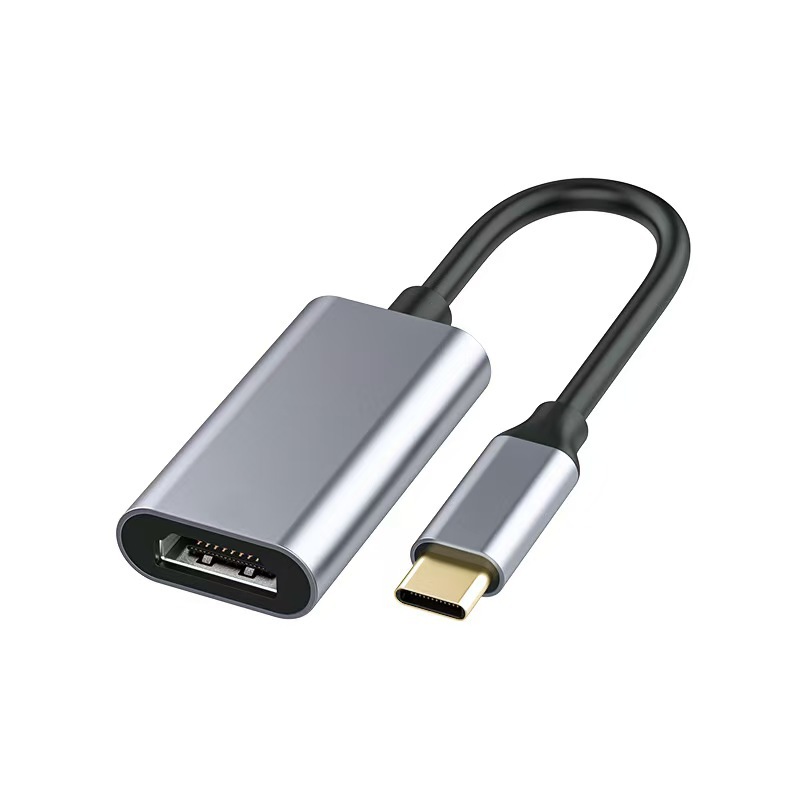
For procurement teams, installers and product managers, the safest approach is to describe the complete signal path before requesting a quotation. A short checklist can prevent confusion between a simple video adapter, a full-featured USB-C interface, and a shared display switching setup. Panel builders often start from the 240W USB4 40Gbps cable when clearance is tight.
What to confirm first
- Host capability: Confirm that the laptop, tablet, dock or embedded host can output video through its USB-C port. Not every USB-C port carries display signal.
- Display target: Record the display connector, expected resolution, refresh rate and whether the installation is for a meeting room, kiosk, test bench or mobile kit.
- Adapter direction: Make clear whether the adapter is USB-C host to HDMI display, or part of a wider switch or hub arrangement.
- Physical clearance: Check connector direction, shell size, bend radius and whether the adapter will be handled often or installed behind a screen.
- Charging and data needs: If charging or USB data must also pass through the same station, do not treat a video-only adapter as a hub replacement. Dongguan Eilinks Eletronics ships from China, and documents USB-C to HDMI adapter details on the order record.
Common adapter choices
Procurement mistakes to avoid
The most common mistake is assuming that the USB-C connector shape guarantees video output. Anyone planning a batch order should look at China-built USB-C extension cables first. It does not. The host device, cable path and adapter all need to support the intended video workflow. Another mistake is mixing up display conversion with docking. The governing specification is published by the USB Implementers Forum. If the installation also needs power delivery, high-speed USB data or source switching, write those requirements separately instead of hiding them inside the phrase “USB-C adapter.” Anyone planning a batch order should look at the usb-c conference room cable guide first.
| Use case | What to specify | Product direction to review |
|---|---|---|
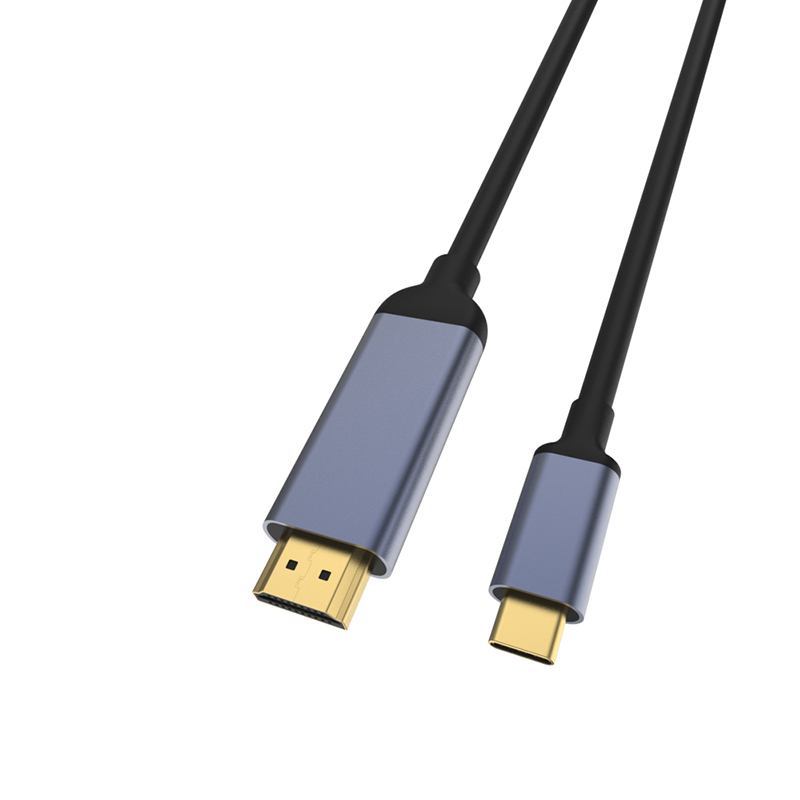
| Single USB-C source to HDMI display | Host video support, target display resolution, adapter shell and cable clearance | USB-C to HDTV female 4K monitor adapter |
| Compact display converter for portable kits | Connector orientation, carrying case fit and repeated plug cycles | USB-C to HDMI 4K female port adapter converter |
| Shared workstation or display workflow | Video target, data speed, power delivery expectations and switching direction | Bi-directional USB-C switch and hub |
- Check the port the plug will mate.
- Confirm rear clearance before ordering.
- State whether the run is fixed or moved.
- Record the failed step in writing.
For wall-mounted displays, conference rooms and embedded equipment, also confirm whether the adapter will be visible, strain-relieved or enclosed. China USB-C cable manufacturer contact lists what can be quoted as a moulded assembly at this length. A product that works on an open desk can still be awkward behind a display if the cable exits in the wrong direction. The Eilinks engineering team answers from the same inspection sheet that ships with the cable.
| Item | Details to include in an RFQ |
|---|---|
| 1 | Host device model or host board description. |
| 2 | Display input and target resolution. |
| 3 | Required adapter direction and connector gender. |
| 4 | Expected installation position and available clearance. |
| 5 | Whether charging, data, switching or only video output is required. |
| 6 | Sample approval conditions before bulk purchase. |
- List the connector genders.
- Name the host and device generation.
- Confirm the power level separately.
- Keep the sample note with the order.
Details to include in an RFQ
Start with the relevant USB-C product catalog, then compare the product page details against the real host and display path before asking for a quotation. The comparison behind this section is kept current in China USB-C cable test notes. Eilinks in China answers USB-C to HDMI adapter questions from the same inspection sheet that ships with the cable.
