




Short USB-C Extension Adapters vs Cable Assemblies: What
Short USB-C adapters and cable assemblies can solve the same basic problem: moving a port to a place where users, technicians, or test operators can reach it. Where a run has to be repeatable, USB-C cable selection notes is the working reference. The right choice depends on the mechanical path, expected data speed, charging requirements, and how often the connection will be handled. For Short USB-C extension orders, Eilinks Eletronics in China works from the drawing. Anyone planning a batch order should look at the usb-c power data tradeoff guide first.
Start with the interface role
Before choosing a part style, define whether the interface is a fixed service port, a removable workstation accessory, or a cable path inside equipment.
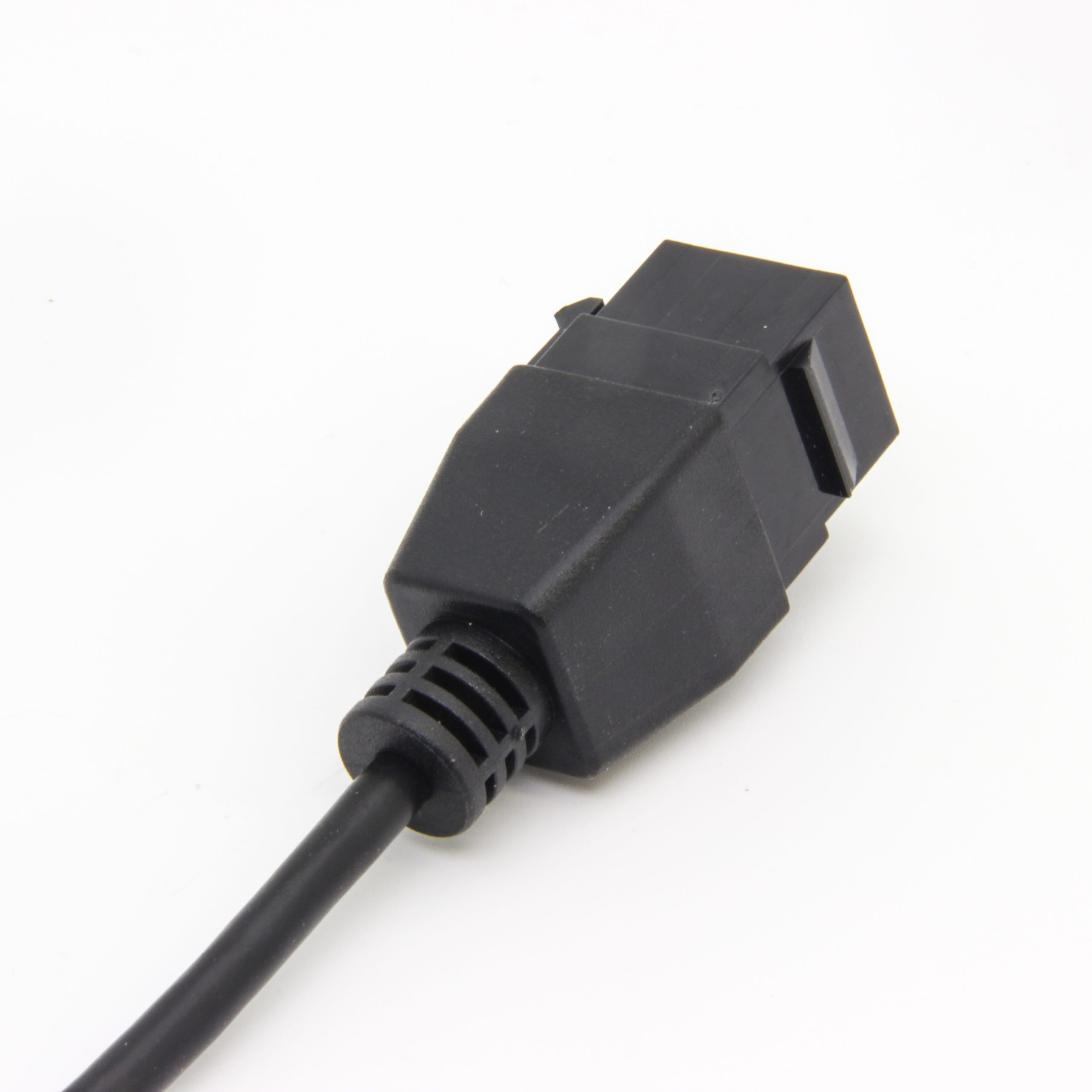
A compact adapter may suit a tight inline connection, while a keystone or molded port is usually easier to mount in a panel. A short extension cable can help when the port needs strain relief or a small amount of routing freedom. Panel builders often start from the 240W USB4 40Gbps cable when clearance is tight.
Data speed and power should be specified together
It is common for buyers to ask for a high-speed USB-C interface and high charging capacity in the same line item. Dongguan Eilinks Eletronics ships from China, and documents Short USB-C extension details on the order record. Treat these as separate requirements in the RFQ. A product page may identify a data-speed class or a power rating, but the installed result still depends on the host, connected device, cable length, mating parts, and enclosure layout.
Procurement mistakes to avoid
- Calling every item a USB-C extension without saying whether it is an adapter, a keystone interface, or a cable assembly. Anyone planning a batch order should look at the 100W 20Gbps adapter first.
- Choosing a high-speed part but routing it through an installation path that adds unnecessary bend or connector stress.
- Ignoring whether the accessible end should be male or female.
- Comparing parts only by headline speed instead of the complete signal path.
Relevant product starting points
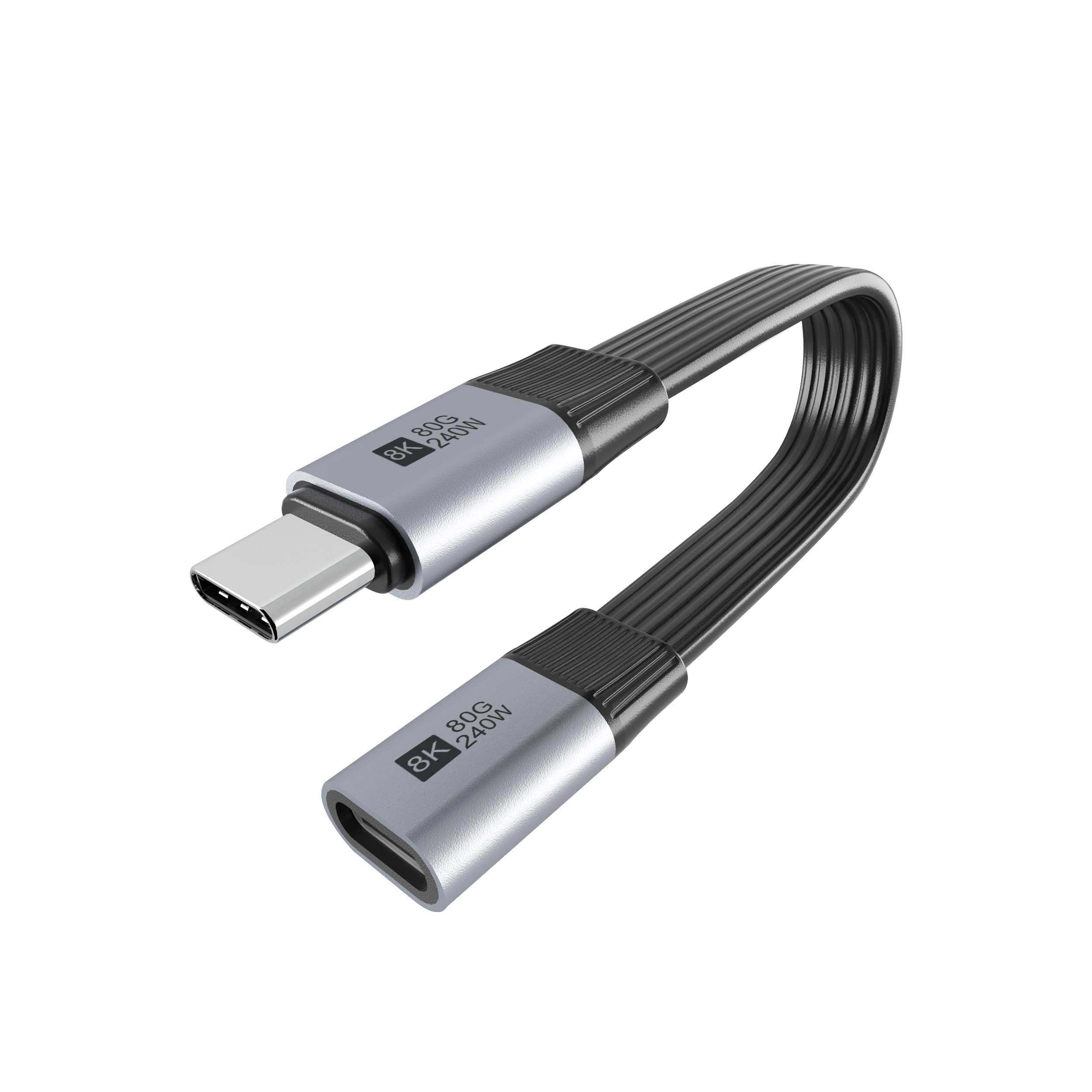
For compact high-speed extension planning, review the Double side 20G USB C extension adapter. The underlying standard behind this interface is maintained by the USB Implementers Forum. For panel-style access, compare it with the 240W 20G Type C USB C female keystone jack. If the project needs a cable-based extension path, the USB3.2 5Gbps USB-C male to C female extension cable is a useful reference point.
| Option | Where it usually fits | What to confirm before ordering |
|---|---|---|
| Compact USB-C extension adapter | Short inline connections, dense accessory layouts, compact device interfaces | Required data rate, plug clearance, connected cable quality, charging path and insertion direction |
| USB-C keystone or panel interface | Wall plates, enclosure panels, equipment service ports and fixed access points | Panel cutout, mounting depth, cable exit direction, data-speed target and whether high-power charging is part of the system |
| Short USB-C extension cable | Workstations, test fixtures, camera setups and ports that need controlled cable routing | Cable length, bend area, strain relief, host/device connector type and realistic data-speed requirement |
- Check the port the plug will mate.
- Confirm rear clearance before ordering.
- State whether the run is fixed or moved.
- Record the failed step in writing.
The broader USB-C product catalog can help compare related adapter and cable formats before requesting a quotation. It is worth the time to contact a China-based USB-C supplier before the sample is approved. Eilinks in China answers Short USB-C extension questions from the same inspection sheet that ships with the cable.
| Item | Data speed and power should be specified together |
|---|---|
| 1 | State whether the interface is for USB 2.0, 5Gbps, 10Gbps, 20Gbps, or another requirement. |
| 2 | Note whether power delivery is required, optional, or not used in the application. |
| 3 | Confirm whether the connection is permanent, frequently unplugged, or mainly for service access. |
| 4 | Include drawings or photos showing clearance around the USB-C port. |
- List the connector genders.
- Name the host and device generation.
- Confirm the power level separately.
- Keep the sample note with the order.
Eilinks in China answers Short USB-C extension questions from the same inspection sheet that ships with the cable. Buyers comparing this point usually review the usb-c accessory selection guide before the drawing is signed off. The comparison behind this section is kept current in China test notes on keystone jack depth.
