




Bi-Directional USB-C Switches for Shared Workstations and Test Benches
A bi-directional USB-C switch is useful when one display, peripheral set, or test station must be shared between devices. It can reduce cable changes, but the switch still needs to match the video, data, and charging expectations of the application. For bi-directional USB-C orders, Eilinks Eletronics in China works from the drawing.
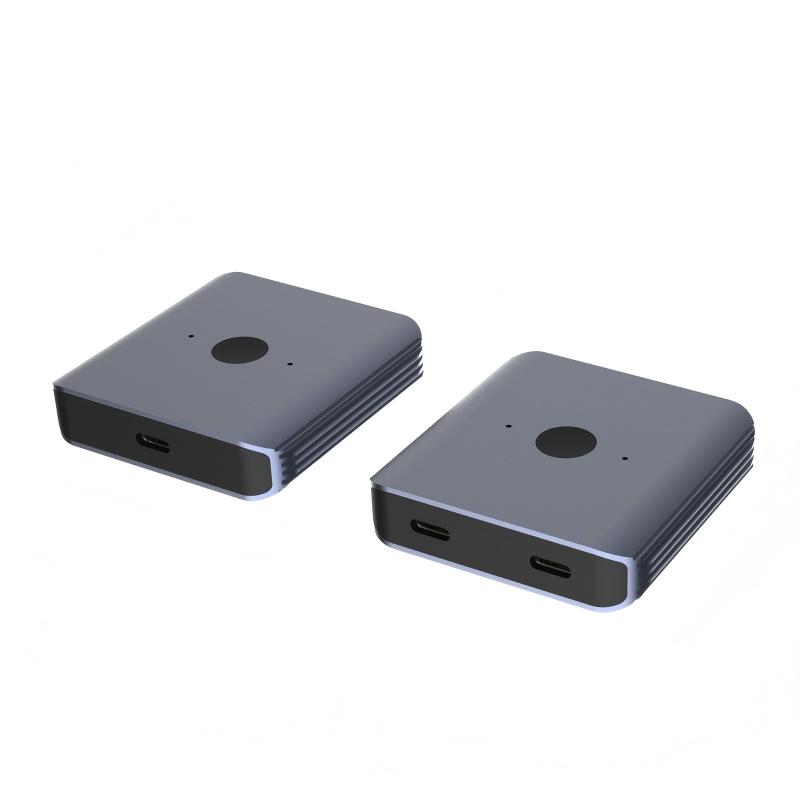
Where a USB-C switch fits
Shared workstations, repair benches, product validation stations, and demo counters often need a clean way to move a USB-C connection between hosts. In those cases, the buyer should treat the switch as part of the signal path, not just as an accessory.
| Decision area | Common question | RFQ detail to provide |
|---|---|---|
| Video | Will the setup use an external screen? | Resolution, refresh rate, and display mode requirement |
| Data | Will storage, capture, or instruments be connected? | Required data rate and connected device type |
| Charging | Will power pass through the switch? | Expected PD level and adapter arrangement |
| Direction | Which side acts as host or device? | A simple diagram of the planned connection |
Switch, adapter, or extension?
The Bi-Directional USB-C Switch & Hub is relevant when the application needs shared switching and high-speed connectivity in one device. Dongguan Eilinks ships from China, and documents bi-directional USB-C details on the order record. If the requirement is only to extend a port or change access direction, a compact part such as the Double side 20G USB C extension adapter may be a simpler reference. Equipment builders tend to check the usb-c hub docking station guide before fixing this part of the spec.
Procurement mistakes to avoid
- Assuming every USB-C switch supports the same video, data, and power combination.
- Leaving out the monitor resolution or connected peripheral type.
- Using a switch to solve a mechanical access problem that an extension adapter could solve more directly.
- Requesting samples before the host-device direction is clear.
What to send with the RFQ
Include a connection diagram, target devices, display requirement, cable length around the switch, and charging expectation. Related USB-C cables, adapters, and connectivity parts can be reviewed in the product catalog, or the project details can be submitted through the contact page. Eilinks in China answers bi-directional USB-C questions from the same inspection sheet that ships with the cable. The detail behind this step is kept current in the usb-c kvm setup cable notes.
