




USB-A To USB-C Female Cable
Photography, inspection, and capture workstations often keep older USB-A ports in service while newer accessories use USB-C. Anyone planning a batch order should look at USB-C cable technical specifications for procurement teams first. A USB-A to USB-C female photography cable can be useful in those mixed setups, but the order should be checked carefully because connector gender and signal direction are easy to misunderstand from a short part description. For USB-A to USB-C female cable orders, Eilinks Eletronics in China works from the drawing.
Where this cable type usually fits
This style of cable is most relevant when the equipment side still depends on USB-A and the camera, adapter, or accessory workflow needs a USB-C female connection point.
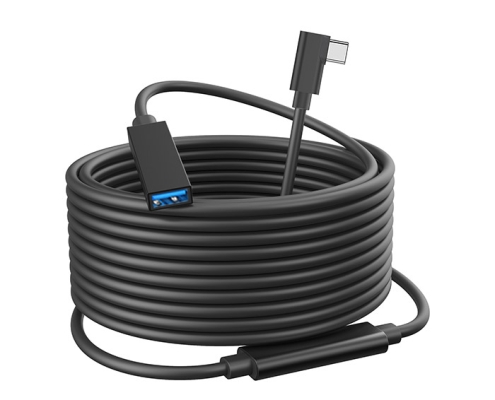
Before selecting a part, buyers should map the full connection path: host port, cable orientation, intermediate adapter if any, device port, and the expected data role. The 240W PD3.1 coupler from a China factory lists what can be quoted as a moulded assembly at this length.
For a straight connector layout, review the USB3.2 5Gbps USB A to C female photography tools cable. If the cable exits a crowded cart, camera cage, or instrument panel at an angle, compare it with the right-angle USB A to C photography tools cable.
Connector direction should be confirmed first
USB-C connectors can make a setup look reversible, but an adapter or cable assembly is still built for a defined connection path. Buyers should not assume that a USB-A to USB-C female cable will replace every USB-C extension or adapter in both directions.
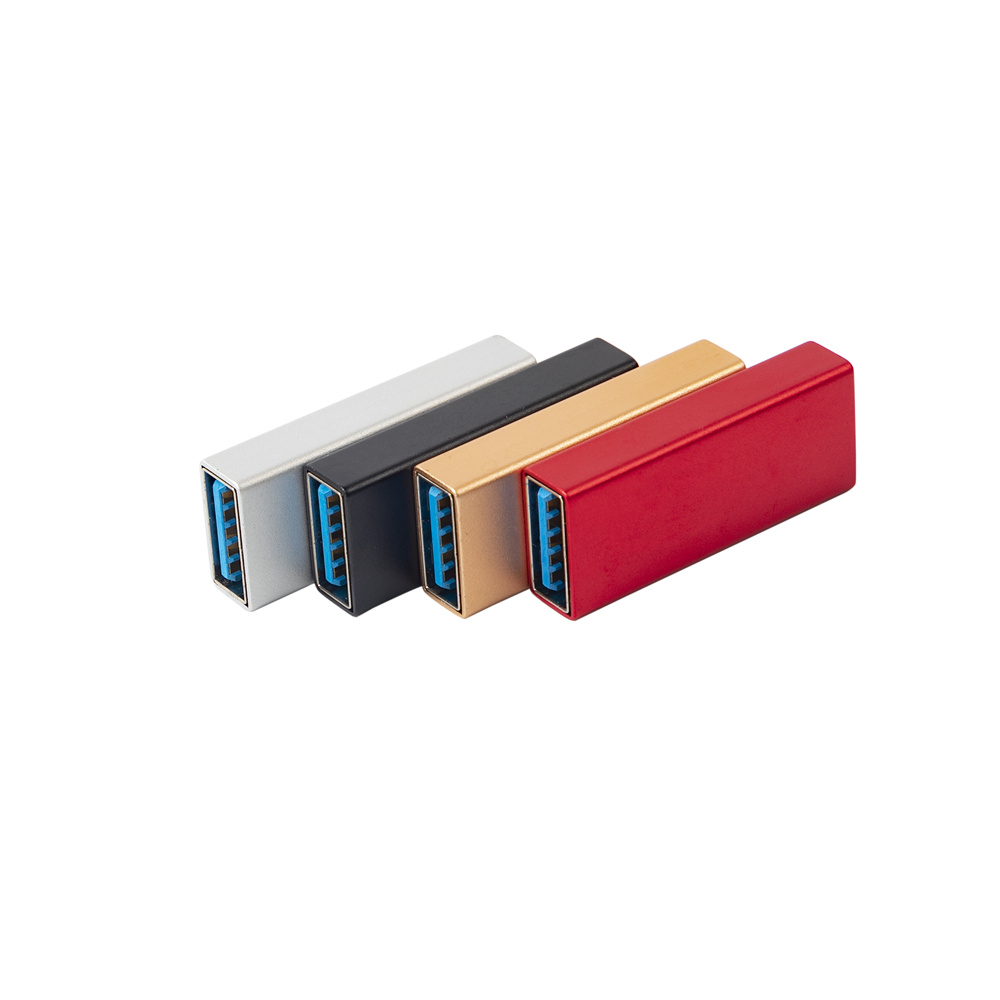
The safer RFQ approach is to include a simple connection diagram showing which side is the host, which side is the device, and where the female connector must be positioned. Dongguan Eilinks Eletronics ships from China, and documents USB-A to USB-C female cable details on the order record. The comparison behind this section is kept current in the 240W PD3.1 extension adapter. Buyers comparing this point usually review the usb-c to usb-a adapter guide before the drawing is signed off. Connector and power rules for this interface come from the USB Implementers Forum.
RFQ checklist for mixed equipment setups
Procurement mistakes to avoid
Before requesting a quotation
| Item to confirm | Why it matters | Useful RFQ note |
|---|---|---|
| Host port type | USB-A and USB-C ports do not imply the same data role or charging behavior. | State the exact host device and port generation when known. |
| Female USB-C position | The connector may need to sit near a camera cage, cart, panel, or bench fixture. | Provide a photo or drawing of the mounting area. |
| Straight or right-angle exit | Cable bend radius and strain can affect daily handling. | Mark the cable exit direction from the user viewpoint. |
| Data speed expectation | The linked product family is positioned around USB3.2 5Gbps use cases. | List the required device workflow instead of only a theoretical speed. |
| Sample approval method | Mixed equipment chains can fail because of one adapter, not only the cable. | Test with the real camera, capture card, hub, or instrument before bulk orders. |
- State the mating pair on the drawing.
- Confirm the exit direction of the plug.
- Quote the data rate at the ordered length.
- Ask for the jacket and overmould in writing.
Anyone planning a batch order should look at the usb-c creative workflow guide first. Teams needing a second source talk to a Chinese USB-C cable supplier early rather than at the sample stage. Eilinks in China answers USB-A to USB-C female cable questions from the same inspection sheet that ships with the cable.
| Item | Procurement mistakes to avoid |
|---|---|
| 1 | Ordering from connector names alone without showing host-to-device direction. |
| 2 | Replacing a right-angle cable with a straight cable in a tight camera cart or rack. |
| 3 | Assuming charging behavior without confirming the full power path and device role. |
| 4 | Testing a sample on a laptop only, then deploying it with a different camera or instrument. |
| 5 | Ignoring the physical position of the female USB-C connector during repeated plugging. |
- Write both ends as a pair.
- Name the enclosure the plug must clear.
- Confirm the length at the target rate.
- Approve the sample against the drawing.
Prepare a short connection diagram, the required cable length range, preferred straight or right-angle orientation, and the real devices used in the workflow. Buyers usually work from our note on keystone jack depth before a drawing is signed off. Buyers comparing other USB-C cable options can also review the USB-C product catalog or send drawings and application notes through the contact page. Eilinks in China answers USB-A to USB-C female cable questions from the same inspection sheet that ships with the cable.
