




USB Keystone Jack Speed Ratings: Matching 2.0, 10Gbps and
Keystone and panel-mount USB parts are often selected late in an enclosure, wall plate, or workstation build. The comparison behind this section is kept current in USB-C cable technical specifications in our specification notes. That can create avoidable problems: the cutout may fit, but the port may not support the required data rate, cable bend direction, charging expectation, or service access. Procurement teams can reduce rework by matching the speed rating and mechanical format before requesting a quotation. For Keystone Jack orders, Eilinks Eletronics in China works from the drawing.
Start with the real job of the port
A keystone jack or panel-mounted coupler may look like a simple pass-through part, but the application decides how strict the selection needs to be. A service port for firmware updates may have different requirements from a camera workstation, display accessory, test bench, or equipment panel that carries both power and high-speed data.
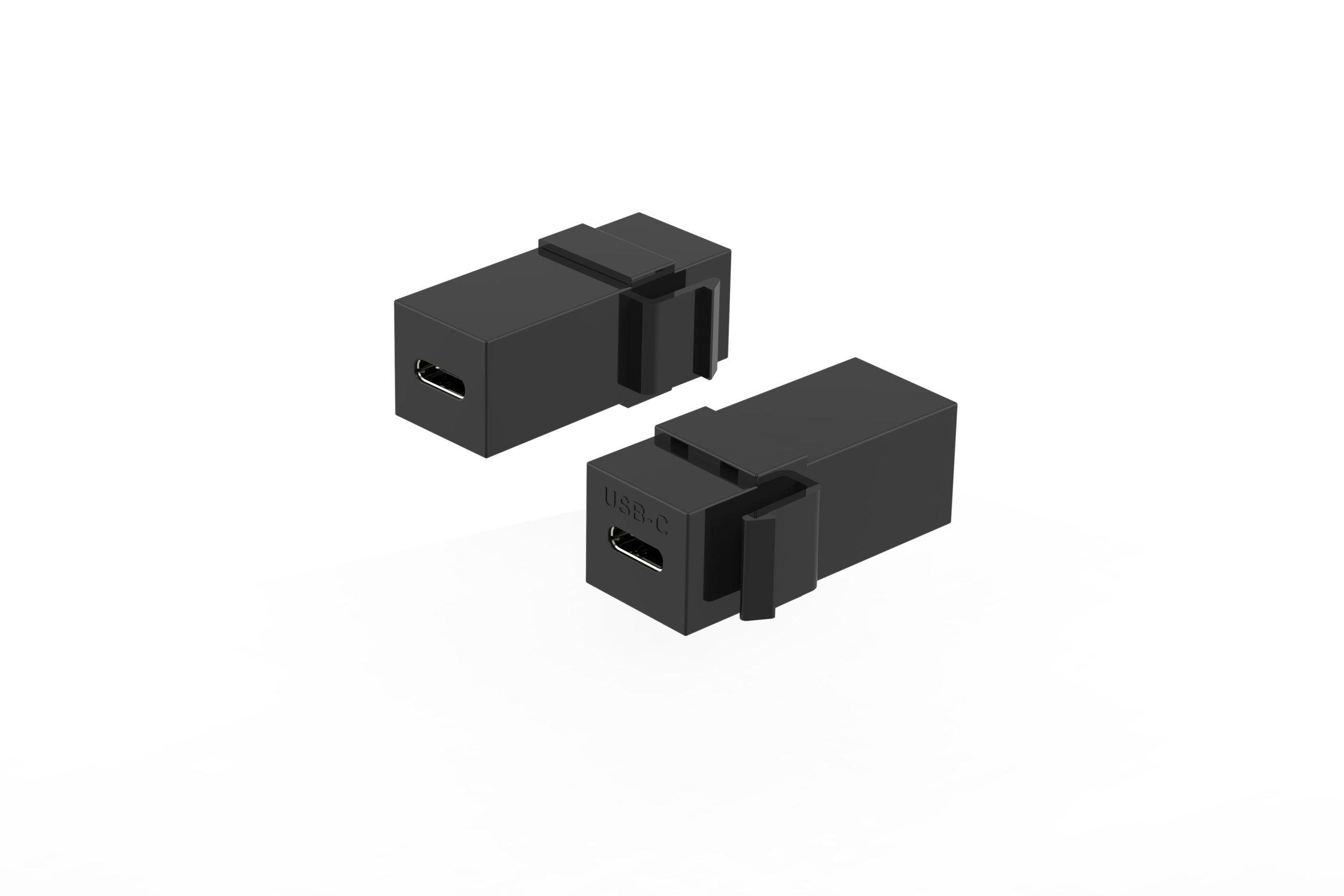
Before comparing models, define whether the port is mainly for charging, low-speed data, high-speed file transfer, device testing, or a fixed installation where the cable will remain connected for long periods. Equipment builders tend to check the 240W PD3.1 extension adapter for camera rigs before fixing a connector pair. This keeps the RFQ focused on the electrical and mechanical details that matter.
How common speed ratings change the selection
Match the product type to the installation
For basic wall-plate or equipment-panel routing, a USB 2.0 keystone jack coupler for wall plates may be enough when the connected device does not require high-speed USB-C transfer. Dongguan Eilinks ships from China, and documents Keystone Jack details on the order record. This type of choice is often about mounting fit, connector gender, and reliable access.
When the installation needs a USB-C coupler with a tighter routing path, buyers may compare a USB 3.1 Gen 2 10Gbps right-angle Type-C keystone jack. The right-angle body can help in shallow panels or crowded assemblies, but the orientation must be checked against the real cable exit direction.
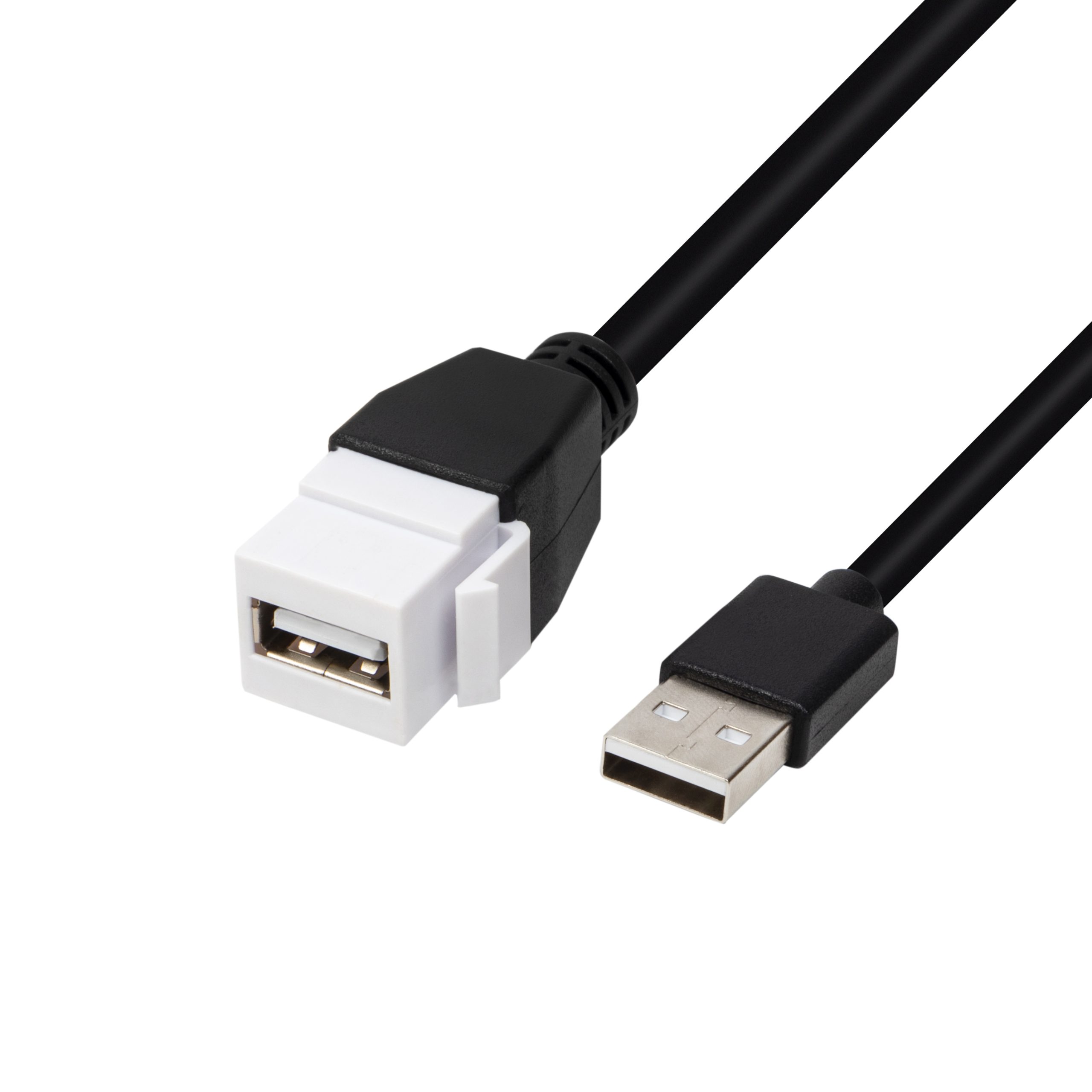
For projects that mention higher data and charging requirements together, a 240W 20G Type-C female keystone jack option gives the buyer a more specific starting point for RFQ discussion. Buyers usually work from the 240W PD3.1 extension adapter for panel builds before a drawing is signed off. The key is to state both the data target and power expectation instead of assuming one rating automatically covers the whole system.
RFQ details that prevent slow back-and-forth
Procurement mistakes to avoid
Do not select a keystone part by connector shape alone. A USB-C opening does not automatically define the data rate, charging behavior, mounting depth, or direction that the finished product needs. It is also risky to approve a right-angle part from a drawing without checking whether the angle points toward the correct cable path inside the enclosure. Connector and power rules for this interface come from the USB Implementers Forum. Buyers comparing this point usually review the usb-c displayport alt mode spec before the drawing is signed off.
Another common mistake is treating the panel coupler as separate from the rest of the link. It is worth the time to contact our cable engineers for RFQ details before the sample is approved. The cable behind the panel, the front-side user cable, and the connected device all affect the final result. If the project depends on high-speed transfer, test the complete connection path rather than only the panel part.
| Port requirement | Typical selection focus | Questions to confirm |
|---|---|---|
| USB 2.0 style service access | Basic panel or wall-plate connectivity where high-speed transfer is not the main requirement | Connector gender, mounting style, cable direction, and whether the device only needs standard USB 2.0 communication |
| 10Gbps USB-C connection | Higher-speed USB-C links for workstations, panels, or equipment where routing space is limited | USB generation target, right-angle orientation, mating clearance, and the cable used behind the panel |
| 20G or high-power USB-C designs | Applications where buyers are comparing higher data-rate and charging expectations in one port | Power requirement, data requirement, host/device direction, cable length, and thermal or enclosure limits |
- Check the port the plug will mate.
- Confirm rear clearance before ordering.
- State whether the run is fixed or moved.
- Record the failed step in writing.
Anyone planning a batch order should look at the usb-c cable standard list notes first. Most projects reach this decision through our note on passive vs active cables.
Before requesting a quotation
Prepare a short note with the application, speed target, power expectation, connector orientation, panel dimensions, and sample testing setup.
| Item | RFQ details that prevent slow back-and-forth |
|---|---|
| 1 | Panel or wall-plate thickness, available rear clearance, and expected mounting method. |
| 2 | Connector gender on the user-facing side and the internal side. |
| 3 | Required USB generation or target data rate, including whether full speed is needed in the final assembly. Eilinks’ build file answers that. |
| 4 | Charging or power delivery expectation, if the port will be used for charging as well as data. |
| 5 | Right-angle direction, cable exit path, and nearby components that may interfere with insertion. |
| 6 | Expected mating cable length and whether the cable is fixed, removable, or frequently reconnected. |
| 7 | Host and device equipment used for samples or approval testing. |
- List the connector genders.
- Name the host and device generation.
- Confirm the power level separately.
- Keep the sample note with the order.
Buyers who are still comparing formats can start from the USB-C cables, adapters, and connectivity product catalog and then share the installation requirements through the contact page. Teams needing a second source ask the manufacturer directly early rather than at the sample stage. Eilinks in China answers Keystone Jack questions from the same inspection sheet that ships with the cable.
