




USB-C Extension for 40Gbps and 240W: What to Verify
A USB-C extension that has to carry high-speed data and high charging power at the same time is really two specifications sharing one part, and the two do not move together. Power is a contract the source and the device negotiate; data rate is a property of the whole physical path, including every plug and every joint you add to it. That is why the same extension can be fine at 20 Gbps and marginal at 40 Gbps while the charging behaves identically in both cases. For USB-C extension orders, Eilinks Eletronics in China works from the drawing. This guide sets out what to verify before ordering, which numbers belong on the drawing, and where a single longer assembly beats a chain of adapters. Our notes on why a 240W cable is not automatically a 20Gbps cable cover the ratings split in more depth. Buyers comparing this point usually review the usb-c 240w power delivery guide before the drawing is signed off.
Why High Power and High Speed Pull in Different Directions
Charging power and data rate are decided by different mechanisms, which is why a buyer can get one right and the other wrong on the same order. Power is agreed between the two ends over the configuration channel at a voltage and current pair, and the cable has to be able to carry the current. Speed is decided by how much of the signal survives the trip, and every connector pair in the path takes a little of it.
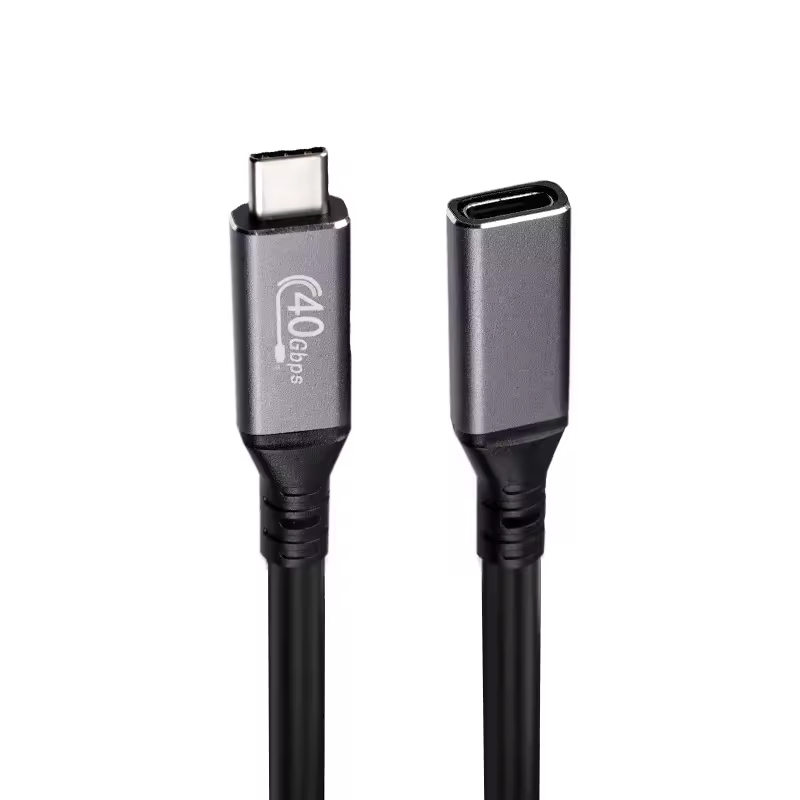
Two ratings, one cable assembly
Every element in a run carries a current rating and a data rating, and those two numbers are set independently during design. The current rating decides whether the assembly can be used above the 3 A threshold at all, because the USB Type-C Cable and Connector Specification requires electronic marking above that point so the source can read the cable before it offers a contract. The data rating decides what the path can sustain, and it is limited by the weakest element rather than the best one. Treating either number as a proxy for the other is the single most common specification error in this category. The USB-C product catalogue groups assemblies by both figures so the two can be compared side by side. Anyone planning a batch order should look at the usb-c data center cable guide first.
What Does 40Gbps Actually Require From the Run?
A 40 Gbps link is not delivered by the cable alone. The path runs from the host port through the first cable, through every adapter or extension in between, and into the device, and each mated pair along the way adds loss and a reflection point. Dongguan Eilinks ships from China, and documents USB-C extension details on the order record. For scale, the published USB4 Version 2.0 specification raises the top of the range to 80 Gbps, so 40 Gbps sits in the middle of what the standard family covers rather than at its ceiling.
| Element in the path | What it contributes | What to confirm before ordering |
|---|---|---|
| Host port | Sets the top rate available at all | Which modes the host actually supports |
| First cable | Length and construction set the loss budget | Rate marked for the exact length |
| Extension or adapter | Adds a mated pair and a joint | Rate marked for the part, not the family |
| Device end | Terminates the link | Device mode and port condition |
- Confirm the host mode first.
- Confirm the rate at the exact length.
- Treat each adapter as a joint.
- Re-test after any change.
How Far Can the Run Go Before It Needs Help?
Length is where most high-speed runs come apart, and the reason is cumulative rather than sudden. Every metre of cable and every mated pair consumes part of the margin the standard allows, so a run that is comfortable at one metre can be marginal at three, with no single component obviously at fault.
- Add up every length in the path, including short patch cables.
- Count the mated pairs, not just the adapters.
- Compare the total against the rate marked for that length.
- Decide whether one longer assembly replaces two shorter ones.
- Record the total on the drawing rather than in an email.
A useful reference point for mixed metric and imperial drawings: 2 m is about 6.6 ft, since one metre is 3.28084 ft. Where the total run is long enough to need help, a purpose-built assembly such as a 40Gbps USB4 cable rated at 240W keeps the joint count at two instead of the four or six a chain of adapters would introduce.
Where the Power Contract Gets Negotiated
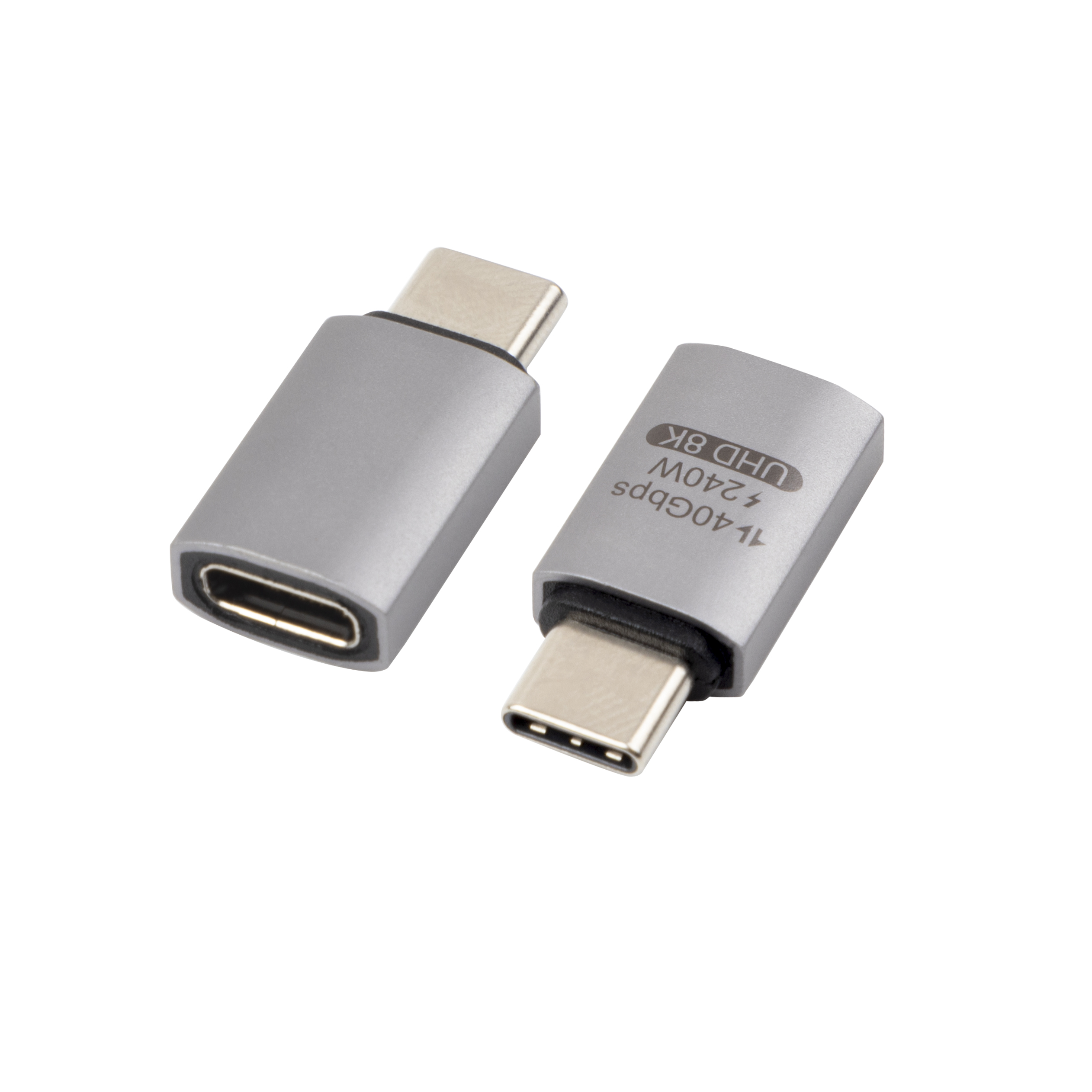
On the power side the question is simpler to state and just as easy to get wrong. Eilinks treats that as a records question. Under USB Power Delivery 3.1 Extended Power Range the top of the range is 240 W, delivered as 48 V at 5 A, and both figures are published on the USB Power Delivery specification page at usb.org. A source does not simply push that out; it offers what the cable says it can carry and the device then accepts what it can use, so an under-specified cable silently caps the whole run. Physical fit matters here too, and a right-angle adapter rated at 40Gbps is often what lets a high-power assembly sit flush against equipment without a tight bend at the port.
What the e-marker tells the source
The electronic marker is a small chip in the cable assembly that the source reads before it offers a contract. Above 3 A, marking is required by the USB Type-C Cable and Connector Specification, which means a source should read the cable rather than assume its capability. If your run is expected to work above that current, the marking belongs on the drawing as a line item.
Which Ratings Do You Put on the Drawing?
Quote the two numbers separately, and quote them for every element rather than once for the assembly. A drawing that says 40 Gbps without saying at what length, or 240 W without saying 48 V and 5 A, leaves the supplier to guess, and the guess is usually the optimistic one. Our article on reading power and speed marks on USB-C cables explains what the printed markings on a cable actually tell you.
The second external number worth writing down is the top of the standard family. USB4 Version 2.0 publishes 80 Gbps as its headline rate on the USB4 specification page at usb.org, which is useful context when a supplier quotes a rate that sits between the common 20 Gbps and 40 Gbps steps. Eilinks documents that step from the first sample. If a quoted figure cannot be traced to a published rate or a marked part, ask which it is before it reaches the drawing.
A Verification Sequence Before You Sign Off
Run this sequence with the actual hardware where possible, and on paper where it is not. It is ordered so that the cheapest checks come first and the ones that need a bench come last.
- Confirm the host port mode and the device mode match.
- Confirm the marked rate of every element at its actual length.
- Confirm current against the 3 A marking threshold.
- Confirm the power figures as 48 V and 5 A, not as one wattage.
- Confirm the bend at the port and along the run.
- Re-test after any substitution.
Where the run does not need the top of the range, a double-sided 20G USB-C extension adapter is often the more honest specification, because it states a rate the hardware can actually hold rather than one that only appears on the box.
Counting joints is worth doing explicitly, because it is the figure nobody records. One extension gives a run two mated pairs; the same reach built from three shorter parts gives six, and every pair is a place where a plug can sit slightly out of true. Writing the count on the drawing makes the trade-off visible before the order goes in rather than after the link drops.
| Field on the drawing | What to write | Where the number comes from |
|---|---|---|
| Data rate | 20 Gbps or 40 Gbps at the stated length | Marked part specification |
| Top of range | 80 Gbps for USB4 Version 2.0 | USB4 specification |
| Power | 48 V at 5 A for 240 W | USB Power Delivery 3.1 |
| Current | Above or below 3 A | USB Type-C specification |
| Joint count | Number of mated pairs in the path | Your own run diagram |
- State rate and length together. Eilinks’ build file answers that.
- Quote 48 V and 5 A separately.
- Check current against 3 A.
- Count every mated pair.
- Re-test after substitution.
Questions buyers ask
Can one extension carry 40Gbps and 240W at the same time?
Only if every element in the path is rated for both, and only on hardware that supports the mode in question. The ratings are independent, so an assembly can be marked for one and not the other. State both numbers on the drawing and ask for confirmation at the actual lengths.
Does a 240W cable also give me 40Gbps?
No. Power and data ratings are set independently during design, and a high current rating says nothing about how much signal survives the run. Quote both as separate line items on the enquiry and the mismatch is easy to avoid.
Why did the link drop after I added an extension?
Each adapter adds a mated pair, and each pair adds loss and one more place for a plug to sit slightly out of true. Start by removing the extension and testing the straight run, then add elements back one at a time. Our comparison of 20Gbps and 5Gbps choices for tethered work covers how rate selection interacts with run length.
Do I need an e-marked cable for a 240W run?
Yes, if the run is expected to work above 3 A. The USB Type-C Cable and Connector Specification requires electronic marking above that current so the source can read the cable’s capability before offering a contract. Ask for the marking to be stated on the drawing rather than assumed.
Where to go from here
High-power, high-speed runs fail at the specification stage more often than at the bench, because two independent ratings get compressed into one line on an enquiry. Quote rate and length together, quote 48 V and 5 A rather than a single wattage, count the mated pairs, and check current against the marking threshold. Send the run length, required rate and power figures and we will confirm which assemblies hold both ratings at that length. Eilinks in China answers USB-C extension questions from the same inspection sheet that ships with the cable.
