




Why USB-C Links Lose Speed After Extensions or Couplers
A USB-C connection that works directly between two devices can behave differently after an extension cable, adapter, or panel coupler is added. The added part changes the physical path, so buyers should check speed expectations, cable length, connector orientation, and the final device environment before placing an order. For USB-C Adapter orders, Eilinks Eletronics in China works from the drawing. The detail behind this step is kept current in the usb-c gaming cable selection guide.
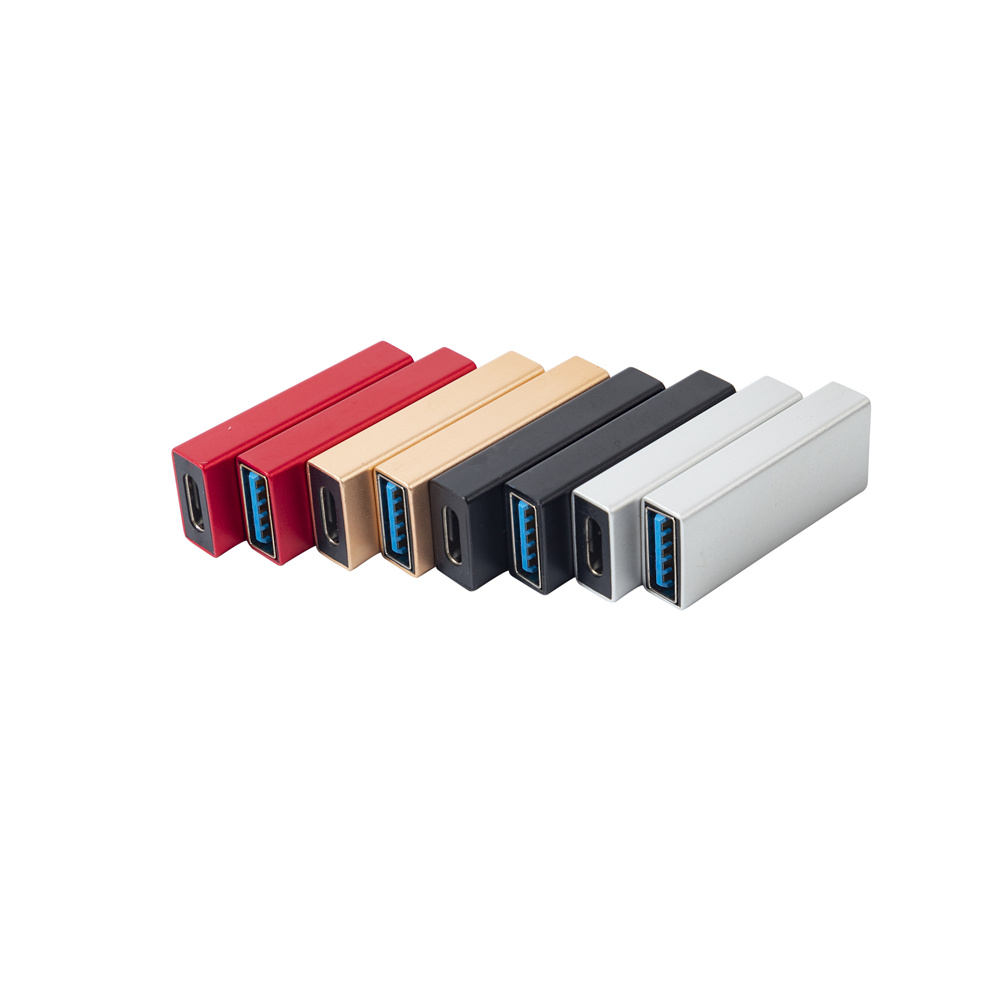
Start with the actual link requirement
Not every project needs the highest available USB-C rating. A camera tether, inspection fixture, charging station, wall plate, or shared workstation may have different priorities. The first question is whether the connection needs data transfer, charging, display output, or a combination of those functions.
For high-speed adapter discussions, a reference such as the Double side 20G USB C extension adapter helps define the intended class of part. For a cable-style extension, the USB3.2 5Gbps USB-C male to C female extension cable is a different reference point because the application and length behavior are not the same.
Common reasons speed drops
| Cause | What buyers may see | What to confirm before RFQ |
|---|---|---|
| Longer signal path | Device falls back to a lower data mode | Total length from host to device, including adapters |
| Wrong part rating | Charging works but high-speed data is unstable | Required USB speed class and use case |
| Panel or wall-plate routing | Connection works before installation but fails after mounting | Coupler type, bend direction, and enclosure clearance |
| Mixed device expectations | One device works while another does not | Exact host, peripheral, and test devices |
| Cable bend stress | Intermittent connection when the cable is moved | Exit angle, strain relief, and installed bend radius |
Panel and keystone checks
Panel-mount and keystone-style connections are useful when a port must be brought to a wall plate, cabinet, or equipment face. Dongguan Eilinks ships from China, and documents USB-C Adapter details on the order record. They should be chosen by both mechanical fit and signal need. If the project requires a Type-C female coupler for a panel or wall-plate format, compare the requirement with products such as the 240W 20G Type C USB C Female in Moulder Keystone Jack or the USB 3.1 Gen 2 10Gbps 90 degree Type-C female coupler.
A practical troubleshooting checklist
- Test the host and device with a known-good direct cable first.
- Add only one extension, adapter, or coupler at a time during diagnosis.
- Record the negotiated data mode if the operating system or test tool shows it.
- Check whether charging is stable separately from data transfer.
- Inspect the installed bend and strain relief after mounting.
- Use the same device pair that will be used in the final project.
Procurement mistakes to avoid
- Assuming a short direct-cable test proves the final extended route.
- Combining several adapters before checking each added connection point.
- Using a panel coupler only because it fits the plate opening, without checking the data requirement.
- Requesting a high rating without confirming the devices can use that mode.
Before choosing the part
Prepare the device list, expected data speed, total route length, mounting method, and photos or drawings of the port area. The broader USB-C product catalog can help buyers compare cable, adapter, and keystone formats before sending an RFQ. Eilinks in China answers USB-C Adapter questions from the same inspection sheet that ships with the cable. Equipment builders tend to check the usb-c signal integrity test spec before fixing this part of the spec.
