
Gaming Display USB-C Cable: Refresh and Latency
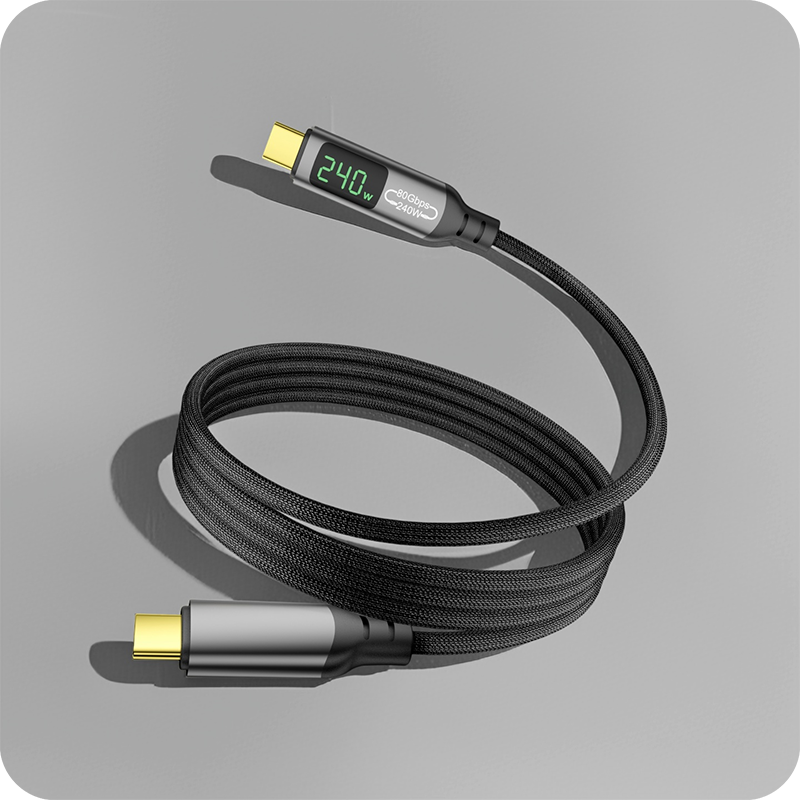
Gaming display USB-C cable performance is decided by four numbers a drawing usually omits: the payload a display mode needs, the lanes the host exposes, the length the signal survives, and the refresh rate the link still holds at that length. A four-lane DisplayPort Alt Mode link carries 25.92 Gbps of effective payload, which covers 4K at 60 Hz at 8 bit 4:4:4 uncompressed and reaches 4K at 144 Hz only with display stream compression or a drop to 4:2:2 chroma. Eilinks builds the range at 1 m and 2 m and states the payload each length holds, so a rate can be checked against a number rather than a claim. A passive copper assembly holds full payload to about 2 m; past that the eye closes and the source drops the rate, which is why a cable fault reads as a resolution problem. The rating and current notes cover the power side of the same order. This guide sets out what gaming display USB-C cable refresh rate a link can carry, what latency the cable adds, how 4K at 144 Hz is reached, what length the payload survives, and the RFQ fields that fix the answer before a sample run. Each section names a figure a buyer can write into a drawing — 25.92 Gbps, 12.5 Gbps, 2 m, 10 ns — so the claim can be audited.
Gaming display USB-C cable refresh rate and the payload it needs
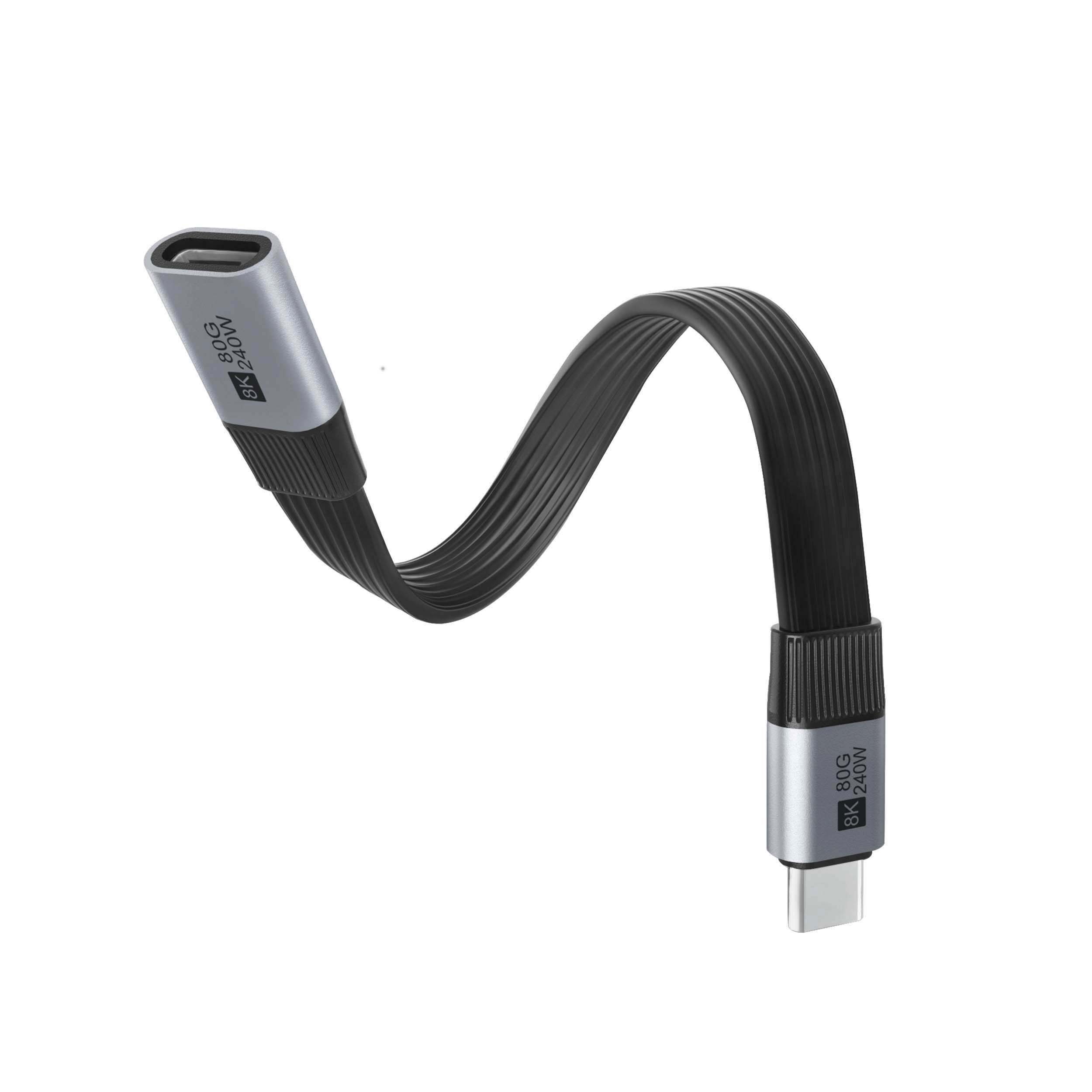
Refresh rate is a bandwidth question before it is a panel question. A four-lane DisplayPort Alt Mode link carries 25.92 Gbps of effective payload after encoding. At 8 bit per channel and 4:4:4 sampling that covers 4K at 60 Hz at about 12.5 Gbps, 1440p at 240 Hz at about 15 Gbps, and 4K at 120 Hz at about 25 Gbps once blanking is stripped. The figure worth asking for is the payload, not the headline rate, because an assembly that holds 12.5 Gbps is not an assembly that holds 25 Gbps.
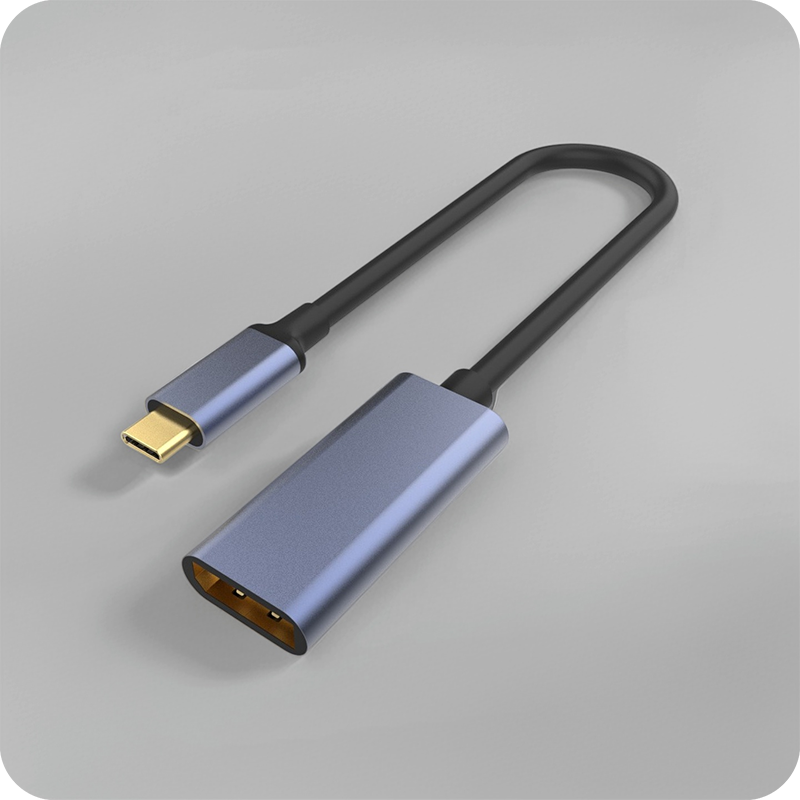
The cable does not decide the rate; the pair of ports does. A host that exposes two lanes in Alt Mode caps the link at 12.96 Gbps, which is enough for 4K at 30 Hz or 1440p at 120 Hz and not enough for 4K at 60 Hz at 4:4:4. A buyer specifying a gaming display USB-C cable from a Chinese supplier should confirm the lane count before the drawing is issued, because no cable recovers bandwidth the port does not carry.
Gaming display USB-C cable latency and what the cable adds
Latency is the one specification a cable barely touches. A 2 m copper assembly adds about 10 ns of propagation delay, four orders of magnitude below the 8.3 ms a 120 Hz frame lasts. The delay a player feels comes from the display pipeline, the frame buffer and the scaler, not from the conductor.
| Display mode | Payload at 8 bit 4:4:4 | Link that holds it |
|---|---|---|
| 1080p at 240 Hz | About 6 Gbps | Two lanes |
| 1440p at 240 Hz | About 15 Gbps | Four lanes |
| 4K at 60 Hz | About 12.5 Gbps | Four lanes |
| 4K at 144 Hz | About 31 Gbps | Four lanes with compression |
What the cable does affect is link training and retry. A marginal assembly that renegotiates mid-session shows as a stutter rather than as a slow frame, and a link-rate log is the only way to see it. Eilinks Eletronics ships that log with each sample lot, so the buyer can confirm the assembly held the rate it was quoted at under a load the desk actually produces.
Gaming display USB-C cable 4K 144Hz and the compression question
4K at 144 Hz at 8 bit 4:4:4 needs about 31 Gbps, which a four-lane HBR3 link cannot carry on its own. Two routes exist: display stream compression at a 3:1 ratio, negotiated between source and sink and described by the standard as visually lossless, or a drop to 4:2:2 chroma, which halves the payload and shows on text and thin lines.
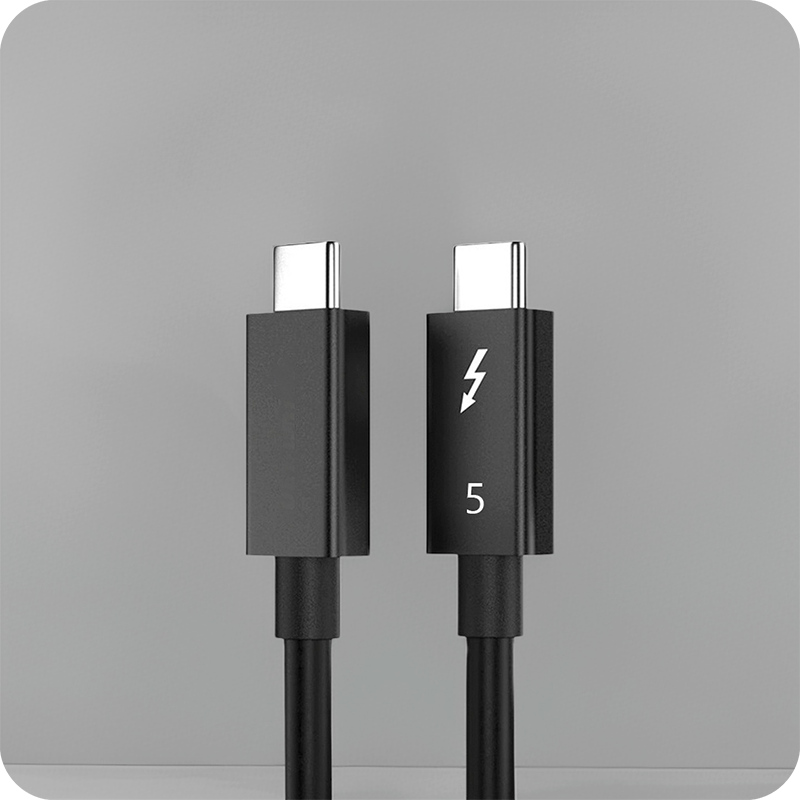
The assembly’s job in both routes is to carry the stream without adding errors, and compression makes the link less tolerant of a poor build rather than more, because a retry costs a compressed block instead of a pixel. A buyer ordering a gaming display USB-C cable for 4K at 144 Hz should have the compression mode written down, since two suppliers can both say 4K 144Hz and mean different chroma. The USB4 80 Gbps assembly is the route to a higher payload when the port supports it.
Gaming display USB-C cable length and the signal it loses
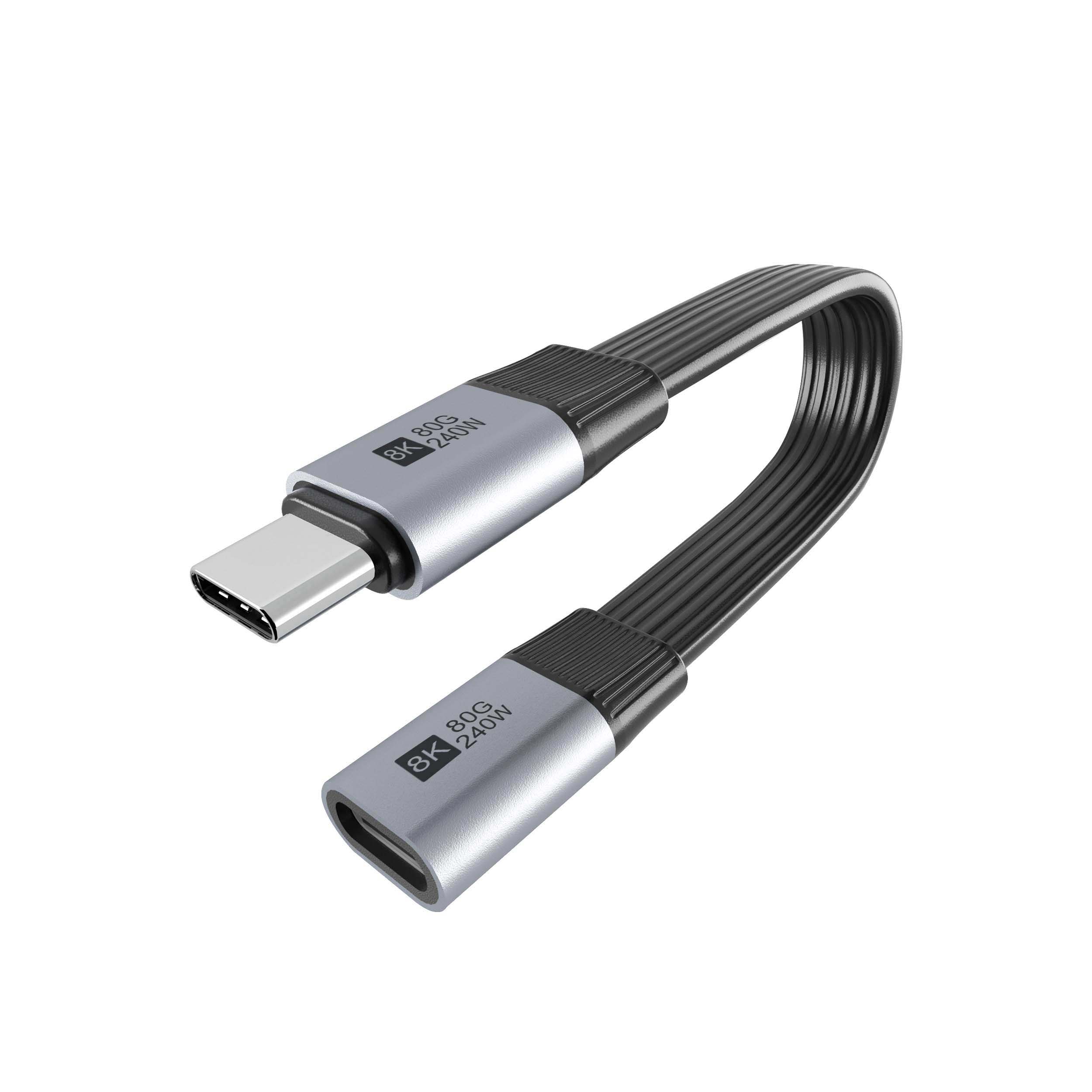
Length is where a passive assembly stops holding its payload. At 4K at 60 Hz a passive copper build holds the link to about 2 m; at 1440p at 240 Hz the same build holds about 1.5 m. Past those figures the eye closes and the source drops to a lower rate, and the drop is often reported by the user as a monitor fault rather than a cable one. Dongguan Eilinks builds the gaming display USB-C cable in 1 m and 2 m lengths on one line, so the pair can be compared without a second sample run.
An active or optical assembly extends the run to 5 m and beyond at the cost of a direction-dependent plug and a higher idle current. The crosstalk and bundle notes cover what a dense desk does to the same link when four cables share a channel. The connector and cable requirements sit in the specification that the USB Implementers Forum publishes.
Gaming display USB-C cable RFQ fields buyers should fix
An RFQ a China gaming display USB-C cable factory receives should name the resolution, the refresh rate and the chroma sampling, the payload that combination needs, the lane count the host exposes, the length, the jacket and the bend radius, and the e-marker the assembly has to carry. Add the marking and the test the lot is released against. A quote that names 4K without the refresh rate cannot be compared with one that names both, and a quote that names the rate without the chroma cannot be checked on arrival.
Buyers can talk to a China gaming display USB-C cable factory about the link budget before the drawing is frozen, because the budget is where a rate claim is won or lost. A 2 m passive sample, a link-rate log and a 10,000-cycle bend test cover the three failures that reach a customer, and Eilinks quotes those three as a line rather than as an assurance. A sample released against the drawing is the last point where a cheaper build can be caught before a container ships.
| RFQ field | What it settles |
|---|---|
| Resolution and refresh rate | The payload the link has to hold |
| Chroma sampling | Whether the rate is real or compressed |
| Lane count | Whether the host can carry it at all |
| Length | Where the eye closes |
| Test clause | Whether the drawing is met |
Gaming display USB-C cable questions buyers ask
Does the cable add input lag? About 10 ns over 2 m, which is nothing against a frame time. Lag comes from the display pipeline, and Eilinks states the propagation figure on the drawing so the question is closed.
Why does 4K drop to 30 Hz on my laptop? The host exposed two lanes rather than four, so the link tops out near 12.96 Gbps. A gaming display USB-C cable cannot recover the missing lanes, and the temperature and thermal notes cover the other common cause, a port that throttles under a long session.
Is 4K at 144 Hz possible over one cable? It is, with display stream compression on a four-lane link, or at 4:2:2 without it. Ask which one the supplier means, and ask for the payload figure at the length quoted, because a 3 m build holds neither mode at full chroma.
How long can a passive build run? About 2 m at 4K at 60 Hz and about 1.5 m at 1440p at 240 Hz. Longer runs need an active or optical assembly.
What should a buyer send with the first enquiry? The resolution, the refresh rate, the chroma, the lane count and the length. Eilinks answers with a payload figure and a test clause on one sheet, and the 240 W 20G moulder keystone shows the same payload discipline on a panel part.

3 Comments
[…] cable, adapter, or panel coupler is added. The detail behind this step is kept current in the usb-c gaming cable selection guide. For a cable-style extension, the USB3.2 5Gbps USB-C male to C female extension cable is a […]
[…] inside equipment, or exposed to frequent handling? Anyone planning a batch order should look at gaming display USB-C cable manufacturer for high-refresh monitors […]
[…] a 3 A marker on a 4 A contract, or a drop large enough that the charger runs out of range. A gaming display notes comparison is not the right reference for that case; the marker value and the drop figure […]