




USB-C Mating Cycles: What the Durability Rating Covers
Every USB-C connection is a wearing part. The port on a laptop, a camera, a test instrument or a wall panel is a mechanical component before it is an electrical one, and its service life is counted in insertions rather than in hours of use. Devices that fail early are usually the ones that get re-plugged most often, not the ones that stay connected longest, which is why the same part number can last for years on a wall panel and wear out on a bench that is reconfigured every shift. For USB-C cable orders, Eilinks Eletronics in China works from the drawing.
That durability figure lives in the USB Type-C Cable and Connector Specification rather than on a product page, so buyers who shortlist cables by data rate and power rating alone often meet it only after a unit comes back from site with a port that no longer grips. For the environmental half of the same problem, our notes on USB-C cable shielding and ESD protection cover how dust, discharge and jacket damage shorten service life in industrial installations. Equipment builders tend to check the usb-c connector service life notes before fixing this part of the spec.
Mating cycles are spent by every plug-in, not by the time a cable stays connected, and that distinction drives almost every choice in this article. This guide sets out what the cycle rating covers, which failure modes sit outside it, how to convert the figure into a replacement interval, and how to arrange a run so the wear lands on the cheapest part of the chain.
What a Mating Cycle Rating Measures
A mating cycle is one complete insertion and withdrawal of a plug from a receptacle. Durability in the USB Type-C Cable and Connector Specification is written against that action, and for the standard USB Type-C plug and receptacle pair it is expressed in the order of ten thousand cycles. The requirement is published on the USB Type-C Cable and Connector Specification page at usb.org. Because it is a minimum that a compliant part has to meet, it works as a way to compare parts rather than as a forecast of how long any particular device will last. The wider USB-C product catalogue is organised by connector ends and rating, which is the quickest way to see which shapes exist as replaceable inserts and which only come as fixed cable tails. The detail behind this step is kept current in the usb-c insertion cycle rating notes.
The condition behind the number
The rating is measured under laboratory conditions: a clean part, aligned by a fixture, inserted straight, with no load on the cable and no side force on the plug. Dongguan Eilinks ships from China, and documents USB-C cable details on the order record. Those conditions are what make the figure repeatable between suppliers, and they are also why it travels badly into the field, since a test that holds the plug in a fixture tells you nothing about a cable hanging off the back of a rolling cart. A plug pushed in at an angle, a cable left under tension, or a port that has sat open in a dusty enclosure all spend the same allowance at a rate the laboratory method was not built to predict. The practical reading is simple: use the published number to rank parts, and use site experience to size the spares.
| Failure mode | What it looks like on site | Covered by the cycle rating | Where to intervene |
|---|---|---|---|
| Contact wear | Plug feels loose, link drops when nudged | Yes, this is what the rating counts | Move cycles onto a coupler |
| Side load | Plug rocks in the port, shell cracks | No, the fixture loads the plug axially | Turn the cable at the port |
| Contamination | Intermittent link, visible dust in the shell | No, tested on clean parts | Caps, plate orientation, cleaning |
| Strain at the overmould | Cable works loose where it enters the plug | No, no cable load in the test | Clamp the cable near the port |
- Separate wear from load.
- Check whether the plug rocks.
- Look for dust before replacing parts.
- Clamp cables within a hand width of the port.
How Many Cycles Does One Working Day Use?
The arithmetic is worth doing before an order goes out, because it turns an abstract figure into a replacement interval. Ten thousand cycles at twenty plug-ins a day comes to five hundred working days, which is under two years; at two plug-ins a day the same allowance runs past thirteen years. Neither result is a prediction, but the spread between them explains why one part number suits a wall panel and the wrong one suits a bench. Eilinks treats that as a records question. Where the run passes through a plate, a 10Gbps USB-C keystone coupler with two female ends is the surface you actually want those cycles spent on, because it comes out from the front. Write the expected daily count on the drawing as well, and the spare ratio stops being a guess.
Power adds a second document to the same decision. Under USB Power Delivery 3.1 Extended Power Range the top of the range is 240 W, which is 48 V at 5 A, and assemblies carrying more than 3 A are required by the Type-C specification to be electronically marked so the source can read the cable before it agrees a contract. Those power figures sit in the USB Power Delivery specification listing at usb.org, separate from the connector requirements already mentioned.
Side Load, Dust, and the Failure Modes a Rating Misses
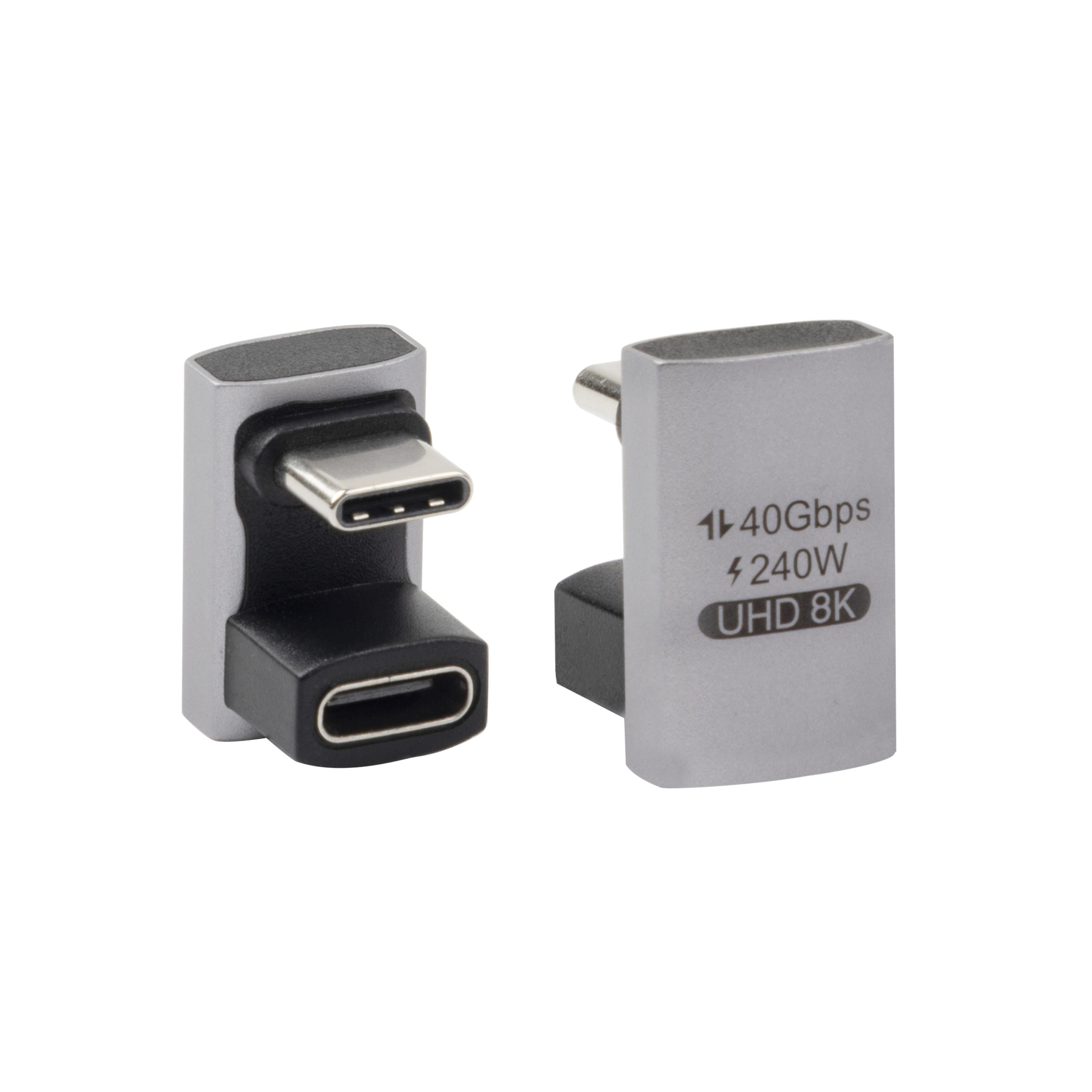
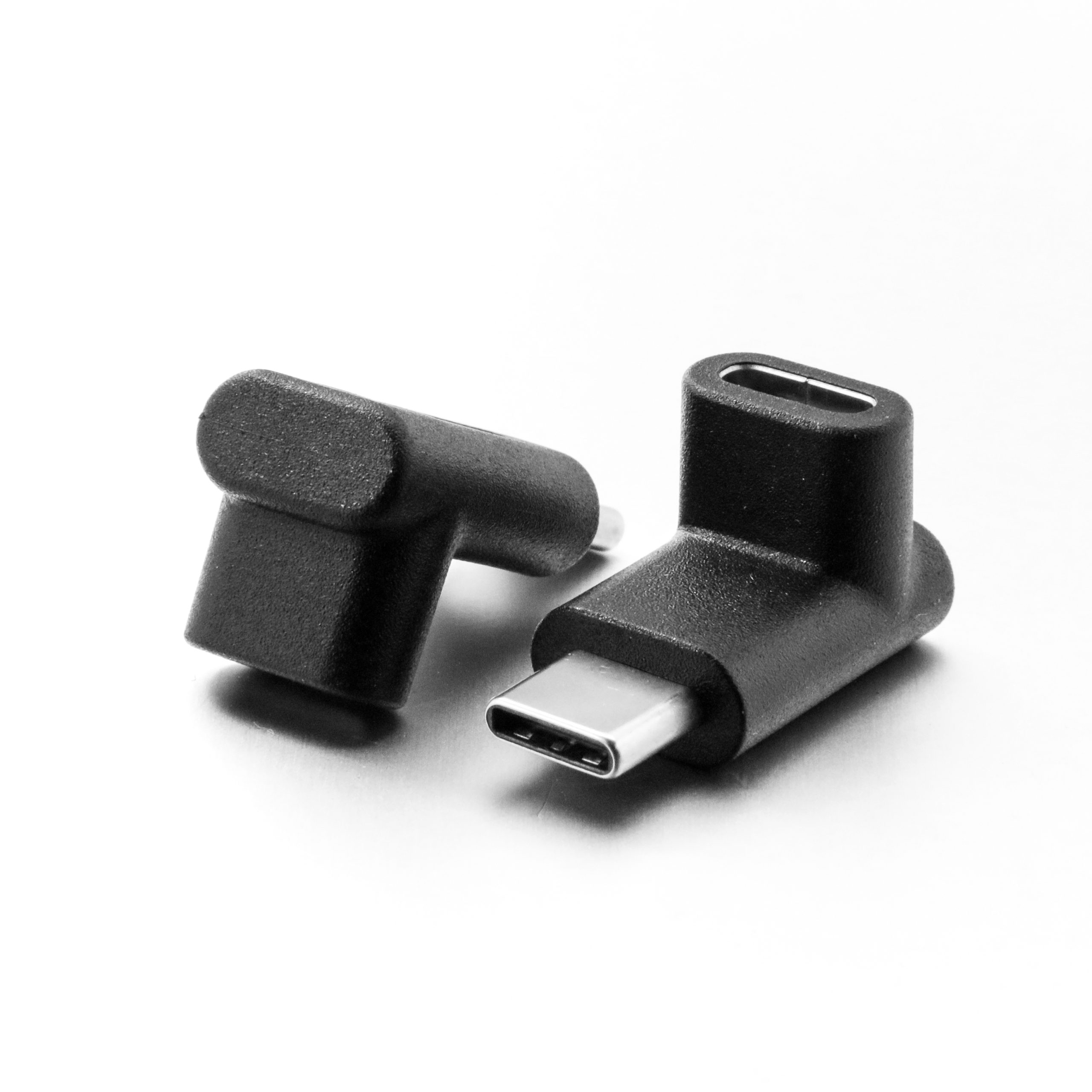
Most premature port failures are not caused by too many insertions. They come from insertions that were not straight, or from a cable that has been hanging off the plug since the day it was fitted. A plug with a cable tied to it acts as a lever, and the receptacle takes the resulting bending moment every time the assembly is moved. This is the failure seen on camera carts, rolling test benches and any equipment wheeled between rooms while still connected. Where a port has to survive repeated mating at high power, a 90-degree USB4 adapter rated for 240W and 40Gbps relieves that load and leaves the device receptacle untouched.
Why unmated ports fail as well
An open receptacle collects dust, and dust on the contact area turns the next insertion into an abrasive event. That is the argument for caps on any panel that is not permanently occupied, and for orienting plates so the opening does not face upward. Eilinks documents that step from the first sample. It is also why a spare insert costs less than a service call: the cheapest intervention is to move the cycles onto a part that can be replaced without opening the enclosure behind it.
Where Should the Wear Actually Land?
Once wear is understood as a consumable, the design question becomes where to spend it. The useful ordering is by replacement cost and access time, not by electrical position in the run. A panel insert that can be swapped from the front of a plate in under a minute is a far better place to spend ten thousand cycles than a port on a device that has to be dismounted to reach, and where the run also carries charging current a 240W 20G keystone jack provides that front-access surface without giving up the power path.
What to Put in the Specification
A durability requirement only works when it is written as a number with a condition attached. Ask for the cycle rating, the current the assembly has to carry, and the position where the cable is supported, and put all three on the same drawing rather than in an email thread. Where the assembly carries more than 3 A, ask for the electronic marking to be stated as well, since that is what lets a source read the cable before agreeing a power contract. Ask too which part the supplier expects to wear out first, because that answer tells you what to stock.
| Specification field | What to write | Where the figure comes from |
|---|---|---|
| Cycle rating | Minimum insertion and withdrawal cycles | USB Type-C specification |
| Daily matings | Count per shift, not per year | Site observation |
| Side load | Cable supported within one hand width | Installation detail |
| Charging current | Above or below the 3 A marking threshold | Type-C specification |
| Spare ratio | Inserts per ten installed positions | Cycle count divided by daily matings |
- State a minimum cycle figure.
- Record matings per shift.
- Add a cable support detail.
- Check current against 3 A.
- Size the spare holding from the arithmetic. Eilinks’ build file answers that.
Questions buyers ask
Does the cycle rating apply to the cable or to the port?
It covers the plug and receptacle pair, so both are rated against the same kind of figure. In practice the port is the expensive half to replace, which is the argument for spending cycles on an adapter or an insert instead of on the device. Our notes on where a tethered camera cable wears out show the same pattern on a rig that moves.
How do I turn cycles into a replacement interval?
Divide the rating by the number of plug-ins per working day. Ten thousand cycles at twenty a day is about five hundred days; at two a day it runs past a decade. Record the daily count and the spare ratio follows.
Does leaving a cable connected preserve cycles?
It does, in the sense that a mated pair consumes no insertion cycles. What it does not escape is side load, so a cable left hanging off a port for months can still damage the receptacle without a single further plug-in. Support the cable as well, and put the clamp where the movement actually is.
Which part should I stock as a spare?
Stock whatever takes the cycles and can be reached without dismantling equipment. On a panel that is the insert; on a bench it is a short adapter or a right-angle body. One spare per ten installed positions suits high daily mating counts.
Where to go from here
Connector life is a mechanical specification that usually gets written as an electrical one. State the cycle rating, the daily mating count and the support point, then choose the part you intend to wear out. Send the cycle and current requirements with your daily mating estimate and we will confirm which insert shapes and adapter bodies suit the duty. Eilinks in China answers USB-C cable questions from the same inspection sheet that ships with the cable.
