




USB-C Keystone Coupler Fit Checks for Wall Plates
Behind most finished wall plates sits a small part that decides whether the USB-C port on the plate behaves like the port on the device: the USB-C keystone coupler. Eilinks, a China-based factory for the USB-C keystone coupler line, ships these couplers to panel builders, AV integrators, and cable assemblers who need a receptacle-to-receptacle pass-through that preserves the rating of the run behind the wall. This guide walks through the fit checks that matter before a drawing is approved: cutout compatibility, clip retention, speed ratings, and the rear-run planning that keeps a 10Gbps line at 10Gbps.
If the panel layout is still open, start with the planning guide for keystone jack wall plates, then come back to the coupler-level checks below. Panel planning decides how many slots a plate can host and how the rear runs bend; coupler selection decides whether the front port keeps its speed rating. Both steps feed the same drawing packet, so reviewing them together saves a revision cycle later. The sections below use the same vocabulary a factory drawing uses, so a buyer can mark up the PDF without translating terms, and every check maps to a line item a supplier can sign off on. Each check below takes minutes on a bench and saves hours of field troubleshooting later.
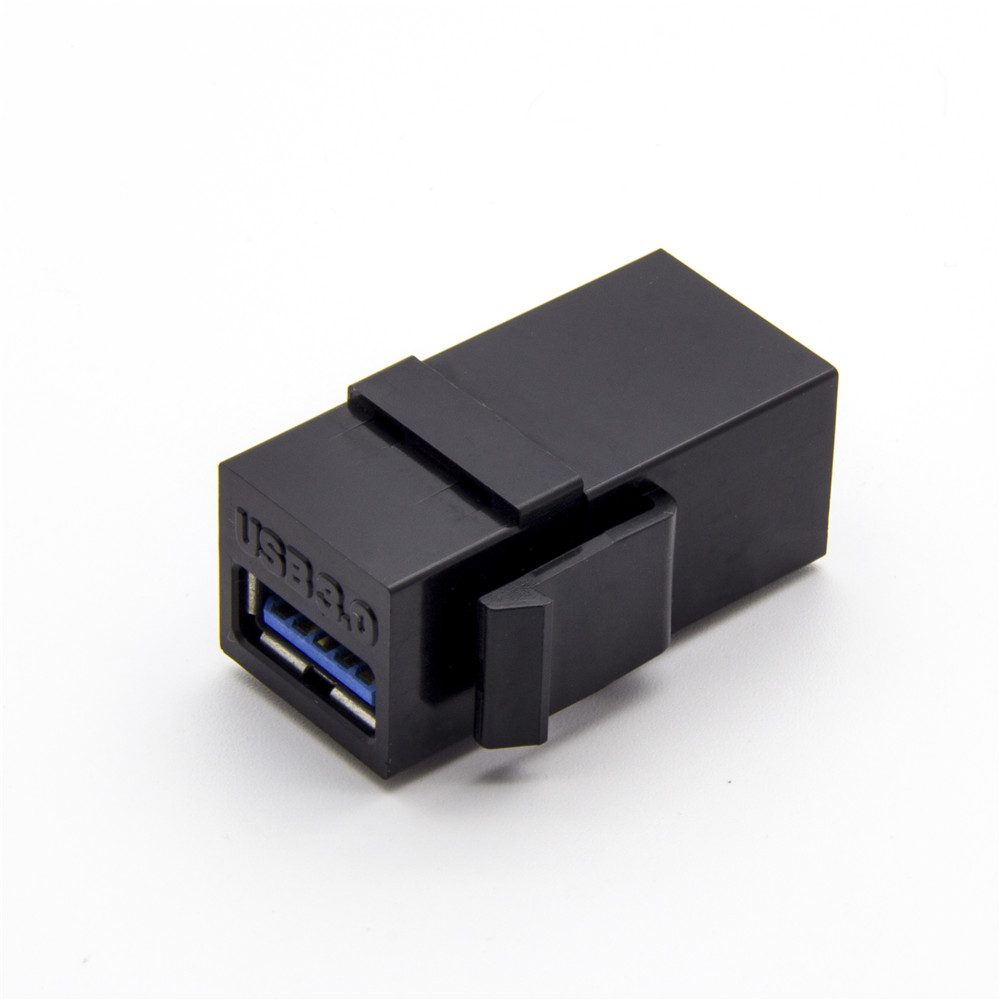
Where a Keystone Coupler Sits in the Panel Path
A wall plate is a chain of parts, and the coupler is the link in the middle. On the front side, the coupler presents a USB-C receptacle flush with the plate surface. On the rear side, a short pigtail or a second receptacle accepts the cable run that comes up from the floor or down from the ceiling. Nothing in the coupler regenerates the signal, so the chain behind the wall runs at the rating of its weakest link.
The front face and the snap-in clip
The front face is what the user touches every day, so the mechanical details there carry most of the warranty risk. The snap-in clip has to flex once during insertion and then hold the module against the plate for years of plugging cycles. A 10Gbps keystone coupler with a worn or oversize clip will still pass data on day one and then work loose after a dozen service visits, which is why the clip is the first point on the fit checklist. The 10Gbps USB-C keystone coupler page lists the clip and flange dimensions together for exactly this reason.
The rear run and the cable behind the wall
Behind the plate, the rear run has its own limits. A 10Gbps-rated coupler feeding a 5Gbps rear cable gives the user a 5Gbps port, and no label on the front plate changes that. Match the coupler class to the rear cable class, and record both on the drawing so the installer cannot substitute parts on site.
| Coupler class | Rating kept end to end | Typical rear run |
|---|---|---|
| USB 2.0 coupler | 480 Mbps | Printer and HID extensions |
| USB 3.2 Gen 1 coupler | 5 Gbps | Touch panels and camera feeds |
| USB 3.1 Gen 2 coupler | 10 Gbps | AV walls and workstation plates |
Which Wall Plate Cutout Fits a USB-C Keystone Coupler?
Most commercial and residential plates follow the same keystone snap-in outline, which is why one coupler can serve RJ45, HDMI, and USB positions on the same plate. The outline is only half of the fit question, though. Plate thickness, the stiffness of the plastic, and the space behind the plate all change how the clip seats. Eilinks punches its coupler drawings to the standard keystone outline and prints the flange dimensions on page one, so buyers can overlay the drawing on the plate cutout before tooling starts.
When a project mixes brands, check the cutout against each drawing separately. A plate that accepts an RJ45 keystone with room to spare can still be tight for a USB-C module, because the USB-C receptacle shell and its overmould take more depth behind the flange. The 240W 20G keystone jack in the catalog, for example, carries a moulded body sized for its own rear housing, and its drawing states the minimum back-box clearance that the panel design has to leave.
Retention, Snugness, and Panel Thickness
Retention is the difference between a port that feels factory-fitted and one that drifts, and three checks cover it. First, the clip should click once and resist a light pull on the module. Second, the flange should sit flush on the plate surface with no rocking. Third, the rear housing should not press against the back of the box, because pressure there transfers to the clip and starts the rattle cycle.
Panel thickness matters at both ends of that list. Thin plates let the clip spread and lose grip; thick plates can bottom out before the clip engages. The 90-degree USB-C keystone jack solves the depth problem for shallow boxes by turning the receptacle sideways, which is why it appears in slim AV plates so often.
For service-heavy rooms, retention problems show up as intermittent drops rather than visible looseness, and the plate gets blamed for a fault that started at the clip, and the Eilinks’ incoming-inspection sheet therefore lists the clip check first. Building the same check into your own inspection takes minutes per batch and keeps that fault out of the field.
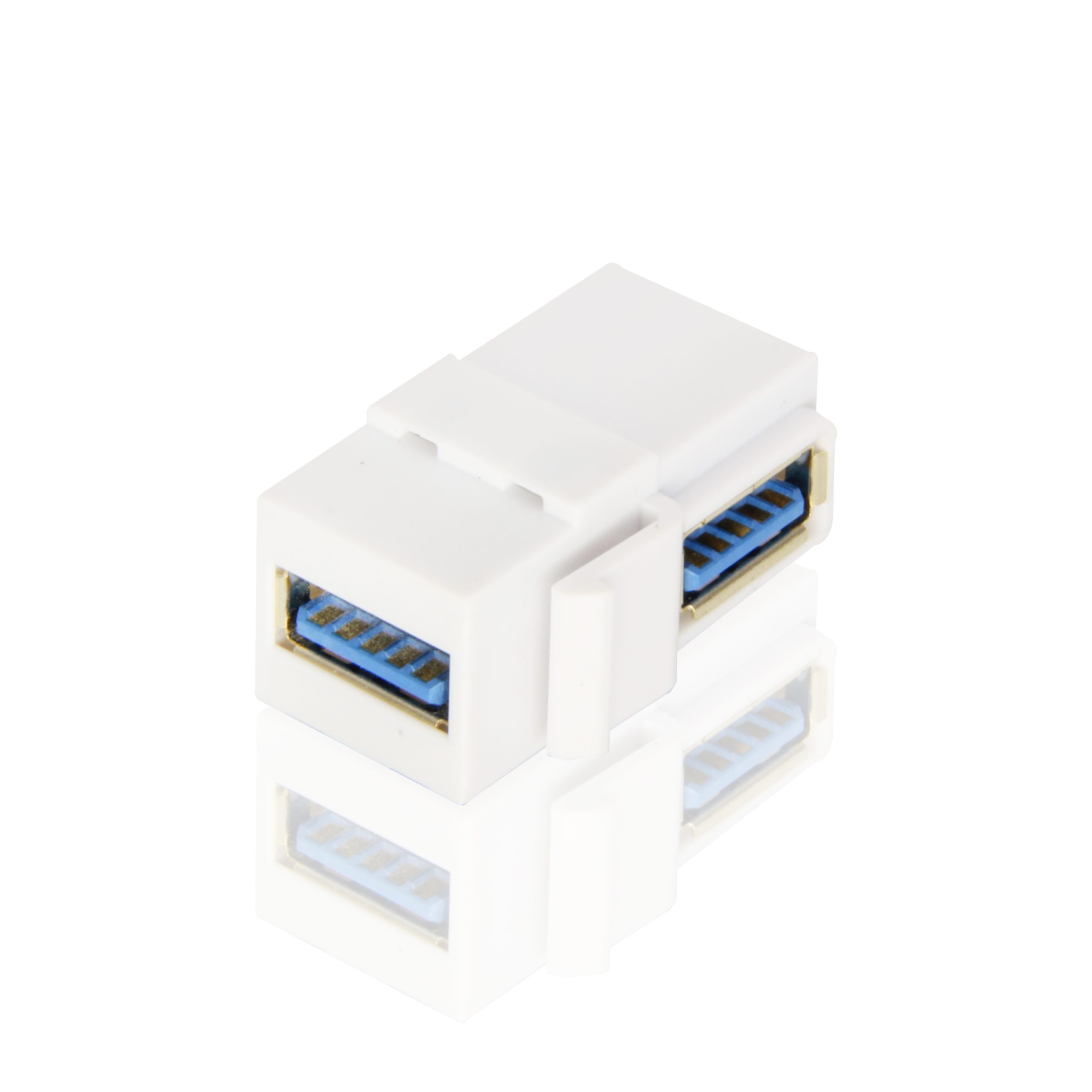
What Does a 10Gbps Rating Mean Behind the Wall?
A 10Gbps coupler keeps a USB 3.1 Gen 2 line at its rated speed only when the whole chain holds that class. The USB-IF publishes the data rates for each bus generation in the Type-C specification, and integrators who quote speeds on wall plates can point to that document when a client asks where the numbers come from. The chain rule is simple: the coupler, the rear cable, and the front patch cable each cap the line, and the lowest rating wins.
That rule has a purchasing consequence. Eilinks Eletronics prints the class of every coupler on its box label, so the chain check starts at receiving. Buying a 10Gbps coupler and then finishing the run with an unmarked patch cable wastes the coupler. Buyers who standardize on a USB 3.0 keystone coupler for legacy panels do it for a reason: the plate serves older 5Gbps-class devices, and the budget goes where the chain can use it.
For mixed-speed plates, two keystones of different classes beat one compromised part, and that decision belongs in the panel layout stage.
Depth planning belongs in the same review: the coupler adds length behind the flange, and the back box has to accept the rear housing plus the bend radius of the rear run. The published depth notes cover the geometry, and the same numbers apply because coupler and jack share the keystone footprint.
Ordering Checks Before You Confirm the Drawing
A coupler order is a small order, which is exactly why it pays to slow down before confirming it. Work through the drawing packet line by line: cutout outline, flange dimensions, clip type, receptacle class, rear termination, and the markings on the front face. The keystone coupler factory catalog lists the standard options in each column, and a custom drawing starts from the closest standard part rather than from zero.
Sourcing teams that buy the USB-C keystone coupler from a keystone coupler factory in China usually add three notes to the purchase order: the plate brand the coupler must fit, the speed class the rear run carries, and the pack quantity per box. Those three lines prevent most of the back-and-forth that otherwise follows a first article, and they cost nothing to write.
Eilinks treats the drawing packet as the contract for the batch, and the same packet is what the QC team checks against during production, so a buyer who keeps the packet current is also keeping the inspection basis current. Every USB-C keystone coupler shipped from China carries that packet reference on the box label, which makes receiving inspection a comparison task instead of an investigation.
| Check point | Pass condition | Common failure |
|---|---|---|
| Snap-in clip | Clicks once, resists a light pull | Clip spread after repeated service |
| Front flange | Sits flush with no rocking | Flange proud of the plate surface |
| Rear housing | Clear of the box floor | Box pressure loading the clip |
| Speed chain | Coupler and cable share a class | Rear cable capping the line |
Questions buyers ask
Does a keystone coupler carry power as well as data?
It carries what its spec sheet says it carries. Data-grade couplers pass the low-power lines a bus connection needs, while power-rated parts such as the 240W 20G keystone jack are built and rated for the charging path as well. Match the coupler to the power claim on the drawing instead of assuming one part covers both jobs.
Can I mix USB, HDMI, and RJ45 keystones in one plate?
Yes, and mixed plates are the normal case in meeting rooms. HDMI 2.0 keystone jacks, RJ45 keystones, and USB-C couplers share the same snap-in outline, so the plate layout is mostly a question of slot count and rear depth. Check the combined rear volume before ordering, because three modules fill a shallow box quickly.
What cutout does a keystone coupler need?
The industry-standard keystone opening, which most commercial plates already punch. Rather than trusting a generic template, overlay the manufacturer drawing on the actual plate, because flange sizes differ slightly between brands. One minute with the drawing and the plate side by side settles the question before any module is snapped in.
Do coupler ratings add up across two couplers in a run?
They do not stack. Two 10Gbps couplers in series still run at 10Gbps, and a 10Gbps coupler ahead of a 5Gbps cable runs at 5Gbps. A chain performs at its weakest link, which is why the drawing should record the class of every part in the path.
Wall plates fail quietly, and the coupler decides most of that story. Buyers who send the fit checklist, the plate drawing, and the rear-run spec to the request a keystone coupler quote page get a drawing packet back that answers all three in one pass, and Eilinks holds that packet as the reference for the batch from first article to final inspection.
