




USB-C Keystone Jack Planning for Wall Plates and Equipment
USB-C keystone jacks and panel-mounted couplers are often chosen late in a project, after the enclosure, wall plate, or equipment panel is already defined. USB-C cable specifications for industrial deployments covers the options that sit either side of this part. That can create fit and performance problems. A better RFQ starts with the physical installation and then confirms the electrical requirements. For USB-C keystone jack orders, Eilinks Eletronics in China works from the drawing.
Start with the installation space
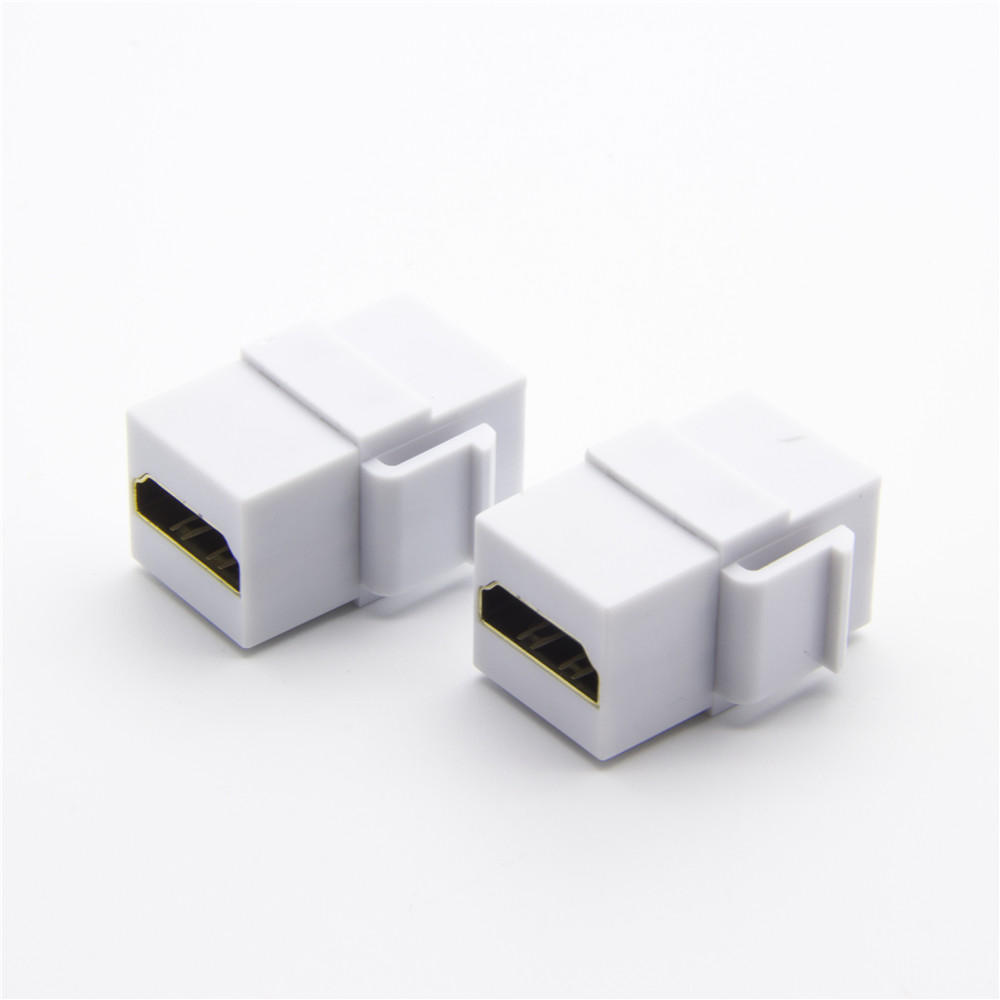
Before comparing part numbers, confirm the wall plate, panel opening, rear clearance, cable bend direction, and how often the port will be accessed.
A right-angle coupler may solve clearance problems behind a plate, while a straight coupler may be easier to route in open equipment bays. Equipment builders tend to check the usb-c video conferencing cable notes before fixing this part of the spec. Where a run has to be repeatable, the 240W PD3.1 adapter from a China factory is the working reference.
Match the part to the signal path
For higher-speed or higher-power panel connections, review products such as the 240W 20G Type-C female keystone jack and the 10Gbps right-angle Type-C keystone coupler.
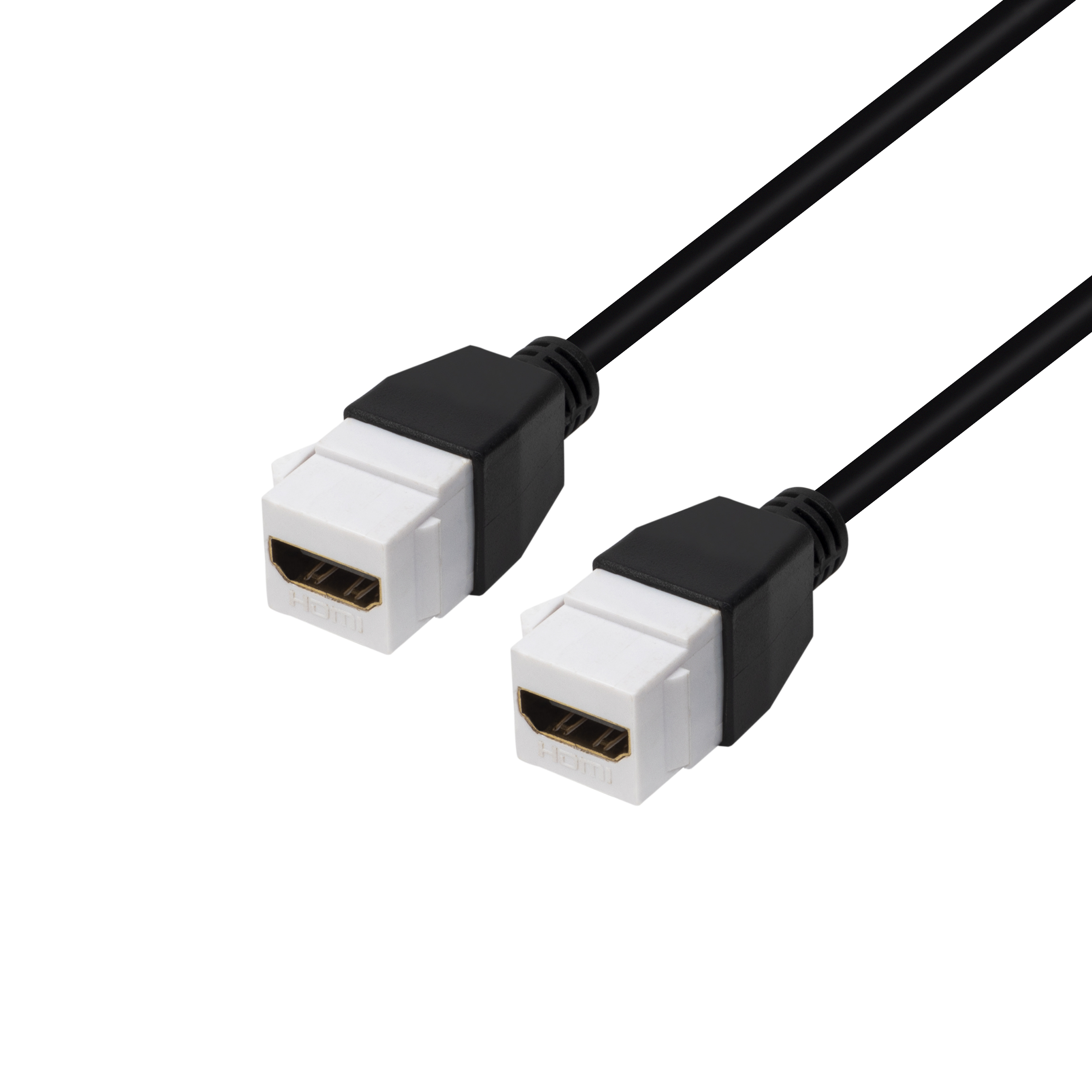
Dongguan Eilinks ships from China, and documents USB-C keystone jack details on the order record.
For simpler wall plate extensions, a USB 2.0 keystone jack coupler may be a better fit when the application does not need high-speed data.
Mistakes to avoid before quotation
Before requesting a quotation
The detail behind this step is kept current in the usb-c audio interface cable notes.
Send the intended host, device, speed requirement, power requirement, mounting location, and any drawing or photo of the panel space. Panel builders often start from the 240W PD3.1 cable when clearance is tight.
The governing specification is published by the USB Implementers Forum.
| Project question | Why it matters | What to confirm |
|---|---|---|
| Is the port in a wall plate or equipment panel? | The mounting style controls service access and rear cable space. | Keystone fit, panel thickness, and rear bend direction. |
| Is high-speed data required? | USB 2.0, 10Gbps, and 20Gbps parts are not interchangeable for every use case. | Host speed, device speed, and acceptable fallback behavior. |
| Will power pass through the interface? | Power delivery requirements affect cable and coupler selection. | Required wattage, connector direction, and device load. |
- Write both ends as a pair.
- Name the enclosure the plug must clear.
- Confirm the length at the target rate.
- Approve the sample against the drawing.
The product catalog is a useful starting point for comparing USB-C panel and adapter options before submitting details through the contact page. Buyers can talk to a Chinese USB-C cable supplier when the drawing is unclear.
| Step | Mistakes to avoid before quotation |
|---|---|
| 1 | Specifying only the connector shape without the required data rate. |
| 2 | Ignoring rear clearance and cable bend radius behind the plate. |
| 3 | Assuming a panel coupler will preserve every host and device capability without checking the full link. |
| 4 | Leaving orientation, panel thickness, and mating cable direction out of the RFQ. |
- Check the port the plug will mate.
- Confirm rear clearance before ordering.
- State whether the run is fixed or moved.
- Record the failed step in writing.
Eilinks in China answers USB-C keystone jack questions from the same inspection sheet that ships with the cable.
