




USB4 Adapter Checks: Speed, Power, and Video Ratings
An adapter is the smallest part in a USB-C kit and the easiest one to buy wrong. The label on the box may quote three numbers at once, and a buyer who does not read them in order ends up with a part that charges but will not carry video, or the reverse. This guide breaks the label into its three claims and shows which drawing lines prove each one. The same three-claim method works on switch hubs, extension modules, and cable boxes, which makes it worth learning once. Eilinks Eletronics builds every USB4 adapter in its China plant against the same rule set, so the checks below read like the internal review a factory runs before a batch ships.
The habit is simple: treat the printed rating as a claim and ask for the drawing line that backs each number. Buyers who skip that step on a USB-C rating marks explainer level usually circle back to it after the first mismatch, because an adapter sits at the most visible point of the chain and takes the blame for every limit behind it.
Nothing below needs lab equipment. A drawing, a multimeter, and one host device cover the whole review, and every check maps to a line on the drawing packet the vendor already keeps. Buyers who adopt the habit once tend to reuse it across the whole accessory list, which is where the savings show up.
What the Label on a USB4 Adapter Actually Claims
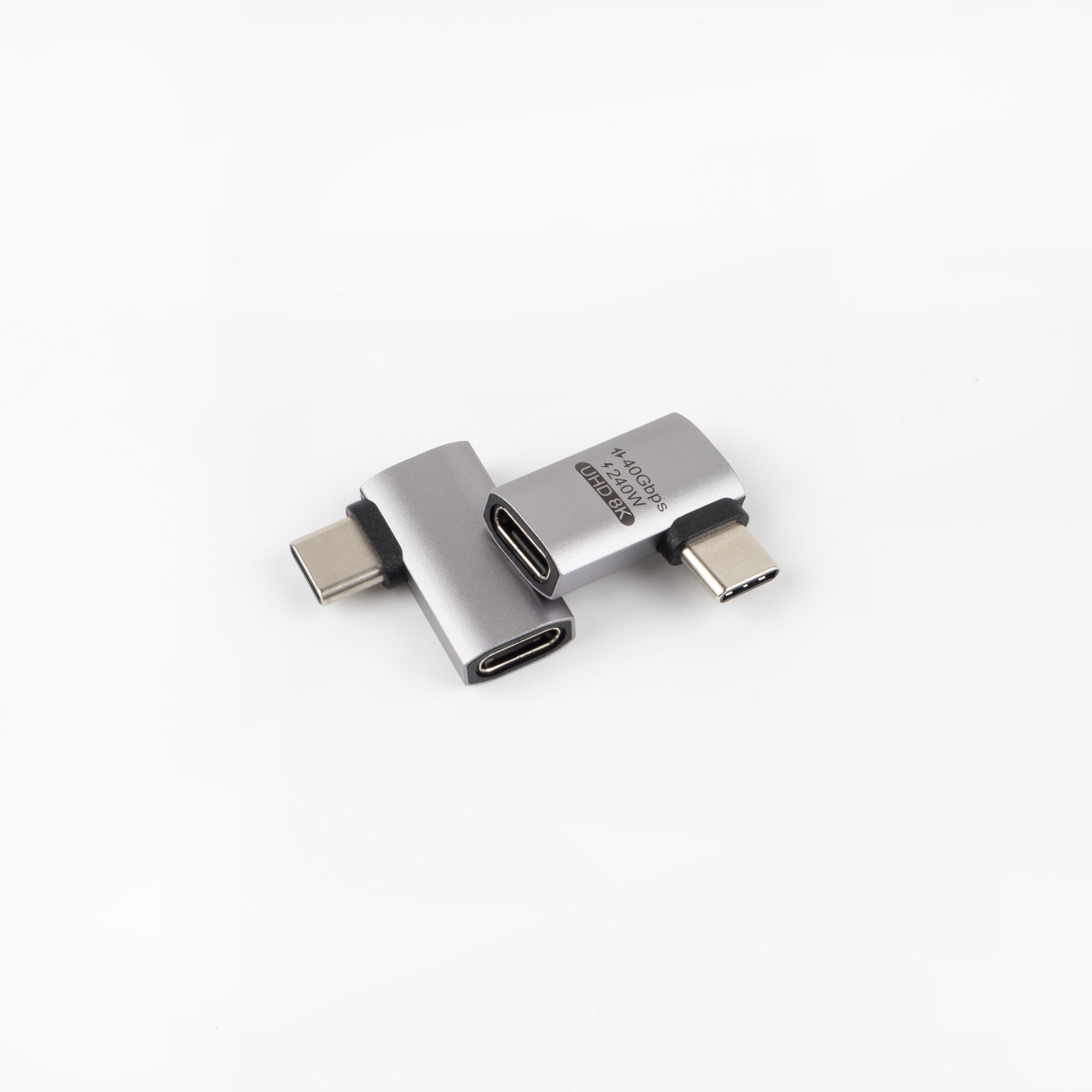
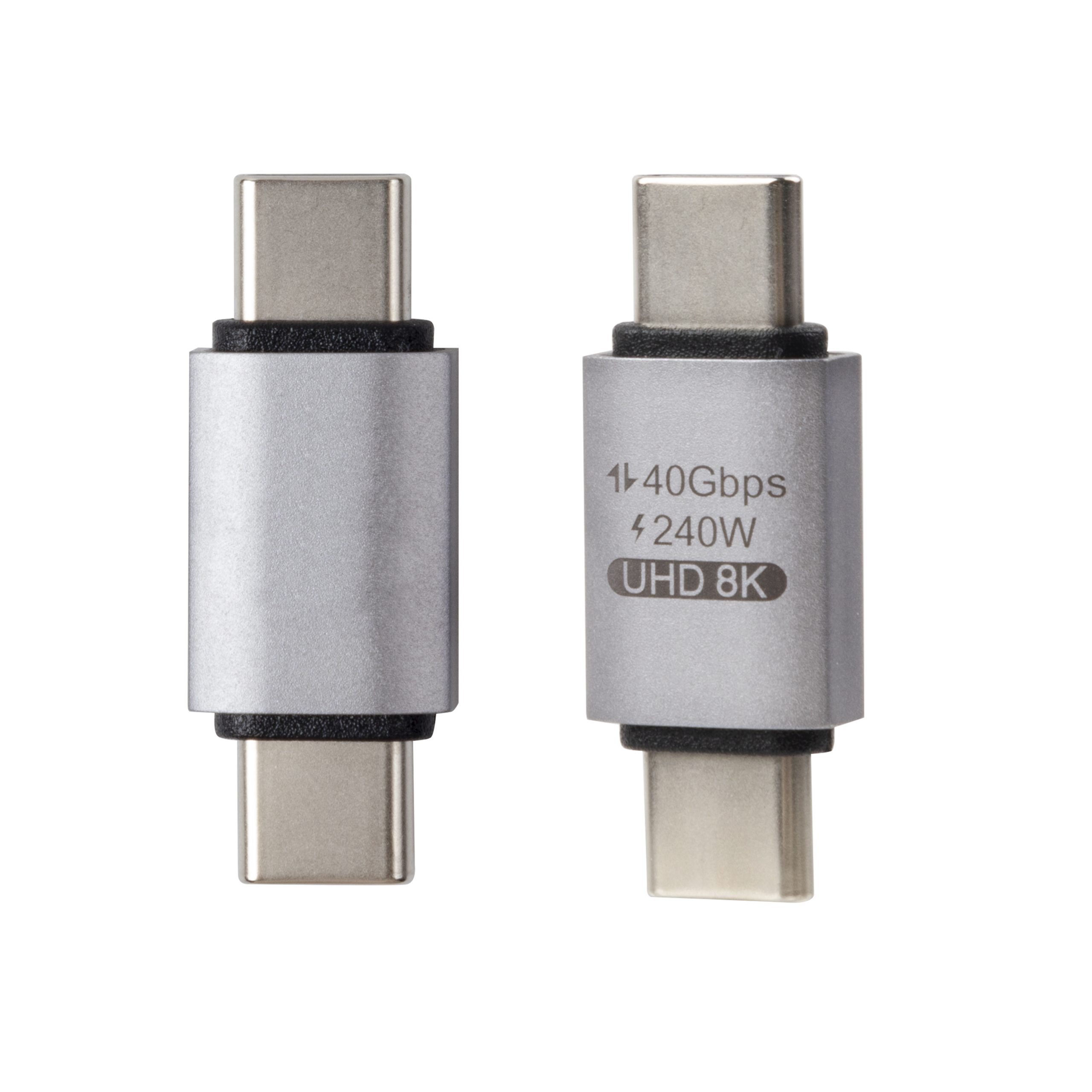
A full-featured adapter listing usually carries three separate ratings, and each one is governed by a different document. The data line quotes the bus generation, the power line quotes the PD level, and the video line quotes the display capability of the alt mode. A 40Gbps USB4 adapter claim refers to the data path only, and a 240W USB-C adapter claim refers to the power path only. Neither number says anything about the other two paths, which is why the three claims have to be verified separately against the drawing.
The drawing proves each claim in its own column. The data rating traces to the differential pair layout and the re-driver or chip decision. The power rating traces to the VBUS conductor gauge and the e-marker on the attached cable assembly. The video rating traces to the alt-mode lane mapping. A supplier who cannot point to the corresponding line for one of the three claims is selling a label, not a spec.
Can One Adapter Carry 40Gbps and 240W at the Same Time?
It can, when the construction supports both, and the catalog shows such parts. The 90-degree USB4 adapter rated 240W pairs the 40Gbps data path with the full PD 3.1 power level of 48 volts at 5 amps, which adds up to 240 watts. That combination is what a docking-style setup needs when the adapter sits between a laptop and a charging cable.
The catch is that the rating belongs to the whole chain. An OEM USB4 adapter program with a factory drawing attached will show the conductor gauge and the e-marker decision right next to the power rating, because a 240W claim without a 5A-rated cable behind the adapter is a claim the setup cannot keep. Eilinks prints the e-marker decision on the drawing next to the power rating for this reason. Read the drawing as a system: adapter, attached cable, and source capability each cap the line, so the lowest number is the delivered power.
What Does 8K60Hz Demand From an Adapter Board?
8K60Hz video output means 7680 by 4320 pixels at 60 frames per second over the DisplayPort alt mode, and it is the most demanding of the three label claims because it consumes four high-speed lanes. A passive adapter keeps those lanes only when its board layout preserves them, which is why two adapters with identical connectors can differ in video capability. The bi-directional switch hub with 8K video in the catalog carries the video rating on its spec sheet for exactly this reason, so integrators can match the display chain without guessing. Eilinks marks the video capability on every spec sheet the same way, next to the data and power columns. A quick bench check makes the claim testable. Feed the adapter from a source that supports the alt mode, run one display at the rated format, and let it play for an hour while the shell warms. A board that drops the format under sustained load has a thermal or lane problem that no listing page will mention, and that failure mode is exactly what the first-article bench test exists to catch.
The USB-IF maintains the USB4 specification as the public reference for the data architecture, and buyers who need the exact lane and tunneling definitions can cite it in procurement documents instead of paraphrasing a listing page. Lane definitions are public; the implementation quality behind them is not.
When a project mixes adapters and extension modules, verify the video path through the whole chain. The double-sided 20Gbps extension module, for instance, quotes 20Gbps on the data path and makes no 8K claim of its own, so a display run that depends on full alt-mode bandwidth should not route through it. The honest test is to read every part in the chain and confirm that each one states the video capability the run needs.
Right-Angle Bodies and Port Clearance
Form factor is where adapter projects fail in the field, long after the electrical review passed. A straight USB-C male to female adapter stands off the host port by its own body length, which clears most laptop edges but fouls tight sleeve cases and side-by-side ports. Right-angle bodies solve the clearance problem and are standard in gaming handhelds and camera rigs, where the port sits close to a grip or a cage wall. Shell geometry also changes how the adapter seats in a dock or a handheld cage, so the drawing review should include a print of the host area around the port, not only the adapter itself.
Check three dimensions before approving a body style: the standoff length, the width across the overmould, and the neighbor-port spacing the shell allows. The USB4 Thunderbolt 4 converter drawing in the catalog prints all three next to the electrical ratings, because the mechanical and electrical reviews share one packet. A shell that blocks the adjacent port turns a passing bench test into a field return.
Weight matters more than buyers expect on portable rigs as well, since a heavy adapter hanging on a small device port leverages the receptacle with every bump. For those builds, the lightest shell that still meets the thermal and shielding lines is the right pick, and Eilinks’ sampling kit includes both straight and right-angle bodies so the choice is measured, not guessed.
| Label claim | What it governs | Drawing line that proves it |
|---|---|---|
| 40Gbps data | USB4 data path | Differential pair layout |
| 240W power | PD 3.1 power path | VBUS gauge plus e-marker |
| 8K60Hz video | DP alt mode lanes | Alt-mode lane mapping |
Sourcing Checks for OEM Adapter Programs
An OEM order lives or dies on the drawing packet, and the adapter is no exception. In practice a China USB4 adapter supplier quotes three lines on a request: the shell drawing with tolerances, the electrical ratings with the proof lines, and the pack or logo requirements. The adapter catalog from the China factory groups the standard bodies so a custom project starts from the closest existing shell instead of a blank page, which shortens both the sampling and the tooling decision.
First-article review is the checkpoint that catches label drift. Bench-test the sample against all three claims, then keep the passing sample and the drawing together as the batch reference. Eilinks treats that first-article record as the batch reference too, and a factory that attaches the drawing to every shipment quote will hand over the packet without being asked twice, which is worth more than a rating printed on a box.
| Sourcing step | Output | Owner |
|---|---|---|
| Shell and clearance review | Approved body drawing | Buyer plus supplier engineering |
| Three-claim bench test | First-article record | Buyer QC |
| Pack and label spec | Locked purchase order | Buyer purchasing |
Questions buyers ask
Is a USB4 adapter the same as a Thunderbolt 4 adapter?
They overlap but are not identical. Thunderbolt 4 sets a stricter floor on top of the USB4 architecture, including specific minimum capabilities for video and data. A Thunderbolt 4-compatible adapter drawing will state both the USB4 class and the TBT4 requirements it meets, so read the drawing rather than the box, and match the part to the stricter of the two hosts in your fleet.
Does an adapter change the charging rating of my cable?
The chain delivers the lowest rated path. A 240W adapter ahead of a 100W cable delivers 100W, and the adapter itself neither adds power nor lifts the cable’s limit. Check the e-marker rating on the attached cable and the PD level of the source, then treat the lowest number as the delivered power for the setup.
Why do right-angle adapters list the same speed ratings?
Because the bend is in the mechanical design, not the electrical path. A right-angle body still carries the same differential pairs and the same power conductors, so its data and power ratings can match a straight body. The difference shows up in clearance and strain behavior, which is why the mechanical drawing matters as much as the electrical one.
What should an OEM adapter drawing packet include?
Four items at minimum: the shell drawing with tolerances, the electrical ratings with their proof lines, the material and shell finish notes, and the pack or logo specification. A packet with all four lets the vendor quote without follow-up questions and lets the QC team inspect against the same pages.
Adapters are small purchases with outsized failure cost, and the three-claim reading habit keeps them boring in the best sense. Buyers who bring the host device, the cable spec, and the display requirement to the send an adapter spec sheet page get a drawing packet that answers all three claims in one pass, and Eilinks keeps that packet as the batch reference from first article to shipment.
