




USB-C to Mini USB Adapter: Device Checks Before Ordering
USB-C to Mini USB adapter orders rarely fail because of the adapter itself. They fail because the device at the far end is older than the connector on the host, and nobody wrote down which Mini USB shape the socket uses. Eilinks builds these short moulded assemblies for dashcams, GPS units, label printers and bench instruments that were designed long before USB-C existed. The part is small enough to lose in a toolbox, which is why the details around it deserve more attention than the part itself.
Two plug shapes share the Mini USB name and they are not interchangeable. A Mini-B socket takes the squarer five-pin plug used by early cameras and instruments, while a Mini-A socket appears on a few older hubs. The socket on the device decides the whole order, so it is worth reading USB-C to Micro-B selection notes for legacy devices first, because a port that turns out to be Micro rather than Mini changes the part entirely.
Neither shape carries more than USB 2.0 and neither adds a chip. What a buyer is really ordering is a mechanical converter: a USB-C plug on one side, a Mini USB plug on the other, and a short moulded body that has to survive being plugged and unplugged in a vehicle or on a bench every working day.
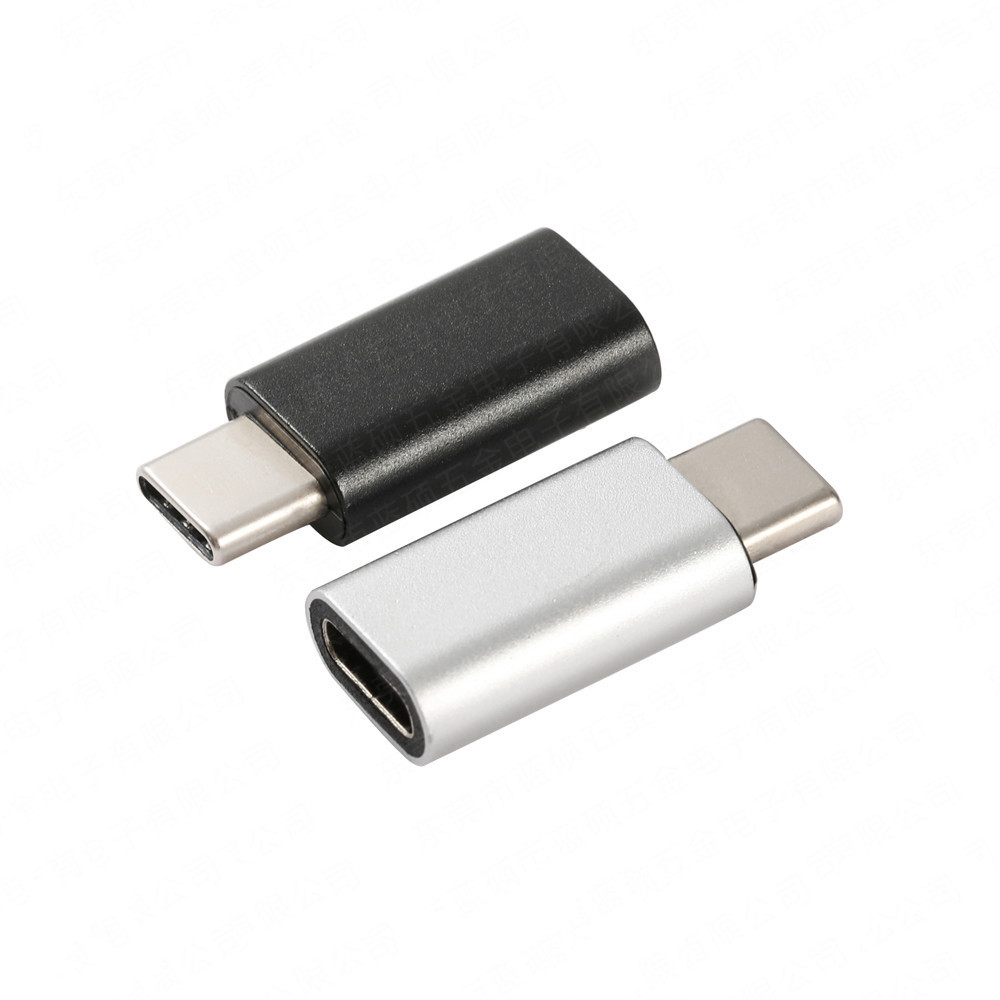
What does a USB-C to Mini USB adapter actually do?
It converts the mechanical interface and nothing else. The high-speed pairs of the USB-C plug are wired to the four data and power contacts of the Mini USB end, and the adapter reports no speed of its own.
That matters because 480 Mbps is the ceiling of USB 2.0, which works out at roughly 60 MB/s before protocol overhead. A device with a Mini USB socket does not reach 5 Gbps because the adapter is modern; the adapter only removes the mismatch in plug geometry.
The USB-C side keeps its 24 contacts and its reversible shell, so the cable can be inserted either way up, while the Mini USB side is keyed and fits one orientation only. In practice the part is treated as a consumable, which is why a Chinese-made USB-C to Mini USB adapter is usually judged on its moulding before anyone looks at the contacts.
Which Mini USB shape does the device use?
Mini-B is the shape most people mean. It has five contacts in a trapezoid shell and appears on dashcams, older GPS receivers, some label printers and a long list of bench instruments.
Eilinks Eletronics keeps both families on the same drawing so the plug body and the keying are confirmed together, because anyone quoting from a photograph can easily ship the wrong keyway.
Measuring the socket is the reliable route. A Mini-B opening is about 7.7 mm across the shell and roughly 3.8 mm high, while a Micro-B opening is closer to 6.8 mm by 1.8 mm. Those figures settle the question faster than any product title.
Some devices label the port Mini USB when the socket is actually Micro. Photographing the socket beside a ruler removes that ambiguity before the order is placed.
The five contacts on a Mini-B plug carry power, ground and a single data pair, so there is no second lane to fall back on. That is why a Mini USB device cannot be pushed to a higher rate by changing the adapter.
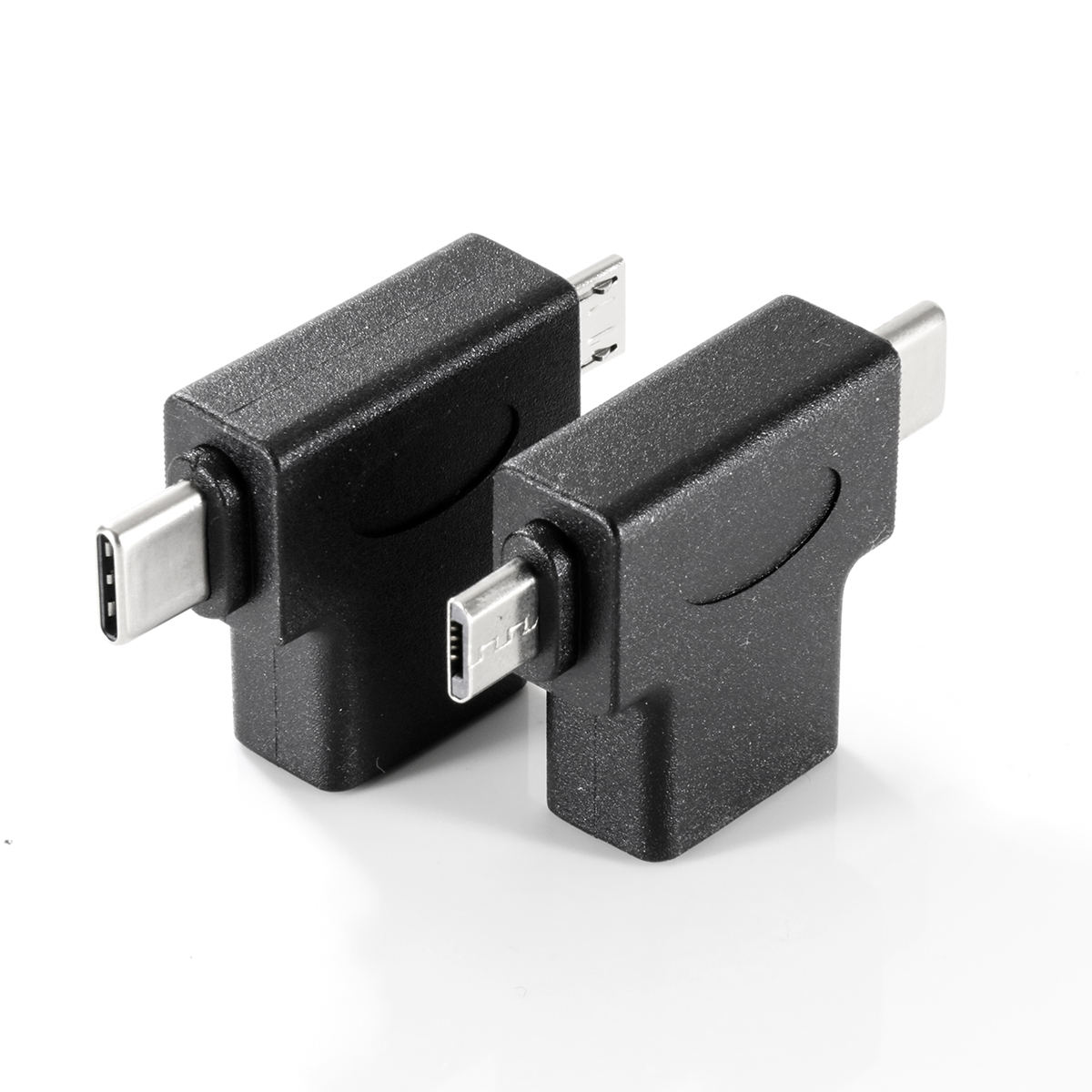
Why does the adapter work on one device and not another?
The adapter is passive, so the difference usually sits at one of the two ends. Either the socket is not the shape the buyer assumed, or the device needs more current than a single USB 2.0 pair will carry.
| Observed symptom | Likely cause | Check to run |
|---|---|---|
| Plug will not seat | Mini-A socket, not Mini-B | Photograph the socket with a ruler |
| Device is seen, then disappears | Port clearance or vibration at the plug | Fit a pigtail and retest in place |
| Charges very slowly | Device draws more than the pair carries | Measure the current the device asks for |
A Mini USB device designed around a 500 mA port will not behave differently because the adapter is new, and a host that offers more current does not push it down a two-wire pair.
Where the plug is handled daily, the the zinc alloy Mini USB C adapter body survives more cycles than a moulded shell, and the check list stays the same.
Mini USB vs Micro USB on a USB-C adapter
The comparison matters because both families are still specified for legacy equipment and the two sockets look similar in a photograph. Mini USB is the larger, older shell, while Micro USB arrived later, is rated for more insertions and is far more common on devices built after 2010.
Eilinks’ adapters are quoted by socket shape rather than by device name, because device names change between revisions while the socket does not.
The practical difference is the wear point. A Mini USB plug is bigger and easier to seat by feel, while a Micro USB plug is thinner and more easily damaged by a sideways pull.
Neither shape carries USB 3.0 rates, so a comparison table is really a table about mechanical fit and insertion life.
| Check | What to confirm | Failure mode if missed |
|---|---|---|
| Socket shape | Mini-B or Mini-A on the device | The plug does not seat at all |
| Current draw | What the device asks the host for | Slow charging and dropouts under load |
| Insertion life | How often the plug is cycled | Body cracks before the contacts wear |
| Pigtail length | Clearance behind the port | The lead loads the plug sideways |
- Confirm the socket shape on the device
- Confirm the current the device asks for
- Confirm the plug body against the port recess
How to check a USB-C to Mini USB adapter before a batch order
Four checks settle most of the risk: the socket shape, the current the device draws, the insertion life the equipment needs, and the length of the pigtail behind the plug. Each one maps to a failure that shows up after the units are already in the field.
Two of the checks are documentation rather than hardware. USB-IF certification requirements for USB-C to Mini USB adapter describe what the assembly must do, and the body that publishes them maintains the USB Type-C cable and connector specification, while CE marking requirements for USB-C to Mini USB adapter sit with the finished product placed on the market.
Sampling is the other half: a moulded adapter can only be judged in the socket.
For short runs the fastest route is often the 2-in-1 OTG converter option, which puts two legacy shapes on one body and removes a second part number from the kit list.
Where these adapters are still specified
A USB-C to Mini USB adapter for dashcams is the most common request, followed by a USB-C to Mini USB adapter for legacy instruments on a calibration bench. Dongguan Eilinks supplies both with a short pigtail so the plug can be seated without a lead hanging directly off the port.
In a vehicle the failure mode is vibration at the plug, and on a calibration bench it is repeated insertion at the port. Both point at the same two choices: a longer moulded body and a strain relief that bends before the contacts do.
Where the device also carries a full-size USB-B port, the same questions are covered by our notes on USB-B adapter choices for legacy devices.
China USB-C to Mini USB adapter supplier checks
Three questions separate a supplier who can support a legacy device programme from one who only ships boxes. Can they state the socket shape from a photograph? Can they hold the plug body across repeat batches? And can they document the assembly without claiming a certification the part does not carry? Eilinks is a USB-C to Mini USB adapter manufacturer and answers all three from the drawing rather than from a catalogue page.
A China USB-C to Mini USB adapter supplier and a USB-C to Mini USB adapter factory in China are judged on the same three answers, and the useful test is whether the reply describes the part or merely repeats the catalogue page.
- The equipment owner photographs the socket and the port recess
- The sourcing engineer confirms the current the device asks for
- The approved body and pigtail length are pinned
- The installer confirms the fit in the finished panel
Questions buyers ask
Does a USB-C to Mini USB adapter charge a device?
It passes power through, but only at the level a USB 2.0 pair can carry. The adapter does not raise the current, so a device asking for more than the host offers will still charge slowly.
Can the same adapter work with a Mini-A socket?
Not reliably. Mini-A and Mini-B use different keyways, and a Mini-B plug will not seat in a Mini-A socket. The shape has to be confirmed on the device before the part is chosen.
Why does a new adapter not fix a slow transfer?
Because the limit sits in the device and in the lead, not in the plug geometry. A Mini USB device stays at USB 2.0 rates whatever adapter is fitted at the USB-C end.
Where a tablet or handheld also needs to reach a keyboard or a card reader, the same questions are covered by OTG adapter selection for tablets, because the role of the port, not the shape of the plug, decides what works.
What belongs on the drawing for a repeat order?
The socket shape, the plug body length, the pigtail length, the jacket colour and the strain relief profile. Those five items decide whether the second batch matches the first approved sample.
Where the checks lead
Almost every USB-C to Mini USB adapter problem traces back to three points: the socket shape on the device, the current that device asks for, and the body that has to survive the port it sits in. Settle those three and the adapter stops being a part that gets replaced every few months.
Send the socket photograph and the equipment model to the Eilinks mini USB adapter sample desk and the part can be matched to the equipment rather than the equipment replaced around it.
